Search
-
Re: UDK - Full-screen effects (using Kismet)
 Yes, PPE is the way to go, film grain is pretty easy to do, you can in fact animate it with the correct nodes. When you get into crazy nodes, save and save often.
 -
Re: [Substance Designer] Help me achive peeling effects?
 Usually people use distance, bevel or blur nodes and some blobs style noise multiplied on top of it to create some elevated edges around tears but it never looks very realistic really especially on walls. And requires lots of miss and hit . For wall paper tears bending down with air pockets and plaster bumps /wires pocking…
 -
Re: Maya 2009 High Quality Rendering Problem
 oh and another thing. Check you hypershade node connections to make sure you dont have any transparency connections connected. Such as: from your texture node to your shader.
 -
Re: Is it possible to link two masks together in Photoshop?
 No. Photoshop is a layer-based image editor. And you want to have a node-based (Nuke for example) workflow features :) Actually it would be the best CG event ever - node based photoshop ;) )
 -
Re: UDK Gloss map HELP
 do a linear interpolate node, plug a constant value of 0 into A, a constant value of 256 into B, and plug your gloss map into the alpha of the lerp node. plug the result into specular power.
 -
Re: RESOLVED: Trying to create simple 2-PBR material blend - NOT Vertex material
I figured out the problem. Themateriallayerblend node was not working with the layer attributes. I used the blendmaterialattributes node whcih took care of things. There is just so much I do not know or understand when it comes to materials. It is like spending time in an inlet thinking you now know the nature of the ocean. -
Re: How to AAA skill?

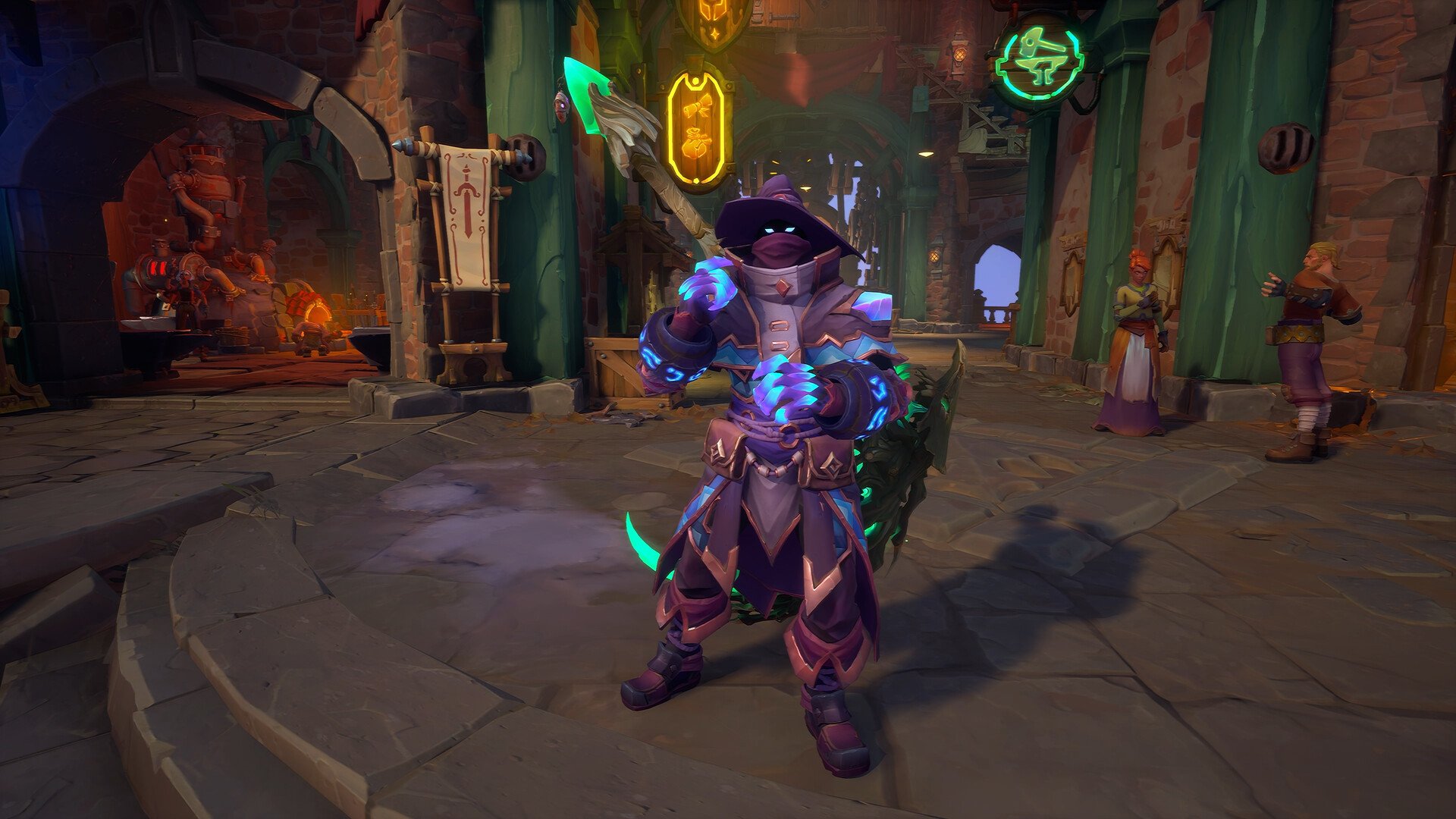 This is a great first step! Wayfinder has a neat "painterly" style. Note that it usually takes a few years of practice and creation to learn the skills needed for this kind of work. We have some resources on our wiki that explain some of the work necessary to create work in a similar style.…
 -
Re: Sketchbook: Tiff
 (WONDERTOWN by DongLongDong) Saying bye to warm weather with a summer themed project to end off the year :D this one focused a lot on texturing work + playing with material nodes in Unreal until I got something that looked cartoony and bright without sacrificing my normal maps on the van
 -
Simple Question About Substance Designer

 How do I delete these instance parameters? I cleared them in the actual nodes itself. Whenever I drag and drop the graph into another graph, the overall node still has all the ones that should have been deleted.
 -
Re: Quixel SUITE - News
 Wow everyone... I can't tell you how much it means to me to see this thing being so well received. Hopefully some of you will swing by GDC or the Polycount meetup so that I can thank you in person for all your enthusiasm and support. Meeting some of you during last year's GDC was really one of the greatest highlights of…
>37268 results