Search
-
Zbrush: InsertMesh curve mode, how do I increase the objects size without lowering curve resolution?
 I know I can increase my brush size and tap the curve to adjust the object size, but the curve resolution becomes lower the bigger your brush size is. If I then decrease CurveStep to counteract this, my inserted mesh overlaps along the curve... if I turn on "stretch mode" to then counteract that.. my mesh is then squished…
 -
Re: OH NOES!
 nope and nope. keyser--I thought it was released...I got it for my birthday a few years ago...its not very good..though it does have some pretty funny segments. clue: Jeff Goldblum said the line. He was playing 'himself' in the movie.
 -
My game works fine in the editor mode but crashes in the packaged version?
Hey guys, I have just finished building my game in UDK and I have fallen at the very last hurdle. My game works fine in the editor mode but crashes in the packaged version? Upon launch I can play level 1 (aka my GFX movie) no problem, but when I go to launch level 2 (my udk level) it crashes with the 'BUILT with UDK has… -
Re: Noob looking for help with a Normal Map.
 Yeah, you need to go into the normal map node and set the mode to tangent space.
 -
Re: About Animation Workflow!!

 I use a similar approach to Kiel's article. Mostly because when I was having troubles with my blocking, I found his article and used it. haha. It's a small industry! But here, i`ll explain my workflow with my most recent shot I did for our pull up challenge. But basically, for an action shot, I will take a cube and animate…
 -
Re: 3D Coat 3.1 update released!
 3D Coat 3.1.01 Released: http://www.3d-coat.com/forum/index.php?showtopic=3594 - Doubleclick in Quad tool in Retopo will create triangle. - Better fitting of stroke to surface in Stroke mode in retopo tool - leads to better work of strokes tool on rough surface. Nodes on strokes will be visible much better. - fixed: ESC in…
 -
[3ds max 2011] Frustrating lag when changing sub-object modes
 Hi guys, I've been having this problem for a while now. It happens on 3ds max 2009 too: I get a horrible lag when changing sub-object modes or when selecting an object for the first time. 3ds max just freezes for a second or so. It feels like 3ds max is having a hard time populating the rollouts, it flickers for a while…
 -
Re: Sketchbook: illumisanic

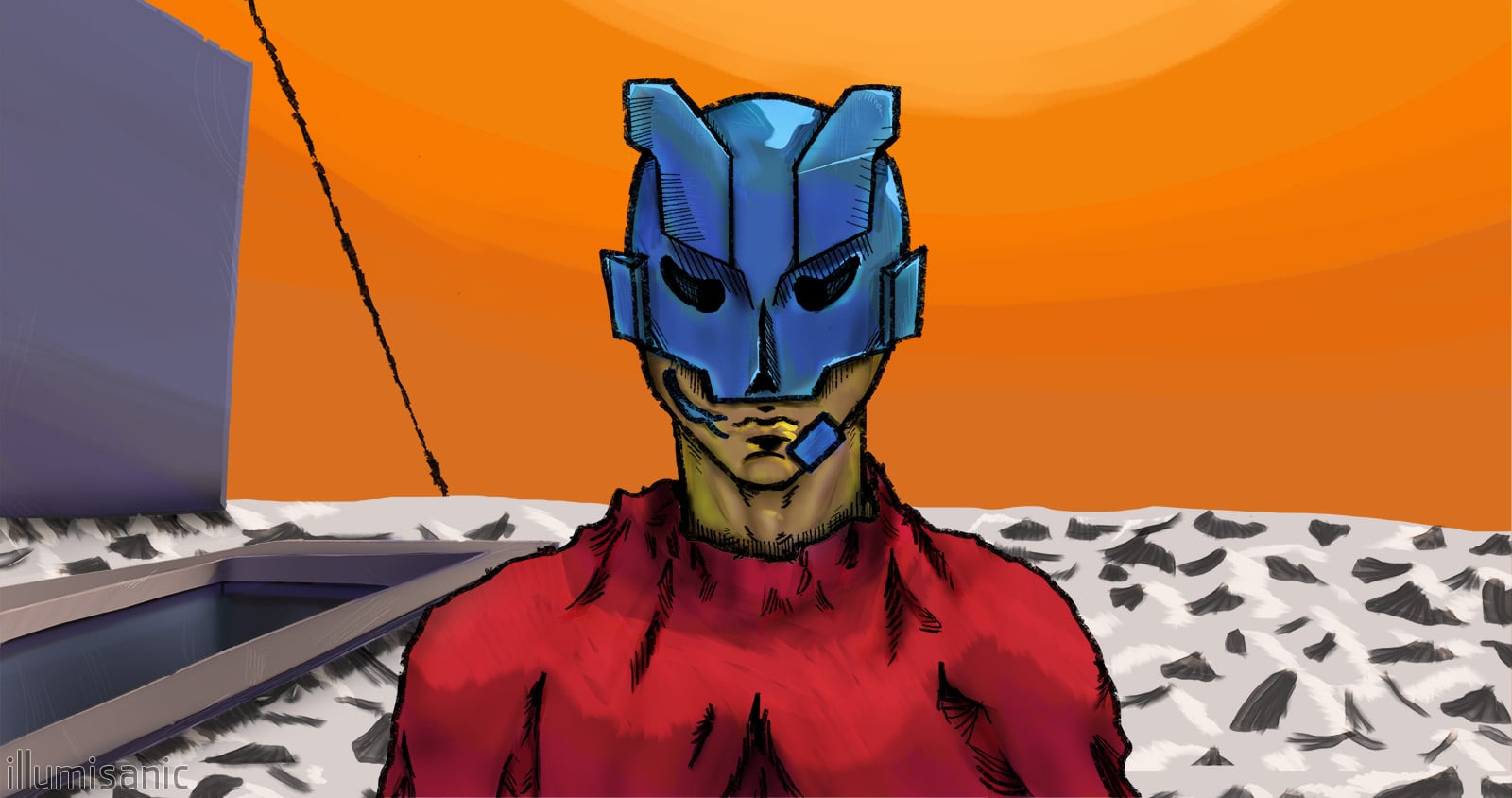 Nómada / Nomad - 12/2022 My profile pic, l would call this my first "get serious" artwork. I've wanted to make some music and also learn how to draw. So I've learned a DAW and studied various Marc Brunet's videos and made the cover. I wasn't so happy of how the "realistic" shading looked, so I colored it in a way I liked…
 -
[Blender 2.8] Baya - Blender to Maya bridge

 Blendermarket Gumroad Baya is a Blender tool that generate Maya source file (.ma) inside Blender. * Baya is a quick way to exchange data with other artists who might use Maya * You can iterate quickly when you work with Maya oriented game engine exporters by quickly generating Maya source and exporting using Maya…
 -
Re: Maya user learning 3DS Max
 You can also turn off the face highlighting in the viewport options. Click viewport label [+] in the upper left corner of the viewport and go to configure and un-check "Shade Selected Faces". It can be assigned to a hot key and there are + and - Buttons in edit poly. Also make note of the arrows next to "Ring" and "Loop"…
>37266 results