Search
-
Re: Camera image planes? [question]
 Place a component mask after the scene texture, and use r,g,b. By default it output alpha as well , so thats float 4. and your texture is float 3, this is why it reports the error.
 -
Re: Celestial Impact: Free innovative FPS
 Awww, I thought of a game like this a while ago. Astronauts on small planets, with like free floating between, and they would float a long and orbit around eachother, and comets would hit and shit... DLing
 -
Re: seeking a badass maya workflow
 I noticed that. I miss working with floating edges, but I can deal. I guess the takeaway is if I see a floating edge, it's time to ctrl+x the heck out of there.
 -
Re: hard-surface subd question
![[Deleted User]](https://polycount.com/themes/polycount/design/default-avatar.gif) I thought about floating it, but I think I'd get the same smoothing issue on the floated piece anyway. Or not. I'll try that too. I'm not sure if I did this right or not...
I thought about floating it, but I think I'd get the same smoothing issue on the floated piece anyway. Or not. I'll try that too. I'm not sure if I did this right or not... -
Re: Sketchbook: Rima
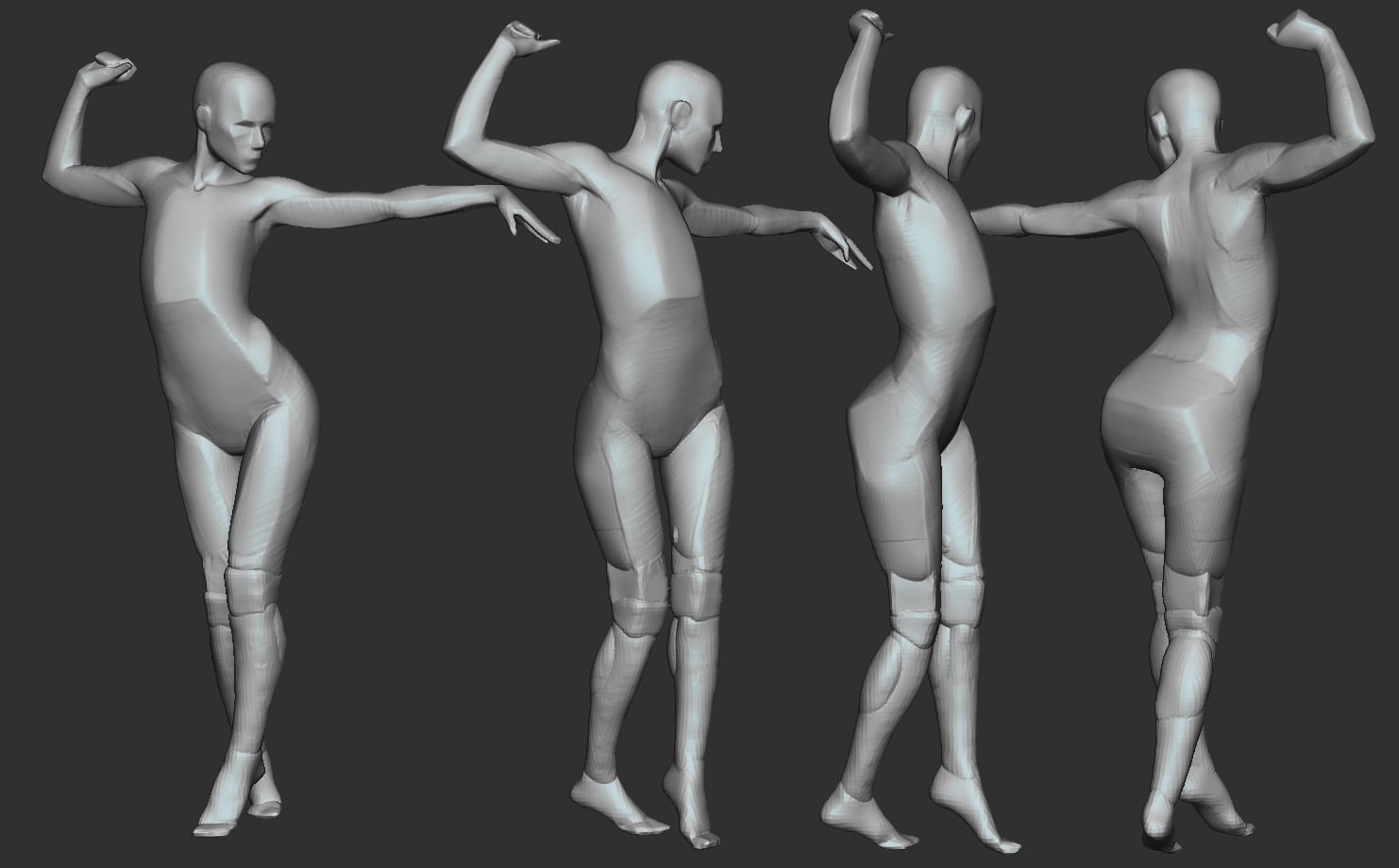 I think I worked out the problem I've been having. After much brain-wracking and frustration. Partly it's that I don't need to try so hard to make "planar" mean "flat planes"; volume is fine. The other part....Hmm, I think something maybe just clicked in how I'm supposed to look at the reference. Also, I paid proper…
 -
Re: GetMaterial from face (3ds Max)
 So basically MOD gives you the remainder of faceMatID divided by numberOfMaterials as a float value. This remainder will be the wrapped around matID. Since mod returns a float value you cast it as an integer.
 -
Re: Hopgood's Workshop
For the greevil, may I suggest it having something involving necronomicon? You should also consider doing the walking version, or is he floating (flying version makes him float more)? -
Re: No NDA buddy. Why would you want one?
 NDA before you give them ANYTHING, thats the procedure...you dont tie your boat down after it floats away...you do it before so it doesnt float away
 -
Atmospheric Effect: Airbon Dust
 I'm trying to figure out the best way to get a little dust floating in the air that is only apparent when the light catches it. I thought about using floating cards, but I'm wondering what UDK already has built into it that might help me get the effect.
 -
Re: Brick Block - a Unity demo for your browser.
 I wish instead of clicking, i can click and drag to create and to destroy. also, to zoom in and get more into it hehe. Love this project. Great work! Just noticed floating items float and hover a little. great touch!
>20352 results