Search
-
Un-disassemblable nodes in Substance Designer?
 I always though that every node in Designer could be disassembled deep upto atomic nodes or basic math and functions inside pixel processors. But some like Flood fill had never let me figure out how they really work whatever time I wasted . I want to make a few basic quick working sbsars for Photoshop with nodes like AO,…
 -
Re: Love the feedback recently
 ...and this one too, all guns blazing =)https://polycount.com/discussion/comment/2805758/#Comment_2805758
 -
[UE5] Environment Art / Lighting critique – cave ruins with water + torch (aiming for AAA polish)

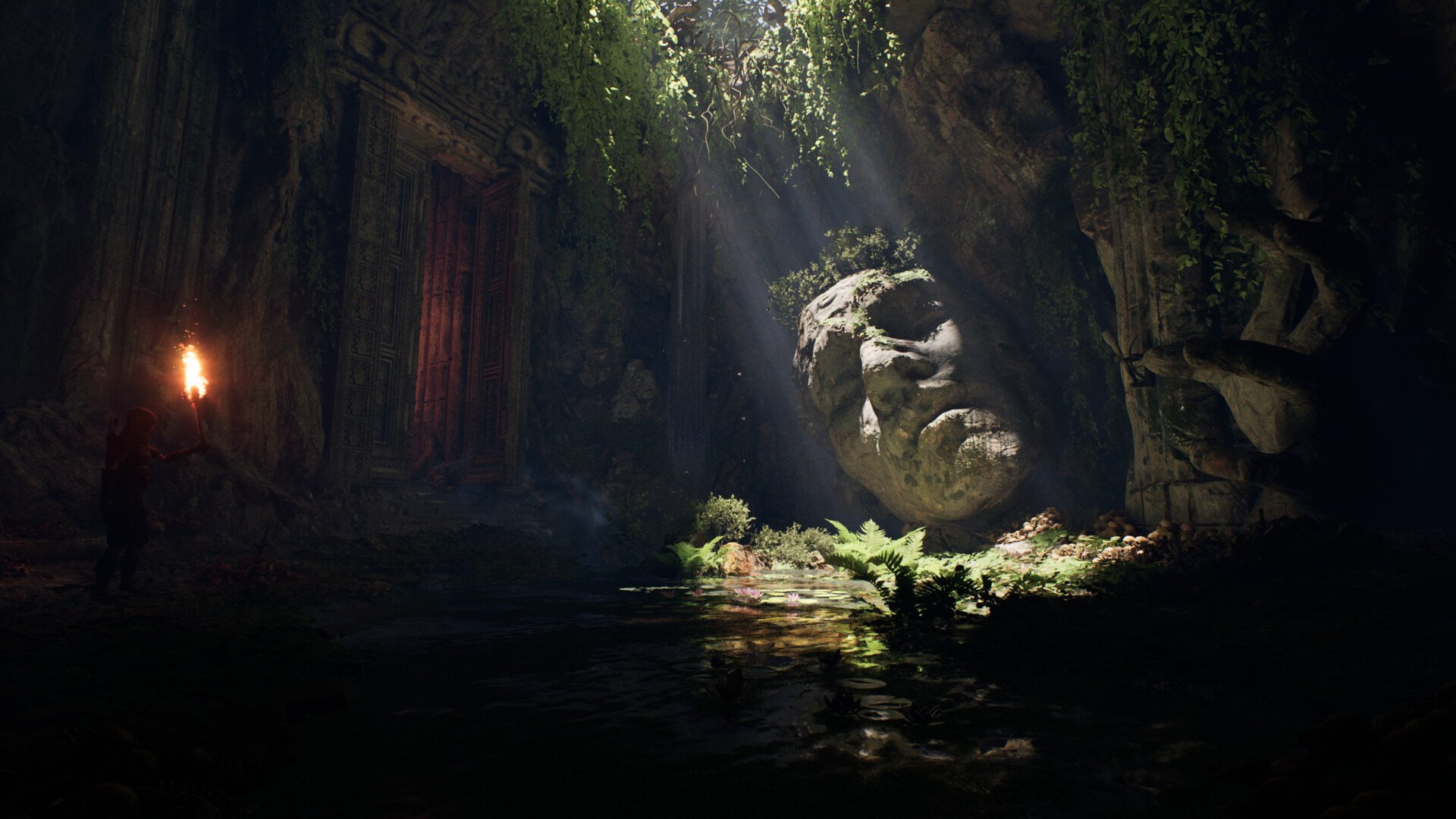 Hi! I’m polishing an Unreal scene (cave ruins with a shallow pond, god rays, big stone head, doorway, torch character). Could you please give me feedback on what to tweak or redo in this Unreal scene so it looks more polished? Thanks in advance! Goal: push it to a more “AAA” look for portfolio.
 -
Real-Time 3D Character Feedback
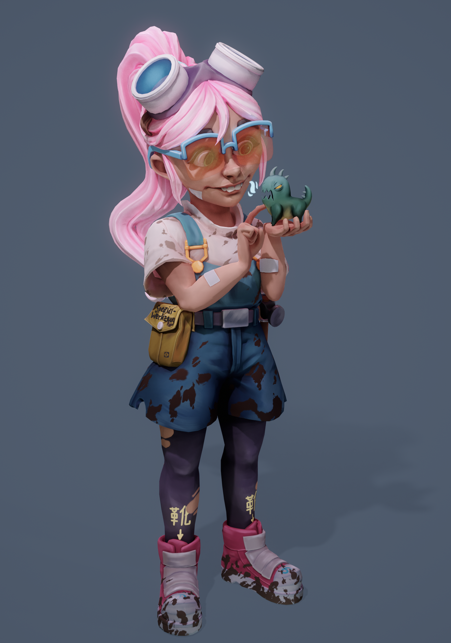 Hello All! I'm just finishing up a real time character, and I was hoping to get all and any critique you may have, it would be really appreciated if I could have some suggestions on how to improve her! https://www.artstation.com/artwork/BkbYbr She's rigged and rendered in Marmoset Toolbag and based on the artwork by Peter…
 -
Blender Weighted Normals
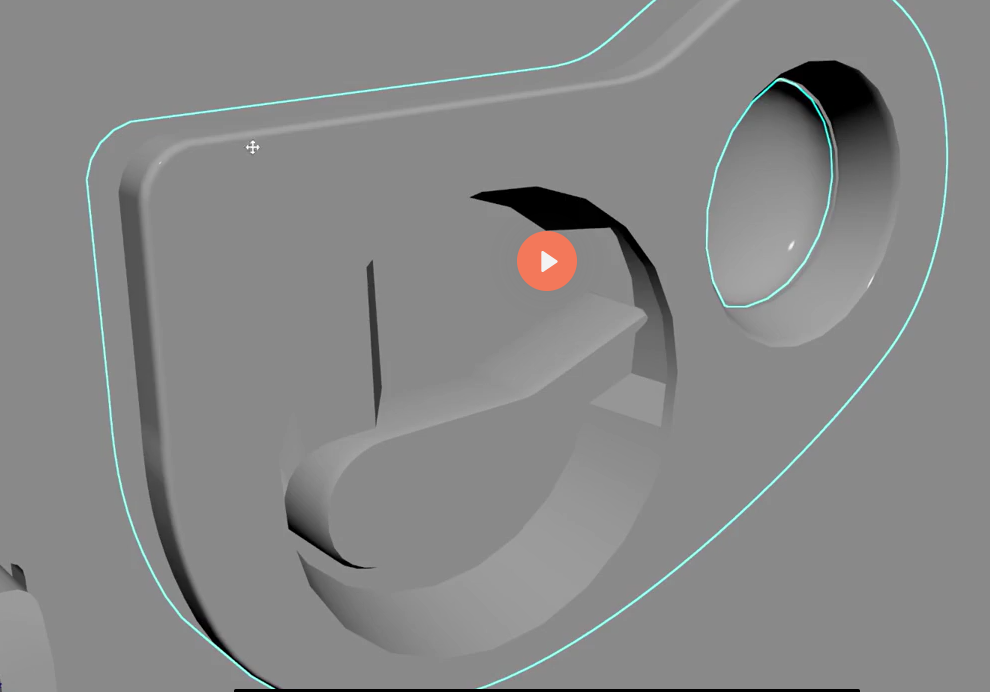 Hi, any ideas on how to smooth the bevel using weighted normals to get the same look as the tutorial ? no matter what I do, the bevel looks sharp. https://drive.google.com/drive/folders/10a8zcuozRHiK_E82KO6FSh3eOQdw9ttf?usp=sharing - Blender Scene is here
 -
Re: [WIP] - Game Ready Stylized 3D Character
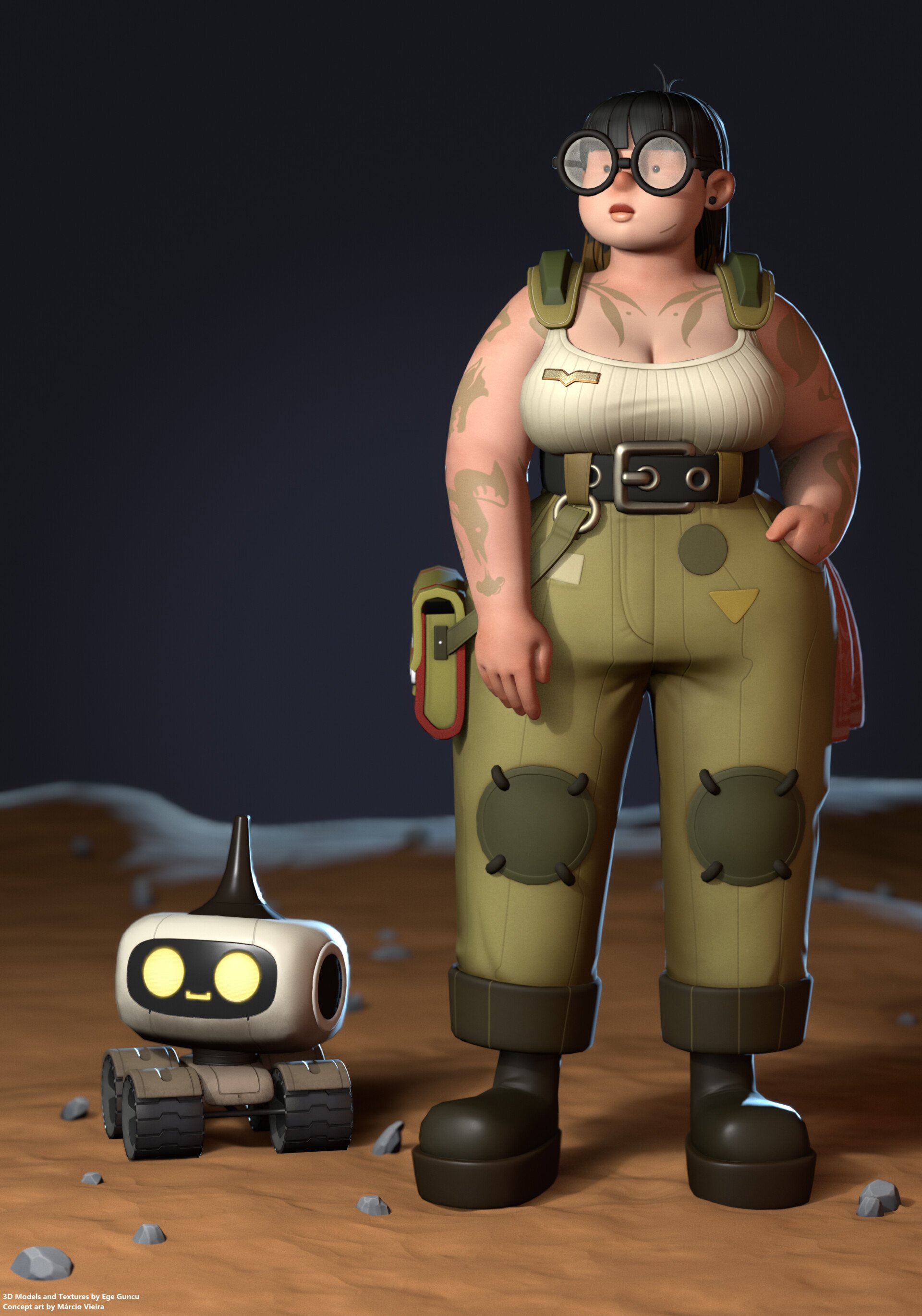 Hey everyone! After a bit more work I've managed to finish the model. Hope you guys like it https://www.artstation.com/artwork/RK226E
 -
2D Artist looking for work
 Hi! I'm Giampaolo and i'm looking for work! e-mail: giampaolo.gardelli@gmail.com Thanks! My portfolio below:
 -
Re: Upgrading or building a new PC? This is the thread for you!
 I have the 3080Ti 12GB here, from my last upgrade in December '21. Still working great.
 -
Re: [3DSMAX] Something similar to Blender Mesh-machine Offset Cut?
 Besides using Edit Normals modifiers, you could also maybe fix it by selecting all the faces and pressing Retriangulate (Editable Poly > Edit Polygons > Retriangulate)? The file probably only holds the point order for each face instead of per-triangle, and so the results are going to vary based on the method used by an app…
 -
Texture /photo straightening techniques?
I often need to make straight a piece of photogrammetry or just a photo I want to project onto certain regular geometry . With "straightening" I mean something irregular and slightly deformed to become something having equal intervals and X/Y alignment typical for a texture. A baroque building facade for example or a road…
>172376 results