Search
-
TUTORIAL: BP setup for a Klonoa/Pandemonium style spline locked sidescroller
 Hey all, I've just put up a tutorial to get folks going with basic spline locked sidescroller using blueprints. Hope it proves useful to someone :) https://forums.unrealengine.com/showthread.php?24522-Tutorial-Blueprint-Spline-locked-sidescroller-(e-g-Klonoa-Pandemonium-style-game)
 -
Re: Orc inside
 germans accusing russians of spying? i think we might have germans spying on russians spying on us!
 -
Re: [Zbrush Toolset]ZGameTools: Tileable Texture, Models Baking, Illustration & App Connectivity
 back with a my new copy ^^ Module 0 : PSD Document Bridge * logo * psdsend - psdreceive * 3 switchs buttons : * > Texturing module * > Illustrator module * > Substance Batchtool module ( substance batchtools) * License Activation * About -content Here - (depends of the Selection) so you have all types of map exported from…
 -
Re: Zbrush FiberMesh Bake with xNormal
 Micromesh BPR view can be easily coverted to mesh by pressing 'Convert BPR To Geo' button which you can find above 'DIVIDE' button. You can press it only in BPR display mode ;) Hope that helps.
 -
Re: Sketchbook: fly_soup
The way the Soft Selection rollout in the command panel breaks the layout was bothering me, so I wrote my first MaxScript. The part where it determines the falloff based on the size of the object was blatantly ripped from a script written by someone else, who I'd credit if I could remember who it was or find the script.… -
Re: The Bi-Monthly Environment Art Challenge | July - August (79)

 "Finished" with the plant container, appreciate any feedback. I ended up changing the design a bit and some areas are still rough. For re binding the surface deform modifier of multiple objects, with some trial and error, I ended up with a simple script to operate on the surface deform modifier of all selected objects -…
 -
Showcase BP in Unreal Engine 4 ( showcase your models with ease )
 Hey guys, it's been a while since I posted anything! Here is a small(~10mb) asset you can drop in your Unreal Engine project to get a simple tweakable scene for showcasing your models. It has some settings you can tweak ( select the environment, change HDR intensity etc ) and I'll add more controls soon. You can download…
 -
Re: how to render transparent background in ZBrush?
There might be an easier way, but the way I do it is by using the BPR function. If you do a BPR render (the little button on the upper right of the default layout, keyboard shortcut Shift+R), you can go into the Render -> BPR Renderpass menu and click on the "Mask" pass, allowing you to save that mask out for future use.… -
Environment Concept Art 2 - Stealth / Surveillance Worldbuilding Project
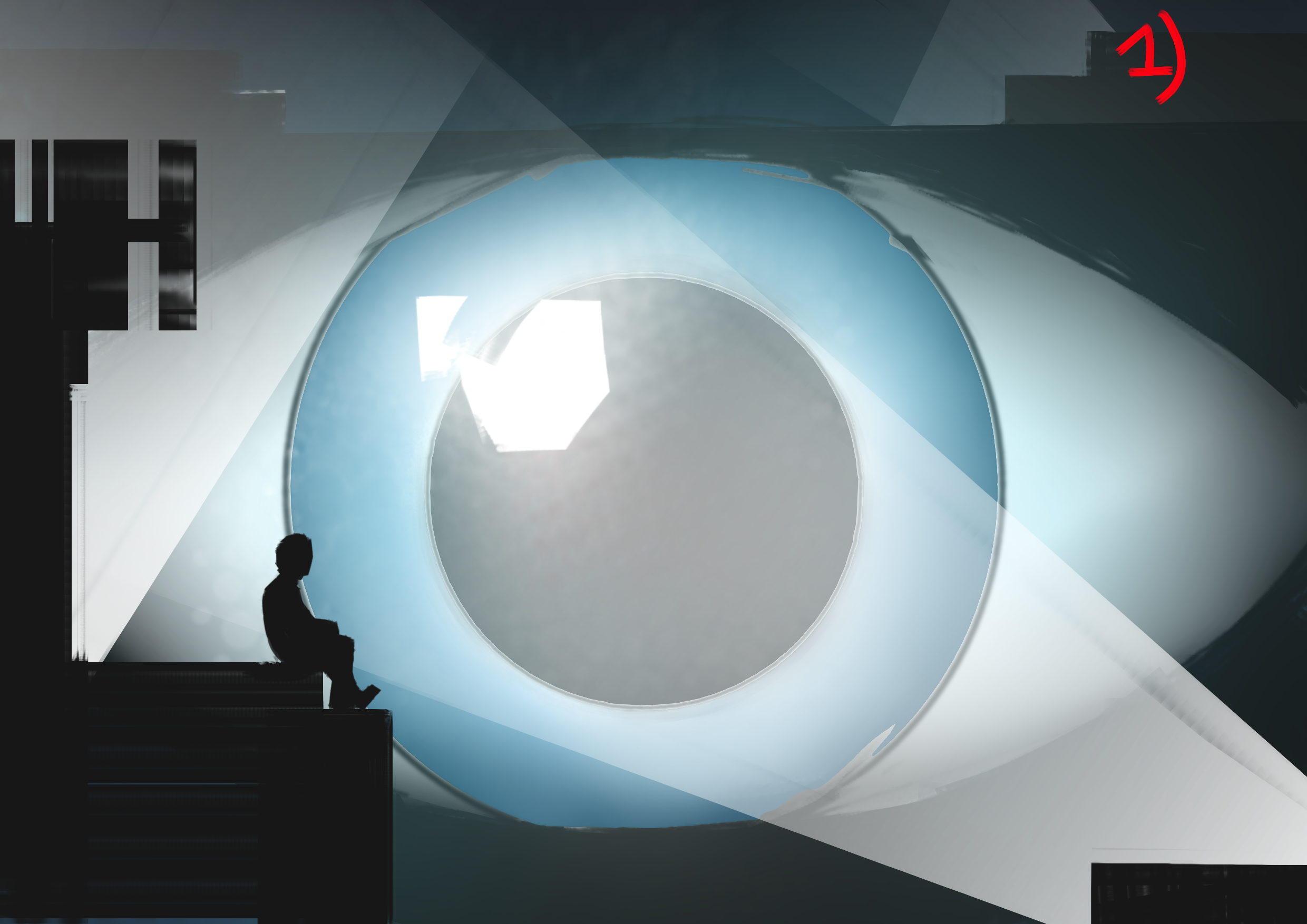 I am a Final Year university student currently working on a concept art based project for one of my modules. The hypothetical game brief is a stealth-based action / FPS game set in a city based around themes of surveillance and controlling appearances. The protagonist is a spy operating in an environment where everyone is…
 -
Re: Inserting model render into 2D background...

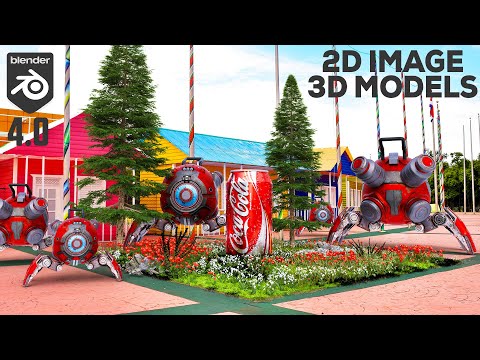 Yeah you've got the gist of it. A basic fairly straightforward process walkthrough: * Scene setup - F-spy to match the perspective of image by the aligning camera * Shadow Catcher - create a plane to capture shadows from your object * Integrating model - tools like shrinkwrap to precisely place model within scene/image…
>1186 results