Search
-
Mordred Realtime Unreal Engine 4 and Sculpt Keyshot Renders

 I started this model a while ago and worked on it during my free time. This Year I finally finished it all. This model made me grow a lot during the time I spent working on it. Hope you like it :)
 -
zbrush 4 r2 dynamesh sub question.
 So I know that you can set a mesh as subtractive by pressing alt and then using your brush to bring it out.. but this is a bit lacking in precision. what i would like to be able to do is to use the insert mesh function in the geometry panel and somehow set the mesh to subtractive and then precisely place the mesh. anyone…
 -
How to use Real Time Raytracing in Unreal Engine 4

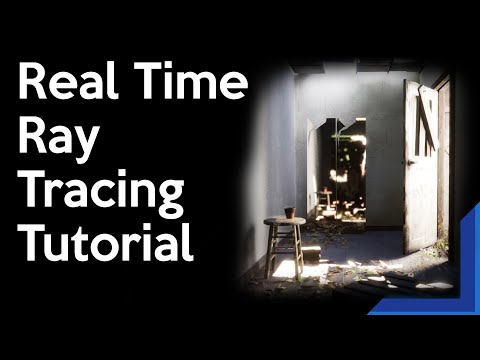 Here is a small tutorial on the real time raytracing inside UE4. I was a bit lost on what they do so I made this as a reminder and to help anyone who needs it. https://youtu.be/hfqHOjXxyMY
>25621 results