Search
-
Re: "Use Pivot Point Center" in Maya equivalent
 Yes it does. On a Editable Poly object (or within the Edit Poly modifier) you set the pivot to "use pivot point center" it will scale independent selections around their own pivot center. You can also use a edit polygons tool called "outline" to shrink each selection based on its individual boarder. Oddly if you select…
 -
Re: PolyTrans
 what about demo-ing it first? i do not believe at all that polytrans handles whatever you throw at it. i used to use it way back to transfer between max and softimage 3d and it was as limited as any other scene translator, meaning that some things just could not be transferred. if you're only dealing with baked down…
 -
Re: Is PC gaming dying?
 I feel the same way. I mentioned this in #md the other night, but was talking specificly about the FPS genre. Many of the most popular PC games are simply older titles brought to new life with better graphics...while the gameplay is still years behind. One of the reasons these games have thrived so well is the ability to…
 -
Re: 3Ds Max Skin Question
 hehe, I can feel your pain. Actually it will crash every now and then when collapsing to skin and then selecting the now greyed out SkinWrap modifier even if you do everything right. The simplest workflow would be like this: On the one hand you have your skinned mesh, on the other your new one with the modifications. You…
 -
[MAXScript] How to go to subobject mode on instances?
 Hey all, I use these scripts to toggle subobject modes in Max. If no EditableP/EditP is selected atm, it goes there, unless some mods are selected (in this example, Symmetry). ( fn goToBottom= ( local obj = selection[1] if obj != undefined then ( if subobjectLevel == undefined then Max Modify Mode if…
 -
LOOKING FOR A SIMPLE 3D MODEL JOB TO TRAIN MYSELF, FOR FREE
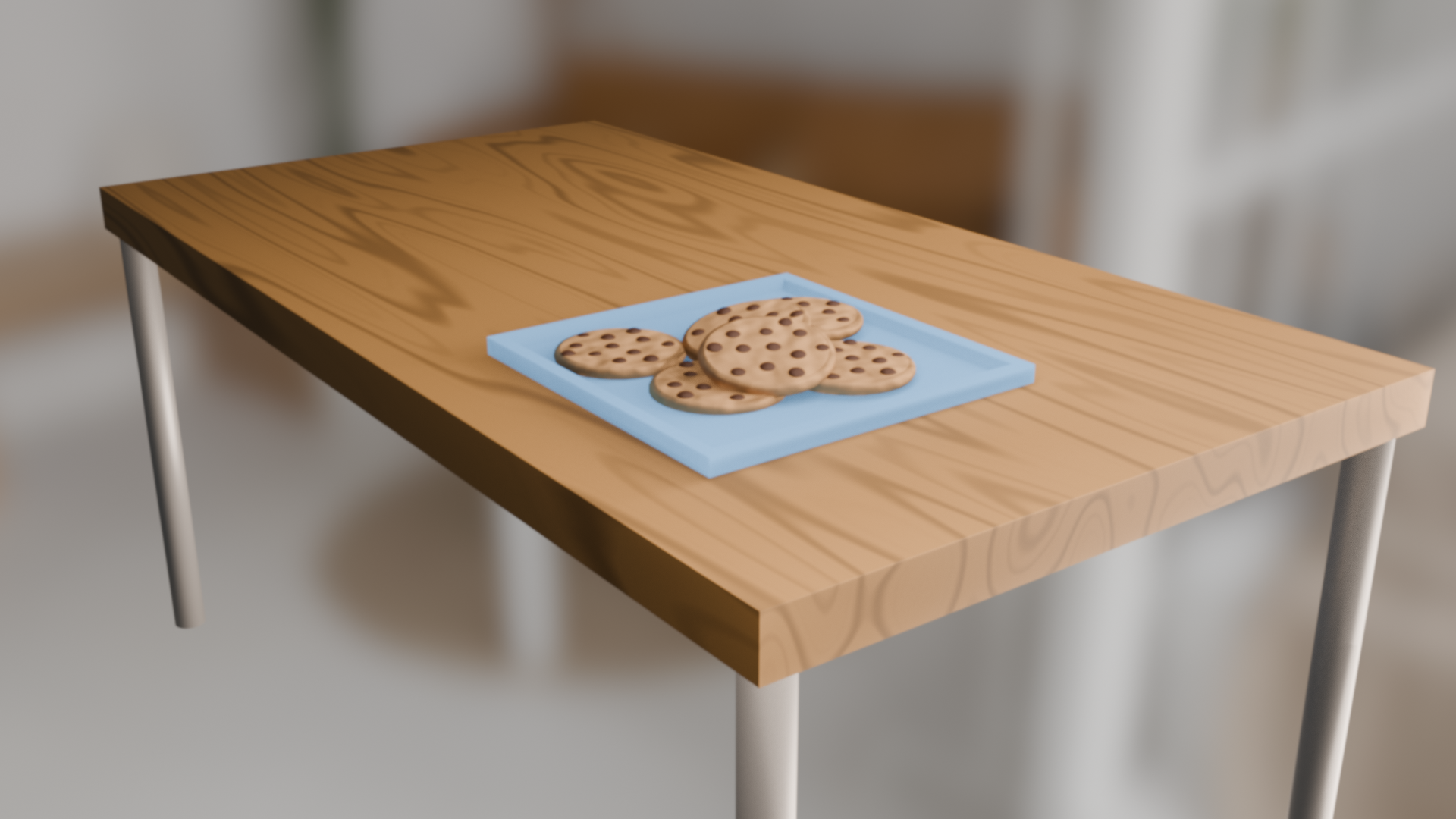 i can't make anything more complex than a low poly stylized tree but it's at least something. i need to train myself. i watched a basic tools and modifiers crash course and the first thing i created was this which took me half an hour. 1: i have a barely gta v capable laptop which works with blender eevee without crashes,…
 -
Re: The Programming/Scripting MASTER THREAD
 unfortunately i have way too much other art-related stuff to get the hang of before i seriously dive into programming.. goddamn these 24 hour days.. i will however take this opportunity to paste a couple of my hackjob maxscripts here, i'm sure you guys have some pointers on how to make them more efficient. this script i…
 -
Re: HK UMP45 WIP
Download textools and use the UV shells to smoothing groups tool. This will save hours of fiddling and it will ensure it's done 100% correctly. Each UV shell should have its own smoothing group. You want to separate the shells based on where the hard edges are. Having a UV split, and thus different smoothing groups, on an… -
Re: Jeremiah Bigley - Maxscript Adventures
 thanks for the info SimonT! I went a little MIA there... got busy with work. Haven't had much time but I got to play around with this. What it does:It will jump to the current subobject level of the object you pick when you run it. Notes:Haven't had time to test it out really. Definitely not for production yet. :P Still…
 -
Substance Painter shader prep for MAYA [FREE SCRIPT]
Hello folks, I created a small script that applies a lambert shader for each object selected. Installation instructions: -------------- Install in Mayas Script folder: C:\Users\[your username]\Documents\maya\scripts Call it by either calling it from MEL prompt or add a shortcut with LambertPerObject() --------------…
>11676 results