Search
-
Re: Setting Up SSS
 Makes sense to me that the combined texture is displayed that way since the values in the alpha channel are 0 to close to 0. Could be that the unlit view mode is not compatible with the Shader Model. To check this theory, you could temporarily switch the shader model to default lit and check if the albedo shows in unlit…
 -
Modular Wooden Carts building set

 Hi! I finally decided to prepare modular set and I have to say it was a blast. It has 43 base parts which share the same UV space which you can use to build as many variations as you want. Also 3 different sets of 4K textures for more variety and 5 already assigned meshes. All renders were done using real-time rendering…
 -
[Solved][Xnormal - bake setting] how to bake normal for 2 legs ?

 ok guys.. after I used distance caculator tool the normal map goes correct now ------ Hi , I am going to created legs model and I get a result like this , seems that those 2 legs also bake for each other in marmoset dose any know how to bake normal in this situation? thank you !!!!!!!
 -
At what point do I use more than one texture set(for a weapon)?
 Hey guys, I'm almost done modeling an Uzi, now there is alot of parts on this weapon and I'm thinking keeping it all on one texture set would just result in low density textures. If it were a handgun I would definitely keep it on one texture set. What do you guys think? Is it justified? Might have the Magazine, Stock,…
 -
Gifts of King Ceph - Naga Siren Armor Set
-
Re: 3D Artist Portfolio Critique
I really like your AR/VR pieces and the pumpkin textures/materials. Your large environment, however, suffers from very flat and inconsistent lighting. In a way, it looks more 2D than the concept. You did set additional lights and rim lights for important pieces, which is good in principle, but it's only partially motivated… -
Re: Backpack- Project
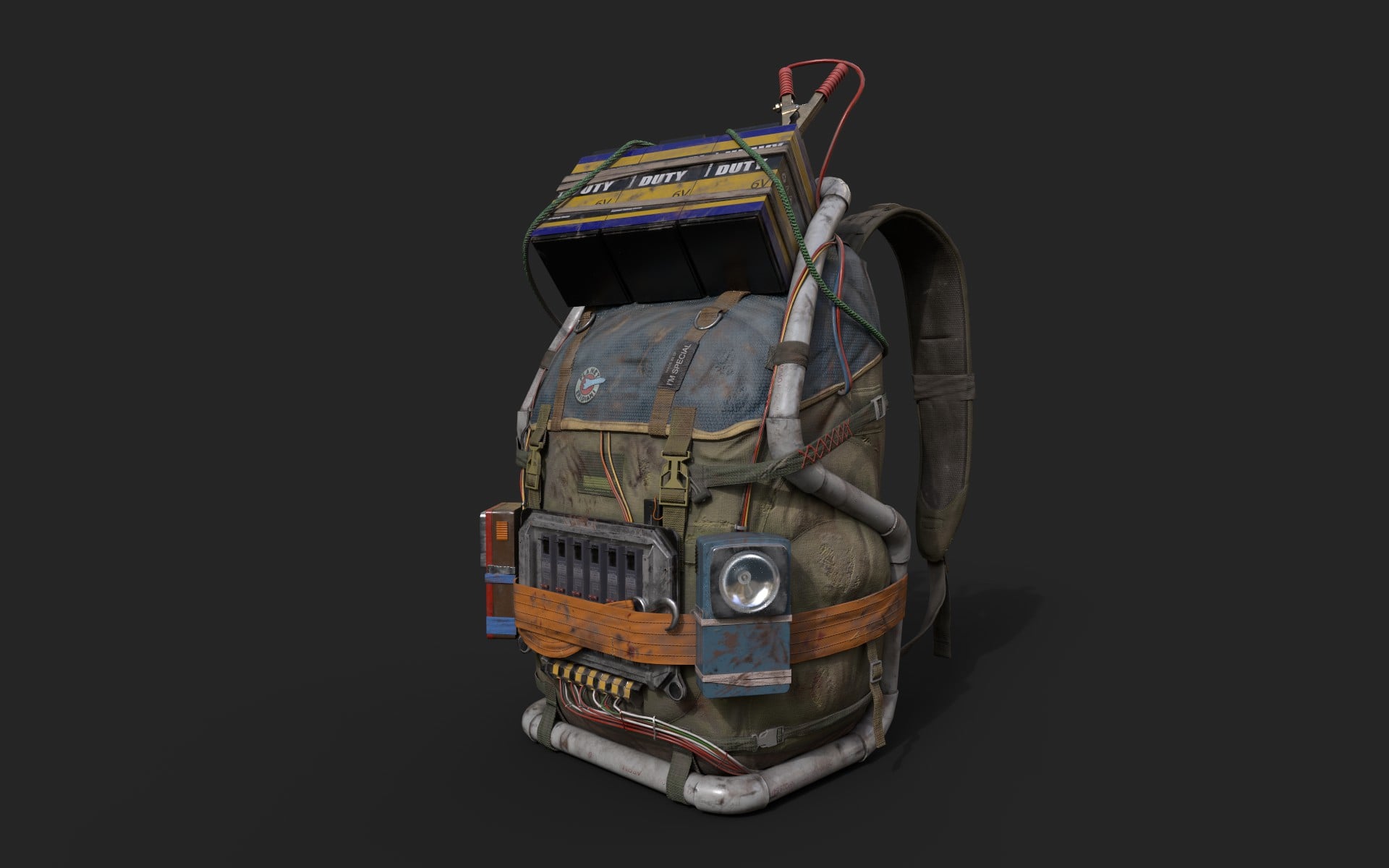 Hi everyone!!This week I’ve been working on texturing the backpack. I’ve gone through the different stages: primary materials, secondary materials, details, and finally, wear and tear.I also did a quick test to see how it would look in an environment.There’s still work to be done, though.I hope you like it!!
 -
My first army character let's see where this goes
 I'm sculpting it by free design just throwing at her anything that I think would look good. If you have an idia what would be nice to add just tell me and I will definatly think about it ! Let's see what this project ends up looking !
 -
choosing uv set to paint on 3D Coat
So I'm painting on my models for something in UDK (with 3D-Coat) and I realize that it's painting on the lightmap uv set. Anyone know how to choose which uv set to use? If I have to I could just make my uv's the same for lightmap and textures, but that would be kind of a pain to do for all my models. Thanks in advance for… -
Re: 3ds max how to properly set background on landscape scenes?
 What's your renderer? VRayLight has a dome feature that automatically adds it to the background. You could perhaps add your map in the Environment Background slot (see help file). It will automatically set the UV type in the Bitmap node to Screen, but you should change it to Spherical if you're using a proper latlong…

>122246 results