Search
-
Re: Zbrush 4R8
 Yes, the Gismo has the same function as the TL in that you can still ctrl+click a vert to mask all other PG and the axis will be snapped perpendicular to the surface normal. And yes, Y is the default hotkey to switch. :) As with any ZB button,when you hover the mouse the hotkey is displayed: 'Gismo 3D Y'
 -
Re: Metroid-inspired mech girl
 Looking pretty hot. I agree, you could try giving it a minimal dirt/grunge/scratches pass. I also think that you could add a smoke-y/cloud-y specular map for the metallic parts to really break it up in places.
 -
Re: Unwrap tools?
 Scaling works just fine for me, are you on the latest service pack? You need to hold down CTRL to scale on x and y. Holding SHIFT will scale on either x or y, depending on mouse direction. https://dl.dropboxusercontent.com/u/3191007/stuff/max_2014_uvscale.gif
 -
Re: [Pixel Art] Guns of the Bloodslinger
 Oh, NICE! These look amazing. Am I reading the prototype correctly, and you'll have pixel-y textures on a 3d environment with 2d pixel-y sprite characters? If so, EXCELLENT. I'm a gigantic fan of that kind of aesthetic! Please, keep it coming, more!
 -
Re: Converting Unreal Rotation ( Uelers ) To maya rotations
 I see "swap z and y".. When you export as fbx, what is your axis conversion set to? is it Y-Up or Z-Up? Is that the rotation your are trying to convert. Also, which why are you converting - from unreal to maya or maya to unreal?
 -
Re: Steam Community
 if you search for polycount only then you will find it in the steam community. p o l y c o u n t or p o l y c o u n t ([PC]) will give no hits that will help you. :P
 -
Stylized 3D mage
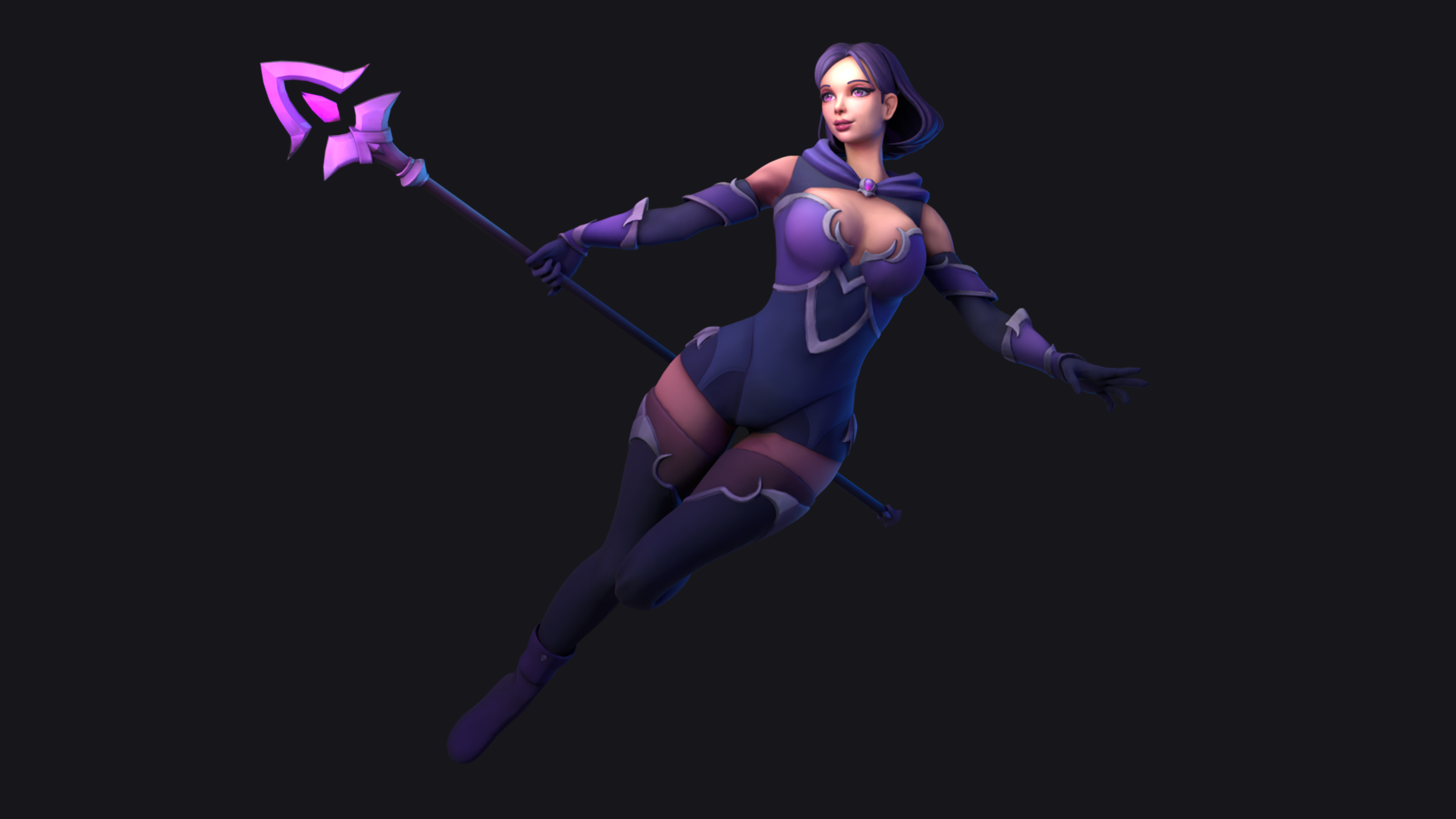 Hi! Here is the last model, a full stylized character mage.Take a look in Artstation and if you can give me a like i'll be grateful. Thanks! https://www.artstation.com/artwork/y4dYVx
 -
Re: 3Ds Max make planar on certain axis hotkey?
 Thanks! That worked perfectly. However, ctrl+shift+X isn't assignable. It assigns fine, but doesn't actually do anything when pressed. So I have planar on Y assigned to ctrl+shift+Y, on Z it's ctrl+shift+Z, and x is ctrl+shift+...D. -_- Still works fine though, thanks!
 -
New normal and specular map generator - Mr Normal
We've just released a new normal and specular map generator for windows. Mr Normal creates maps from diffuse textures, functions and normal map painting to produce unique assets for your projects. As most of the artists on the forum will tell you normal maps can be created by hand in photoshop, or generated from a detailed… -
Re: Gundam Hyakuri fan art
 Wicked poses and renders! Love the extremeness of modeling every individual module when most of it would be occluded anyway. I'm a fan of dead simple backdrops, but I feel like this would could use a bit of very faint tech-y/gundam-y watermarks?
>147183 results