Search
-
Re: Finished - Desert Communication Relay – Environment Scene

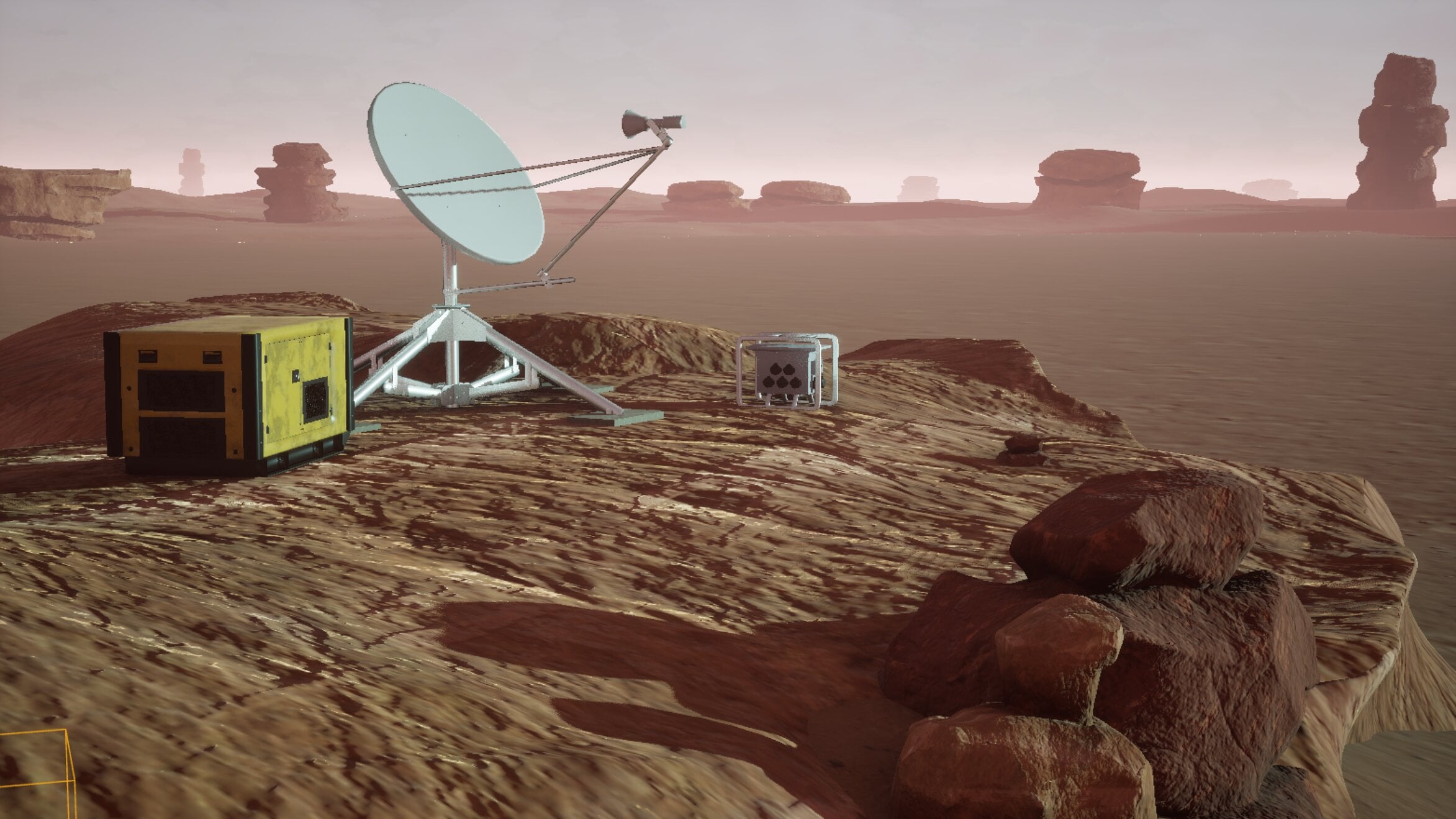 Hi everyone, here's a brief lighting update. :) Been spending quite a bit of time tweaking the lighting lately, mainly adjusting the sun angle and experimenting with different moods for the canyon environment. It’s interesting how much the entire scene changes just from relatively small adjustments. Some setups looked good…
 -
Re: Most hated hotkey
 should note alt+rmb+drag respects X and Y movement in CS5+. X = size, Y = hardness (while on round brush). Didn't know about the hue locking with the color hud! wish that was configurable :(
 -
Re: What normal maps work seamless with SP1?
 You're a genius :) . It's working now. I'm getting nice seamless normalmaps in substance painter now. I was getting seams at first, but turns out SP uses green -Y channels instead of cryengine's +Y.
 -
Re: Normal Map Looks Weak in UDK/CRYENGINE
i rendered using +Y in xnormals, also tried -Y I downloaded a normal map from google and tried that incase my normals were the problem, same thing, really washed out in udk, fine in marmoset. maybe its a problem with UDK settings? -
Re: Unreal Editor Scene Render
 UDN says: tiledshot X Y X says the screen resolution if you type 2 the screenshot will be twice as big as the actual screen Y is the overlap on the screen border so tiledshot 2 128 will give you a double sized image with a 128 pixel border
 -
3D artist, Graphic Designer, Fashion Designer
Hi! I’m Bianca, a 3D artist and designer with experience in game development and product design, currently looking for new opportunities (freelance or full-time). I specialize in 3D modeling and texturing using Blender, ZBrush, and Substance Painter, and I also have experience with Unity. I’ve worked on game assets… -
Re: 3DS Max CAT Rig Animation?
Thanks that works now. An issue i noticed with a model's axis. Notice how the y and z axis switch if i click on left top window or other windows. Shouldn't the Y axis always be for elevating or descending? -
Re: ZBrush: Mirroring Geometry?
 Lupus, actually you can make Smart Resym mirror along X, Y or Z axis, look for the little dark box to the right of the button with tiny X Y Z text, you can click those on or off to highlight them. It's just that X is the default.
 -
Unreal Engine 5.4.4 Nanite is enabled Issue?
 Hey all, I am working in unreal 5.4.4 and have the current error message with Nanite. I have nanite disabled in project settings → render tab. I also have raytracing and lumen disabled as I have no need for those in my current project. I checked all my models, material and blueprints and didn’t see nanite enabled on any of…
 -
Re: Report problems with the new forums here
 Fixed. Old URLs will automatically redirect to the new ones. Make sure you're using real URLs. In the post you linked, the URLs were HTMLized, e.g. ...x&y=z when they should be ...x&y=z
>147183 results