Search
-
Re: Employment?
 jobs listings: http://www.polycount.com/forum/forumdisplay.php?f=45 http://www.game-artist.net/forums/hiring-industry-contracted-work/ http://forums.cgsociety.org/forumdisplay.php?f=319 http://cghub.com/jobs/
 -
Re: Art For Games
-
Artemis WIP (critiques welcomed)
 WIP mesh of Artemis for my character modeling class. Working on the hair atm will post again when it's finish[IMG]file:///C:/Documents%20and%20Settings/619-20/My%20Documents/Artemis%20front%20sc.jpg[/IMG]ed.
 -
WIP Character: Jordan

 Hello everyone, happy 2019! I was hoping to get a little feedback on a game character model that I've been working on. Please let me know if there are any other views you'd like me to take for better clarity. Thank you!
 -
Sketchbook: Noelly3D

 No better time to start a sketchbook than now. Working on completing my Retrogasm 2019 entry: Yu Narukami from Persona 4. High poly almost completed. C&C appreciated.
 -
here is a monster I did for Playmates Kong toys
 This discussion was created from comments split from: Polycount Recap | May 2019. Moderator note: please do not post your artwork in a Recap thread.
 -
[Maya] Export creases from maya to Zbrush

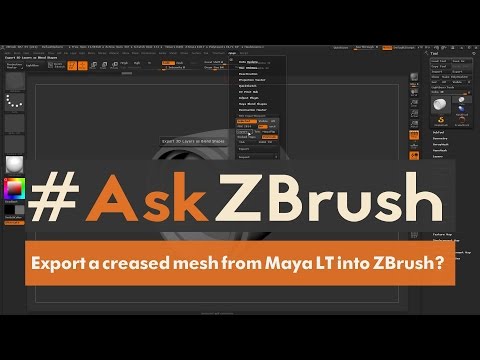 Basically this: Export the creases that i made in maya to an object and make it work in zbrush, I'm trying that but for some reason didn't work: https://www.youtube.com/watch?v=owCJ1COpOe8 Btw I'm using both maya and zbrush 2019
 -
Re: Xgen to Unreal Alembic Hair Exporter Maya script
I can confirm I also get this error: C:/Users/reza/Documents/maya/2019/scripts\XgenToUnrealHairAlembicScript.py line 146: 3 And unfortunately I can't edit the script. No ABC is created. -
Re: The Walking Dead
 I also thought the lax security was a little odd, but then I figured that the group was well within the sights of any security hidden from sight. I still have to read 119 through 123.
 -
Re: Photoshop color issue
and white is yellow, right? http://kb2.adobe.com/cps/319/319456.html see if that helps, if not, try and install the screen's proper drivers, I think that issue happens a lot with a few particular brands.
>1472 results