Search
-
Re: WIP - Deep dark wood - (Block out Phase)

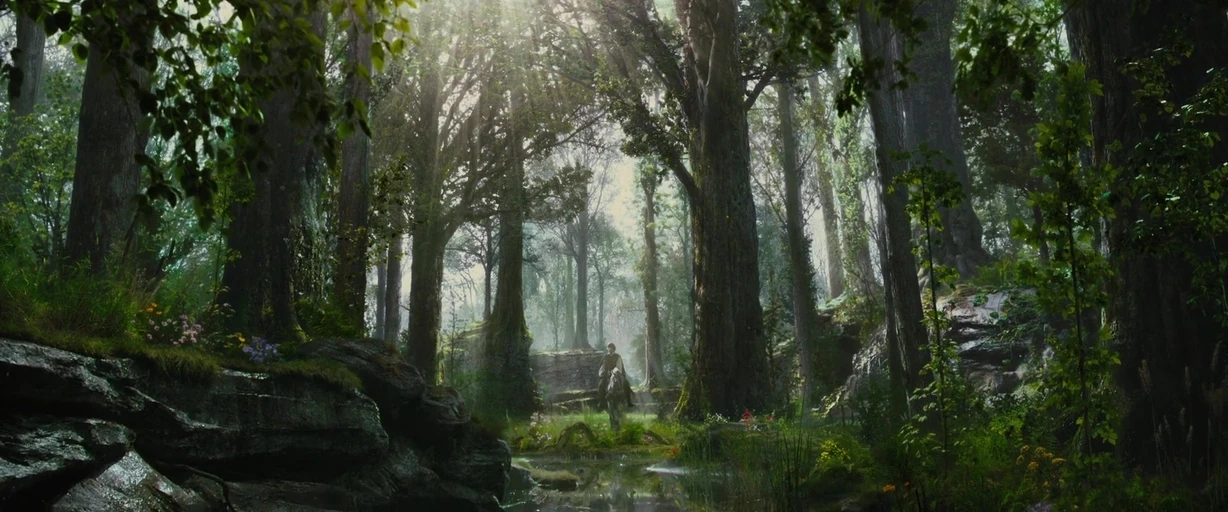 Okay, this is looking really cool. I can't believe there aren't more comments. Please go, go, go! I love the finish and the style you're applying to the props. I think what I'm a little bit confused about right now is the lighting direction. Because some of your tests are kind of more light and airy, and some are more dark…
 -
Re: "Uncanny" effect more resolution and details we put in a frame .
 Yeah that movie gave an odd impression for sure but I am talking more about art style the games pretended to be "photo real" starts to give you. Certain detail fatigue you eyes are getting . I blame too much of procedural approach and increased sampling in PBR shaders. Few years ago the shaders looked like what Substance…
 -
Re: Learning Blender and Texturing

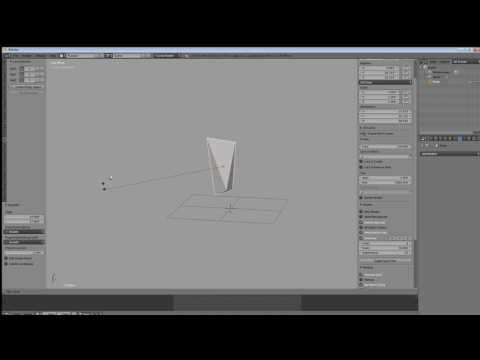 The one concept you need to learn regarding move/rotate/scale transformations in Blender isn't so much the way to reassign the hotkeys. It's the fact that by tapping the key assigned to the desired transform, then moving the mouse around, and then tapping the key assigned to confirm, one can work without even using any…
 -
Re: Sketchbook: マルコ
 Maybe you have already tried this? However, what I usually do to keep style. I have a hand full of alphas and brushes I always use for wood, metal, and or rocks. and I usually go about sculpting them in the same order each time. Clip curve > move topo > Trim dynamic on "edges" > the same 2 alphas every time > Orb flatten >…
 -
Maya do not working move tool with vertexes edges
 Maya. Do not working move tool with vertexes edges. I can move the object. I can select vertice or edges, but cen't moove it. How to fix it?
 -
Re: Please help moving forward on project.
 Welcome! Interesting study. I may suggest uploading a separate file without the reference, it's good to see it for sure, but it's a bit distracting. Especially that white flash. As for the animation- With really fast moves it's a good idea to have more poses in blocking. The eye needs more information and having few keys…
 -
Re: Moving to Seattle, need advice or roommate
 When I was working up at Bungie I lived in Kirkland. This was when Bungie was in downtown Kirkland so the drive was only 5/10min to work. From Kirkland it would be more like 20min to there new place. Rent was really cheap (at least compared to CA) 850 a month. Very nice area, really green and quite, but lacking in any kind…
 -
Re: makin' moves
 Hmmm. I first moved into a Lead role because it was a small company and we had no one else to do it. I didn't really cherish the thought of creating less art, but I found it a challenge and that's something I'm always on the lookout for. If my work is challenging then I generally enjoy it. I had no management experience,…
 -
Re: Modo, Transform/Move tool not on mesh
 you're in item mode (5) which uses the item's pivot. You can reset the pivot by using Edit > Center/Pivot to bounding box, or more simply if you're not in item mode for any particular reason, go to polygon (3) / edge (2) / vert (1) mode and do the move from there. When you're in those modes though pay attention to what you…
 -
Re: How To Move Object out from Center of Another Object???
 MAYA 2018 Interesting... After playing around with this a bit more, it looks like you have to be in FACE mode in order for this to work. If I switch to OBJECT mode and select the move tool, it reverts back to the generic x, y, z planar orientation for the object. OBJECT MODE FACE MODE
>108922 results