Search
-
Re: spr mark12
 1. angle and widen the bevels on the high poly and most of these details can be baked to just a simple cylinder. it's far enough away from the camera you can do that. 2. reduce the amount of sides here. it's overkill. 3. you can reduce the amount of sides on these a lot. 4. these are a big waste of tris and will be a pain…
 -
Re: Finished - Desert Communication Relay – Environment Scene

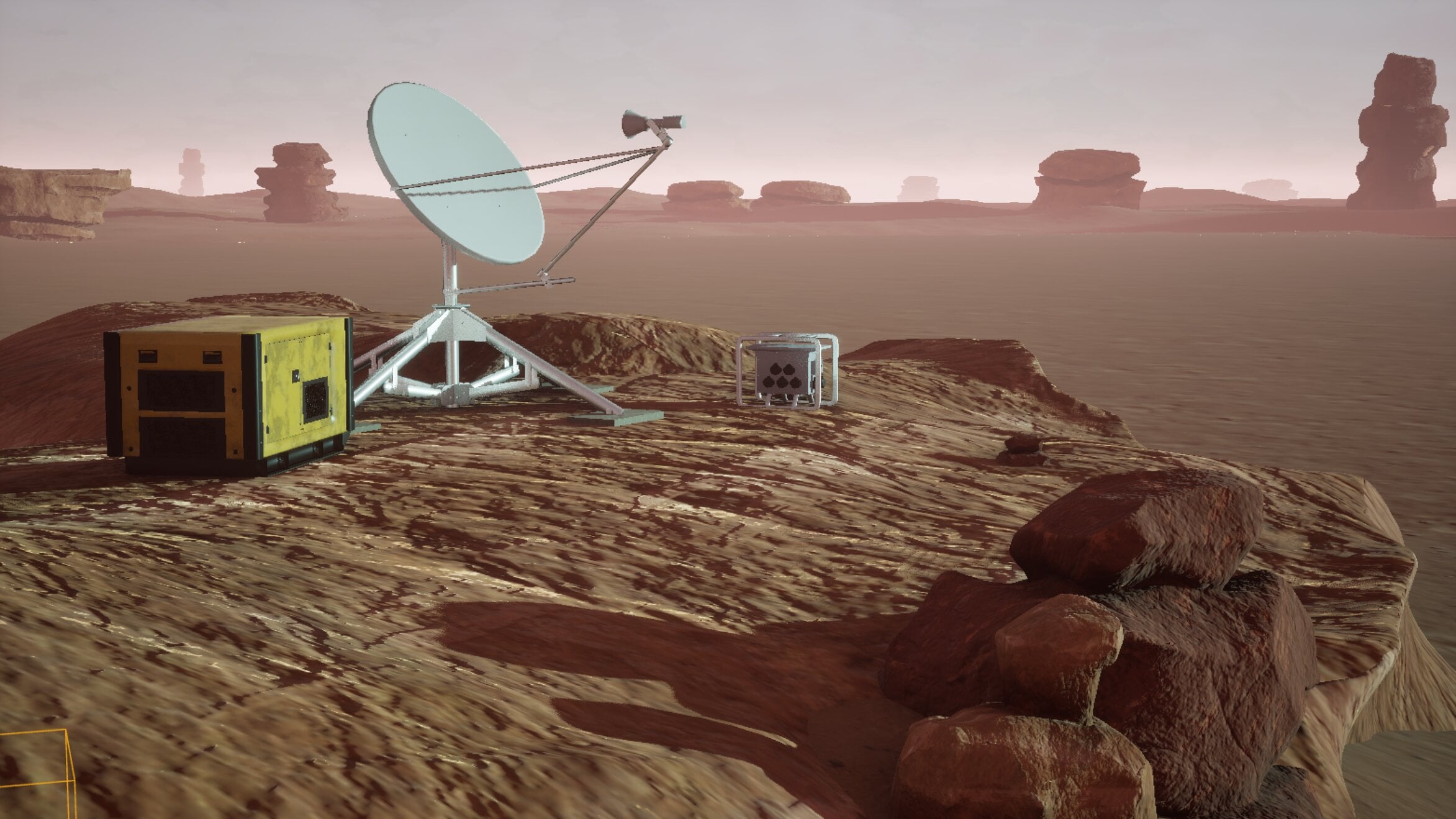 Hi everyone, here's a brief lighting update. :) Been spending quite a bit of time tweaking the lighting lately, mainly adjusting the sun angle and experimenting with different moods for the canyon environment. It’s interesting how much the entire scene changes just from relatively small adjustments. Some setups looked good…
 -
Xnormal Wierd Normal /flat

 Hello guys, i have tried everything never had this problem before someone got a clue? Why are there flat places on the normal map? The cage is fine, im using normal settings with calculated ray distance. And im backing on a half shell of a mesh ( done this a hundered times before but this issue has never come up. Thanks :)
 -
Re: My Fog Shader
 The problem is that you're plugging a float3 into a slot that expects a float. Because you're using the RGB of that texture up top, it's giving you a float3 result the whole way down the chain. Try changing it from RGB to R (it looks like a greyscale texture, so it shouldn't make a difference).
 -
Help with a flat face in Maya LT
 Hi guys, I'm at work so I couldnt take a screenshot but used Paint to try and illustrate my issue! I have a flat face sticking out, but its just one side, causing some weird shadows. What can I do to thicken it?
 -
Zbrush 4R7 - Material is shown as flat grey
 Hi! I'm having the problem in 4R7 that my model is shown as flat grey. I've tried color>fill object with "M" or "MRGB" checked, and I'm rendering in "Preview" mode. In my subtool palette everything seems alright. I've attached a screenshot:
 -
Re: Age of Empires III
 Question, Paul and Jason you probably can answer this one, on the low poly buildings that were in game, did you float windows and doors on them? I noticed in some of the wire and flat shade shots i've seen that polys for those objects were floating. What were the reasons and benifits of that? Only thing I could think of…
 -
V-ray: Add thickness on render to flat object
I need to add thickness on render to flat object. i'm using v-ray + Maya. Is it possible? (This is cape of the character after the simmulation which need to be added thickness. Like after extrude). Thanks :) -
[CLOSED] Low-Poly Character Artist & Rigger - Modular Customization Assets (1,700 - 2,000 Tris)
Project Overview We are building an indie mobile game featuring a stylized, retro-console "segmented puppet" aesthetic. Our character pipeline utilizes a modular customization system where clothing, heads, and gear are modeled as separate, interchangeable assets. We are currently sourcing the master assets for a character… -
Weird artifacts on low poly(flat surface)
 Hey guys, I have this weird streak/shading/artifact on this part of my low poly. I think it has to do with the thin quads but hopefully someone can confirm this. This area is completely flat and the high poly matches it. This is the mesh with normal map applied This is the low poly geometry: That whole section is its own…
>20352 results