Search
-
Re: Maya 2013 - Can't import certain images for image plane?
 I guess you tried it already but did you choose "all files" instead of "image files" in the import popup (bottom right). It may also be that you are saving your image files with the wrong settings, 32 bit image files for exemple. Try setting your image to an 8 bit RVB file. Hope it helps.
 -
Re: Does anyone know AI way to turn a piece of google map into hi res and hi detailed terrain image?
 Very niche. Not this much needed, so not this much trained models for this goal around. Maybe this weight here: https://civitai.com/models/18022/earth-satellite-image-map-generator-mix There is also a heightmap generator: https://civitai.com/models/16826/game-landscape-heightmap-genrator But that was basically it so…
 -
Re: FGO Minamoto no Raikou - Real-time Character
 Great work on production and stylization. I really appreciate the craftmanship. My biggest issue with the render is the lighting. Specifically the value focal points is falling off the page. It's ok to have the breasts be the focal point but then you need to frame to that focal point. And it's impossible to give the image…
 -
Re: Unreal Engine, looking for feedback, thanks : )
 I think it's really important to design a narrative before creating an image. What is the image trying to communicate to the viewer? Defining this will allow you to make decisions about how to arrange the scene, where to put the camera, how to light it, etc. Without a clear goal, the viewer is left wondering why they are…
 -
Amazon for reference images
![[Deleted User]](https://polycount.com/themes/polycount/design/default-avatar.gif) quite often if i cant find the right images via a google search i'll go to amazon because they always have hi-res images and good profile shots. right now i need references to model a pair of mid-top sneakers so im using these iamges…
quite often if i cant find the right images via a google search i'll go to amazon because they always have hi-res images and good profile shots. right now i need references to model a pair of mid-top sneakers so im using these iamges… -
Help me place this image
I was directed to this guys site, subtlesquid.com to chat with him, however it looks like he doesn't update his site often, so maybe he doesn't read his site mail often. then i came accross this image: it looks like imay have seen it on polycount. anyone remeber the user who made this? -
Image Shear
Hey. I've got a little problem. My roomate is trying to set up some image planes to model a character. However when I import the files into maya the file node and the lambert look alright, once on the plane or even a cube the image is unexplainably sheared. This does not happen with all images. My resources are the 3dsk… -
Mari doesn'tload images in image manager

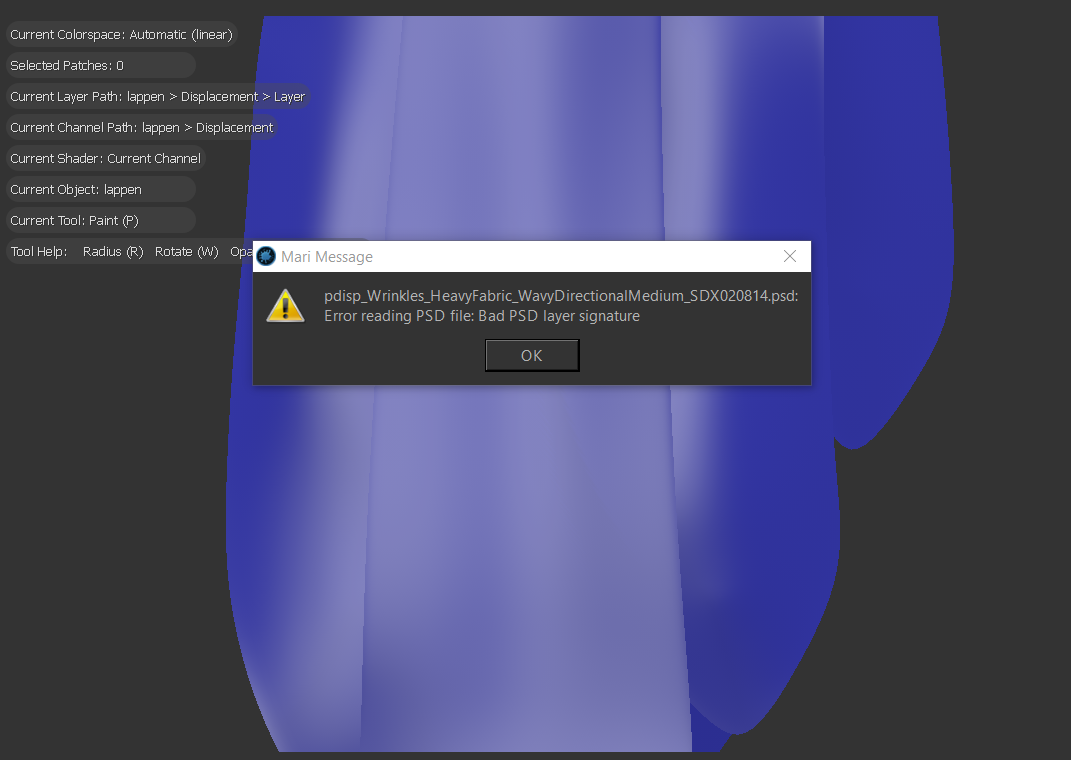 Hey, I'm just starting to learn Mari, whenever I try to load in any PSD I get this message.
 -
Re: Nexuiz [CryEngine3] Environments (image heavy)
 The map is in Halo 1, 2 and 3. In Halo 1 it's called Wizard, in Halo 2 it's called Warlock, in Halo 3 it was released as a remake (in which that map looks identical to) called Assembly. Here are some screenshots: http://www.bungie.net/images/Games/Halo3/Screenshots/DLDUSEKSLKJ/H3_MP_Assembly_ENV-02.jpg…
 -
Mari 3.0 loading image issue
 Hello, In Mari i try to use image projection. And with some images (average images) drag and drop image from Image Manager to object does not work (nothing happens) and same time when i do that to other image it works. I did think that may be issue with image so i opened image up in windows image viewer (worked just fine)…
>44194 results