Search
-
Maya scale components by a specific amount?
 Is this possible in Maya, I'd like to select a couple verts and scale them along x by a specific amount. Can't think of how I could do this except by setting the scale tool to snap to that exact increment. Would be great if you could just type in a value when any of the tools were active.
 -
Thurg Axeripper

 Hi all! I share with you my last personal work I made just for practice and fun ^^. I made all the aspects except the concept that you can see here: http://www.moddb.com/games/warcide/images/orc-concept-4 Hope you like it! https://www.youtube.com/watch?v=728DFwgBOhw model
 -
Stylized Environment (WIP)

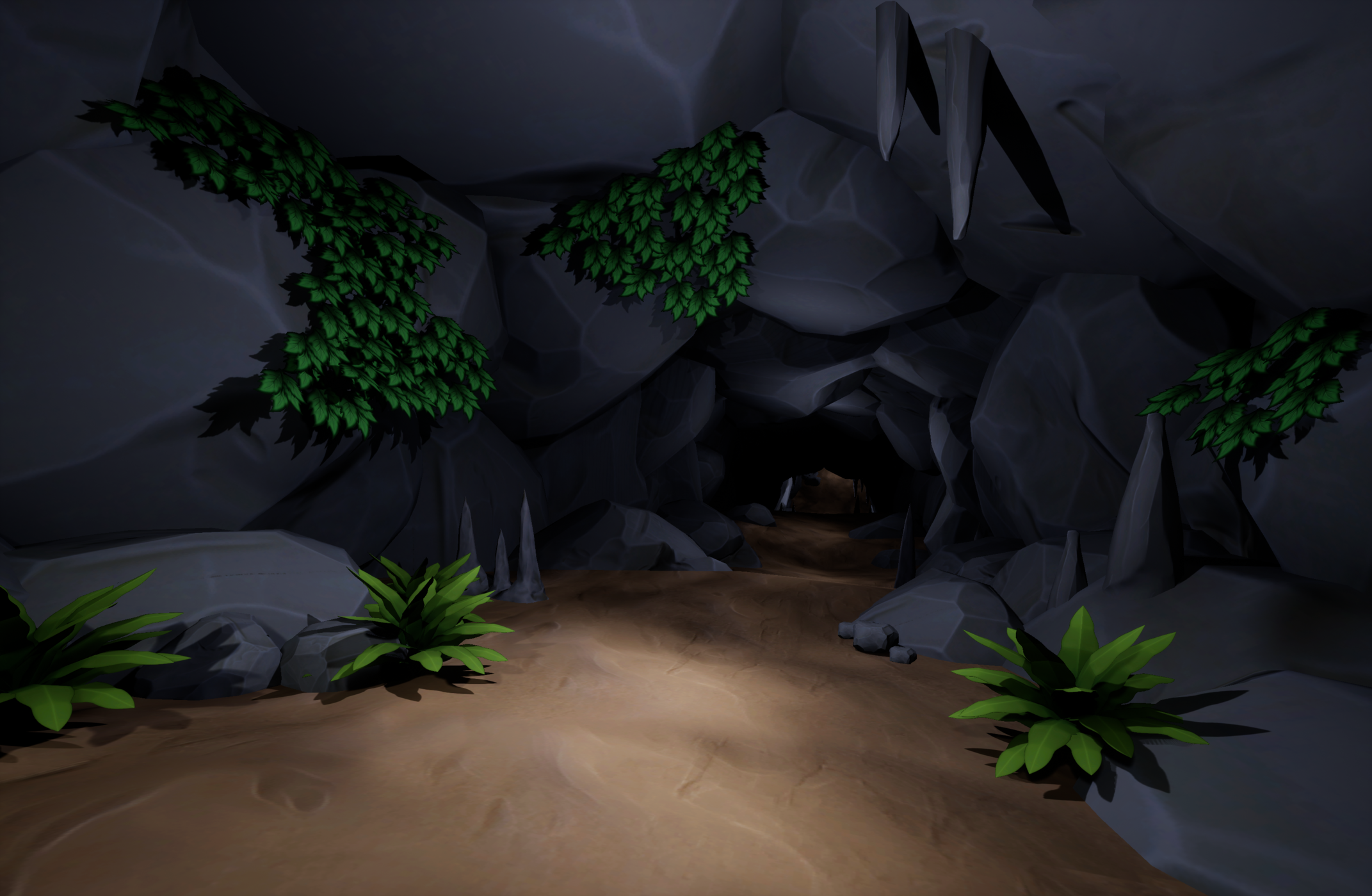 I am usually a character artist, but I am branching out into enviroment assets and props. Here is something I've been building for a friend's project. Everything is hand painted except for the normals that were baked in Substance Painter. I will be updating this post as I create more assets. Manuel Rondon…
 -
[UE4] Medical Center Cafeteria
 Hello everyone! Everything in the scene I made except for the tree and some of the textures. The below renders are from UE4 (4.5). I had to use the snipping tool with windows 7 to get nice clean screenshots because Every time I would take a high resolution screenshot the image would be very jagged.
 -
Re: XboxSX and PS5
 So how high are the chances we can simply turn them into xbox-windows or ps-windows computers? Because nowadays a console makes no sense to me. Except maybe something like the switch which has at least some kind of unique form factor
 -
Re: Skyrim - Cengine, Rage engine , Cryengine , Udk etc
 Crysis has good AI? I don't think so. [ame] http://www.youtube.com/watch?v=GNRvYqTKqFY[/ame] Most AI is as dense as a box of rocks and Cyrsis is no exception. What most people think is good AI, is actually clever level design and triggers.
 -
Re: Modo 10 Announced
 Sounds like a liveLink system (basically an applink except deals directly with application memory instead of using generated files as an intermediary ). The problem with those is that they require more upkeep as programs underlying systems change, and thus tend to break after after just a handful of releases.
 -
Re: John Ehresmann - Portfolio Building
 Nice progress! I agree that you have come far in those months. The grass and rocks are great. Maybe you could break up the geometry on the tree-leaf-planes? Right now they look very flat and are so dense that everything except the trunk is hidden.
 -
Re: Introducing Knald - Open Beta!
 Every map I try to export except normal and height turn out black and white, with errors, didnt happen before, whats up? I updated the drivers and I have Nvidia 331.40 beta version, I think. The problem is because of the drivers or? Thanks!
 -
Re: My Zbrush Plugin!
I updated the "Visibility Groups" so you can have 15 groups instead of 6. Please delete previous version. If you want to save any of your settings you can copy over all of the .zvr files in NicksToolsdata EXCEPT the visG.zvr. DOWNLOAD!
>11489 results