Search
-
Re: Nemlet's WIP's
 The sense of scale in your blockout is really distorted. hex bolts make the wind mill seem like its only a few feet high and then the fences are so small that the wind mill by caparison would be a thousand feet tall.
 -
Re: Many Arms UE4 Project

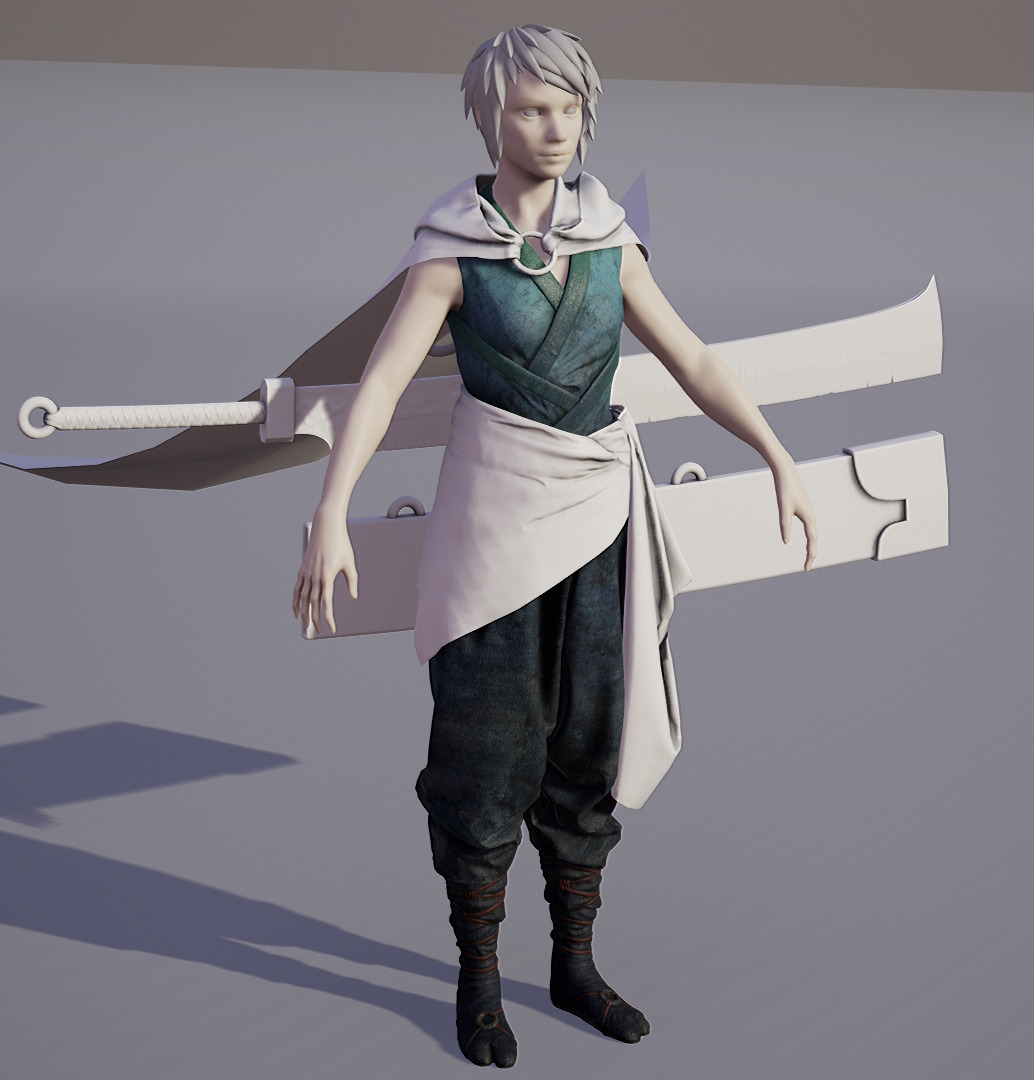 thanks dude, my plan was to give her some kinda tracer style hair, but for now i gues it remains in blockout limbo. after an eternity of retopo, baking and uving i was able to put some color on her.
 -
Re: Afghan / Kabul City
 Some small update. Played a bit with colors and desaturation in photoshop while doing a screenshot from a strange angle. Will post more when first city blockout is done. :) Still just diffuse maps and no baked lighting by the way.
 -
Re: [P&P] - What Are You Working On? 2009 Edition!
 hey kio really nice work! I am very curious about the last airborn update... :) this my ruff blockout for the asian trader...much work to do. i think the back looks a little boring at the moment?!
 -
Re: [WIP][UE5] Heckler & Koch: MP5A4 Gun

 After studying the model further, and dealing with some mild common-cold.. I decided to make a blockout with proper proportions, from where I can further refine via modelling or sculpting individual parts. Goal is not bolt for bolt design. But rather a practical game asset, where parts can be modularly changed out.
 -
Re: Sculpting Curves in a Live Boolean Workflow Question
 Handle these medium/large silhouette changes in your blockout in your dcc. Let zbrush/dynamesh polish handle the smaller stuff (edge bevelling). It would be way too much of a finicky, inaccurate pain in the ass to do it with brushes in zbrush.
 -
Re: [Finished!] ComEng V-Set Train.

 Hello :) I have a few things to show this time around - bits and pieces of various parts of the project in their various stages. First up is the bogey (bogeys?). I have got a low poly out. Blender reports this as 35k tris, although I think the true number is about 64k, as blender doesn't report instanced geometry. UE5…
 -
[FINISHED] UE4 Environment - Waterfall Bridge
 Hey guys, been working on this environment for a while now, thought I'd share some wips. Concept based off this art piece https://www.artstation.com/artwork/oQL9O. Initial Blockout - 7th November Current stage - 16th December I'd be happy to share breakdowns if you're interested.
 -
UE4 - Wireframe View Background Color
 Hi!. I'm getting a bit crazy trying to look for an answer. Is there any way to change the Dark Grey background color in the Wireframe view and ortographic? Trying to blockout my level and it's impossible to see the lightblue and red wireframe lines in that background. Can't seem to find the option anywhere!. Thanks in…
 -
The Grave
 Hello everyone. Its been a long while since my last project. My goal is to one actually finish this one, get better at sculpting, and try different texturing methods. Thank you in advance for all critiques that you may have. My starting blockout [img]http://i.imgur.com/NyfLwNV.png[/img]
>5303 results