Search
-
Re: Elven Cottage
 Thank you Eric! That is genuinely so kind of you to take time out of your day to help improve a random stranger's work. Did you mean add edge loops to the scroll length-wise or rather ones to the spiral of the scroll so it doesn't have as many sharp edges? I hear you about the bricks and kind of agree, just needed to hear…
 -
Unity 6 HDRP Golf Course 18

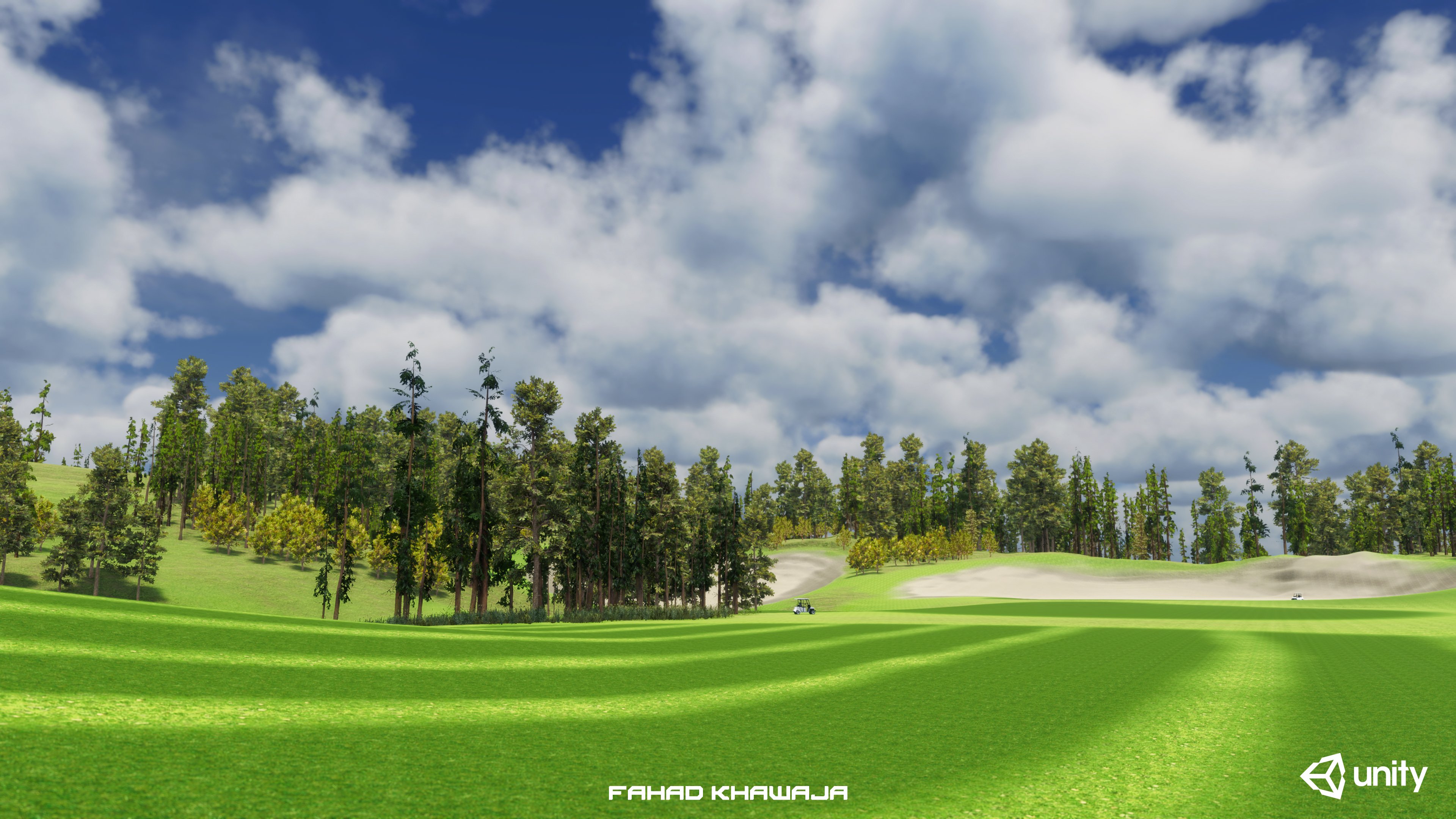 Hey all, made a fictional golf course environment to test new features of Unity HDRP terrain and lighting. Whole environment from blockout to final is done in 18 hours, used Unity Essentials and free assets. Most time spent on Unity forums figuring out warnings and errors related to terrain, hdrp shaders and art directing…
 -
Re: Wolf Bust WIP

 Hey, not sure if this would work but it might be worth a try. If you harden the edge where your jawline meets the alpha card and make sure the normal map there is plain (50% grey on R and G channel and 100% white on blue channel) that should make that edge invisible (so long as the diffuse map is the same colour…
 -
Re: And my axe! Hardsurface, Hipoly, C&C needed
One thing I noticed from your low poly, is that you seemed to think that hard edges were important to influencing the shape of the high poly. For example, putting hard edges where you had tight seams in the high poly. If there is a hard edge in the low poly, as long as there is a uv seam, the normal map will cancel out the… -
Re: Dynamesh problems, weird wavy lines
 Dynamesh won't be able to make perfectly straight edge loops all the time. When it comes down to it, such a minor difference between edge loops isn't going to affect your sculpting when you start subdividing anyway. If you're sculpting stone then you're probably going to end up using trim dynamic around all the edges so I…
 -
Re: Mycon Caves
 First off, it's looking good, man. I can't wait to seee what you do with this one. I think if you look at the edges of your mushroom cap they are too fat and the top edges feel unnaturally sharp. If you look at this image, you might be able to tighten that up and add some slight variation to give it a more organic hard…
 -
Re: To Bevel or Not to Bevel!
 Yeah I know how to do that type of modeling Eric, but it doesnt work for my model because it's not accurate for what I'm trying to achieve. The point I'm trying to make in this thread is that after extruding a large number of faces inwards/outwards along the normals, I get distorted edges, mainly around the windows. I also…
 -
Re: WIP-action game // Falling worlds //
You use smooth everywhere. Add the "EdgeSplit" modifier in your object, deselect the "From edge angle" button, select the "from marked as sharp" and mark the some edges as "sharp" by going in edge mode and selecting the "Mark sharp" option from the edge specials menu (Ctrl+E). Setting sharp edges is very easy with this… -
Re: I have been experiencing an assembly problem while modeling with Maya
 Well I tried to soften the edge, and yet it didn't work. I double checked to see and both objects are combined and all of the vertices are welded (by the way to weld I use Edit Mesh > Merge, in case there is another way to weld). I even tried to soften the edge a number of times and it didn't work. However, I have noticed…
 -
Re: Halo UNSC Comm Tower - Continued
 A few things that come to my mind when looking at your bake and the asset in general: Your polydestribution is abit of in some areas. The cylinders at the top have the same amount of edges like the base cylinder, although the bottom one is much larger and closer to the player. So you could reduce the caps of the upper…
>27984 results