Search
-
Re: El Rancho UDK Environment
 The harsh aliasing on the above image isn't helping matters, as the noise issue with the building probably isn't as bad as it appears. Are you running this in DX11? Anti-aliasing will help the image coherence considerably. Failing that, you could always Super-Sample the image manually by capturing your frame using the…
 -
How would you bake this octopus tentacle?

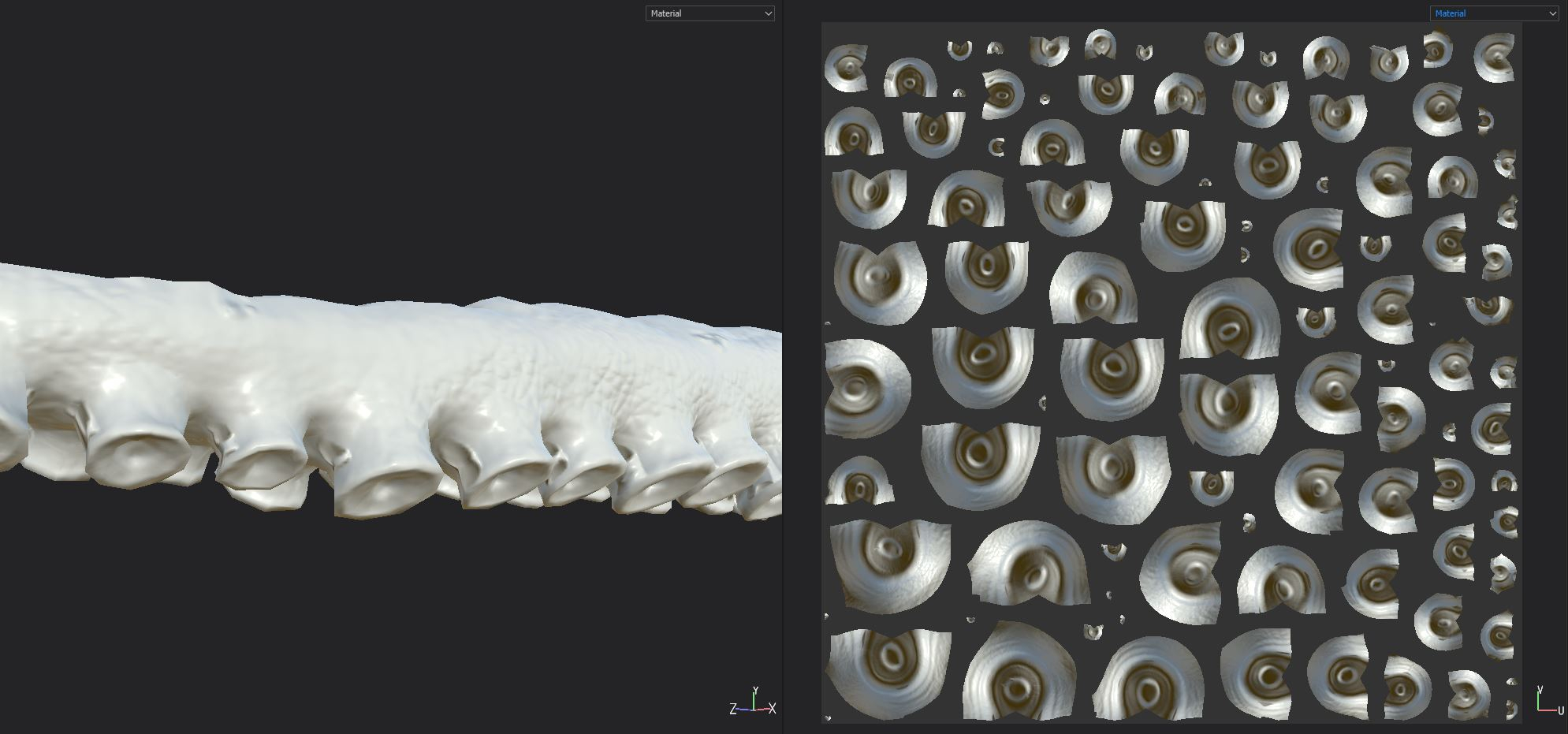 Hi there! I'm trying to bake my high to low and i'm having some issues around the suction cup thingys. The first image shows the tentacle at the tapered end of the mesh (which lacks detail, cause of less geometry.. but that's a problem for another time). The second shows the same bake but at the middle of the tentacle arm.…
 -
Photo Reference Tips & Tricks
 Hey All, I'm curious what tips and tricks any of you may have for coming to grips with a real world objects shape, form, anatomy. Here are some of things I always try to do: * Get as many images/angles as possible. * Never assume any bit of reference you can find isn't useful, you never know when it will provide some…
 -
Re: Dotafield 2 modern combat (Battlefield Dota hybrid)
 Cool, definitely looking forward to seeing how this progresses! To post full sized images you need an external web host, or free image hosting service that lets you link directly to the images you upload; personally I use imageshack. Upload your images and then the website will give you hyperlinks to them. Now on the forum…
 -
Re: [Portfolio] Crits please!
 I like the work, the only thing that is bugging me about blog sites are the size of the images that show up, they are smaller than you actually have them when I view them in that slide show gallery. If I copy image address and paste them into the address bar I get a bigger image that I enjoy viewing a lot more than using…
 -
Re: critique needed for some drawings
 You have to use an image hosting site like imgur to post images. copy the image link and use . replace "Image URL" with your image link. Those aren't that bad. You don't need too much skill in 2d to do 3d but it can really help, especially for sculpting. Don't let others stop you from doing 3d Just dig in start messing…
 -
Re: Rob the spacefighter
 hmm strange, because they work for me. anyone else have any problem seeing the images? [edit] Well the server did change ip about a week ago, maybe your nameservers arent up to date yet. so for you guys try these: http://img172.imageshack.us/my.php?image=rabbitmanconcept05sj4.jpg…
 -
Re: Tom Clancy's The Division - Ubisoft Massive
like with everything, there are small things in each image that could be improved and little mistakes here and there, it still looks great however and I'm certainly looking forward to it! the first image doesnt make much sense to me, it is fairly boring just a gameplay shot that marketing sometimes throw in to help sell… -
Re: Of Bit Depths, Banding and Normal Maps
I think I found out to replicate this behaviour in Substance Designer and how to bake the model information there. The first Attached image shows you the standard 8 bit normal map output on the mesh side by side with the normal map. Like Joe did it in his opening post, I increased the contrast of the normal maps to uncover… -
Re: Material Help
 Shouldn't it be different since I'm not applying a mapped out texture? It is a jpeg but from what I can gather from the tutorial is that instead of just using one image, the guy is using several to create a layered look. Bricks under the plaster, moss on top, so forth. I guess that shouldn't matter, but I thought that…
>44213 results