Shading/artifact issues on flat surfaces after applying the “Soften Edges” feature

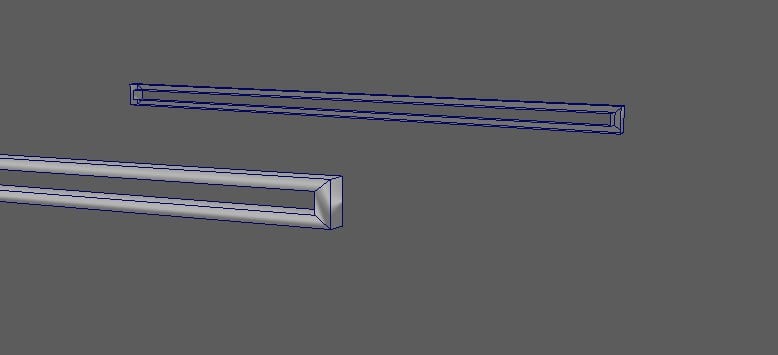
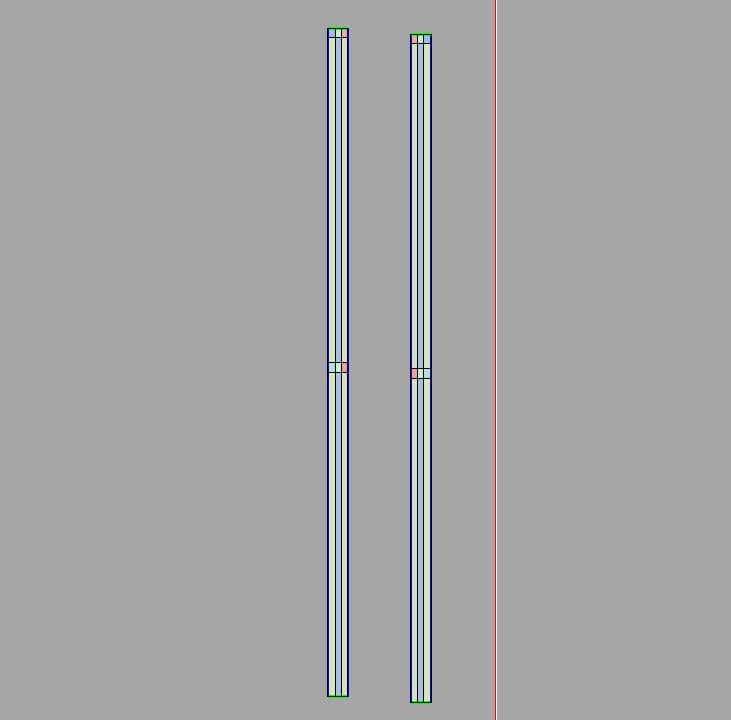
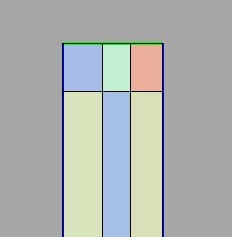
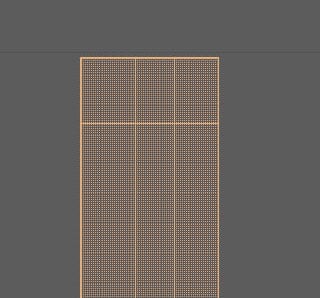
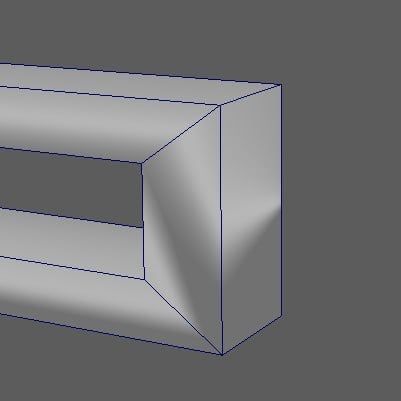
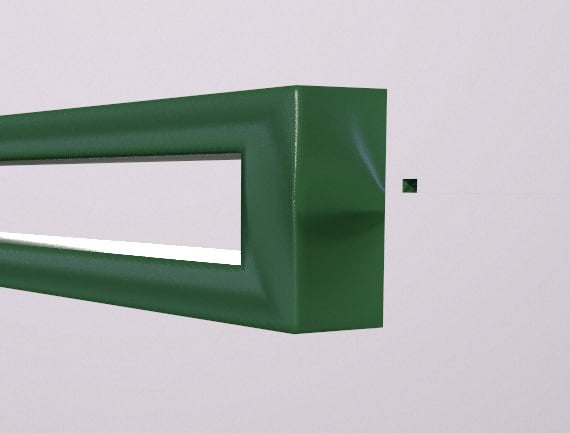
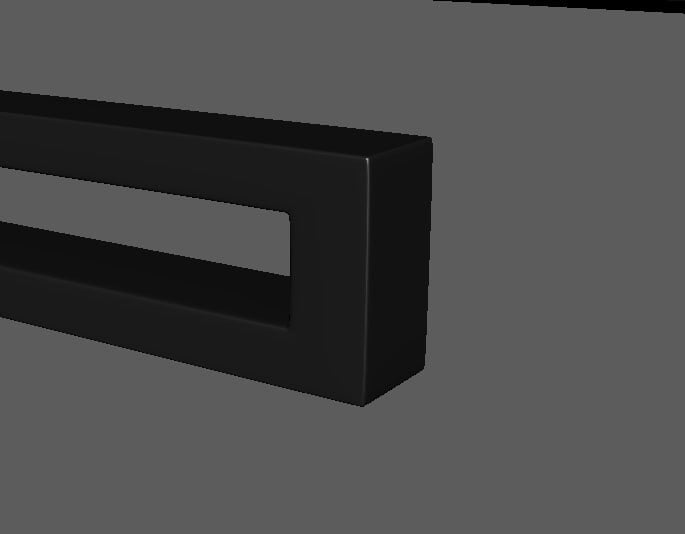
(The last photo is this high poly.)
Hello, everyone! I need help with displaying normals. When I apply Soften Edge to a model, dirty shadows and strange gradients appear on flat faces.
The geometry is clean, there are no extra points, but the program tries to smooth the transition between perpendicular planes, which “breaks” the shading on large polygons. Please advise how to solve the problem.
I would appreciate any advice!
Replies
You are simply asking too much of a normalmap.
You could give it a lot more texturespace and bit depth or you need to minimize the amount of lowpoly shading by introducing hard edges and UV seams accordingly.
Making sense of hard edges, uvs, normal maps and vertex counts — polycount https://share.google/9bZw5UoErTn0uHQ4I
But as Neox wrote, and the thread illustrates, having gradients in the mesh shading isn't without consequences, best learn about it to make good decisions.
I would go probably go with hard edges and UV splits or tiling trims (Creating Trim Textures by PixelMasher)
Good luck!