Photoshop - PixelB Game Maps and PixelB Normal Tools - extensions for painting game textures

I want to share the Photoshop extensions I released recently.
I realized while working on Overwatch that ever since Quixel Suite died off, there hasn’t been a good way to paint normals or generate normal/AO/cavity maps inside of Photoshop. Blizzard had their own tools for doing so but there hasn’t been a publicly available alternative to nDo or CrazyBump for years now. Adobe retired the Photoshop 3D tools in CC ’22, and for their part seem happy to let users pay the extra $25/mo for Substance suite.
Still, Substance Designer can’t match Photoshop for speed and directness when making normal maps for trimsheets or simple props. I’d hate for the current generation of artists to miss out on the old ways of making game maps, so I wrote a pair of extensions to close the gap. PixelB Game Maps is for generating AO/cavity/normals and PixelB Normal Tools is for painting normal maps.
Both are available on Gumroad:
PixelB Game Maps: https://7134563338877.gumroad.com/l/xjdsaw
features: https://www.pixelbutterfly.com/tools/pixelb_game_maps
PixelB Normal Tools: https://7134563338877.gumroad.com/l/chfail
features: https://www.pixelbutterfly.com/tools/pixelb_normal_tools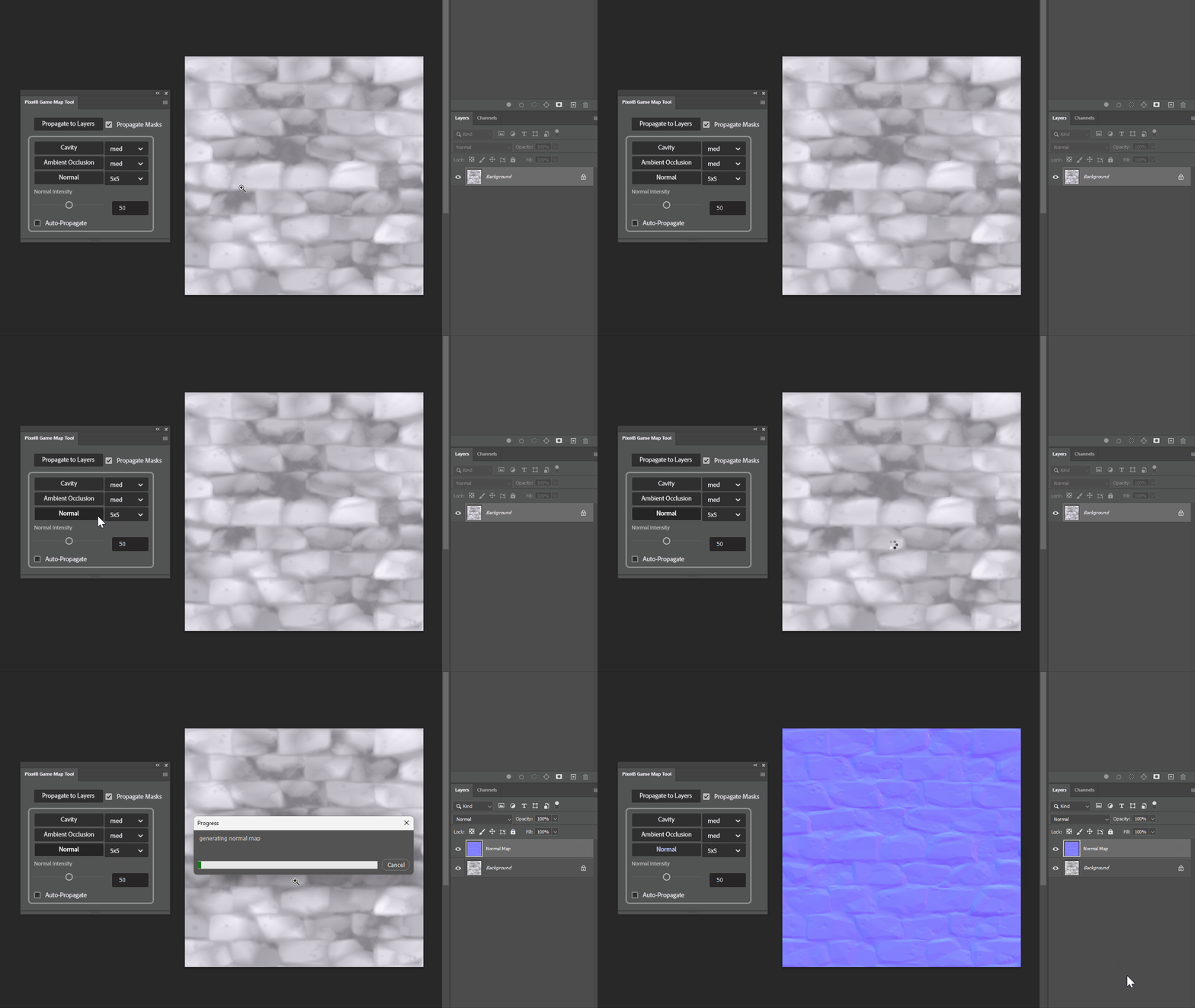
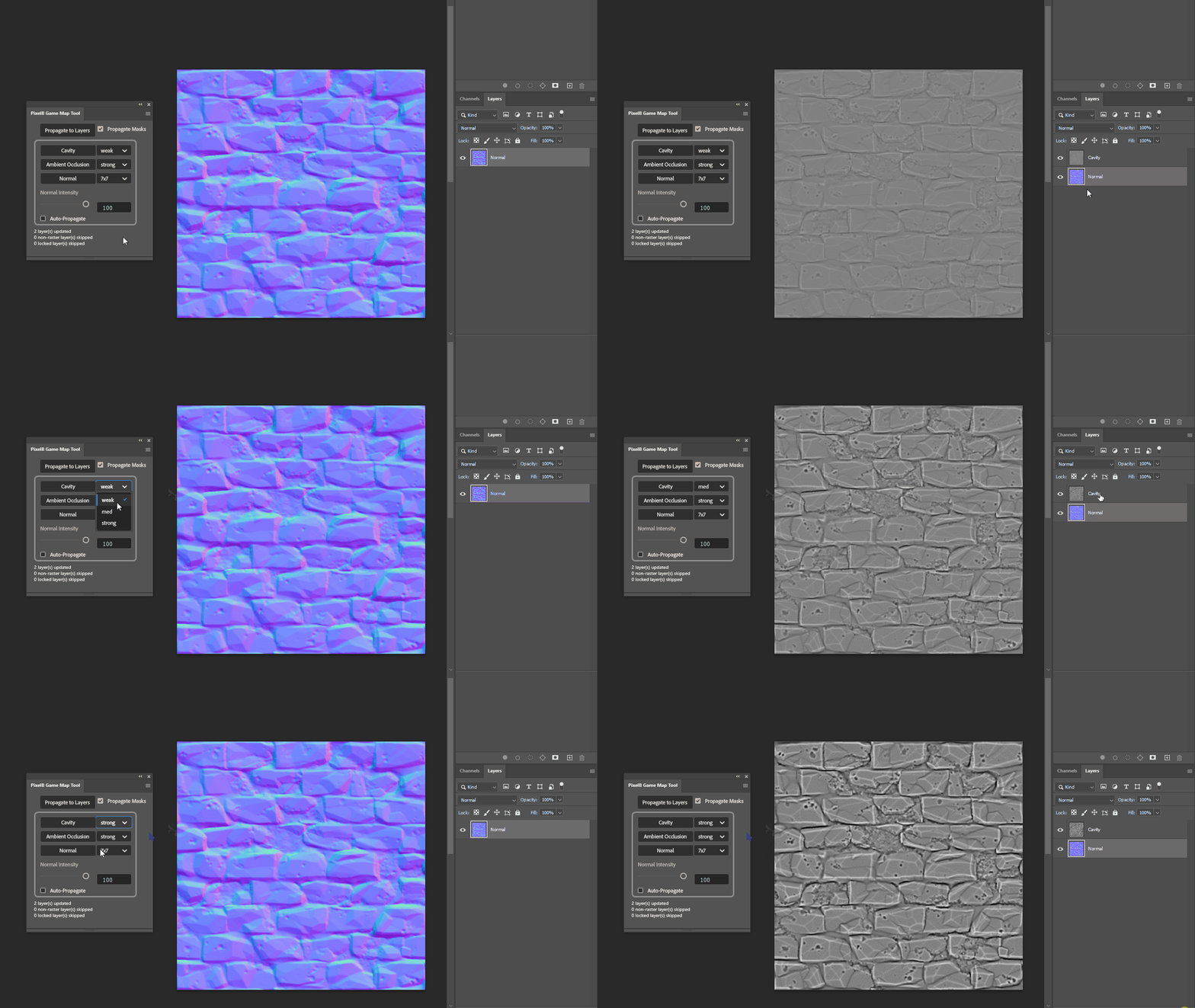
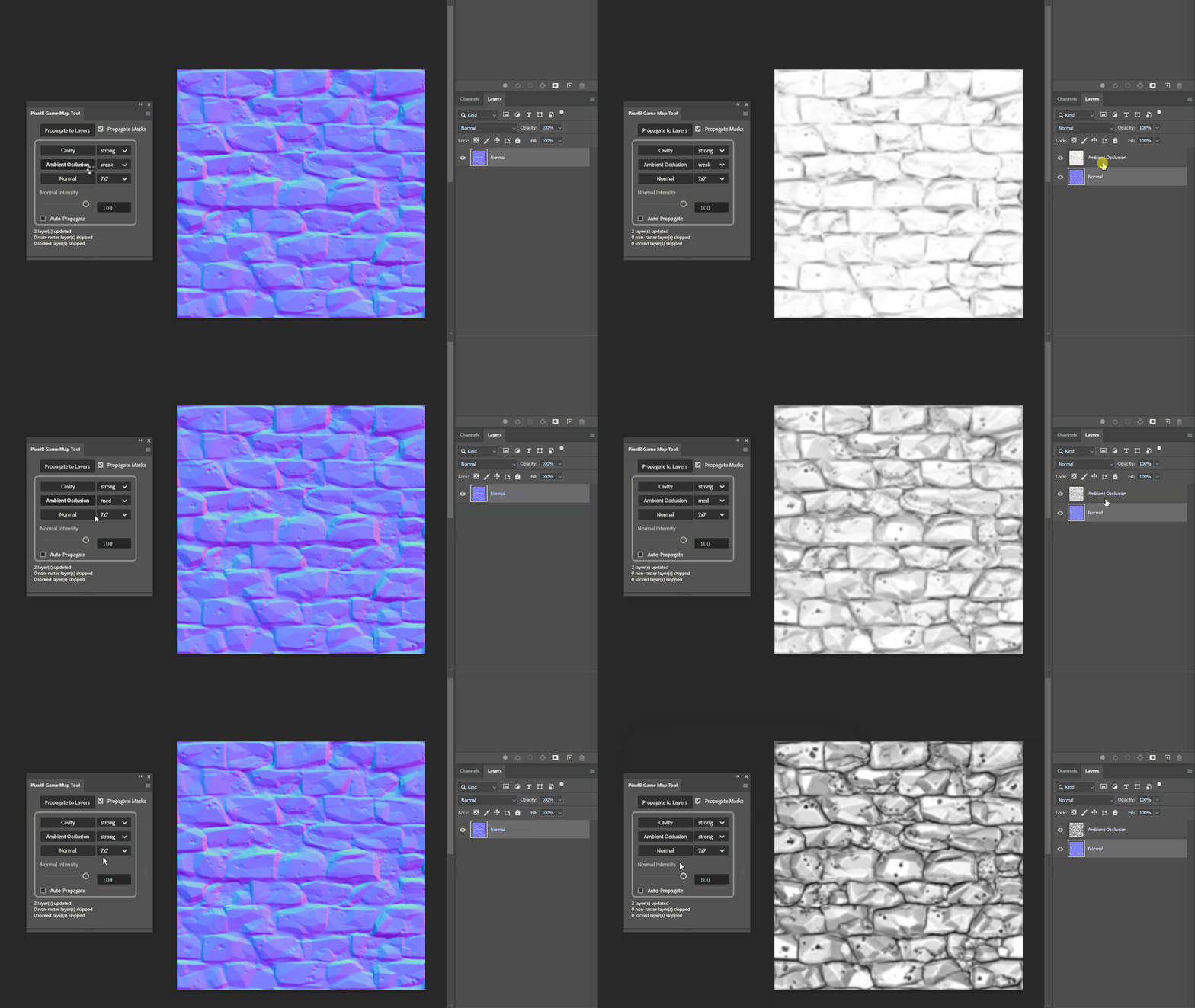
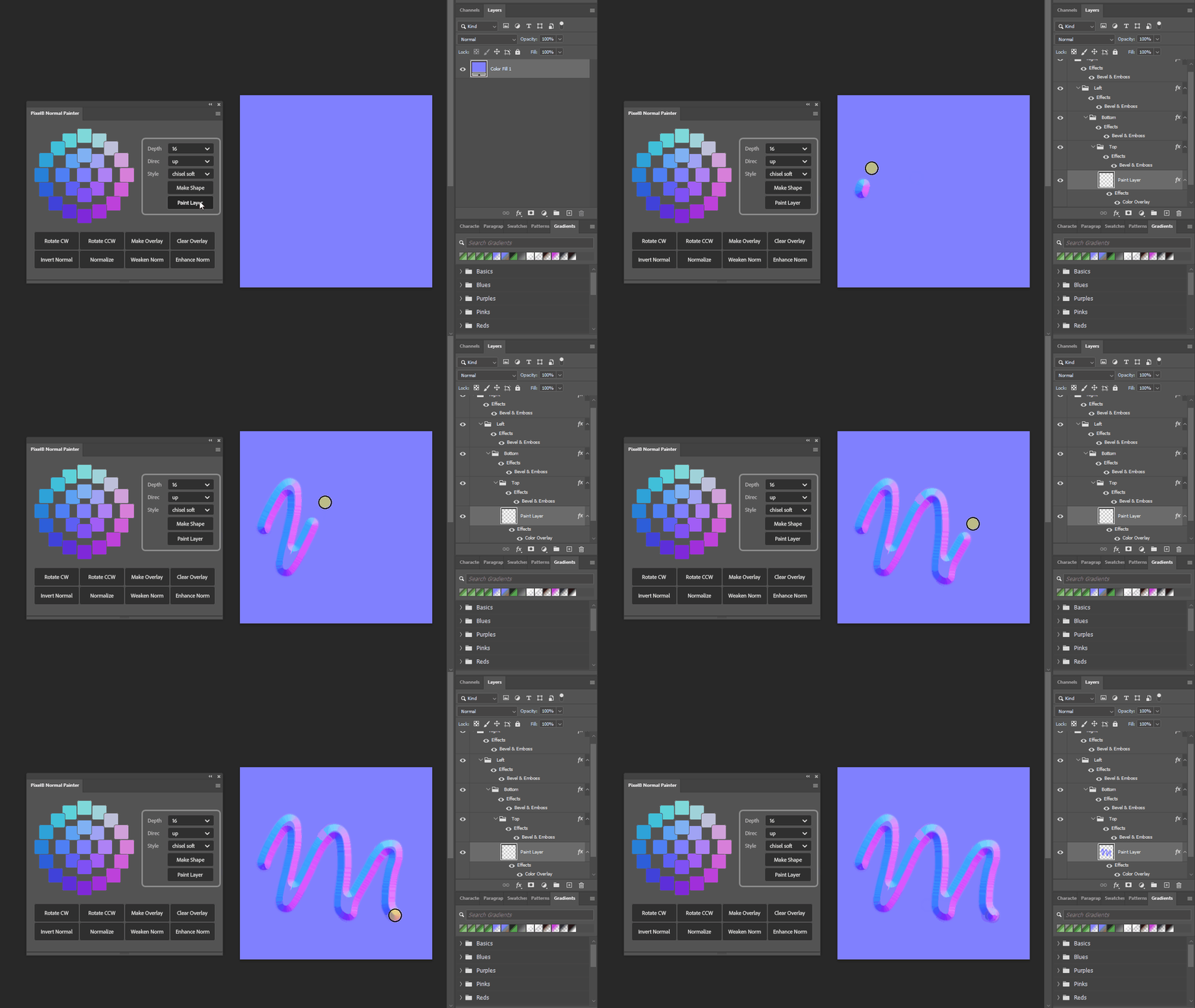
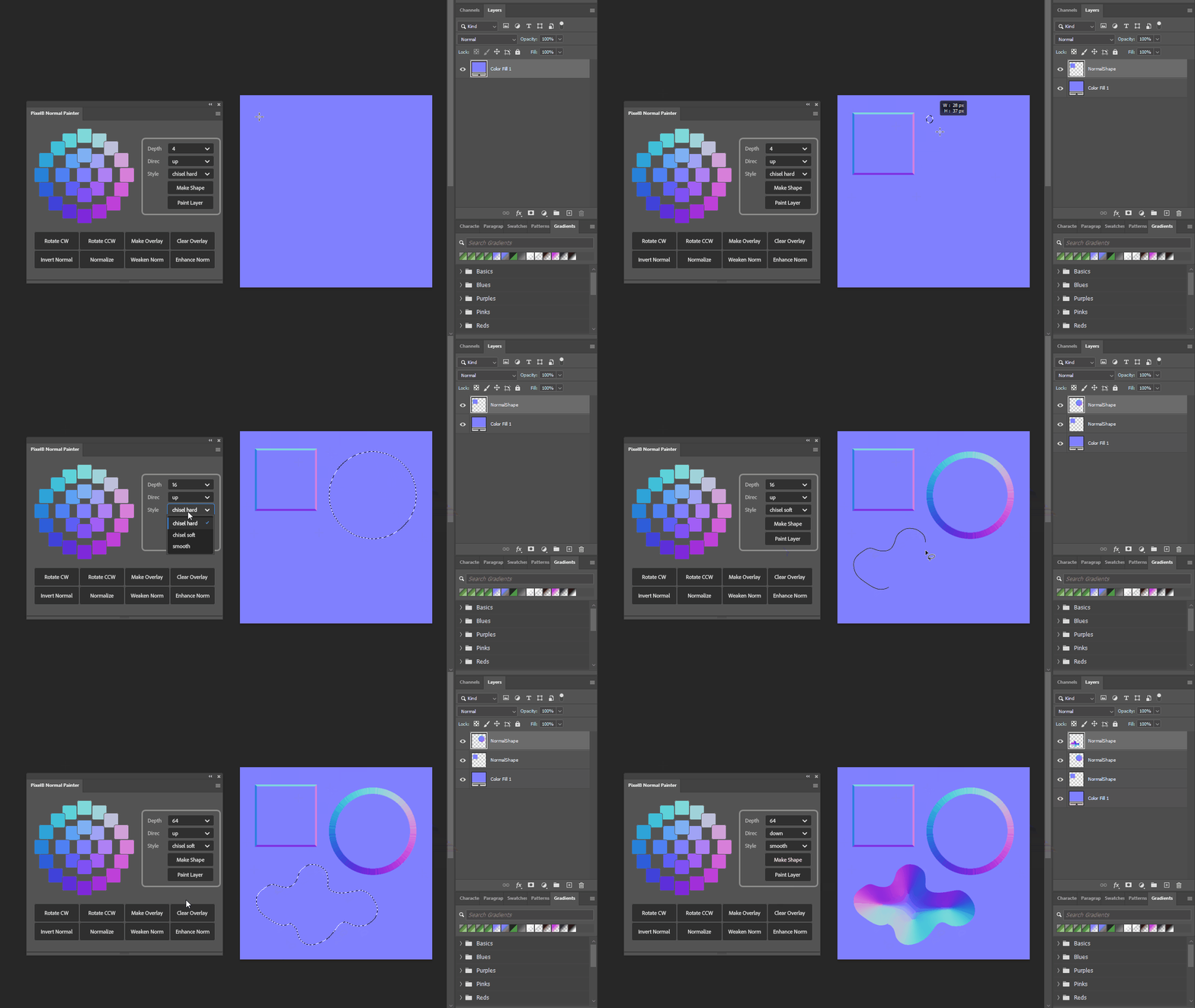
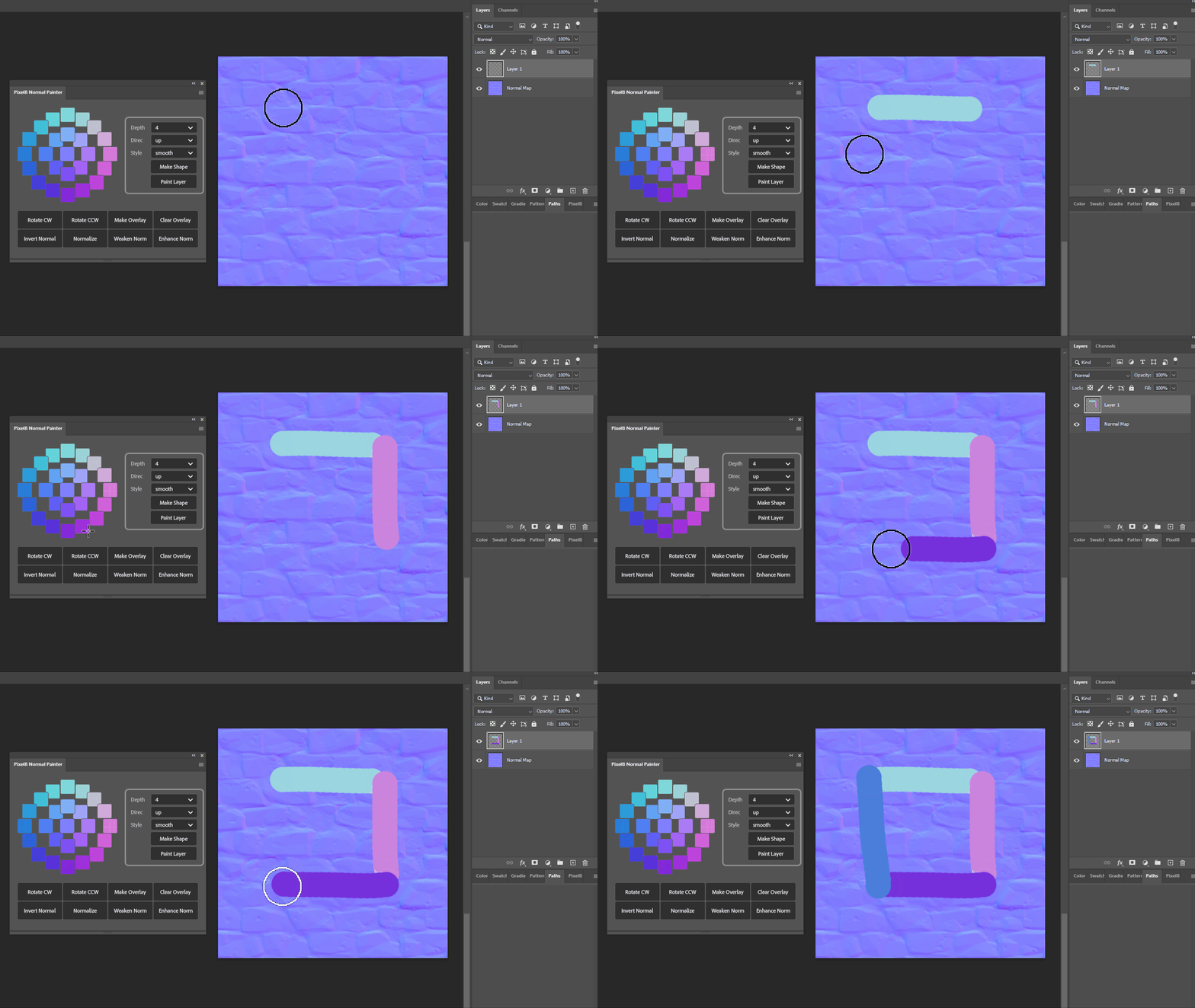
Here’s a timelapse showing how you can use the panels to make a trimsheet:
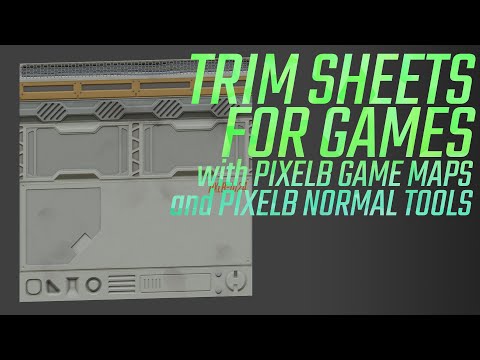 https://www.youtube.com/watch?v=FFwNlSHJQQA
And here’s a longer tutorial on how to use both extensions to make a simple chair prop:
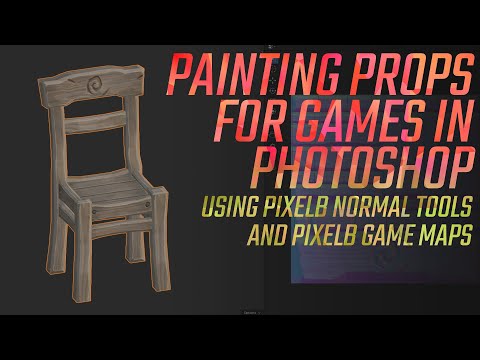 https://www.youtube.com/watch?v=W22Kg4GNEEY
Replies
Unfortunately not. These are UXP extensions which are only supported from CC22 onwards. Porting them to the older CEP format would require a full rewrite.