[WIP] Stalker 2 Fan Art - Unreal 5 Realistic Environment & Story Telling

polycounter lvl 6
Hello!
I’m excited to share the very early stage of my new Unreal Engine 5 environment art project.
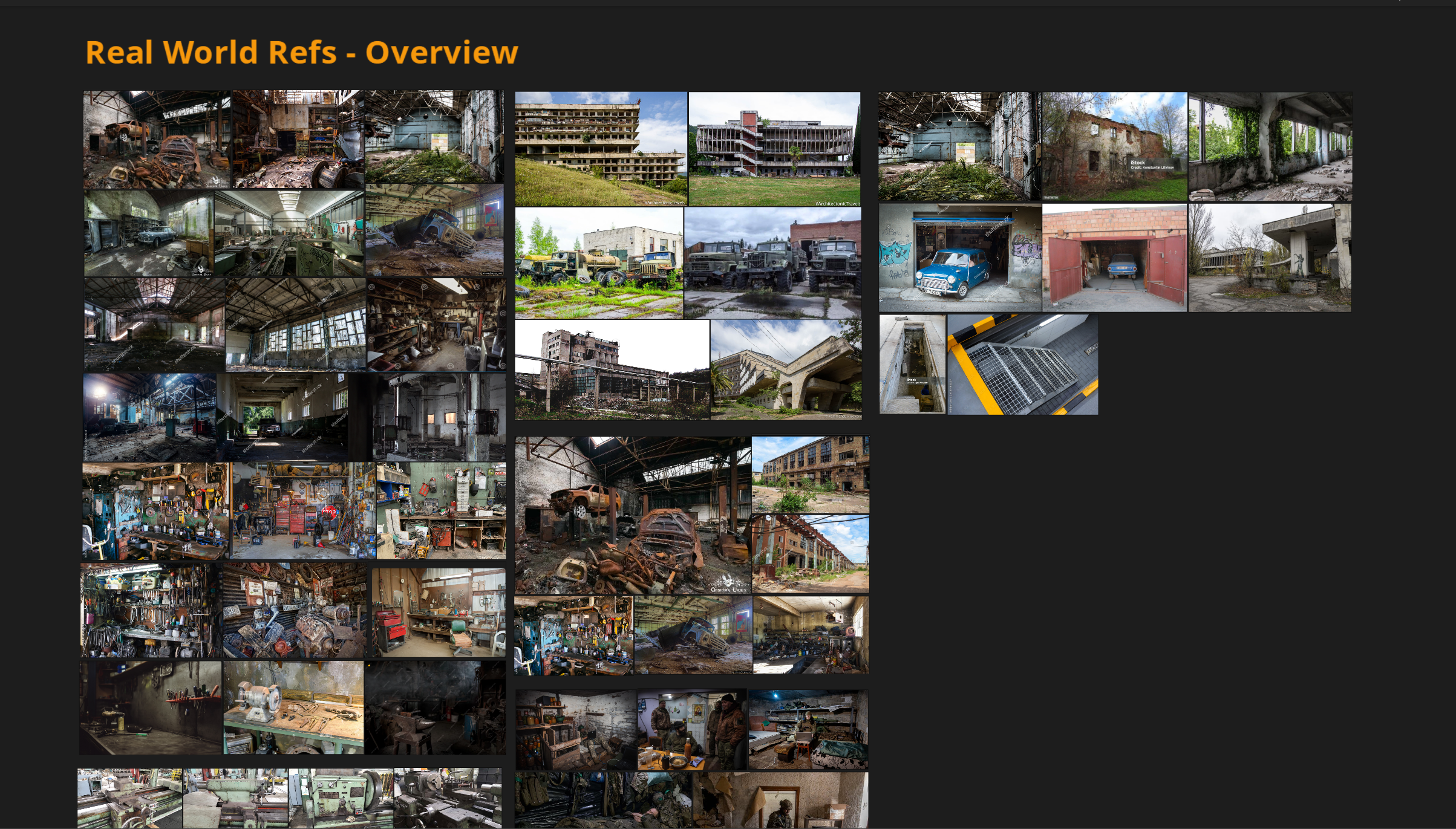
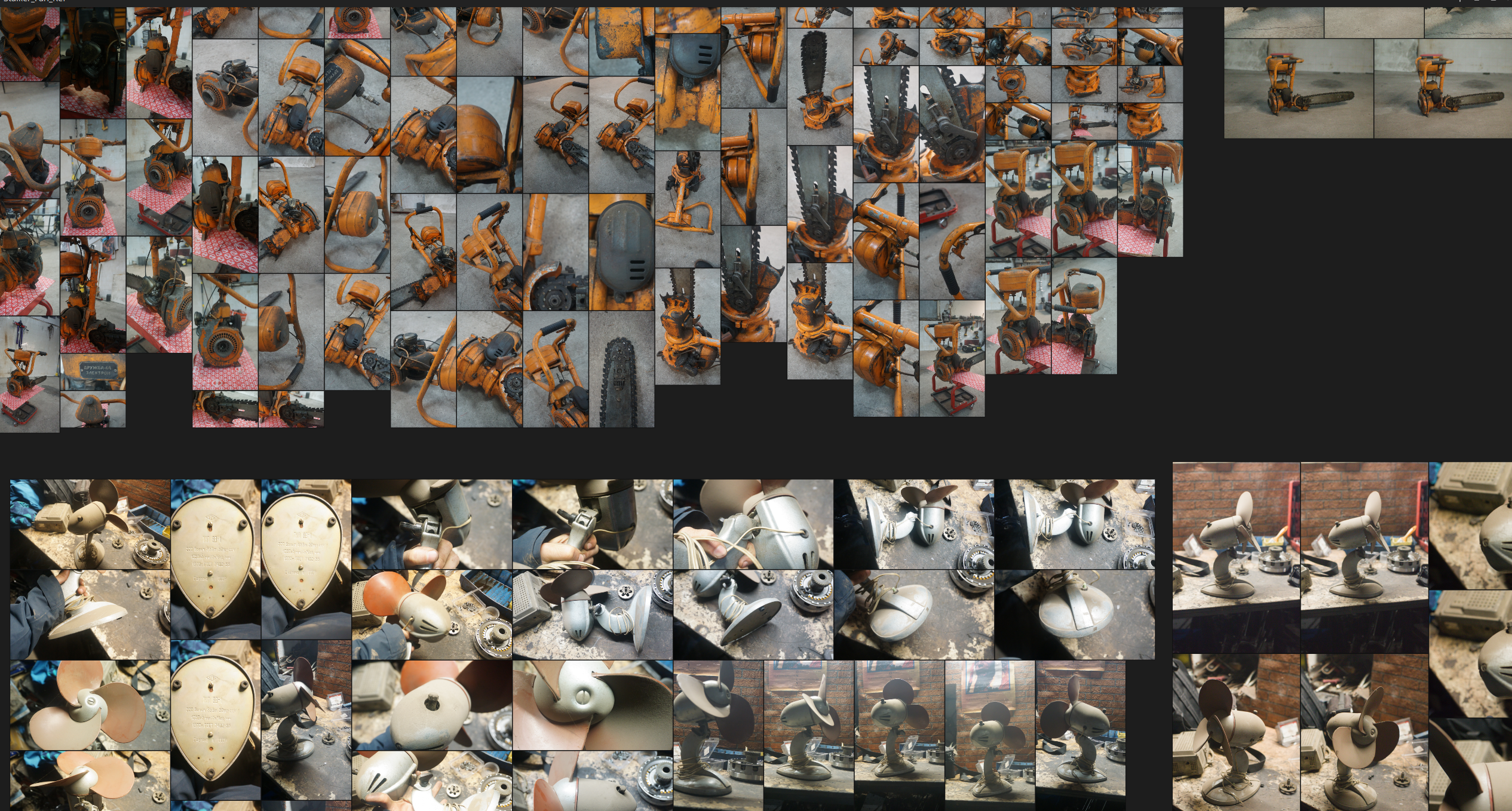
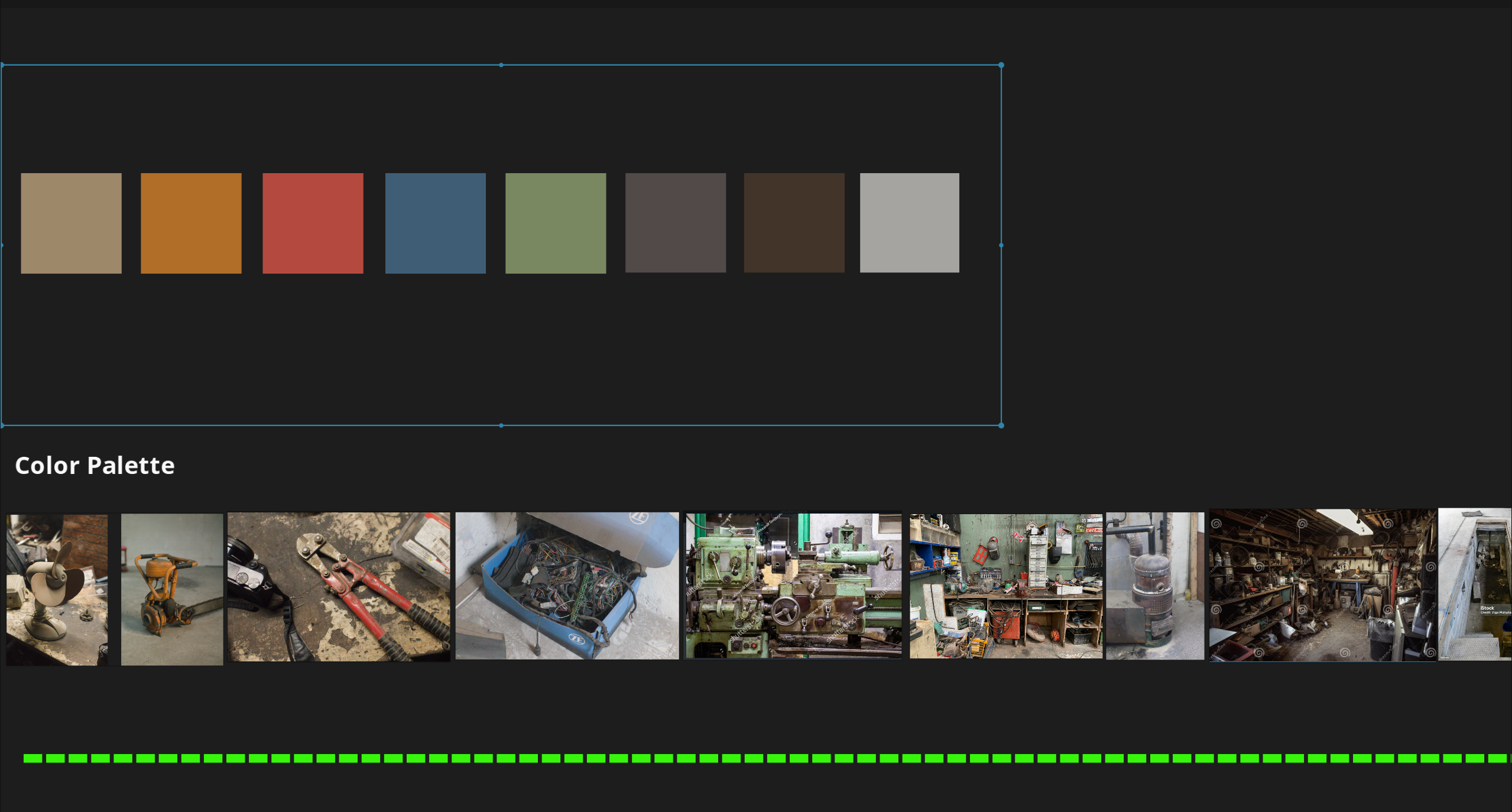
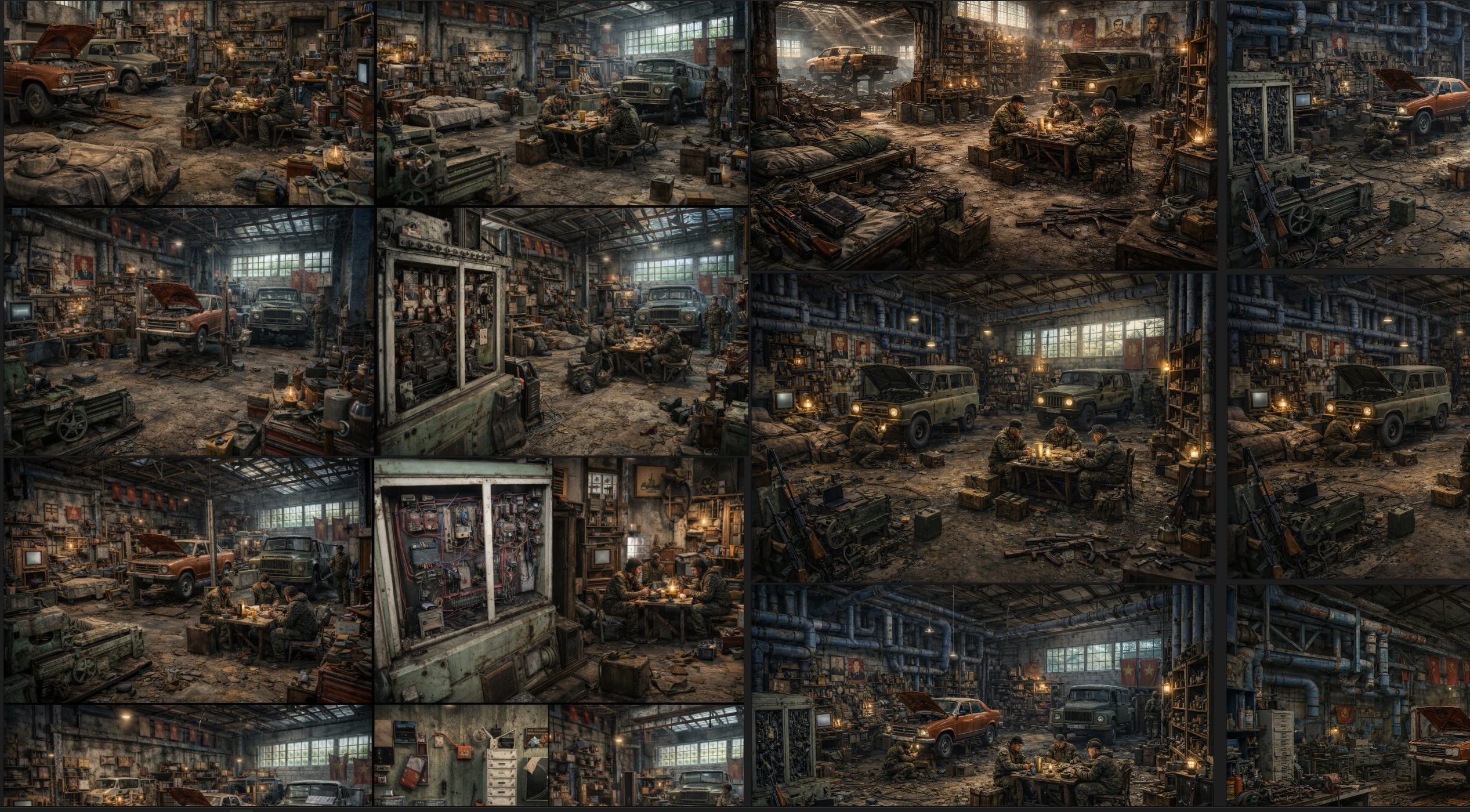
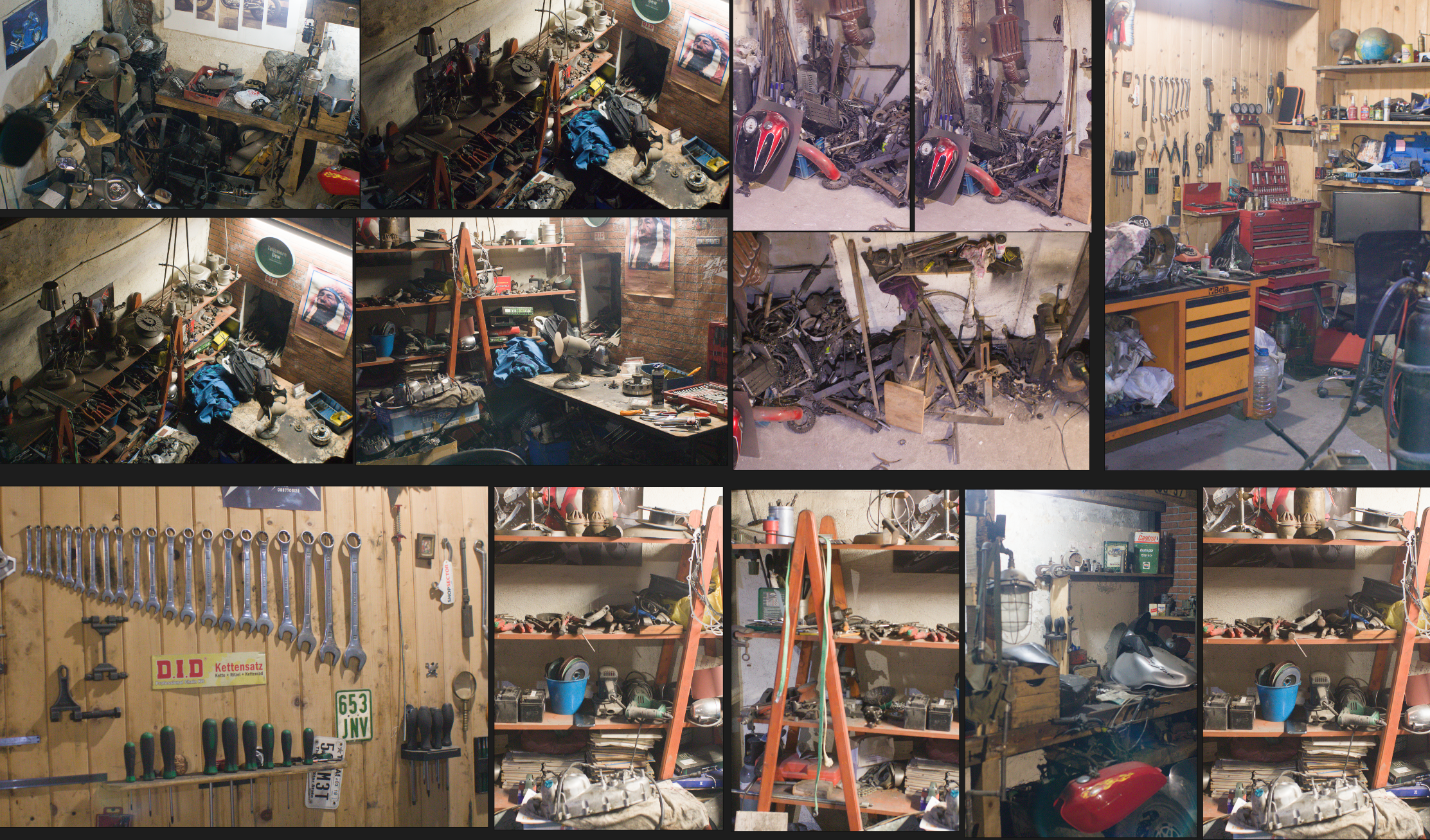
This first phase focuses on blocking out the space and exploring the core ideas behind the scene. I’ve gathered thematic reference materials, used AI to generate early concept directions, and I’m actively collecting real-world photo references — a process I’ll continue throughout the project.
The goal is to deliver a fully finished UE5 environment, combining:
my previously completed vehicle model
newly modeled custom assets
carefully selected assets from Fab, integrated and reworked to fit the scene
Art Direction & Style
The visual style is realistic, inspired by
S.T.A.L.K.E.R. 2,
Metro Exodus, and post-Soviet realism.
Key themes:
Authentic, lived-in decay
Objects that feel used, repaired, and repurposed
Implied human presence:
mugs, blankets, ammo boxes, notes, tools
The aim is to create an environment that feels cozy yet unsettling, grounded in reality, with a muted, dirty color palette that supports atmosphere and storytelling.
More updates coming as the project evolves.
At this stage, I’m intentionally working only in graybox, avoiding textures and detailed materials. This allows me to focus on iterating the space, composition, scale, and environmental storytelling.
Latest Progress >>
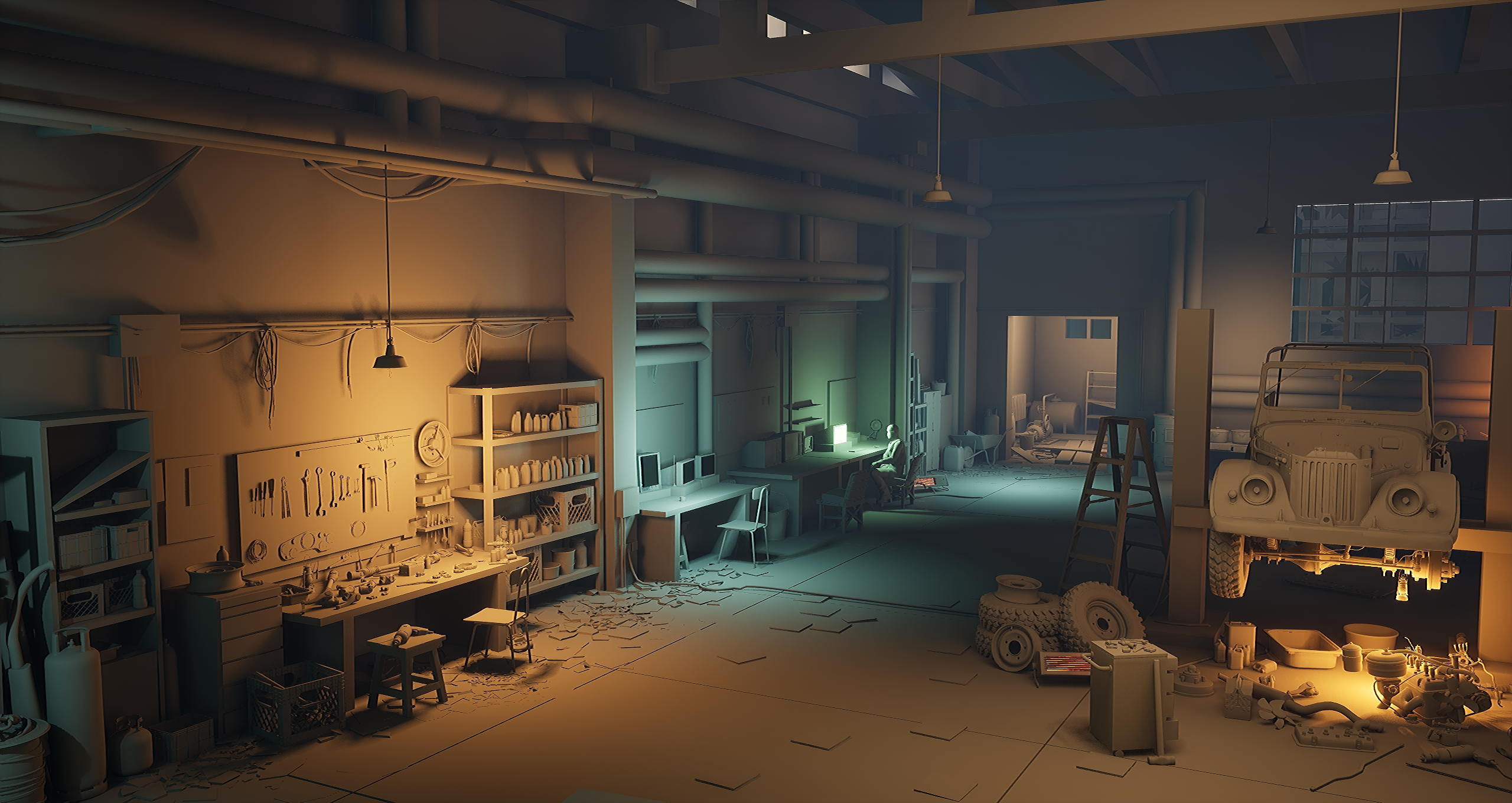
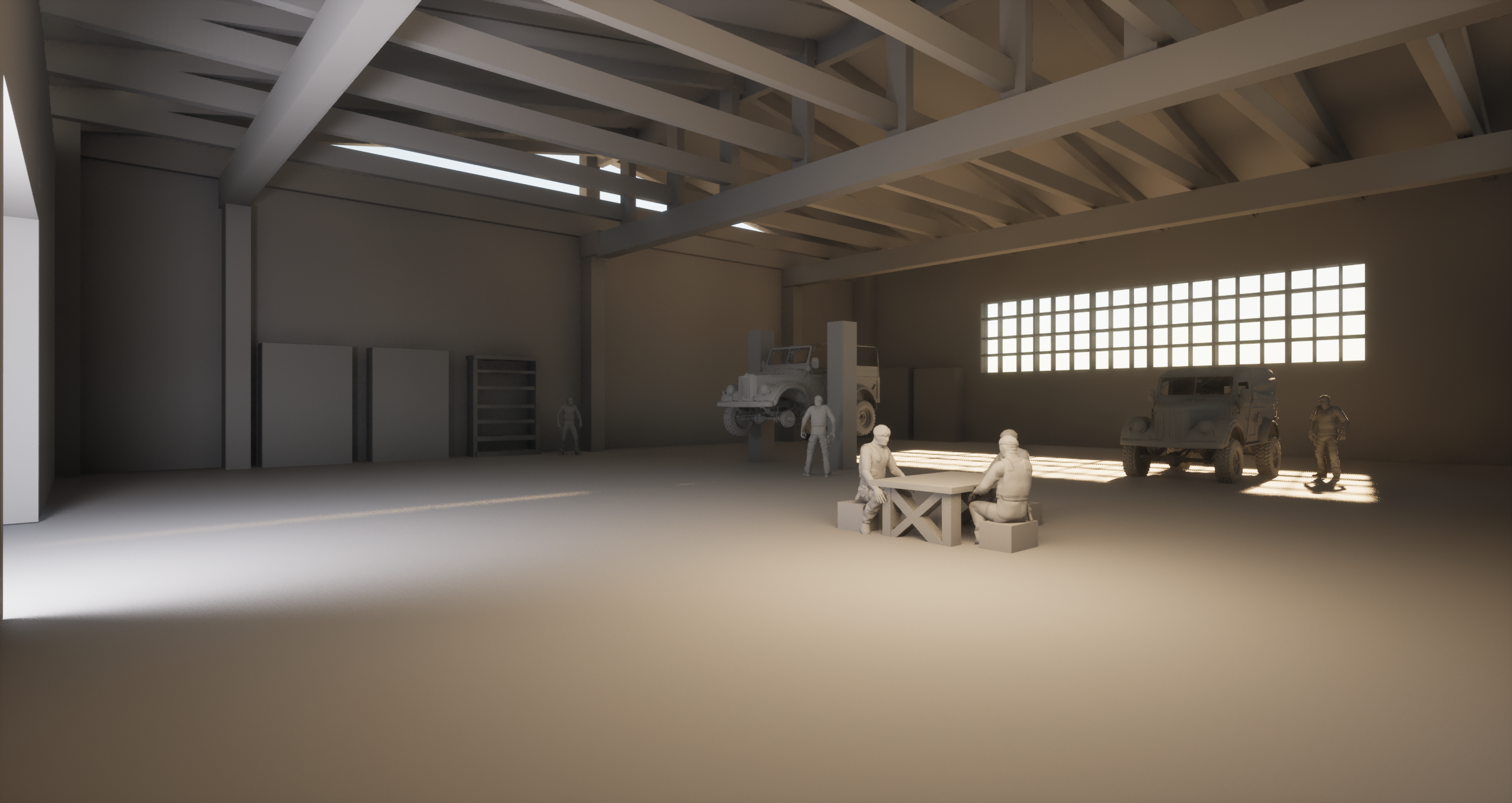

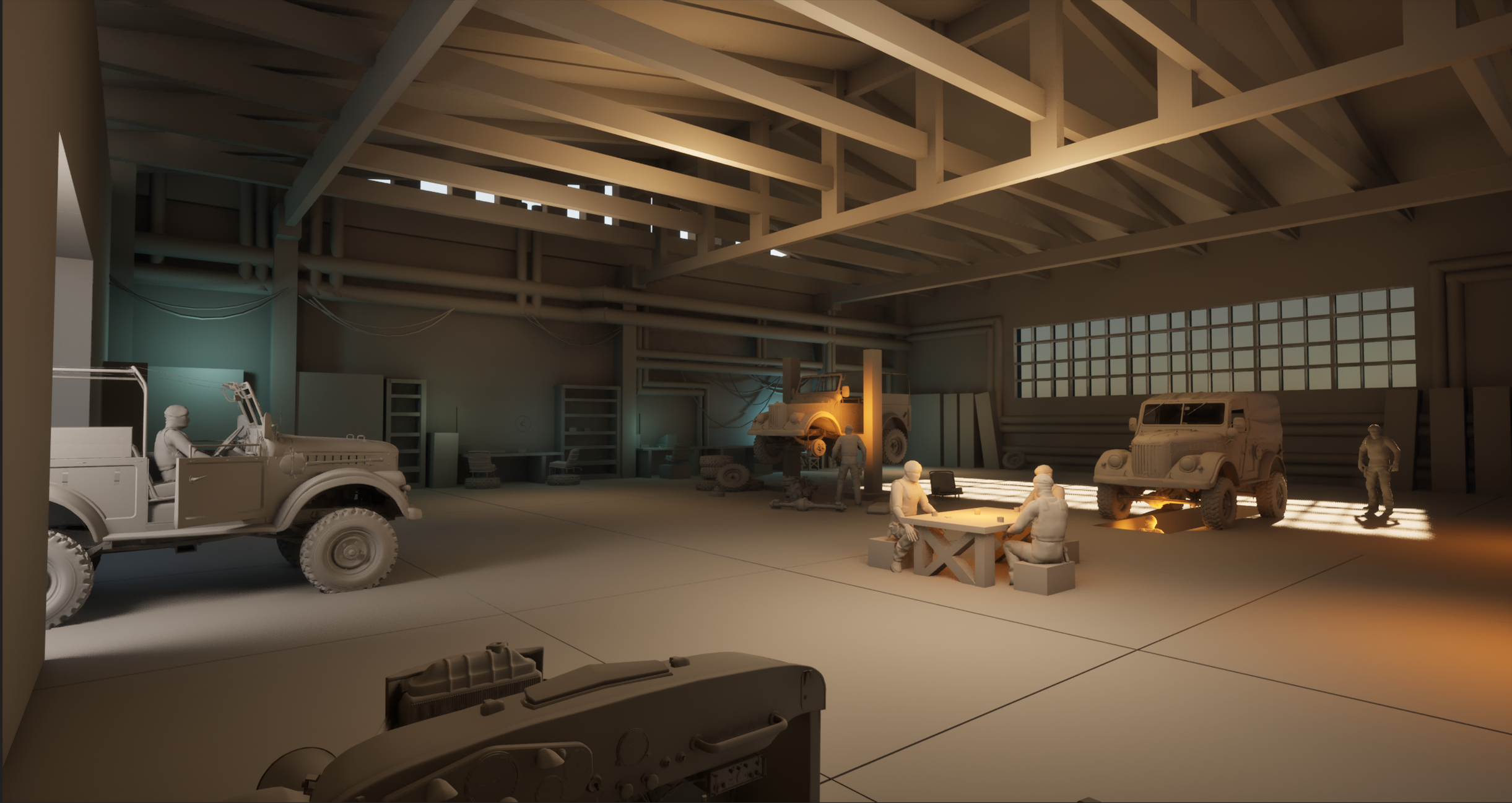
I’m excited to share the very early stage of my new Unreal Engine 5 environment art project.
This first phase focuses on blocking out the space and exploring the core ideas behind the scene. I’ve gathered thematic reference materials, used AI to generate early concept directions, and I’m actively collecting real-world photo references — a process I’ll continue throughout the project.
The goal is to deliver a fully finished UE5 environment, combining:
my previously completed vehicle model
newly modeled custom assets
carefully selected assets from Fab, integrated and reworked to fit the scene
Art Direction & Style
The visual style is realistic, inspired by
S.T.A.L.K.E.R. 2,
Metro Exodus, and post-Soviet realism.
Key themes:
Authentic, lived-in decay
Objects that feel used, repaired, and repurposed
Implied human presence:
mugs, blankets, ammo boxes, notes, tools
The aim is to create an environment that feels cozy yet unsettling, grounded in reality, with a muted, dirty color palette that supports atmosphere and storytelling.
More updates coming as the project evolves.
At this stage, I’m intentionally working only in graybox, avoiding textures and detailed materials. This allows me to focus on iterating the space, composition, scale, and environmental storytelling.
Latest Progress >>

Replies
Maintaining a human-scale character reference is absolutely essential to ensure believable proportions, spatial readability, and immersion.
As im importing new assets - I'm making sure only what i need is in the porject so for now only blockout meshes with gray material and cleaning up redirectors.
Here I am showing an example of identifying key some of the assets / prop selections for my scene thematic
Great start, this already feels well-planned.
Your references will really pay off once you move into detailing and lighting.
Sticking to greybox at this stage is a smart choice, it helps lock in composition and scale before committing to assets and materials.
Hello! Here’s another update on my new project 🙂
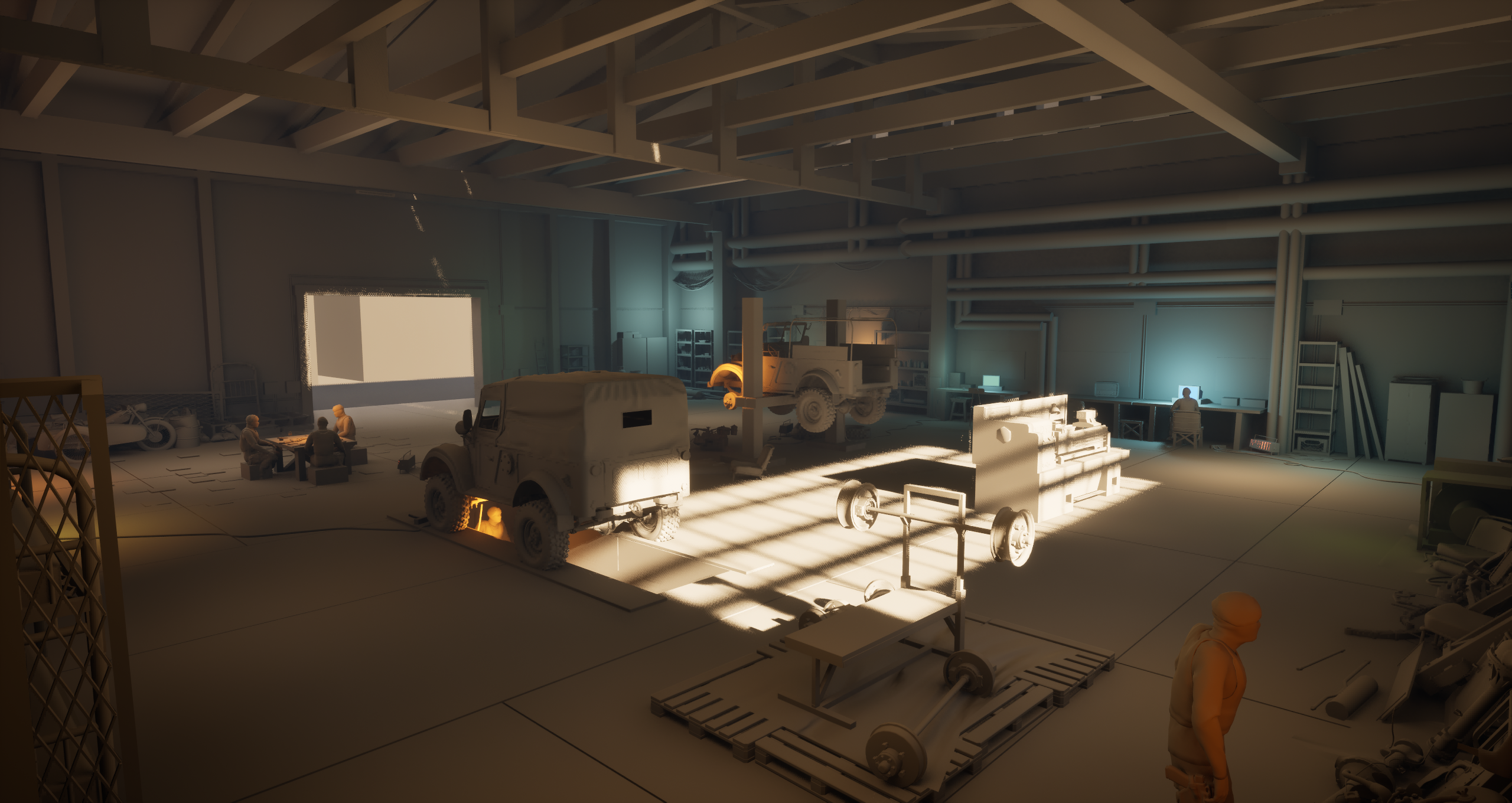
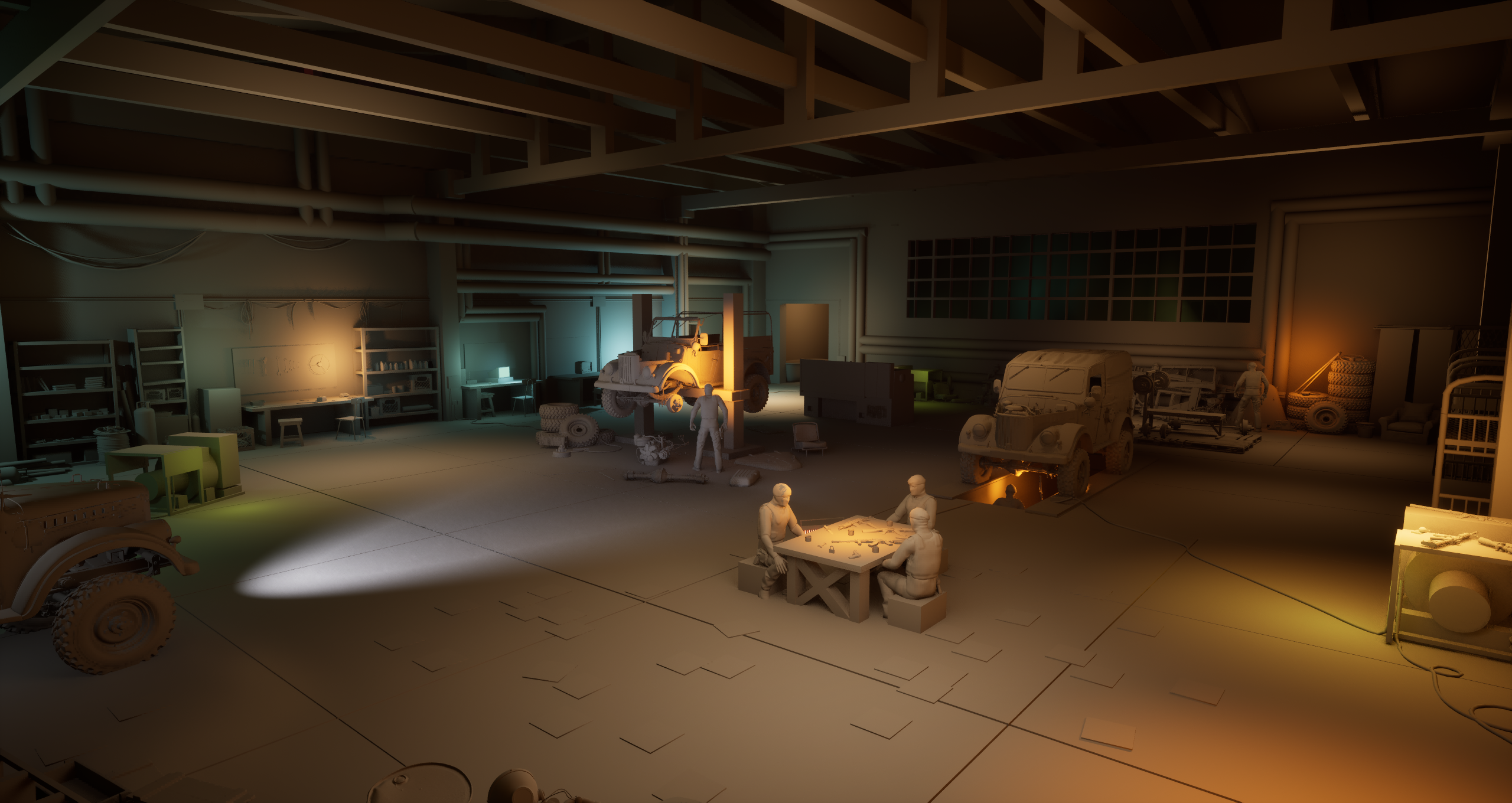
I’m still working on graybox shapes, scale, and composition. At this stage, I’m introducing placeholder assets to strengthen the storytelling while keeping the scene clear, readable, and free from texture or material noise.
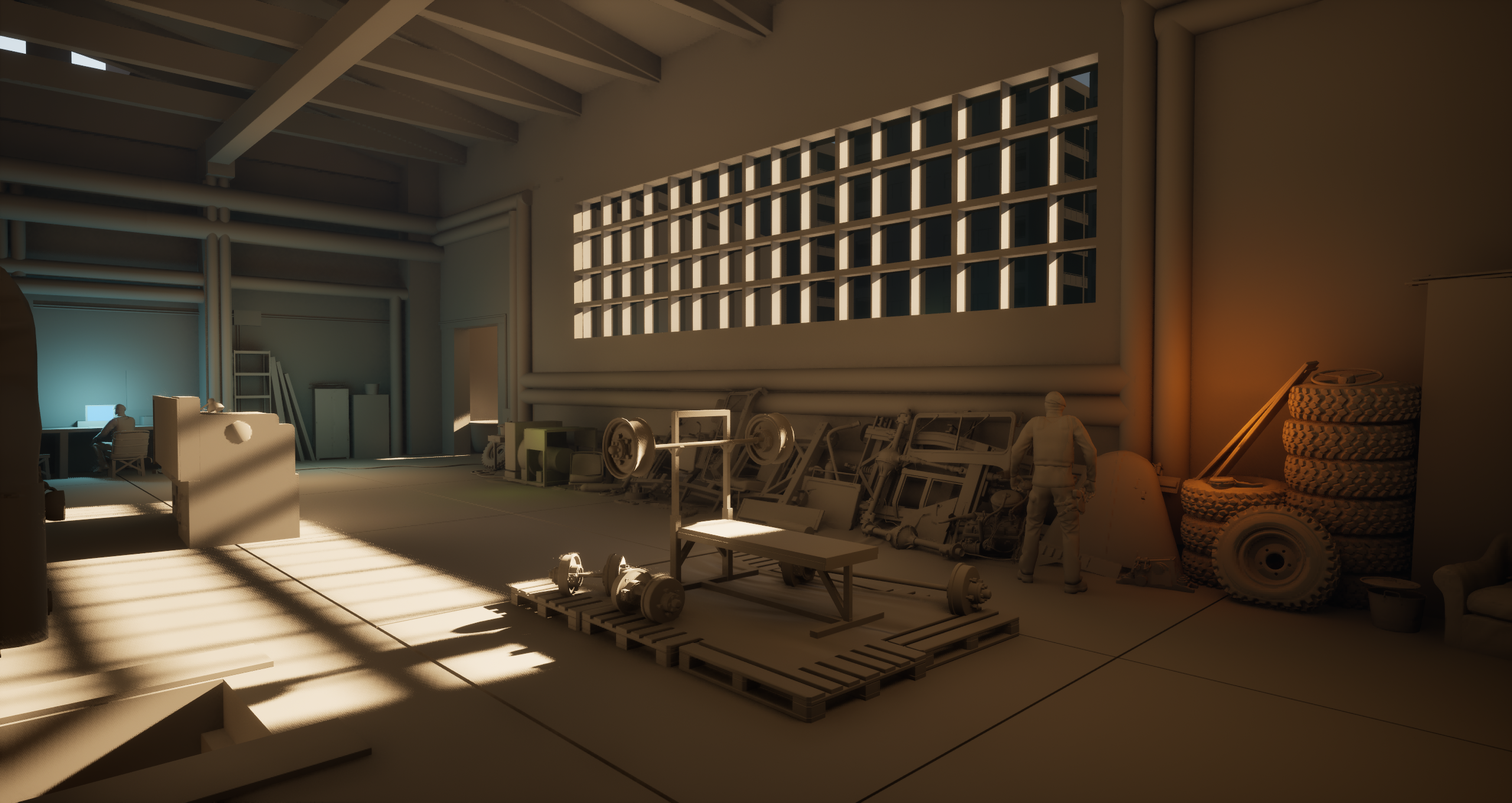
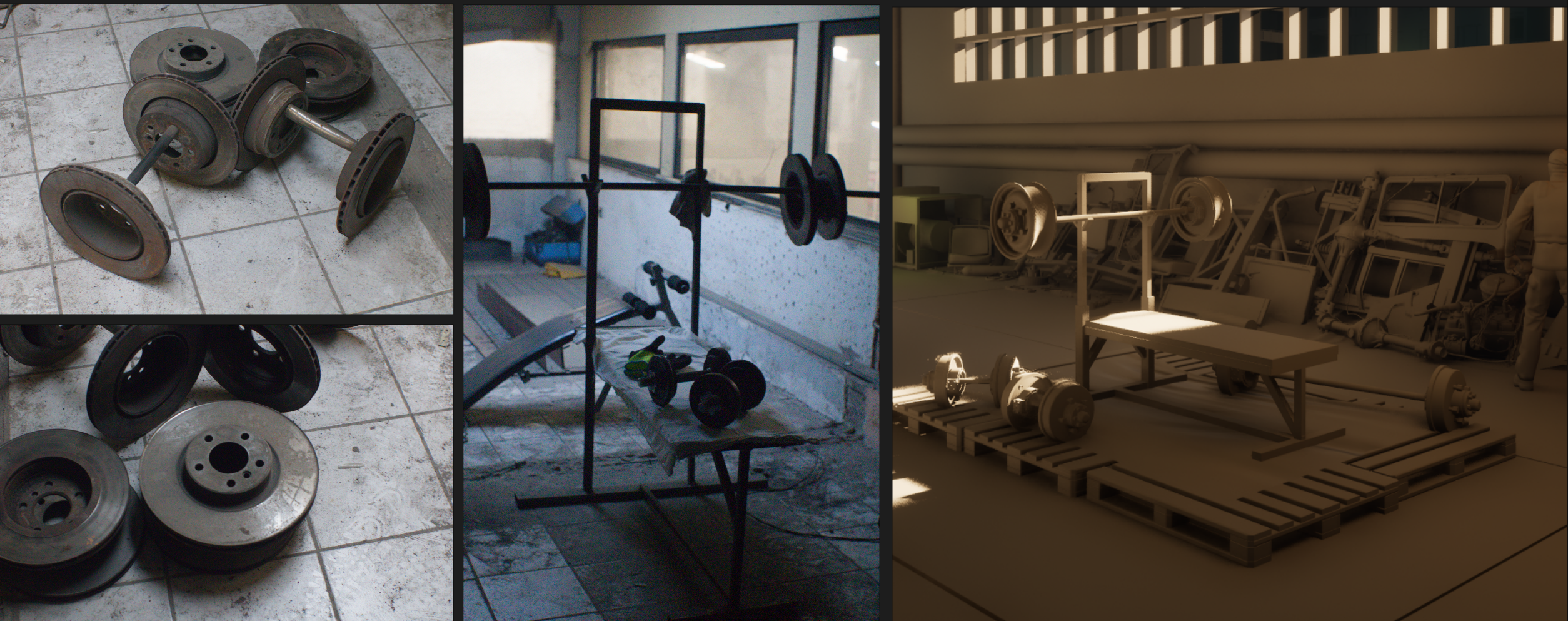
One of the ways I generate ideas for this project is by going out and gathering real-world reference photography. I recently visited my vehicle mechanic’s garage, knowing it would be full of strong thematic materials. I was surprised to discover that he had built his own bench press using vehicle parts.
I applied the same idea to my environment storytelling by repurposing parts from a vehicle 3D model—using rims and brake discs to create a thematic bench press that fits naturally into the space and reinforces the narrative.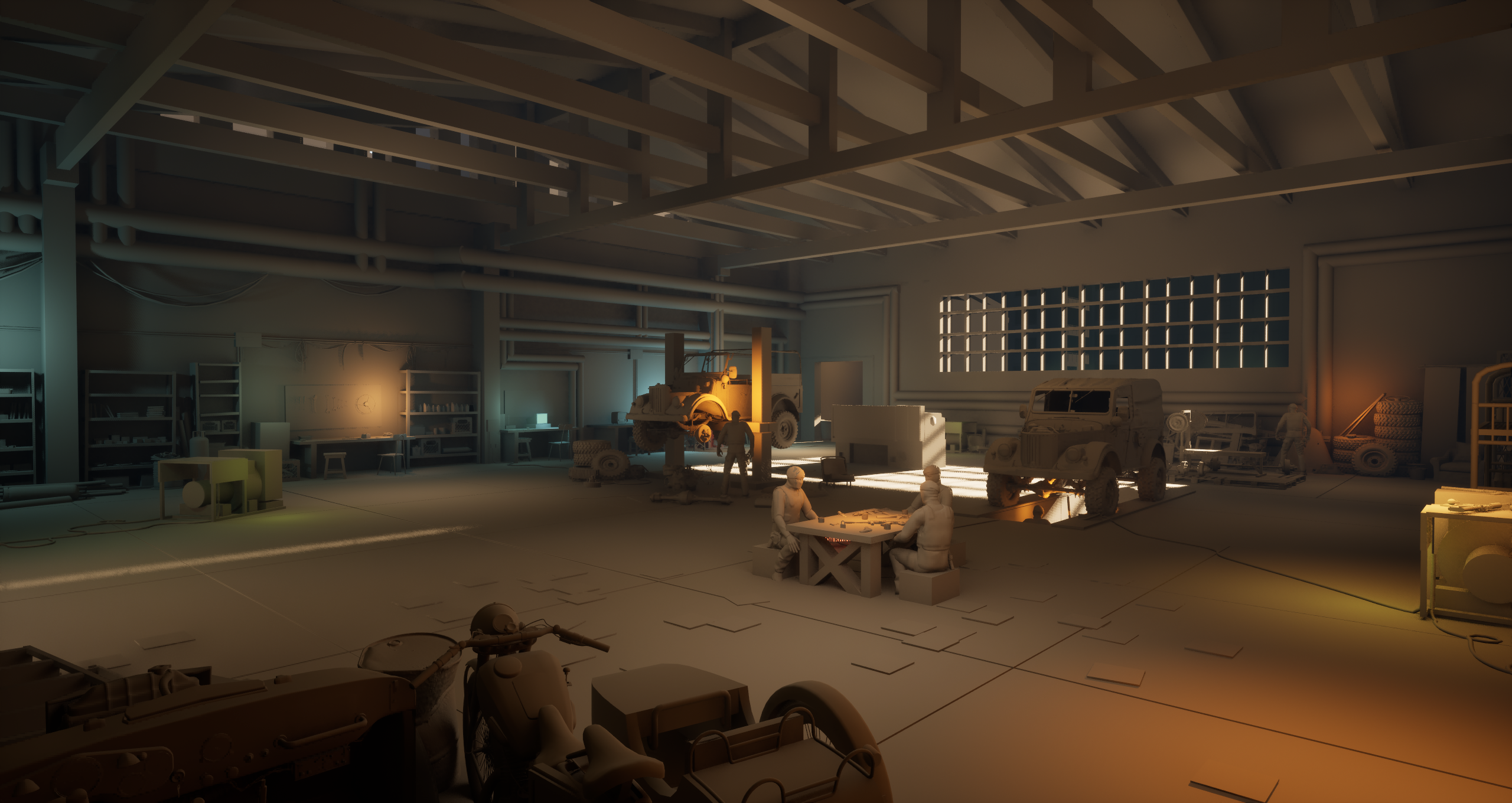
#EnvironmentArt #LevelArt #LevelDesign #GameArt #GameDev
#GameDevelopment #WorldBuilding #VisualStorytelling #Graybox #Blockout #LevelBlockout #UnrealEngine #UnrealEngine5
#UE5 #Nanite #Lumen #NextGenGames
Hello!
Here’s another progress update on my blockout. I’m continuing to focus on storytelling and creating a lived-in, post-apocalyptic atmosphere.
All props and objects in the scene currently use a gray material. This means they’re being used as visual placeholders—very close to what I envision in terms of shape, scale, and purpose—while the final look and materials will evolve later.
The next blockout stage will focus on building construction logic and architectural structure.
Stay tuned for more!
#EnvironmentArt #LevelArt #UnrealEngine5 #UE5 #Blockout #Graybox #VisualStorytelling #PostApocalypticArt #WorldBuilding #GameArtProcess #WorkInProgress #WIP
Sharing a WIP on photogrammetry for my project.
I’ll be extensively using scanned textures for my materials. This workflow is created using RealityScan, Photoshop, and Substance Painter.
Still a work in progress.
#EnvironmentArt #LevelArt #Photogrammetry #ScannedTextures #MaterialArt #UnrealEngine5 #UE5 #SubstancePainter #Photoshop #RealityScan #GameArtProcess #WorkInProgress #WIP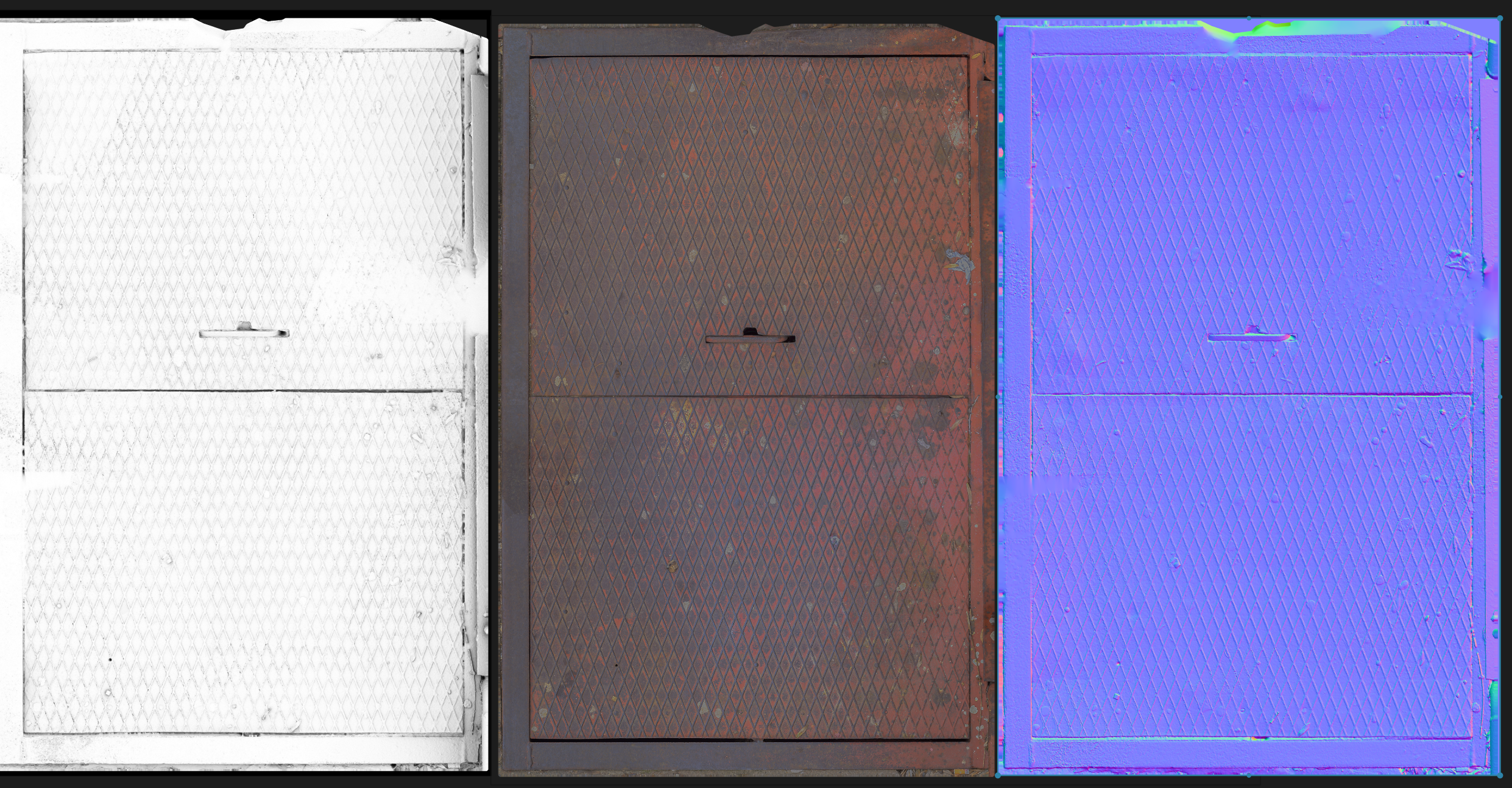
So then it takes a long time for them all to load.
It's usually a lot better for your viewers if you use JPG, a little info about that here:
https://polycount.com/discussion/63361/information-about-polycount-new-member-introductions/p1#make-your-artwork-easy-to-view
Not a requirement or anything, just easier for people to see your stuff!
Thank you! Photogrammetry can be quite approachable once you’ve practiced it enough—you can skip a lot of traditional modeling and get very realistic assets. That said, processing the scanned meshes is often the hardest part: cleaning topology, fixing artifacts, and optimizing them for real-time use. Textures also need a fair amount of work—base color always requires cleanup, normals usually need to be transferred, and roughness, metallic, and other maps have to be generated and adjusted manually.
As for storytelling, it’s expressed through the way props are placed and how the space is used. The scene suggests specific activities and narratives—vehicle repair and modification, a warehouse/workshop setup, and elements of military use. Each area hints at what has happened or is still happening there.
The overall theme is late 70s–80s USSR, so all assets are visually grounded in that period, combined with an industrial warehouse/mechanic environment and military influences.
In short, storytelling is present throughout the entire scene, as it should be. Every asset is placed logically, with intention and purpose, to support the narrative of the space.
The ceiling has some interesting complexity, but it might be nice to tie the ceiling into the rest of the room more. You could make a hole in the ceiling, letting in shaft of sunlight, maybe rain + splashes and associated floor damage.
Or have some things hanging from the rafters, maybe tatters of plastic sheeting, moving a little in the breeze. Could be a nice touch to add some life to the scene.
I like the red hole in the bathroom. Maybe it's a gas line that's on fire? Would be nice to add some fx there. Smoke on the ceiling in that room. Etc.
Some flickering from TV near couch, maybe florescent light flickering somewhere, would be nice too.
Keep going this is great!
An idea, you could have like an emergency exit by one of the doors. Or if it's military perhaps some warning lights of sorts.
I am using Blender to transpher the textures on a plane and I remove the lighing in Photoshop
Using the baked ambient occlusion to remove the shadows in he Albedo map
WIP on the scene updated the building, lowered the roof, more story telling, outside blockout
Sharing WIP new updates on my project. I created custom concrete floor textures and modular concrete blocks, and refined the ambiance to strengthen the mood and overall atmosphere.
Still polishing materials, lighting, and storytelling — more updates soo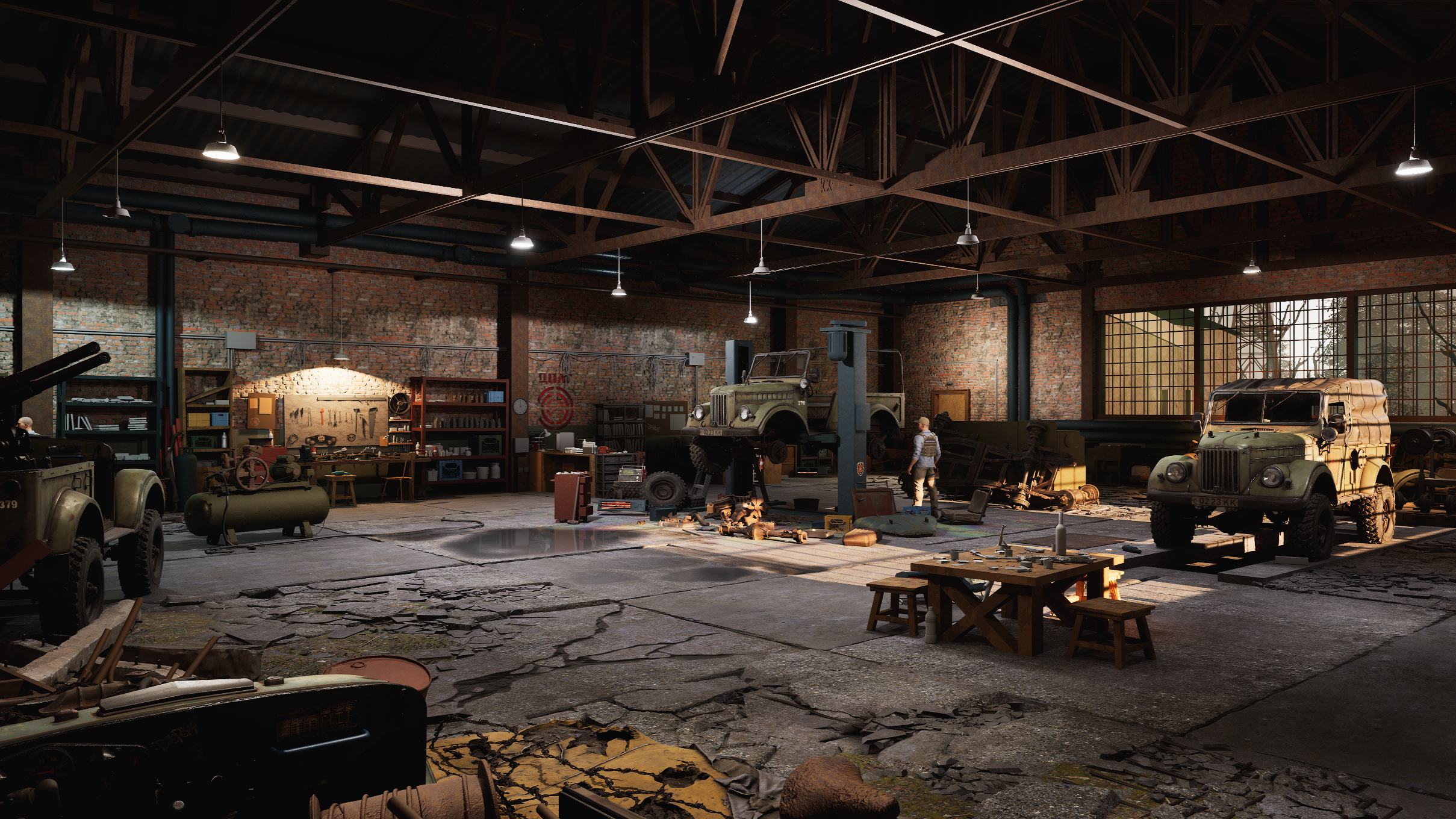 n.
n.
Cards are from a photo i made of an old card deck i have