Sketchbook: Zaki Saati

triangle
Hello everyone, this is my first post in this community.
In this series of posts, I am hoping to document a personal project entitled "Gallerie Nocturne".
The idea was floating in my mind for many years, I am glad to finally have the time and energy to start this project.
To begin, here is the concept art of the exterior made in Photoshop, using a mix of images from the internet and brushwork.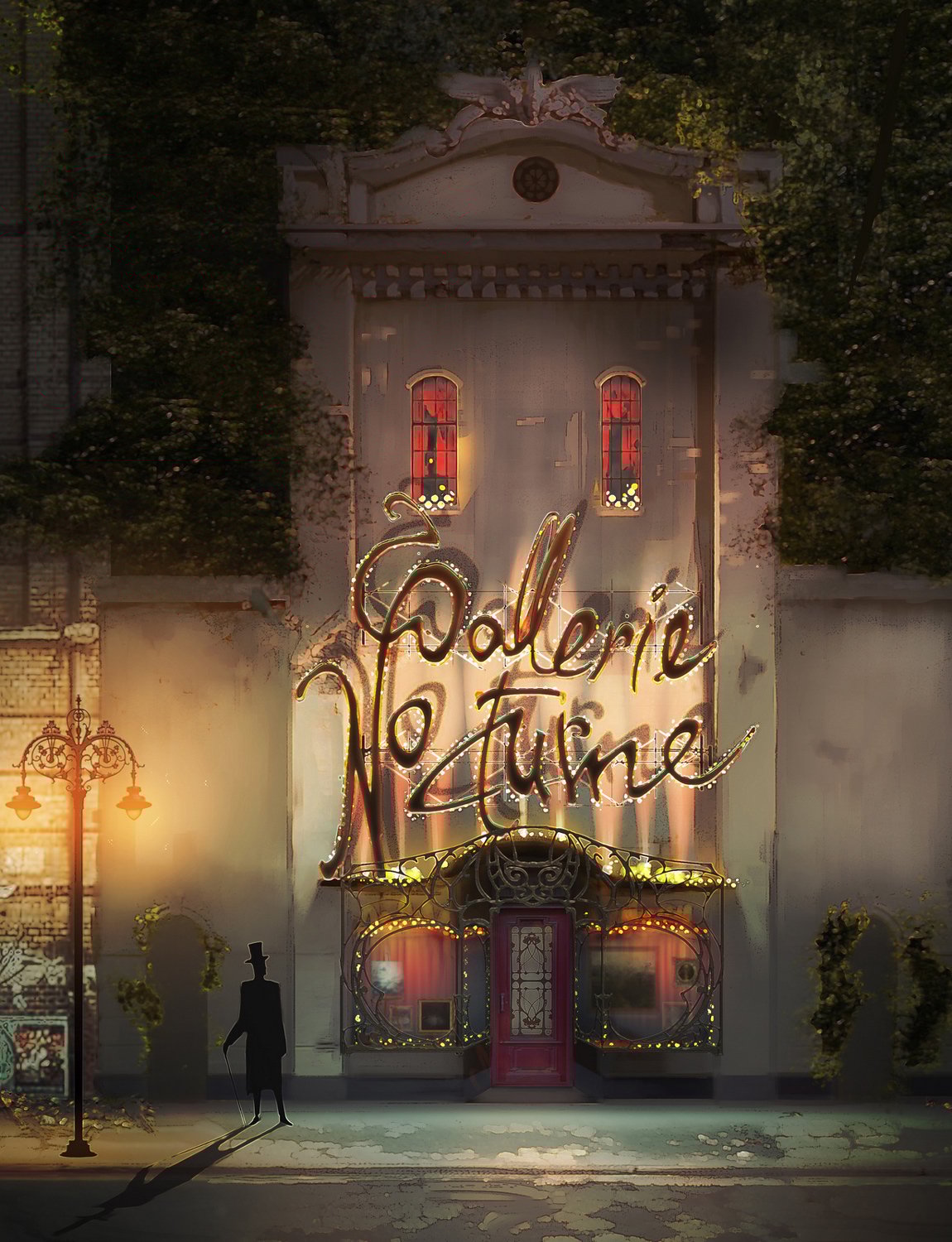
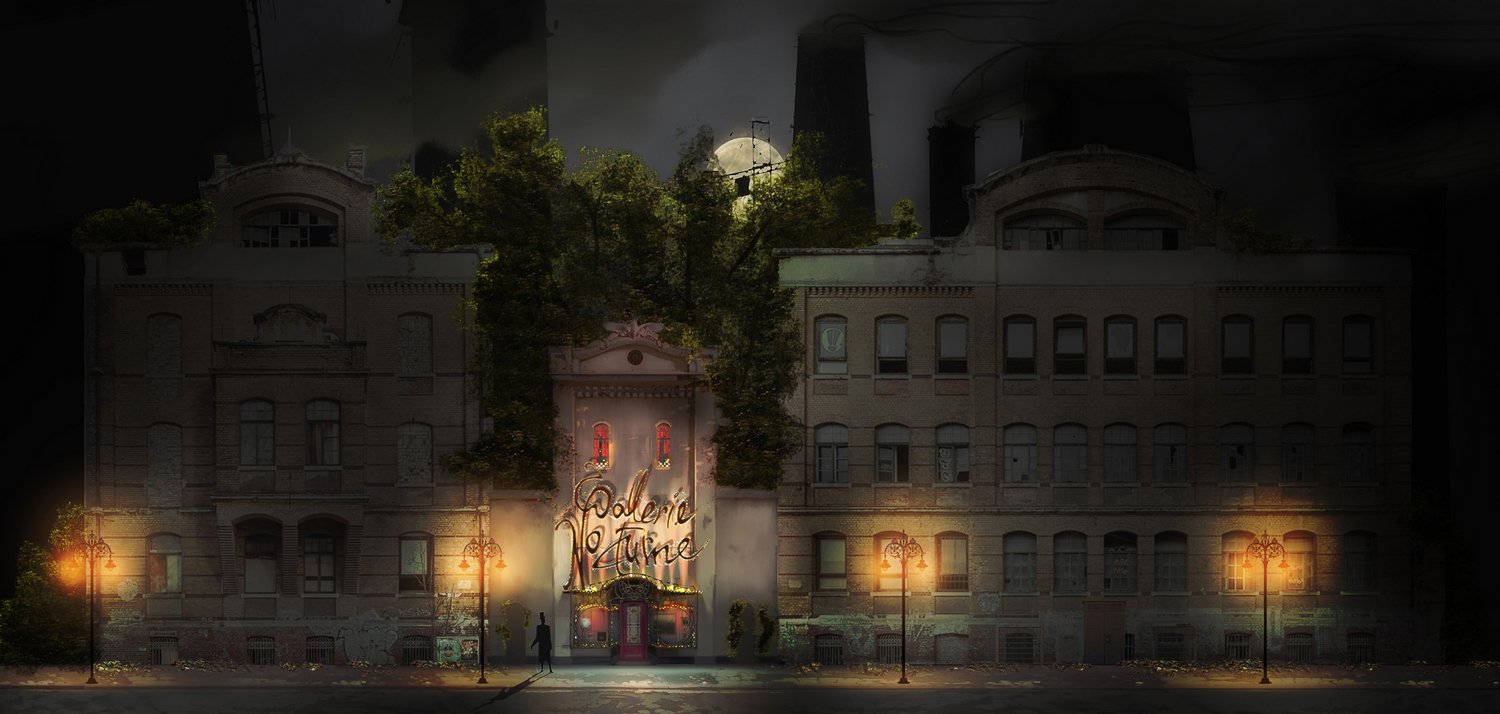
The full view of the street. I added a background industrial landscape to illustrate the scale.
Not sure how my computer is handling a file this big in Photoshop, but so far it is.
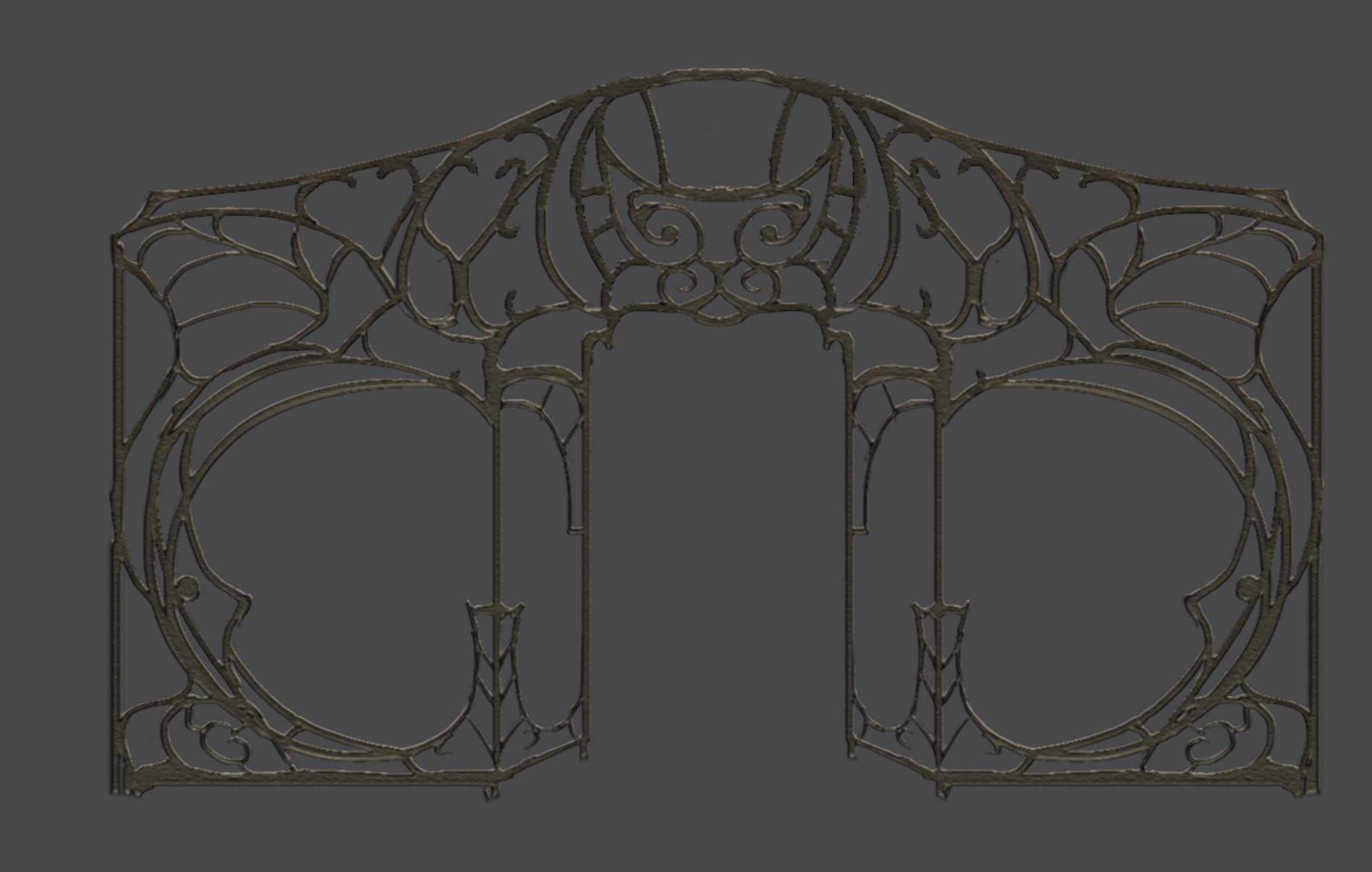
I exported separate layers like this one to have better visibility in Maya when modeling.
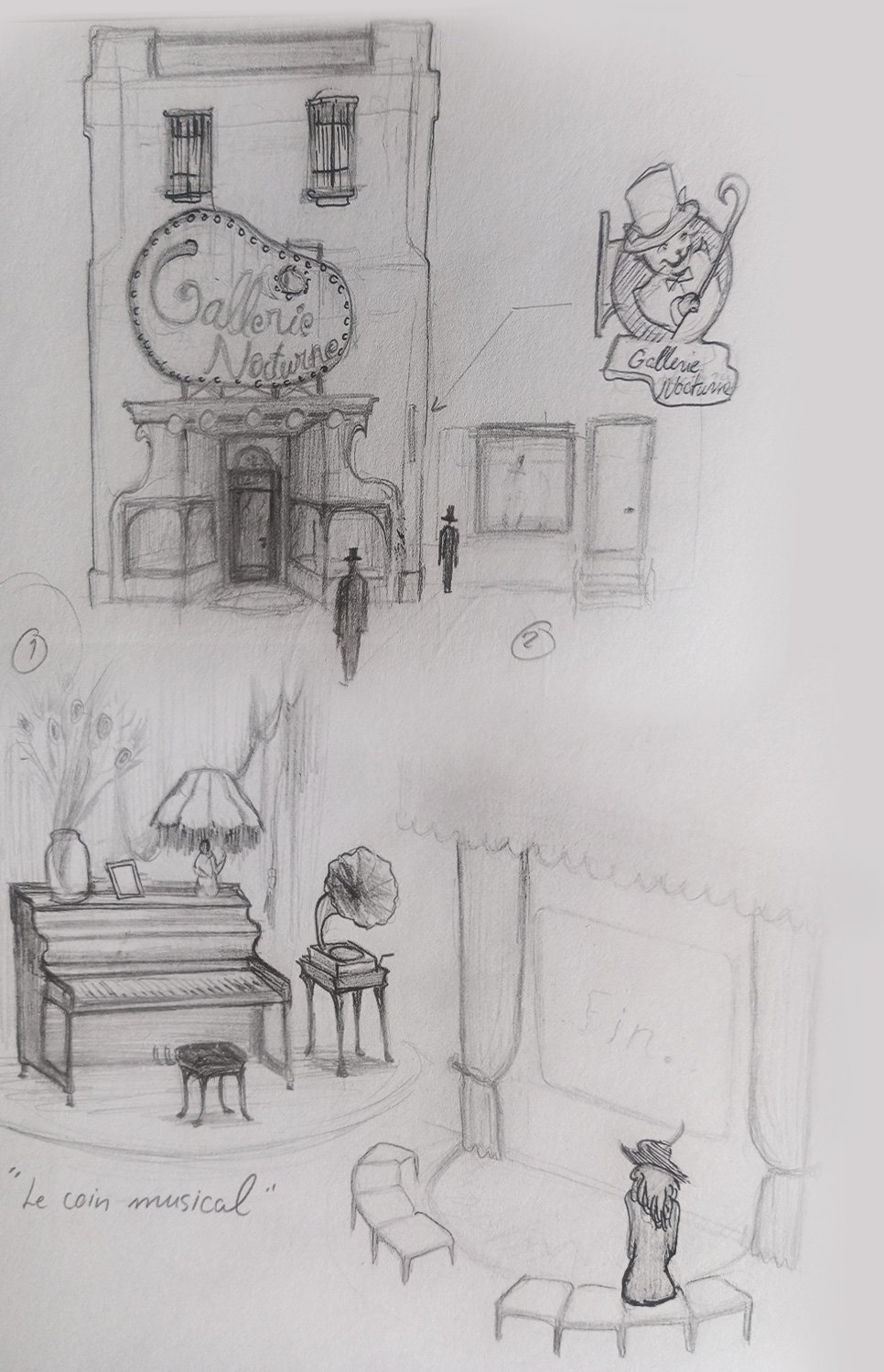
Here are some of the initial pencil sketches to brainstorm the idea.
And a sculpt of the cat mascot.
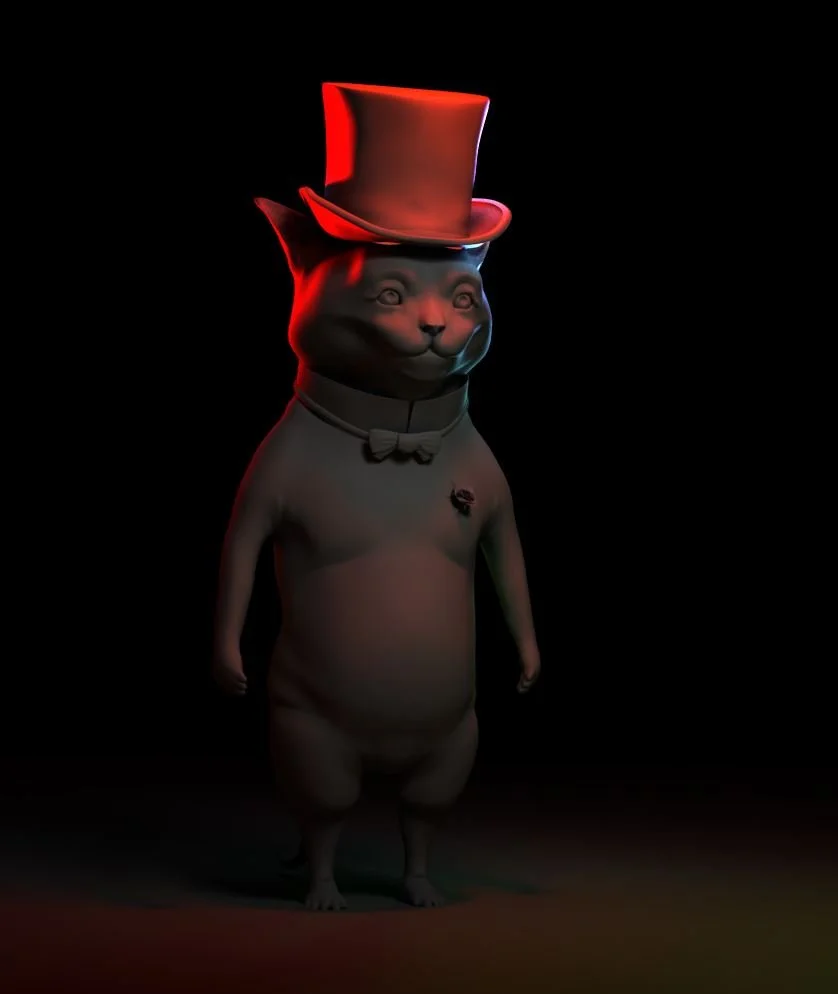
I plan to use Unreal Engine 5 for the final renders. Ideally the entrance door would be openable and should lead us to the interior of the gallery. I might use some of my own oil paintings for the artwork inside the gallery.
The next step is to do a low-poly 3D blockout of the whole exterior scene in Maya, which is my favorite part to do. The blockout of the exterior building will give me the proportions and size constraints for the interior.
Additionally, an imposed challenge of this project would be to use 0% Ai imagery. Limiting myself to photo reference, pencil drawing and concept art. To learn and grow along the way.
Replies
I extracted the logo from an alpha using Zbrush-Photoshop. These will be later re-topologized and unwrapped. It will be hell (or not).
The cloth simulation was done in Marvelous Designer, adjusted and refined in Maya. And simulated again in Marvelous.
The tree is work in progress for now. Going to replace the smallest branches and leaves with 2d planes or Fronds.
Assembling the scene in USD in Maya. Much better than using the standard referencing or import...
Then added water in the cracks...
I blocked out the street lamps, sofa, table and firepit. Usd is now referencing the blocked out model which will be easily updated in the scene later.
I divided a plane into different parts and used vertex color to mark the various trim sheets
+ Glass shader and texture for the showcase
+ Broken windows
+ Lowered the height of street lights
+ Pushed the buildings to the sides to create some space and release the tension from being too close to the main building. This also created two alleyways where I will add a fence and some junk.
- need to address the weird reflective tile pattern on the side buildings.
- make a second variation on the modular building. break up the straight lines.
- fix red drapes intersecting with paintings. add fabric material to the red drapes. give them more weight
- add electrical wires, junk in the street, graffiti and other decals.
- finish up the models that are blocked out as primitives.
- metallic fence
- fix tree and optimize it. And more trees behind the big buildings.
- add vines and foliage
That showcase needs some touch-ups, so I might bring in a couple of easels later on.
But yeah, there is no way a painting should hang from drapes
+ Straightened out the curtain folds a little bit, to give a better feeling weight.
+ Created a two-sided fabric shader with a simple camera based falloffs on the diffuse, to get that velvety look. One falloff darkens the tones, the other lightens.
- Reduce the glass distortion in the normal map
- The background with the skyscrapers is a bit crappy for now, i'll get back to it later on. It's tiling in the uvs and the aggressive square noise makes cuts to make building shapes.
+ Updated shader, adding some procedural grunge and graffiti. (the building on the left is clean by comparison)
- fix tiling issue from grunge
- add more grunge on the gallery building to create more harmony between the buildings. The gallery building should still be cleaner.
+ fixed wall texture. Made the graffiti larger, so tiling isn't as visible.
+ textured the firepit. Updated the model and did a quick sculpt and bake.
- update firepit asset with textures, opacity and emissive maps.
- work on sofa, table