I would like some tips on how to recreate a Miku concert model

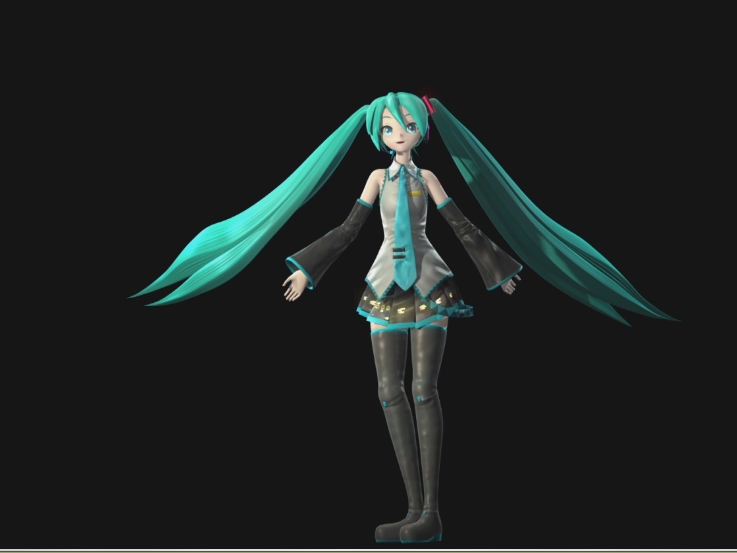
I want to recreate the amazing look of the MikuPa concert model, and I want to my model look more accurate
Reference images (Photos by MARZA ANIMATION PLANET, rendered from Autodesk Maya)
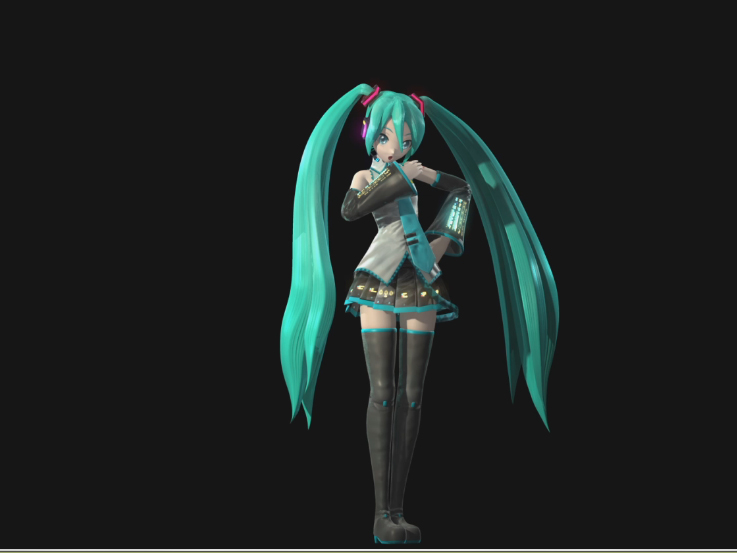
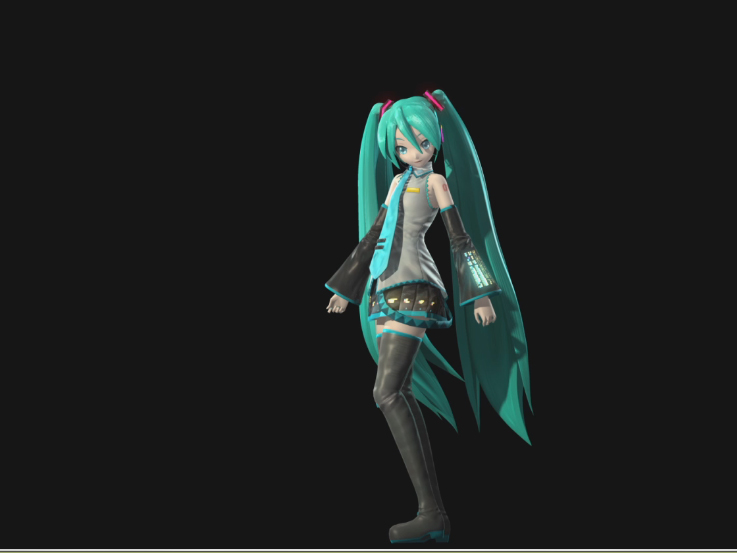
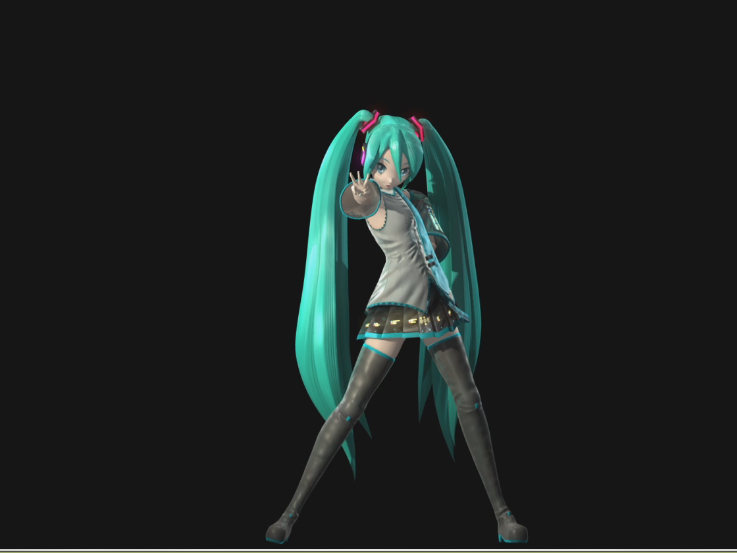
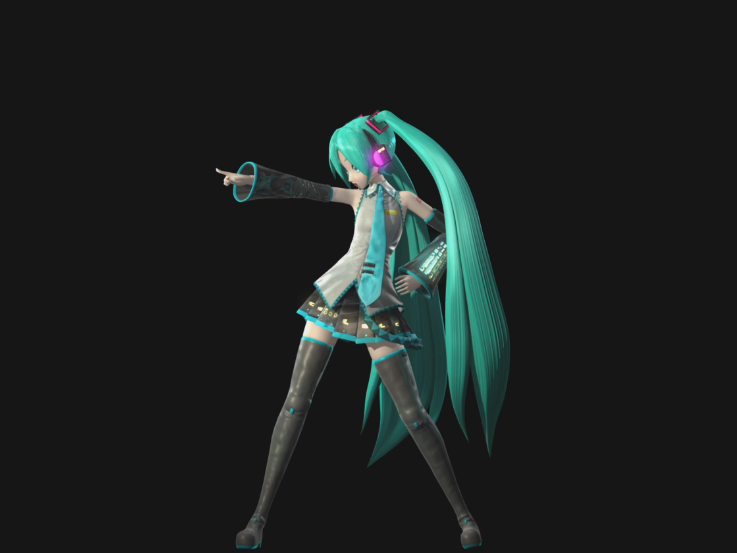
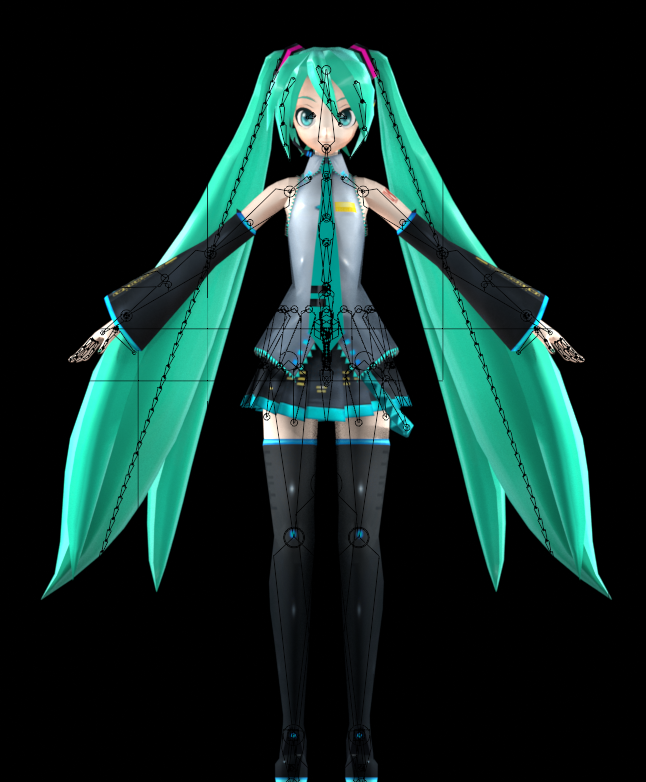
What I currently have in Blender:

Reference images (Photos by MARZA ANIMATION PLANET, rendered from Autodesk Maya)
What I currently have in Blender:

Replies
Did you create this model, or did you download it from somewhere? I ask because the rig complexity indicates a decent amount of experience, yet you seem to be asking a more beginner-level question. This info would help in giving you better feedback on how to proceed.
It would also help to know what precisely do you mean by "more accurate"? You want the bottom model to look exactly like the upper model? Or do you want the bottom model to look more like the canonical character (in which case it would help to show canonical references)?
I made this model myself, but I want to know how to make it look more accurate to the references shown above texture and normal map wise, and what I should do to make it that way.
I can’t wait to hear back from you - Cyber