Why there is a Texture mismatch between Maya & UE5

node
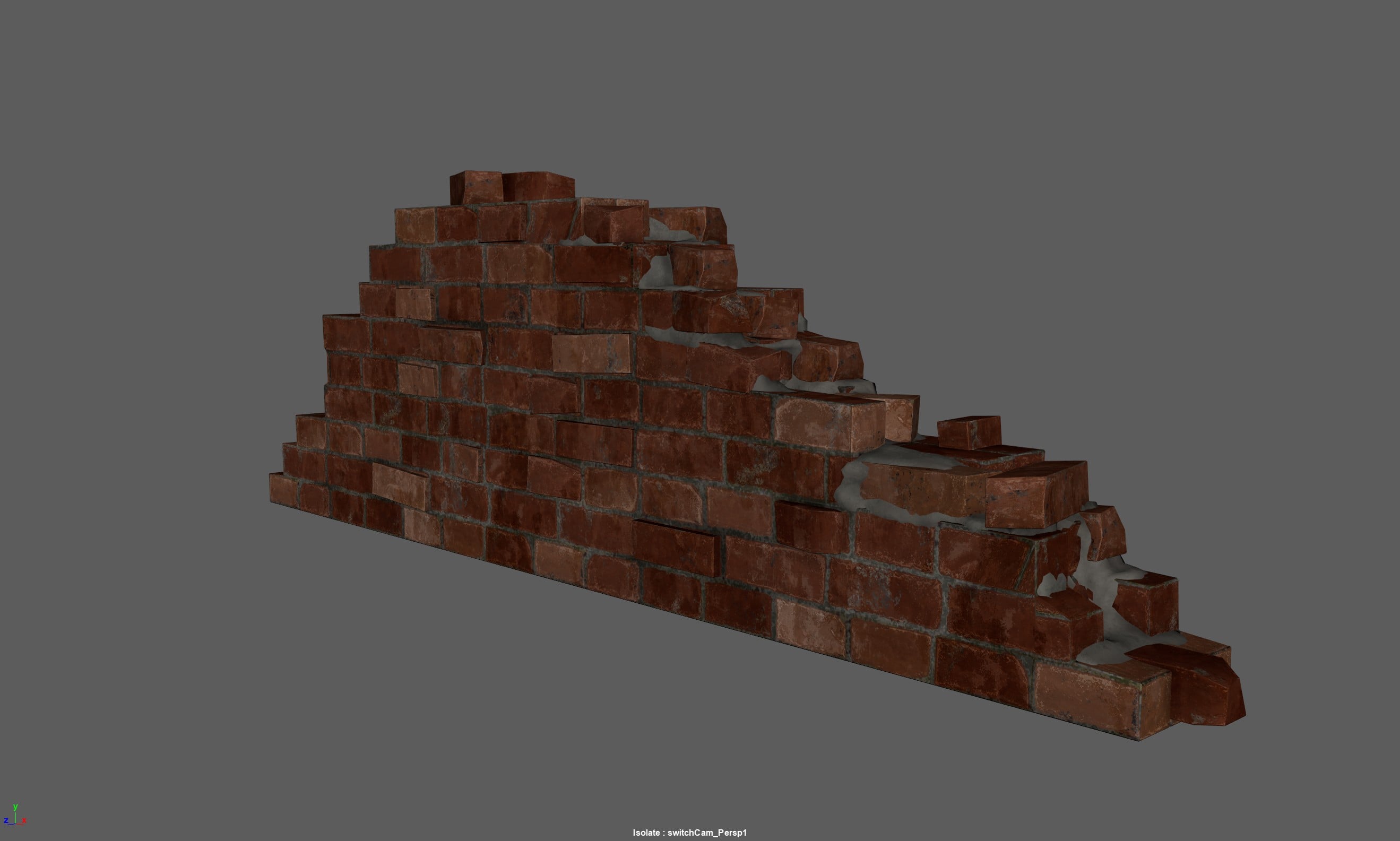
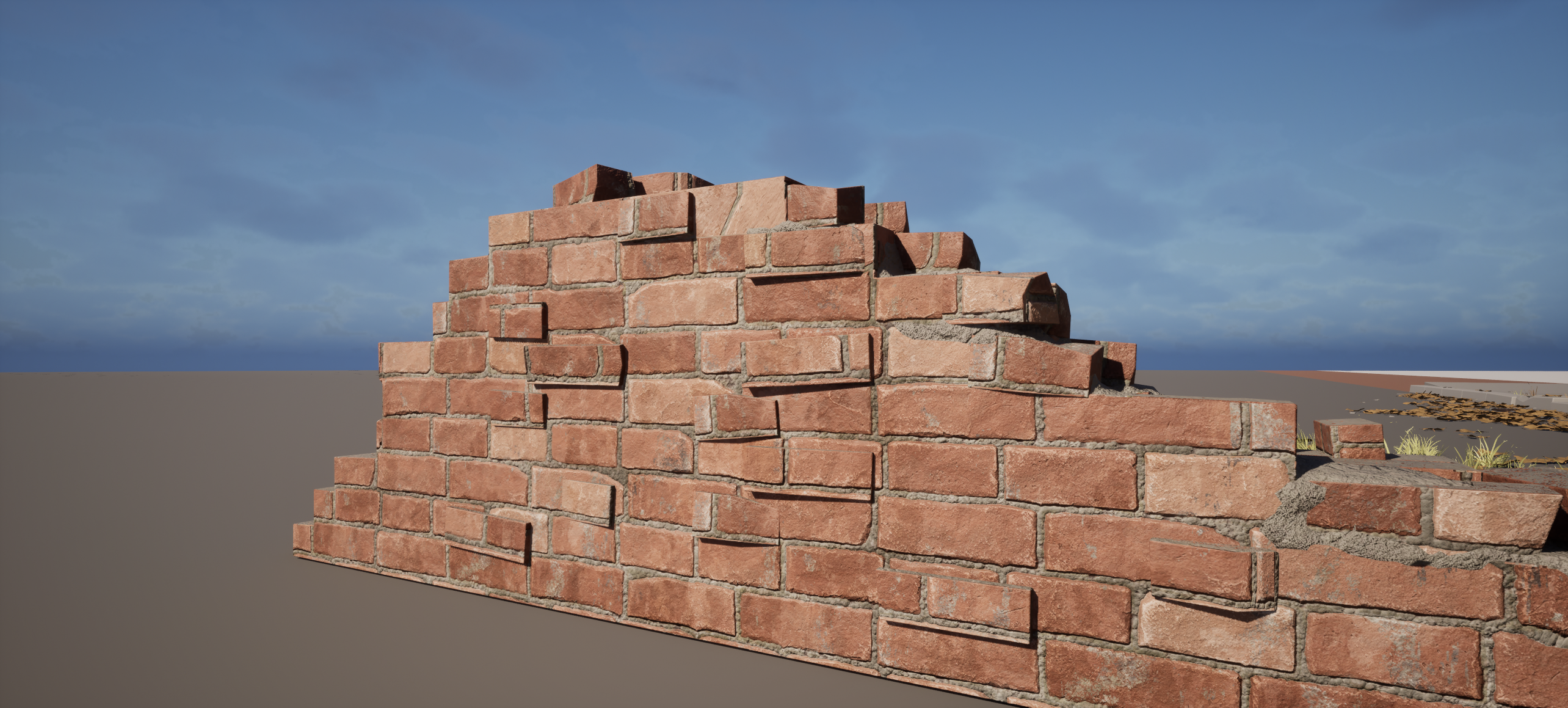
Hello everyone , I have made a broken wall in maya using a brick texture and set the tiling inside maya to 1.8 in both U and V , went to unreal and done the same setup with texcoord also tile 1.8 and there was a mismatch in the tiling that is most noticeable on the individual brick models on top of the wall , if anyone knows an answer to this i would really appreciate it been stuck at it for sometime now .
Replies
in principle, if you apply the same transform to UVs plugged into a texture sampler in unreal it should give you the same result -
if there's a difference it could be a few things
- the texture isn't power of 2 dimensions and unreal is padding or stretching it
- the transform is being applied in the wrong place in the unreal material
probably best to show the two material graphs and the texture file in both bits of software really