[WIP] Numenor Inspired Environment UE5

sublime tool
Hello! Ive been working on this little alley environment based off of concept art I found for Rings of Power season 1! Numenor was one of the coolest places showcased in the show, and I felt like this concept was not only visually interesting, but it looks like it can help me to reach a few goals ive been wanting to practice in my free time, outside of work.
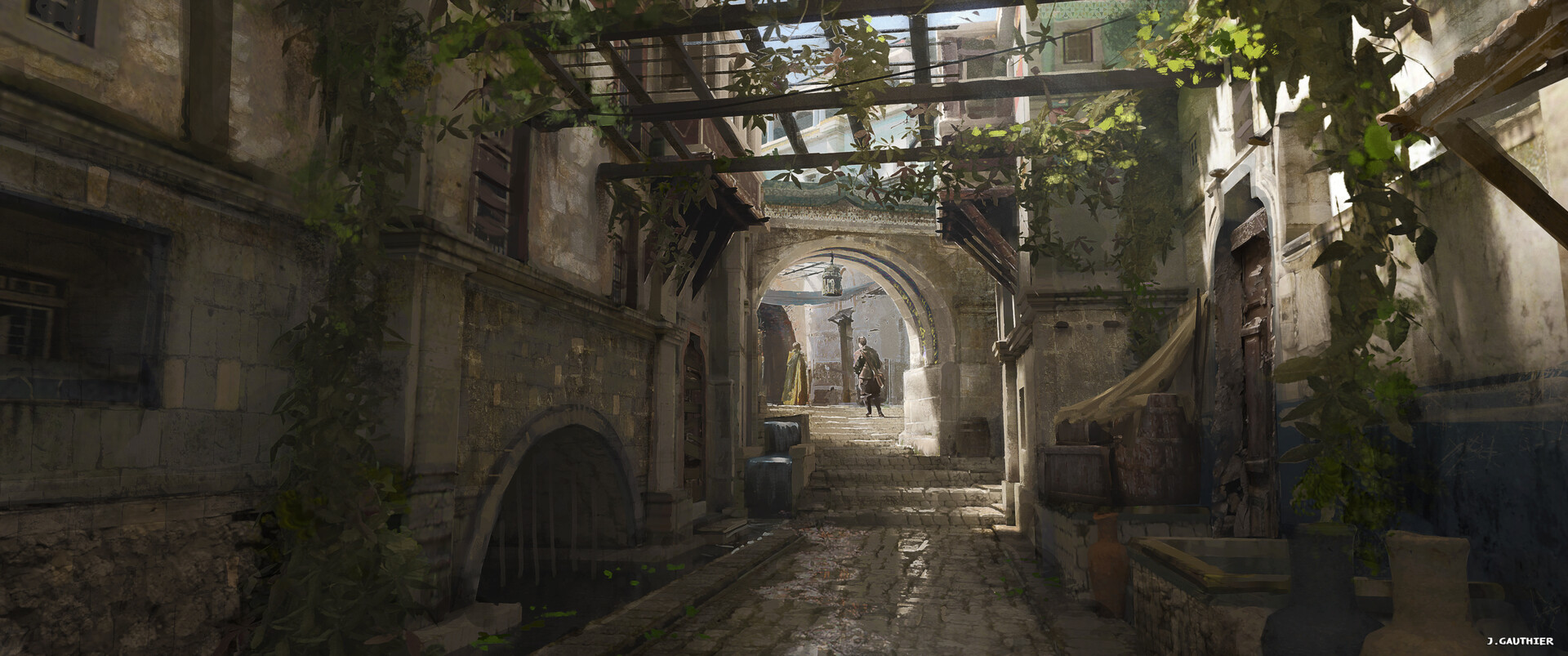
https://www.artstation.com/artwork/NyQXyD?collection_id=2050873 Here is the original art by Julien Gauthier
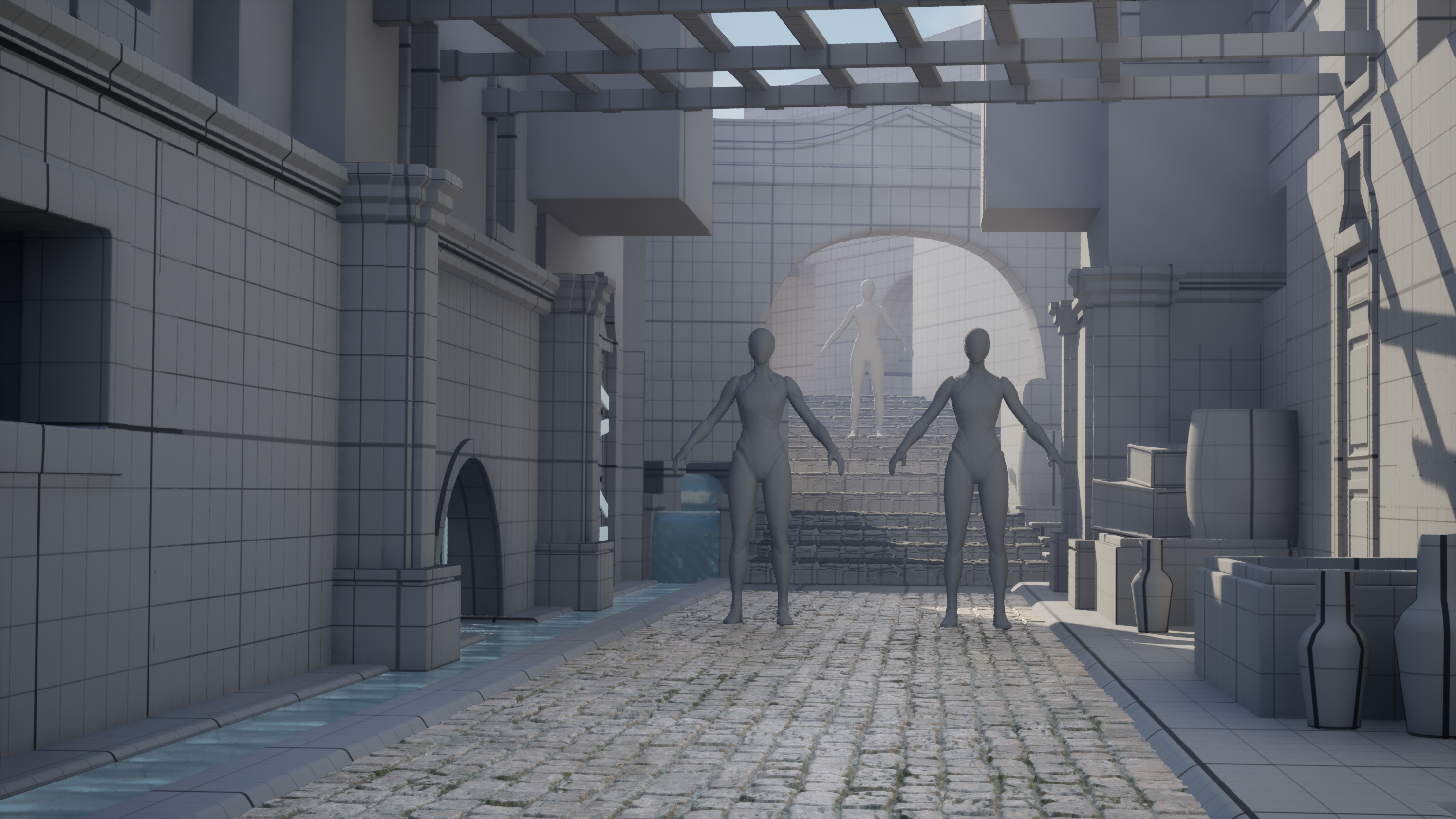
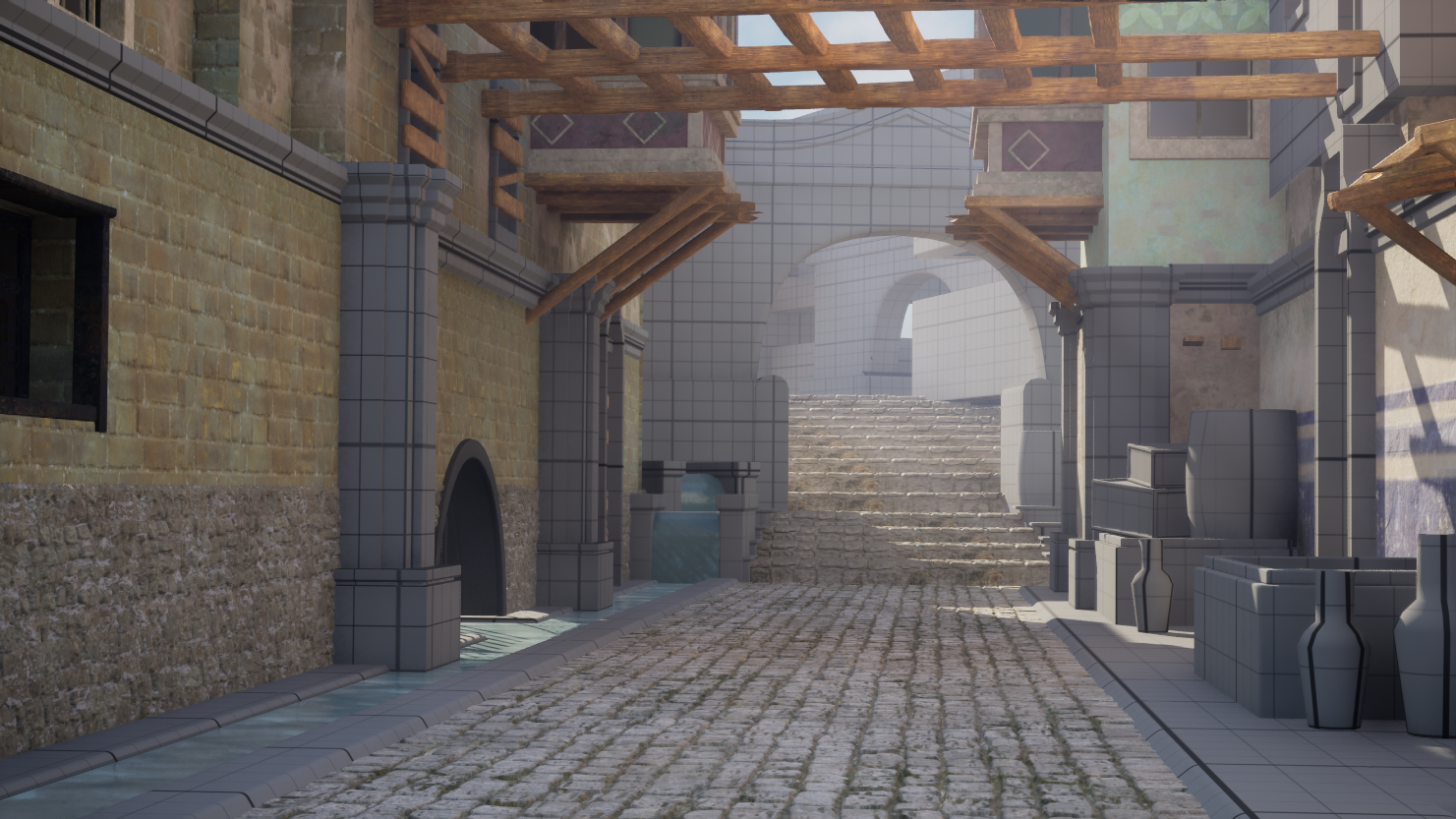
Here is the block out and my most recent progress on this!
There's quite a few things that i know I want to change about my environment right now, including:
Here are my references and goals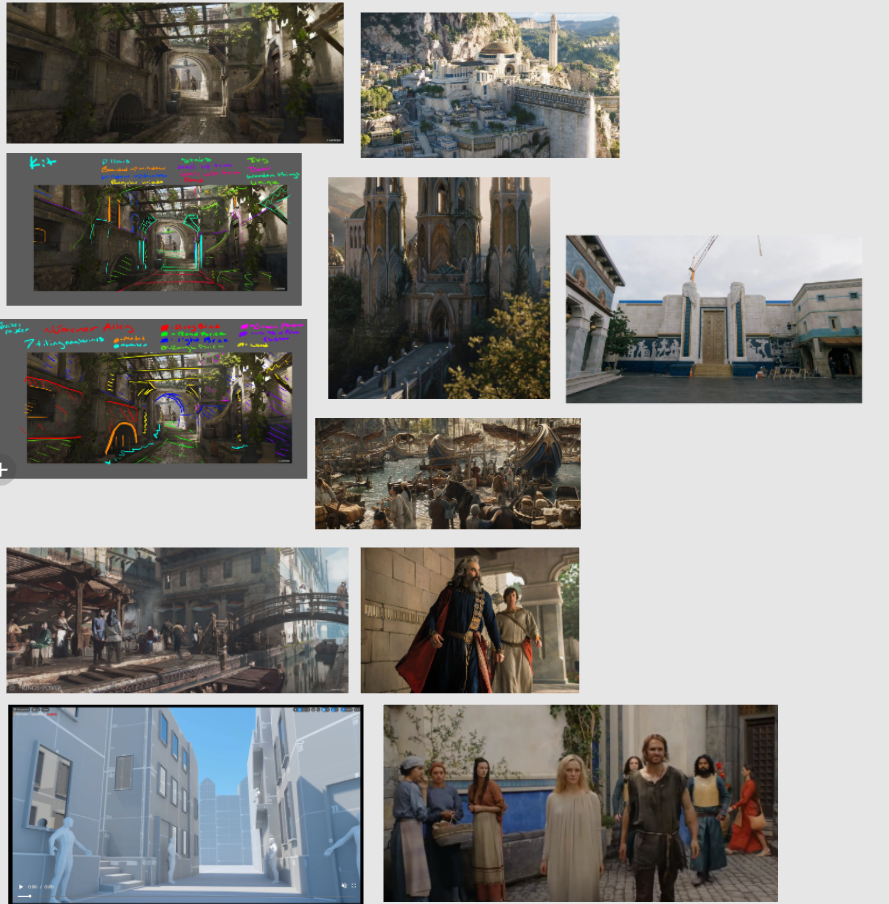
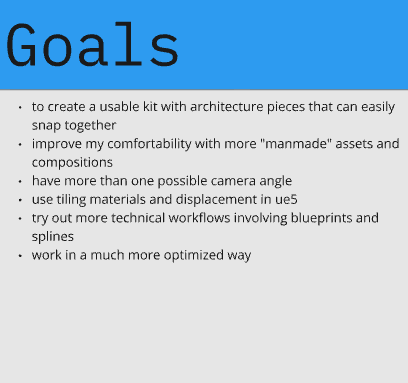
I am working on this pretty slowly, I do work full time in the games industry but I would like to push through and finish this soon!
Looking forward to hearing your feedback and posting more updates on this
https://www.artstation.com/artwork/NyQXyD?collection_id=2050873 Here is the original art by Julien Gauthier
Here is the block out and my most recent progress on this!
There's quite a few things that i know I want to change about my environment right now, including:
- Need to change the shade of green on right wall
- Replace brown stone wall on left side, its too noisy and not reading well
- Fix metal window frame on left wall
- Some things still feel too blocky, need to fix
- Add displacement to my brick wall materials?
- Replace all block mesh with real models
- Replace water material
- Help models fit together better by messing with AO and adding some decals where edges meet
- Get started on foliage
- Create custom decals to match the paint brush strokes on the concept
Here are my references and goals
I am working on this pretty slowly, I do work full time in the games industry but I would like to push through and finish this soon!
Looking forward to hearing your feedback and posting more updates on this
Replies
Thats fine but focus on geeting every proportions right and the same feeling of the concept - for example the stairs - they are 2 inclimbs going up with flat walkway between where the arch is. the staris are not that steep so you can have the nice depth and view of the second arch and builings down the strteet. the street curves to the left so the arch is also on angle in the concept. And i recomment to push back the camera to have the same point of view in the concept when you are doing the blockout
The characters feel a bit big for the alley or it feels cramped. Feel free to change the layout a bit of course as you don't have to stick 100% to the concept.
Scale is the most important because no matter how beautiful your texturing & lighting will be, it will just feel off a bit. Some slight adjustments that were pointed out can already make a difference.
Keep at it, looking forward to the updates!
I'm not sure if, in the blockout stage, its better to have a already defined "kit" to build with or to have more freedom and worry about the "kit" after. In this project I tried creating cubes that are 1M, 2M, and 4M wide for the walls, as I thought it would help me later on. I ended up feeling kind of stuck and scaling some of these shapes to fit my needs, but that kind of defeats the purpose of creating them in the first place. I might go back and create the correct composition with the correct scale first, and then worry more about modifying what i have to make a kit that fits this environment after.
Once you've nailed the blockout and the proportions, you can then still proceed with thinking about how to make a kit for this (if you even need one).
Progress! I spent some time studying other environments, I especially liked the ones from Plague Tale Requiem. I made a bunch of changes to the block out and the lighting which im feeling much better about. Also I changed the water material and added some lilly pads
textured the wall and ground trims, and remade the lower part of the cobble wall, plus messing around with the arch in the background
But I'm remembering a visit to Orvieto, and how nearly all the stonework was quarried locally, so it gave the town a very cohesive look.
The original concept has a similar vibe for the stonework, it feels like it's all in the same stone family.
Is this the sort of thing that can be done mostly in the base color? Or do you think I would I need to adjust the normal maps as well?
Note that their streets are made with a different stone, looked to me like the same street cobble they're using in Rome, Sampietrini, so that may be an Italy-wide choice for some municipalities. Anyhow, likely a more modern thing.
Kind of an aside, but Pompeii displays a neat innovation for ancient street paving, these stepping stones at crossroads.
Went through each stone material and adjusted them to feel more harmonious with each other, adding a slight warmth and color variation. And I added the foliage
Started replacing grey box models with real and textures assets! Feeling super happy with how this is looking now with all of the adjustments I made before
More progress! I replaced the background grey box with real meshes, I plan on having a camera angle where you can see farther back, and I did some more modelling too
Looking really good overall, the lighting and mood are working great, especially the sunlight coming through the beams and vines.
One small thing that stood out to me: the step in the foreground feels a bit too smooth/curved compared to the rest of the stonework. It might just be me, but since the scene leans more toward that structured, carved Númenor style, maybe sharpening that edge or giving it a slightly more cut-stone feel could help it blend better.
Really strong progress!
Props and doors!
Having fun now