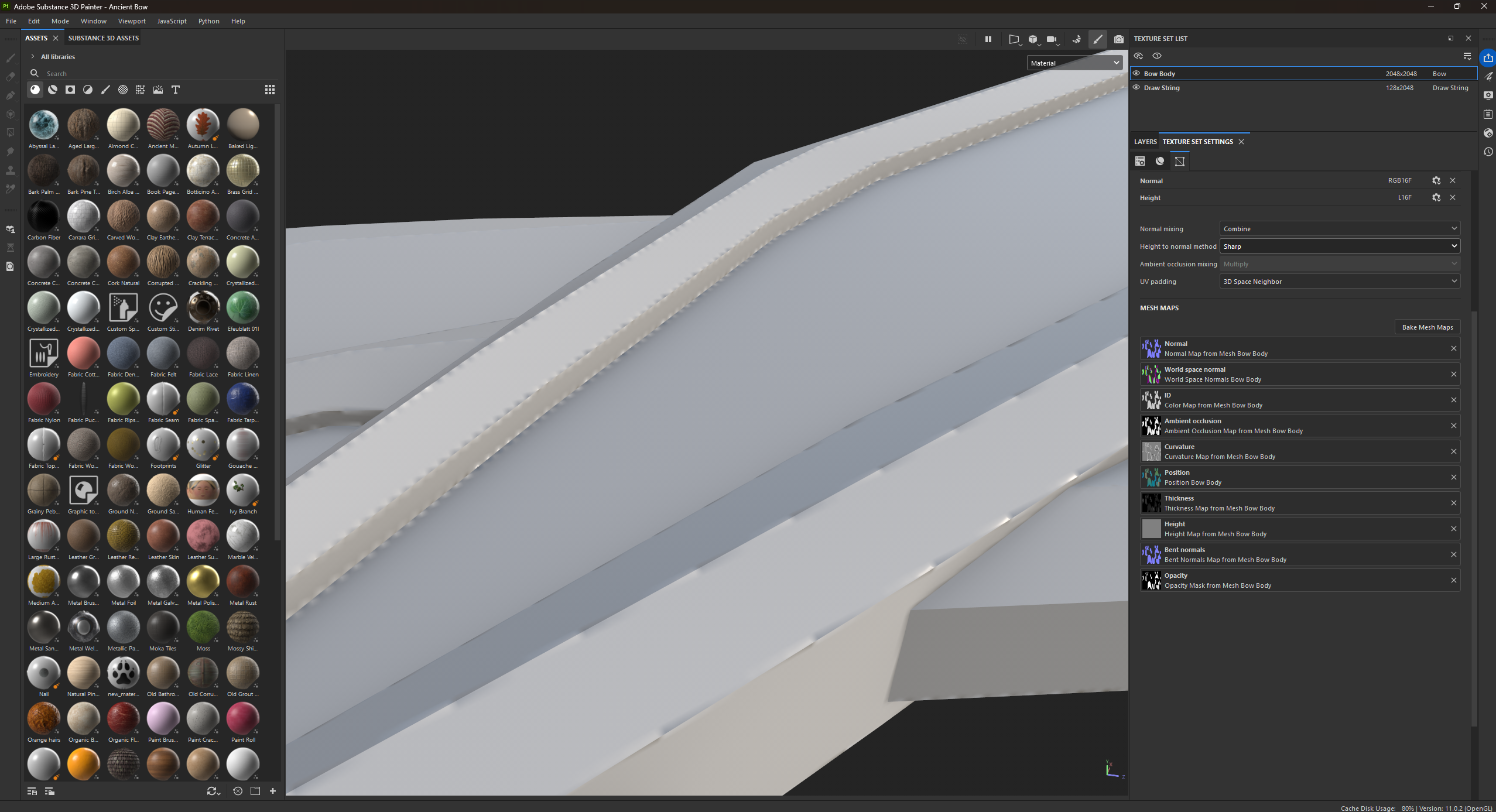
Welcome on the forum! I think this is too little information, so I can only guess: UVs are not split at hard edges, possibly paired with low texture resolution.
I recommend sharing more context to reduce guesswork: errors marked in screenshot, low poly mesh shading, low poly UVs, texture resolution, highpoly mesh shading.
Or simply zip and attach files that allow to reproduce the result you shared. You can host them elsewhere and share link as well.
Welcome on the forum! I think this is too little information, so I can only guess: UVs are not split at hard edges, possibly paired with low texture resolution.
I recommend sharing more context to reduce guesswork: errors marked in screenshot, low poly mesh shading, low poly UVs, texture resolution, highpoly mesh shading.
Or simply zip and attach files that allow to reproduce the result you shared. You can host them elsewhere and share link as well.
Hi! Do you have hard edges that are not split in the UV unwrap? On those you would get such artifacts. On the image I can't really make out mesh shading due to the small size and texture. What I'd look for is hard edges and whether the corresponding UV edges are split.
Zip and attach the low poly mesh if you want it looked at.

Replies
I recommend sharing more context to reduce guesswork: errors marked in screenshot, low poly mesh shading, low poly UVs, texture resolution, highpoly mesh shading.
Or simply zip and attach files that allow to reproduce the result you shared. You can host them elsewhere and share link as well.
There is also this wiki where a lot of info and relevant links are compiled: http://wiki.polycount.com/wiki/Normal_Map_Modeling
I'm noticing it's causing issues on anything sharp
On the image I can't really make out mesh shading due to the small size and texture. What I'd look for is hard edges and whether the corresponding UV edges are split.
Zip and attach the low poly mesh if you want it looked at.