How to AAA skill?

Hi everyone.
Colleagues and experienced artists, please share your experience.
Once again, when I go on ArtStation and look at the works of other artists who work at well-known studios, I often notice that even the simplest-looking assets they make look like they are worth "1000$” — whether it is just a rock, a mug, literally anything — and this really throws me off, because I simply do not understand what I should do next.
So, I sculpt a model in ZBrush, make the lowpoly, bake everything, and paint it in Substance Painter, 3DCoat, or somewhere else — the exact software doesn’t really matter. Technically, it can already be sent into a game engine, but the work still does not look like the ones made by great artists. It just looks like a bunch of neatly painted polygons. Please tell me how to make it better, how to get over this barrier.
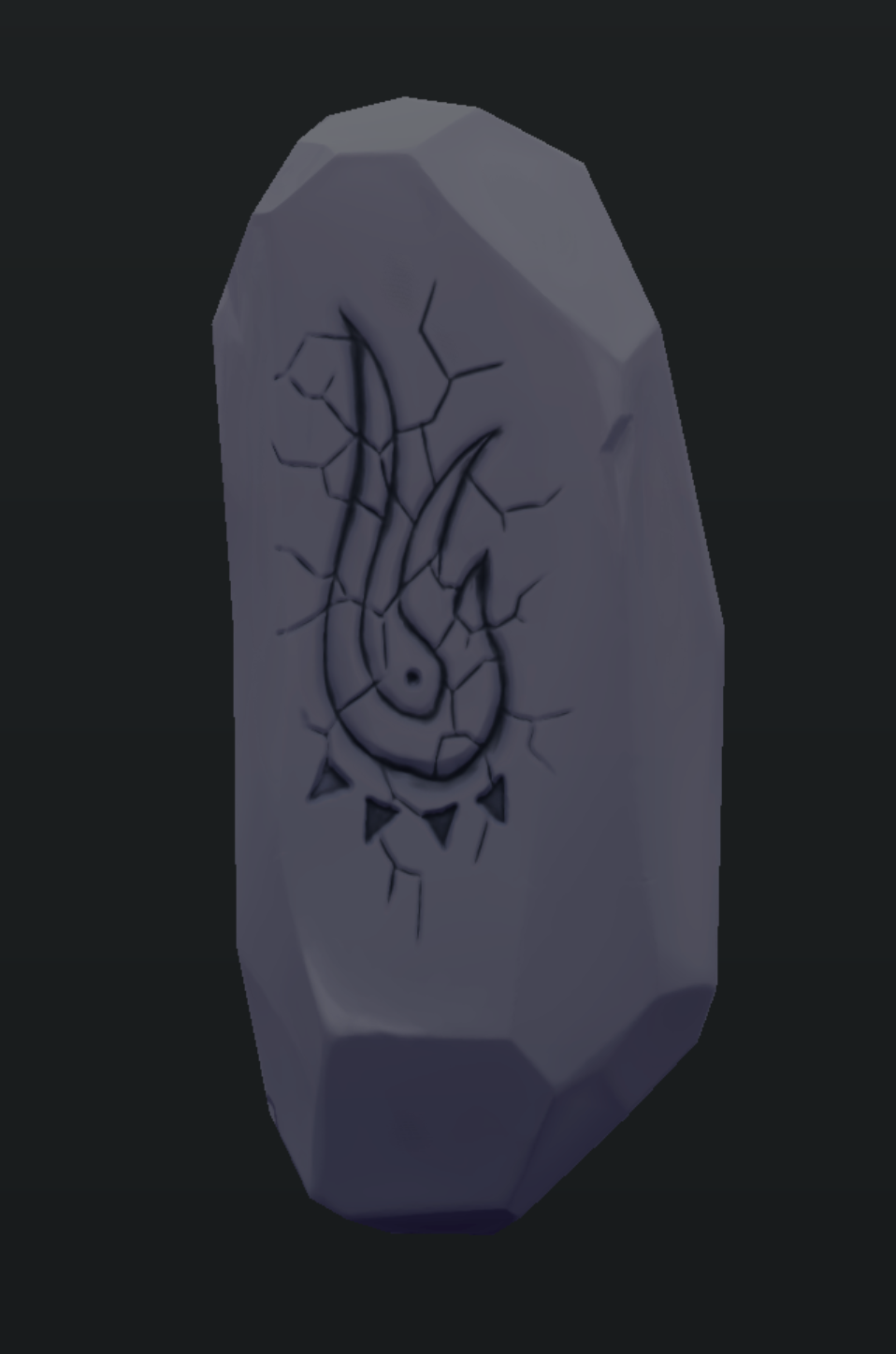
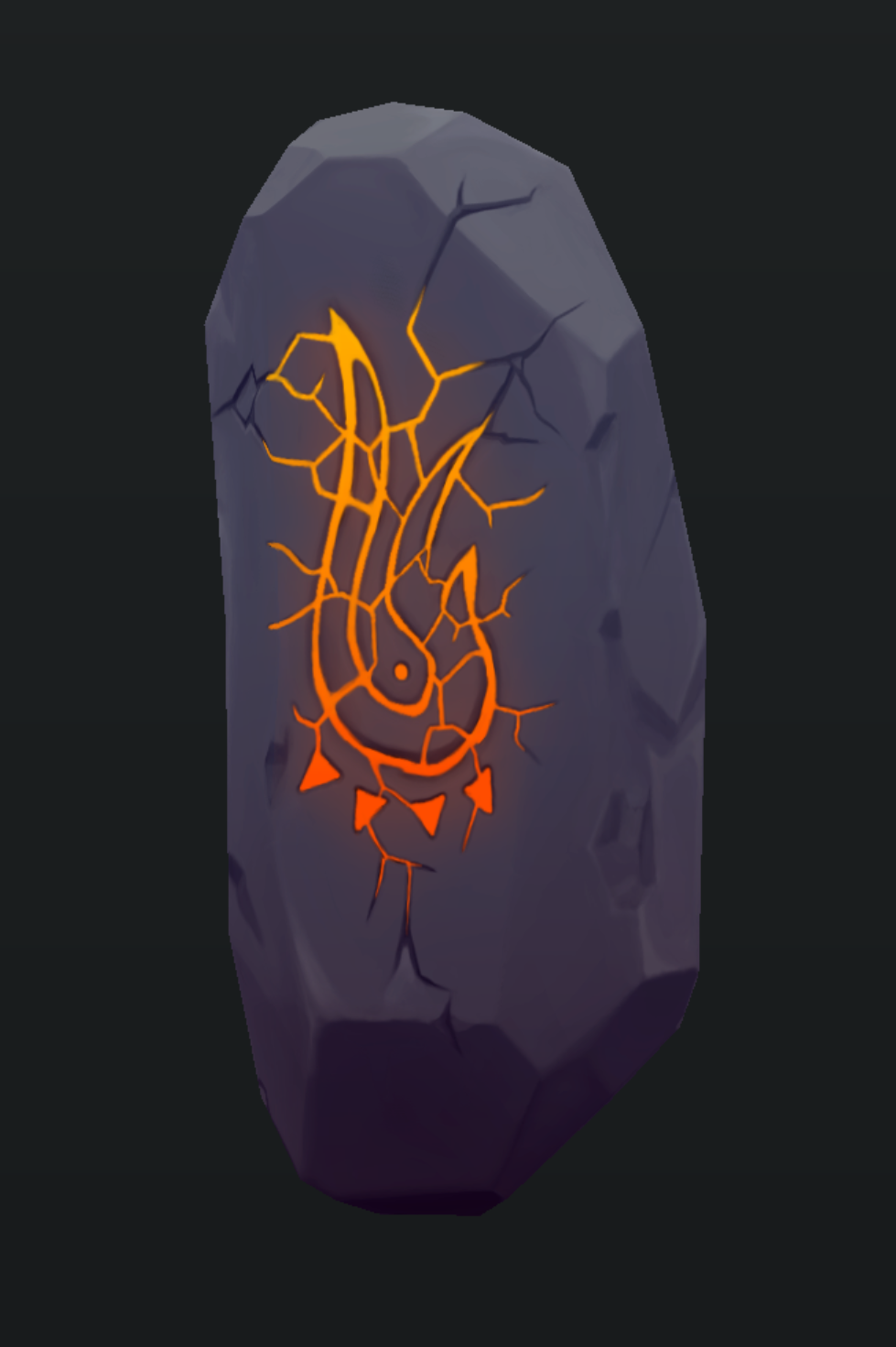
Below I will show an example of the latest prop I made.
Please feel free to criticize it, tell me what and where is wrong, and how I can improve my result to reach the level of AAA artists. As a reference for the quality level, I mostly look at models from WAYFINDER.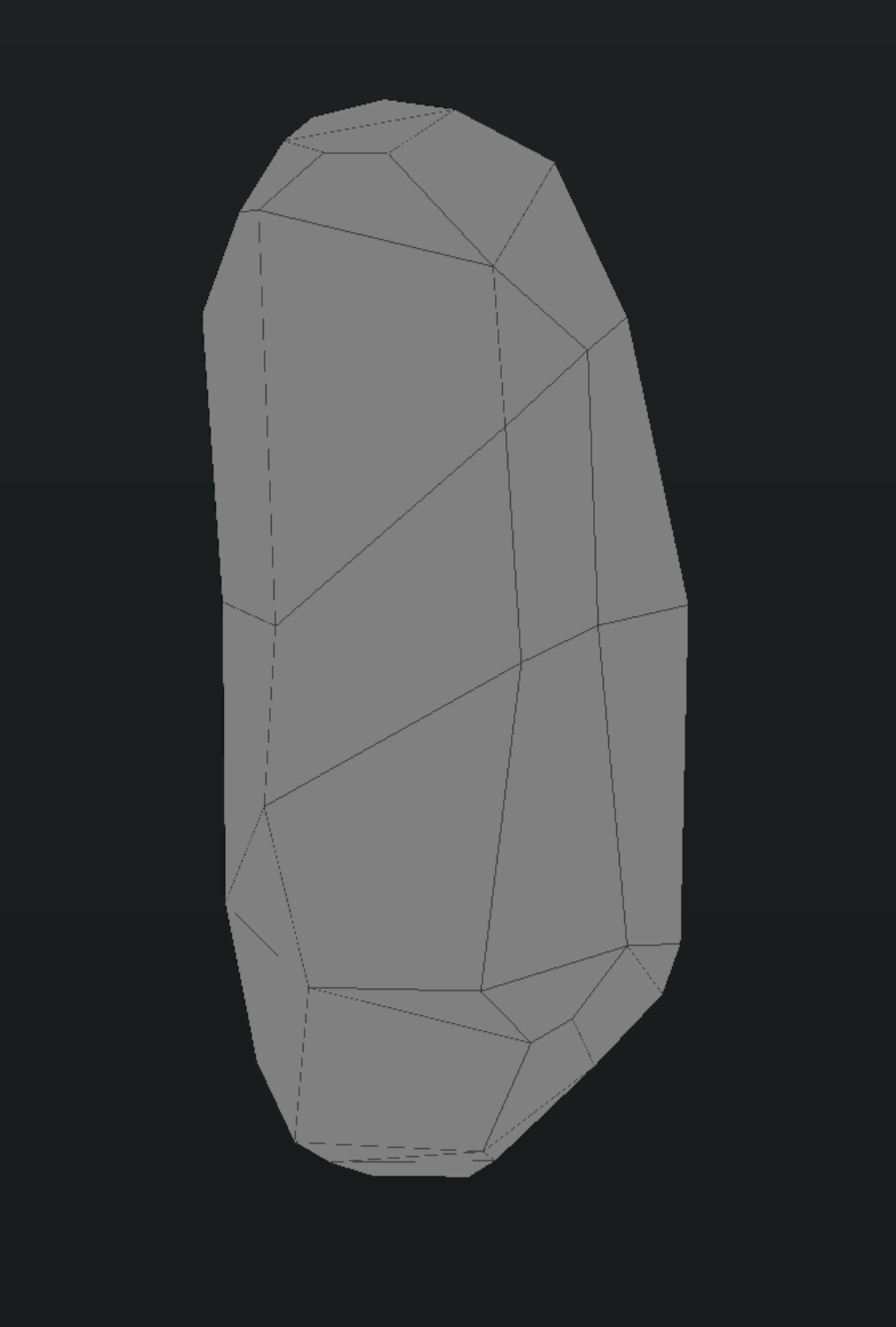
Replies
Wayfinder has a neat "painterly" style. Note that it usually takes a few years of practice and creation to learn the skills needed for this kind of work.
We have some resources on our wiki that explain some of the work necessary to create work in a similar style.
http://wiki.polycount.com/wiki/OrbCrasher
Also see Fanny's work here
https://fafart.blogspot.com/p/tutorial.html
How to AAA skill?
Refinement and study, taking breaks and coming back and realizing things might not've been that great, decide to redo them or not, move on most likely till you get it right or become homeless.
One thing that stands out immediately is the wobbly nature of the symbol, especially in the lower half. The strokes seem indecisive and meander around, and the width of the symbol itself and the cracks varies too much over small and medium distances without being motivated by either the material or line weight (although you seem to have a rough idea of the latter). Aside from making this smoother, you could also opt for a more angular style.
You clearly know how shading works and have, again, a rough idea how rock behaves, but it often seems a bit random and inconsistent. The resolution seems sufficient to get sharp(ish) edges, and soft and hard edges are a valuable design tool, but many of your edges look overly smooth, smudge out or get lost without a clear intention or reason.
A couple of shading examples:
Plane b could technically transition to something like the cut right below, but since the edges are so smudgy, it looks unintentional.
Plane c looks too light, d too dark, and with the surrounding shading this creates some kind of escheresque situation.
The upper edge of the indent right of e looks strange as well.
f doesn't really make clear how these different planes and directions flow into each other, especially crossing a corner. It all seems a bit random.
g looks like too big a detail to be supported by the texture alone, same probably goes for other elements where we don't see the silhouette. Going by the texture resolution, you could probably invest a couple more polies, and be it that you cut them in after painting your texture.
h looks unfinished. If we are sure to look from below, the general shading/perspective would work, but it's not executed consequently. It might be also that you are starting from too few values if you made a color palette. The inside of the crack has almost the same value as the big plane facing us (can happen theoretically, but practically you have full control and can avoid it).
a is just a detail were you give up flow/directionality by going in all directions at once. Could be simply remedied by removing the branch(es) going down.
Turquoise/Cyan lines: In many places of the symbol, you seemingly have a network of smaller cracks crossing the primary ones almost undisturbed. Again, could happen, for example if they were there first or the structure of the stone forces it, but usually, the smaller cracks would be secondary, emanating from your symbol, and wouldn't cross it.
Then you have smoothly beveled edges for your symbol in some places (but not completely consequent, either). Sharper bevels or split off edges might work better, and you also have a chance to add light from your symbol on them. Ideally, you'd opt for one nature of the symbol (is it magically "painted" on the surface, is it made from cracks, is it carved out cleanly and the stone has cracked in some places...) and stick to that.
Lastly, some of your bigger planes lack surface details or color variations. Take a look at the example Eric provided. That might be normal maps in parts, but you can emulate that with color alone as well. It's a bit of a style question, too, of course, but I think that's it's a good example that would fit your piece.
Thank you so much for such a detailed review. It’s just unbelievably cool. I’ll try to take all of your comments into account and improve.
Unfortunately, I don’t have that much time to practice, but I really want to get better.
Ideally, I’d love to take part in some real small projects that would, so to speak, “stress‑test” me in real situations and real time, but I don’t know where to find something like that…
Thank you again. I have a bit of time now to try things out in practice and fix a few things, and I’m definitely going to work on it!