It starts May 12, and ends Oct 17. Let's see what you got!
https://polycount.com/discussion/237047/the-brawl²-tournament
[Unity] Smart Viewer Pro - Preview assets and mesh stats without scene clutter

Hi everyone!
My name is Marwan, I’m an Environment Artist and Co-founder of Remesh Games.
As an Environment Artist, I’ve always found it annoying to "pollute" my scene just to check an asset. Dragging a mesh into the hierarchy just to see its stats or animations—and then having to clean it up—is a waste of time.
To fix this, my team at Remesh Games and I developed Smart Viewer Pro. I directed the development from an artist's perspective to make sure it handles exactly what we need in daily production.
It’s a simple standalone window that lets you preview any asset instantly without touching your active scene.
Key Features:
- Smooth Navigation (Zoom & Pan): Full control over the camera to inspect every detail of your mesh easily.
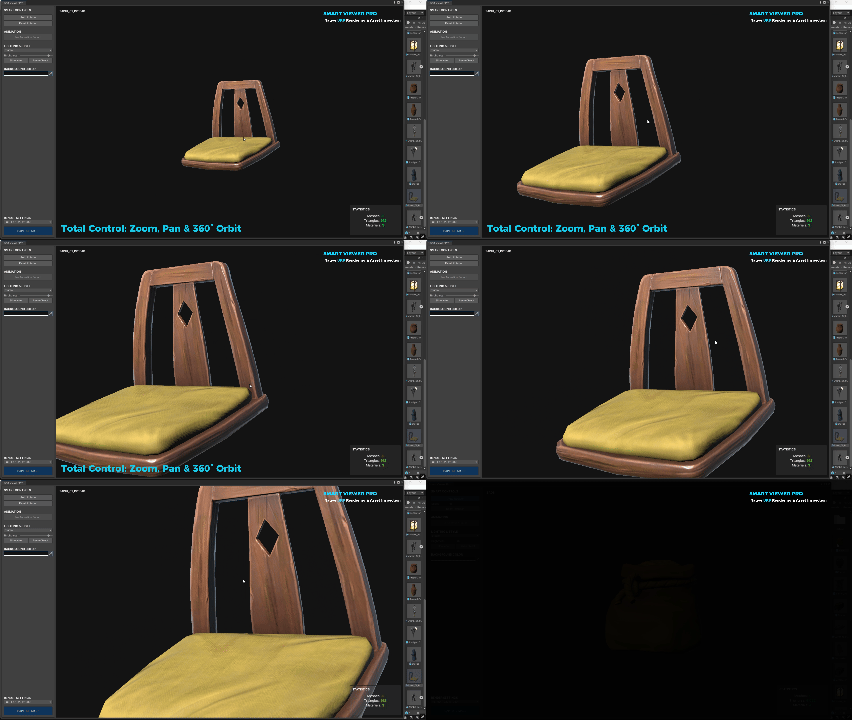
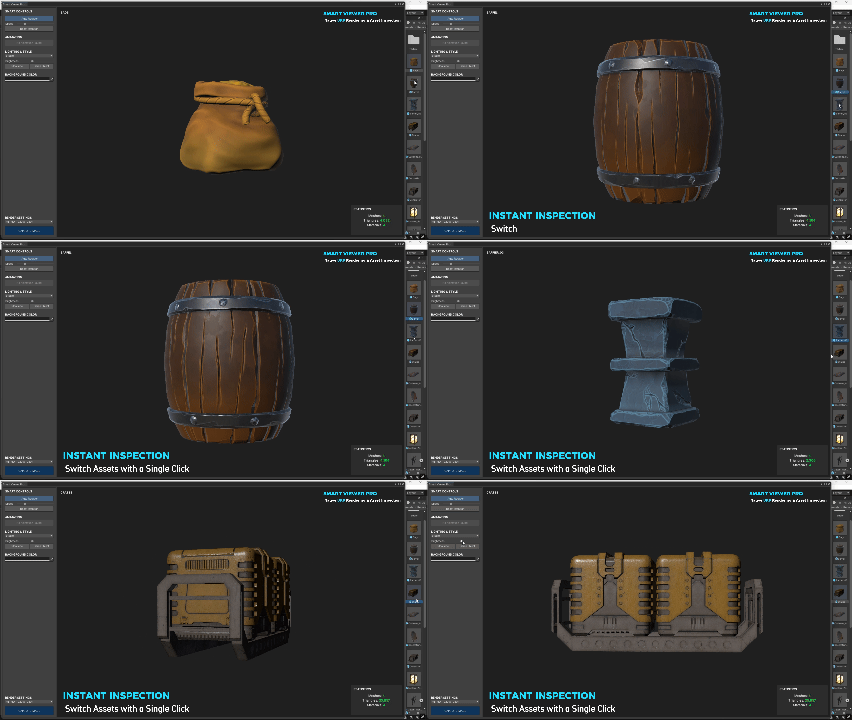
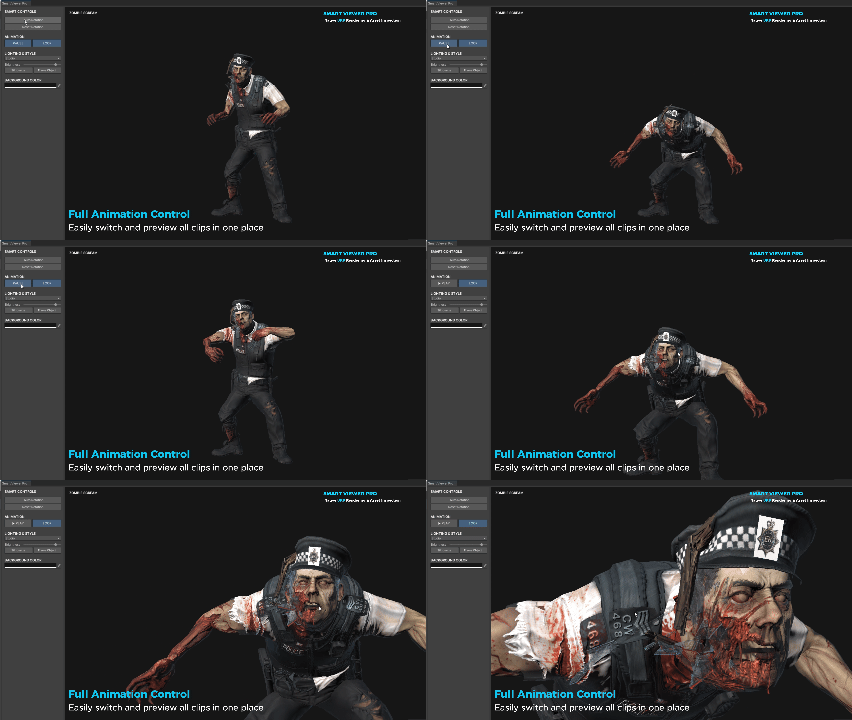
- Instant Preview: View your meshes and animations directly from the project folder with one click
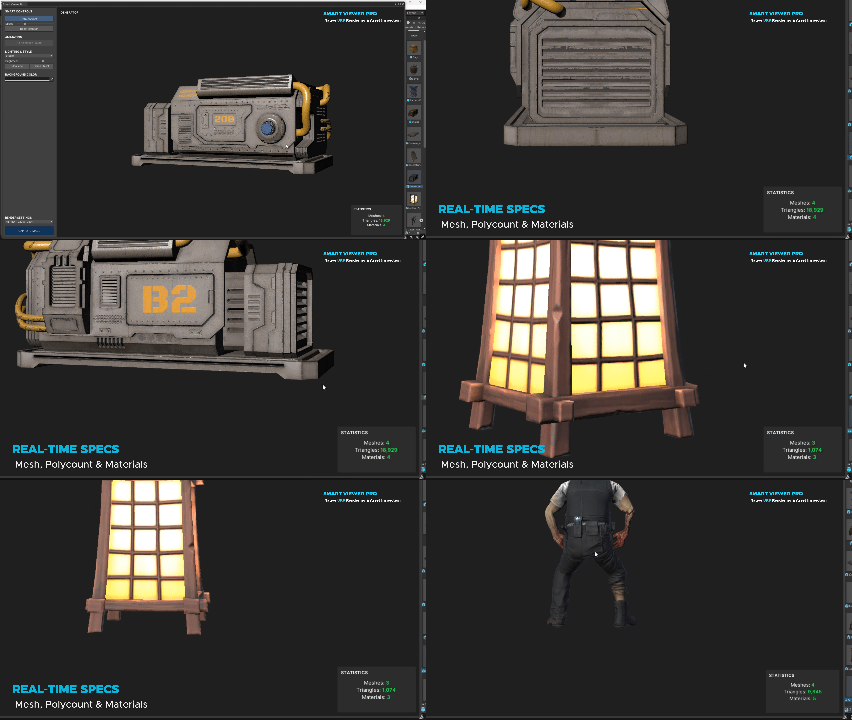
Quick Mesh Stats: Clear breakdown of triangles, number of meshes (Include LODs)and materials without extra steps.
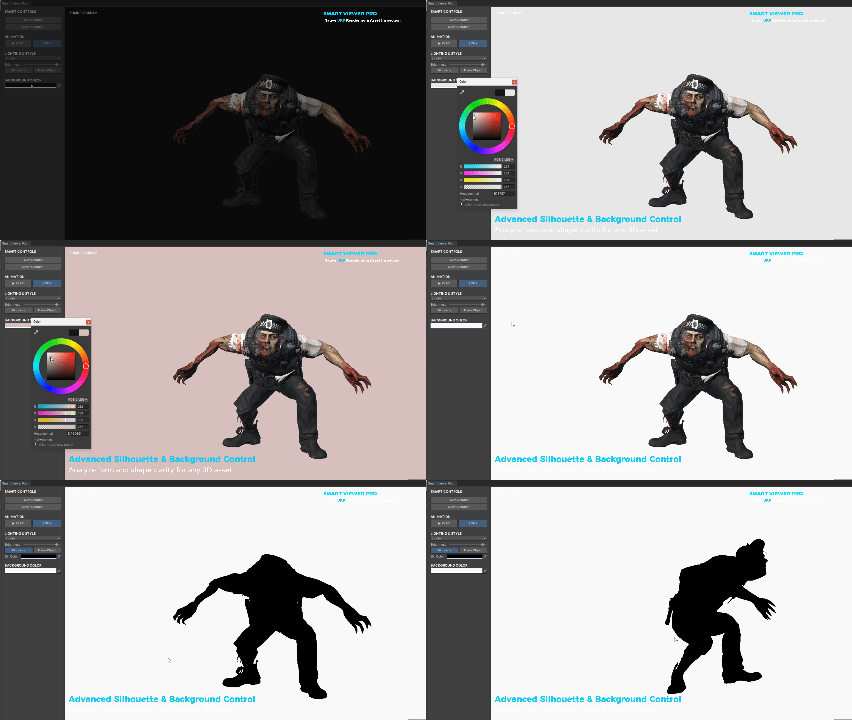
Silhouette Mode: Check your asset's silhouette instantly with a single click to ensure a strong and readable shape.
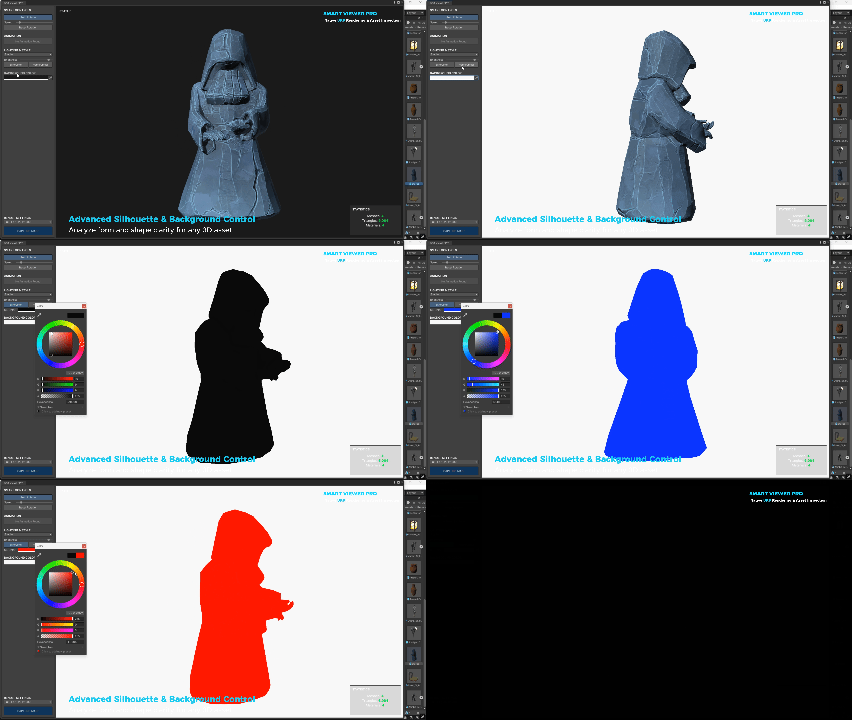
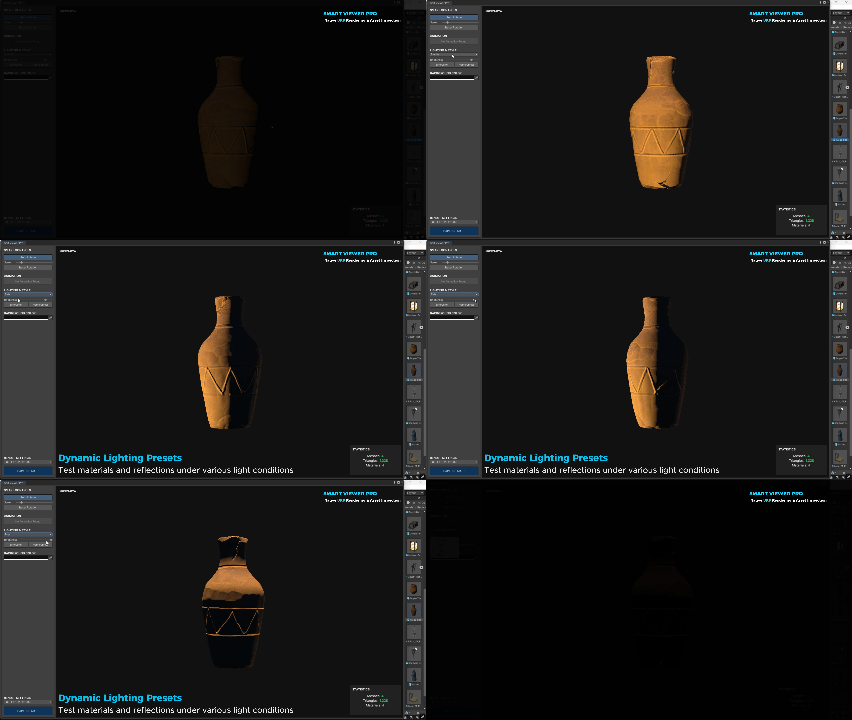
Lighting & Shadows: Adjust lights and toggle shadows to see how your asset looks under different lighting conditions instantly.
We are already using it in our studio, and it has made our workflow much faster.
Video showcase on YoutubeUnity asset store link
I’d love to hear your thoughts and what other features would be useful for your workflow!
Have a great weekend!
Marwan Ammar Game Environment Artist | [ArtStation]