Automating quad topology for dense meshes (workflow discussion)

node
I’ve been working on quad remeshing workflows for animation and game assets, specifically around edge flow consistency and deformation safety.
Most automatic remeshers are fine for previews, but I kept running into problems on denser meshes where diagonals and uneven flow made rigging unpredictable.
Below is a before/after example showing the kind of topology issues I was trying to solve.
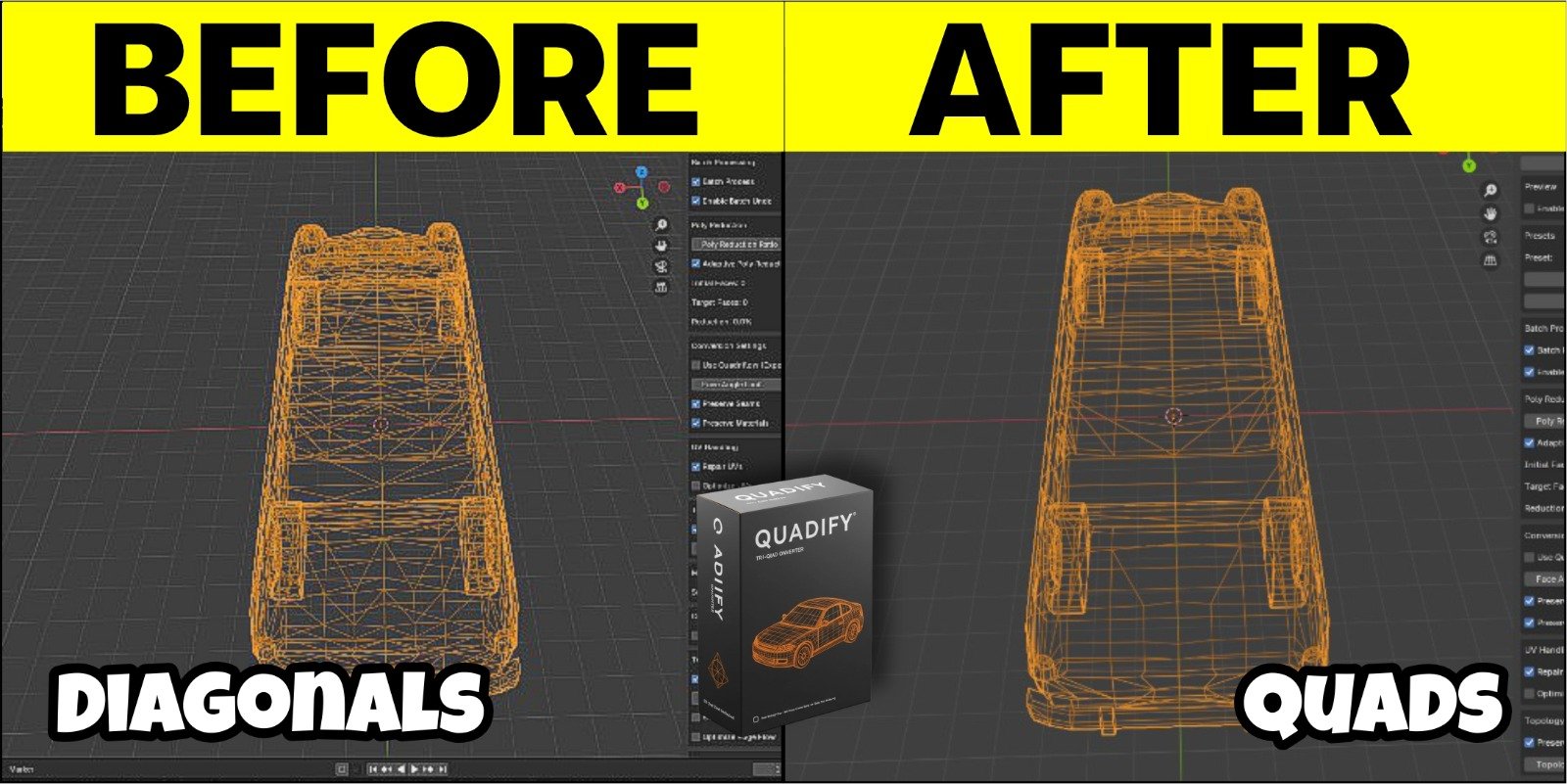
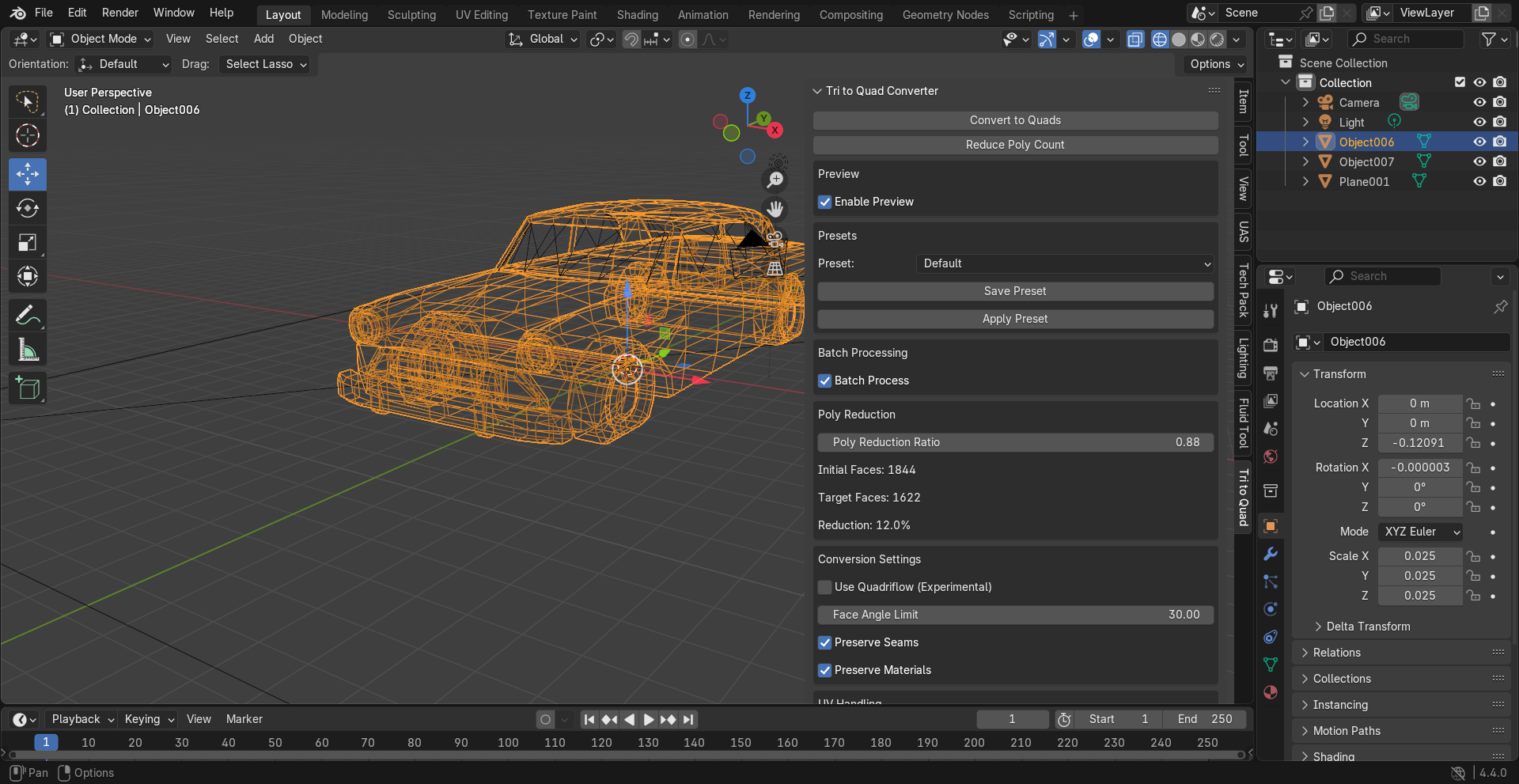
The focus here is not speed, but producing quads that hold up under animation and deformation.
I ended up building a Blender add-on to support this workflow, but I’m mainly posting to get feedback from others dealing with similar topology problems.
Curious how others here approach quad remeshing for animation-heavy assets, especially on dense or organic meshes.
If anyone wants to see the exact setup or workflow I’m using, I documented it here:
Replies
Also it's a bit hard to see the topology, could you use shaded wireframe instead? Like this:
The 2nd YouTube link in GitHub is broken, as stated. But also, digging through your YouTube videos, there isn’t a clear workflow video that explains how the buttons all work.
It would help to have actual documentation explaining what each button does.
Please feel free to test out different models on the base variant (it is free), and upload your videos!
I will provide several other videos of different test scenarios for it.
Also, @Eric Chadwick, I will fix the issues you outlined
I quadified your car model and created a youtube video of it.
Check here:
Thanks for pointing that out, it will be made clear here on out.