I built a tool I wished existed for batch rendering PBR materials

I used to waste hours doing the same repetitive setup every time I made a new texture- loading maps into Blender, Substance or Marmoset, rebuilding a material from scratch, tweaking nodes, lighting, and setting up a clean render just to see how the texture actually looked.
If you’re a texture/technical artist, you know the score. It’s part of the job… but it’s honestly ridiculous how long it takes and how inconsistent it can be from project to project.
There was never a proper automated way to do this. No simple, predictable workflow that just loads a PBR set and shows you what it really looks like.
So I built a tool to do exactly that. Material Studio Pro
It's cut my preview/render time from 10 minutes down to about 10 seconds.
Load your texture maps folder → instant viewer → consistent lighting → export in bulk.
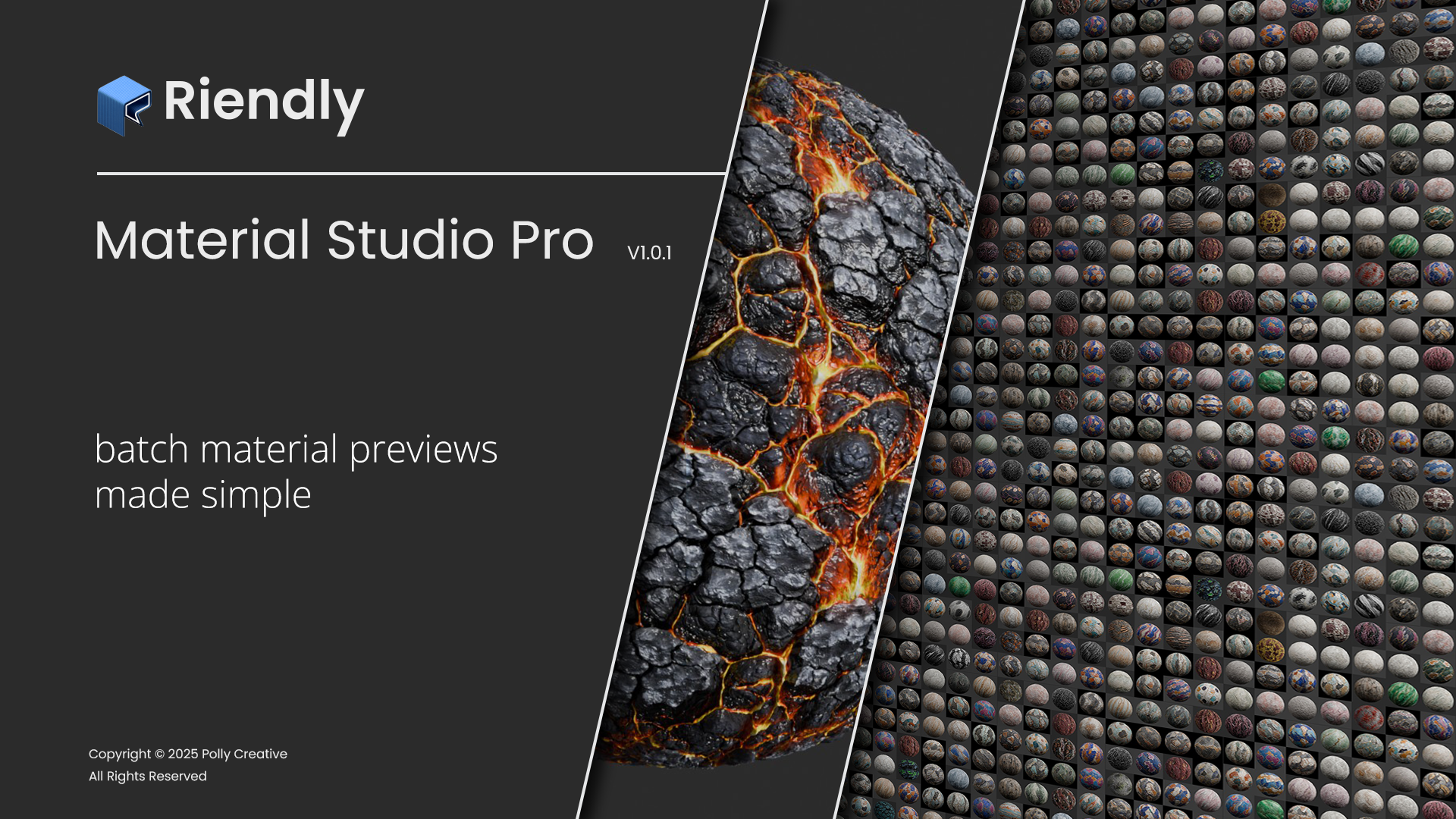
I updated it today for Blender 5 (since it dropped the same day I finished the damn thing). If anyone else is tired of the constant “setup → tweak → render → repeat” loop, this might save you the same amount of time it's saved me already.