Search
-
Re: xNormal - MASTER THREAD
 hmm, would 127.128.255 be closer then ? these are the rgb vs hex vs decimal comparision of all three and seems 127.128.255 is in middle 127.127.255 = 7F7FFF = 8355839 127.128.255 = 7F80FF = 8356095 128.128.255 = 8080FF = 8421631
 -
Re: Model problem
 Have you tried normalizing it, giving it a background (should be #8080ff instead of transparent) or padded the islands?
 -
Re: nDo: Modifying existing Normal Maps
 I would put a layer under the normalmap with 8080ff color and put a mask on the normal map and paint with low opacity where you want to weaken the normalmap. Maybe not the best way but its the way i can think of now. Btw this is not with ndo just plain Photoshop. And also you maybe want to normalize your normalmap probably…
 -
Re: The flat color of a normal map in Marmoset 3
 Flat normals in Toolbag (and most other applications that use normal maps) are 127.5, 127.5, 255. This is technically in between 7f7fff and 8080ff, but either of those should work. There is no way to remap the normal map input. Could you provide some more information about the problem you're trying to solve?
 -
Re: SOLVED: Photoshop error (0x80042260) dDo
 Hey people, So I was also getting this same error, but after messing with Quixel and Photoshop I found that I was only importing the mesh and the Color ID map. Then I imported basic normal map (#8080FF) and this fixed the error for me. Hope this helps if someone is doing the same as I did. GLHF
 -
Re: Knald - Master Thread

 Hi bac9-flcl, Thanks for the meshes. Actually, no :) Knald has 3 ways to bake AO and they are all different methods. You can bake the Mesh AO in exactly the same way as you used to in 1.0 without ever loading the new baker. Just load an empty normal map (8080ff) and a mesh in the 3d preview window, then go to the AO tab…
 -
(Solved) Faint seams with modular normal map in UE4 and SP

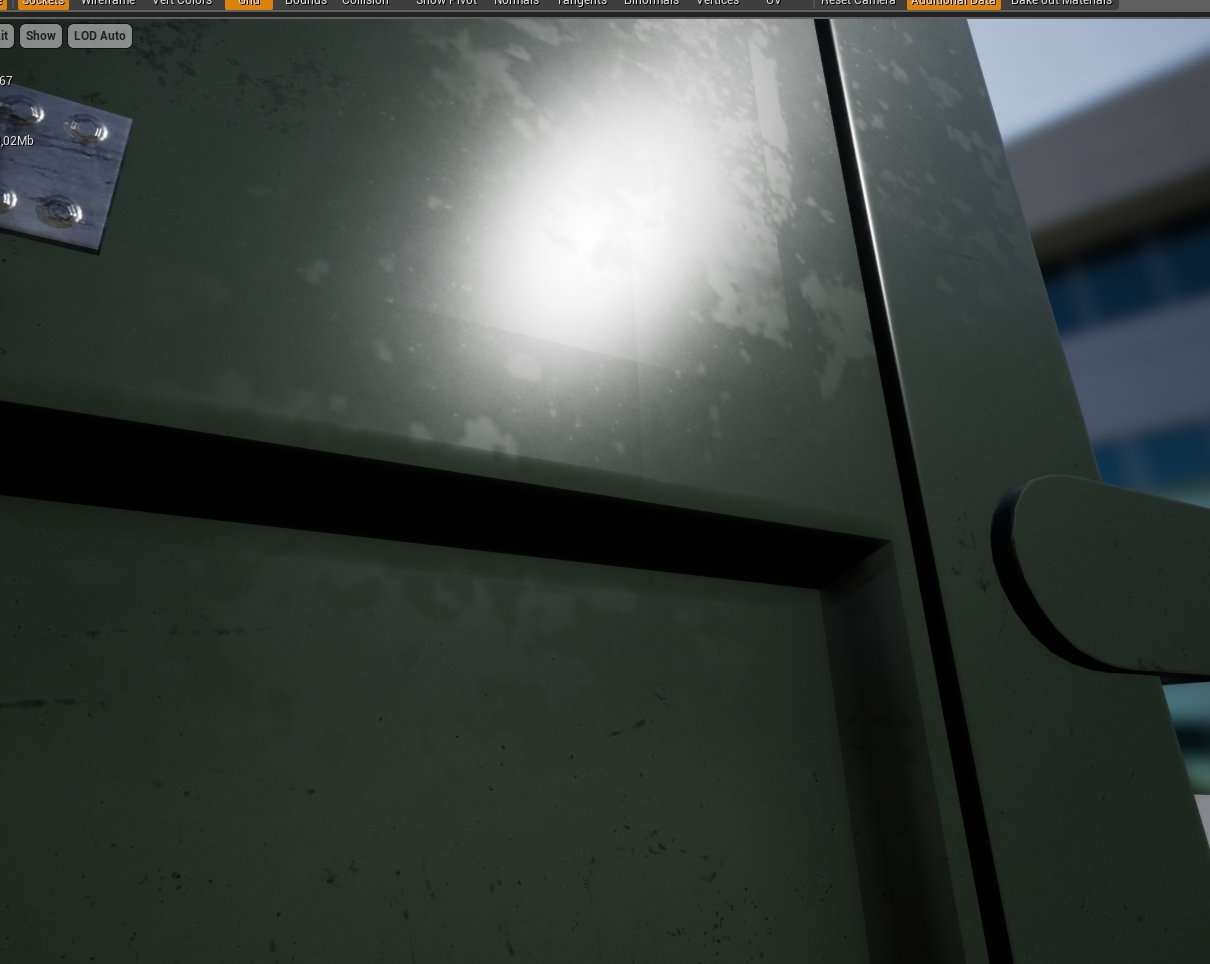 Hello polycounters! This is the premise: I'm trying this new workflow for medium/large props. In short, what I'm trying to do is bake the least amount of normal information from the highpoly to the lowpoly, and then stretch/duplicate/mirror the various pieces to form the desired mesh. I'm using separate id channels for…
7 results