Search
-
Re: WIP - Deep dark wood - (Block out Phase)

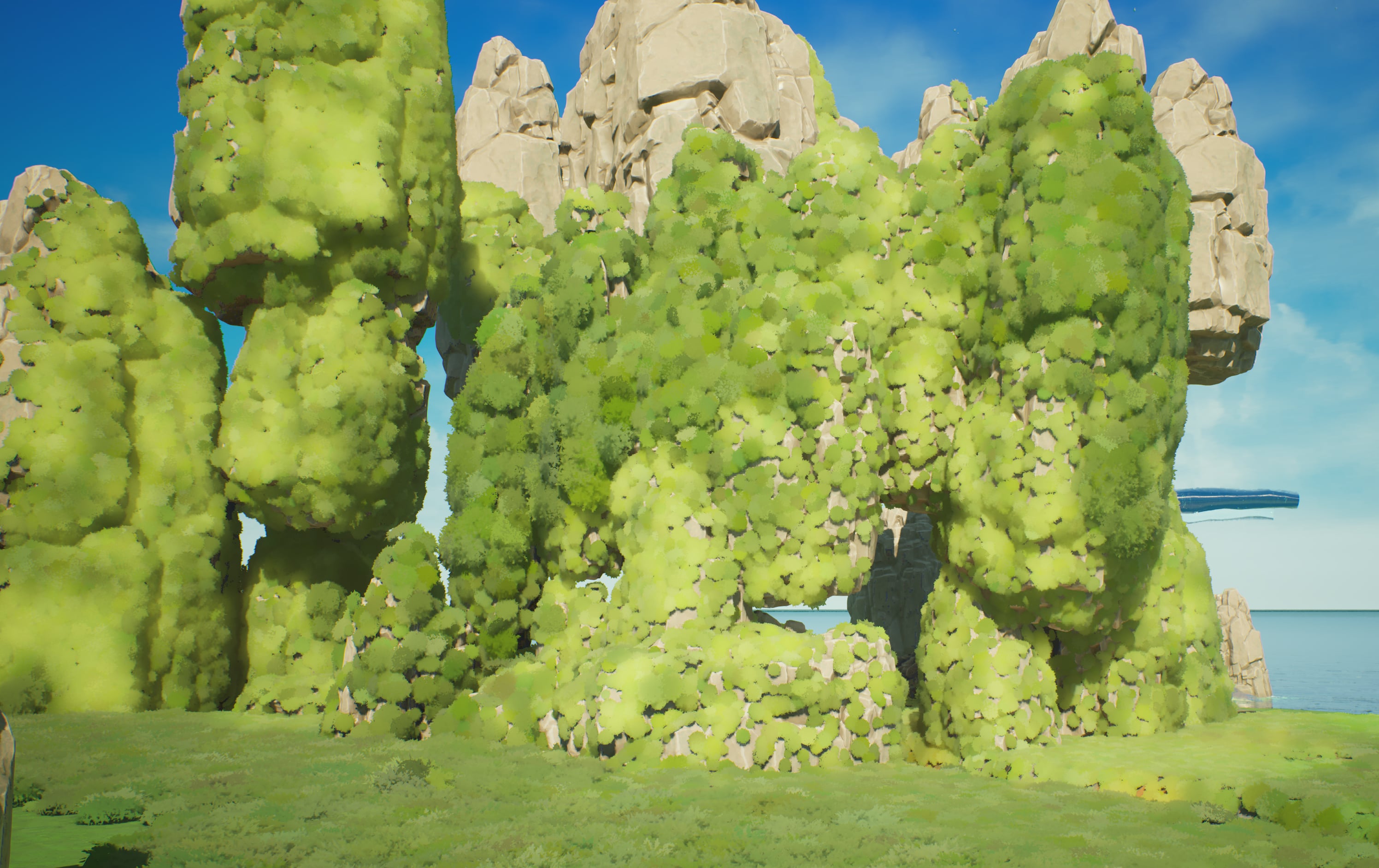 Here is the current moss clump I am using - It a sphere with some randome cards poking out. I think 1 or 2 more clumps with different shaped will do the trick. But The texture could use a little bit more character. Also what it looks like on full blast with a material that randomized the tint.
 -
How to get a totally flat lit render on Max?
 Hi there, I'm making a hand-painted skybox and I need to bake it from a sphere in 3ds Max to get angular deformation at the borders. I'm using the self-illumination material, but unfortunately it doesn't ignore the lighting, as you can see there are brighter and darker zones on my bake while I need everything to be uniform…
 -
Halo Elite (New Armor)
 Update: Toying with the head: Getting somewhere on the max armor. Update: Update: I think I'm just about done with the sculpt. Maybe a few changes here and there, and then I'm going to go on to the max hard surface. Hey guys! This is my first time posting my work here, so I'm a bit nervous cause of all the awesome stuff…
 -
Re: Learning Blender and Texturing

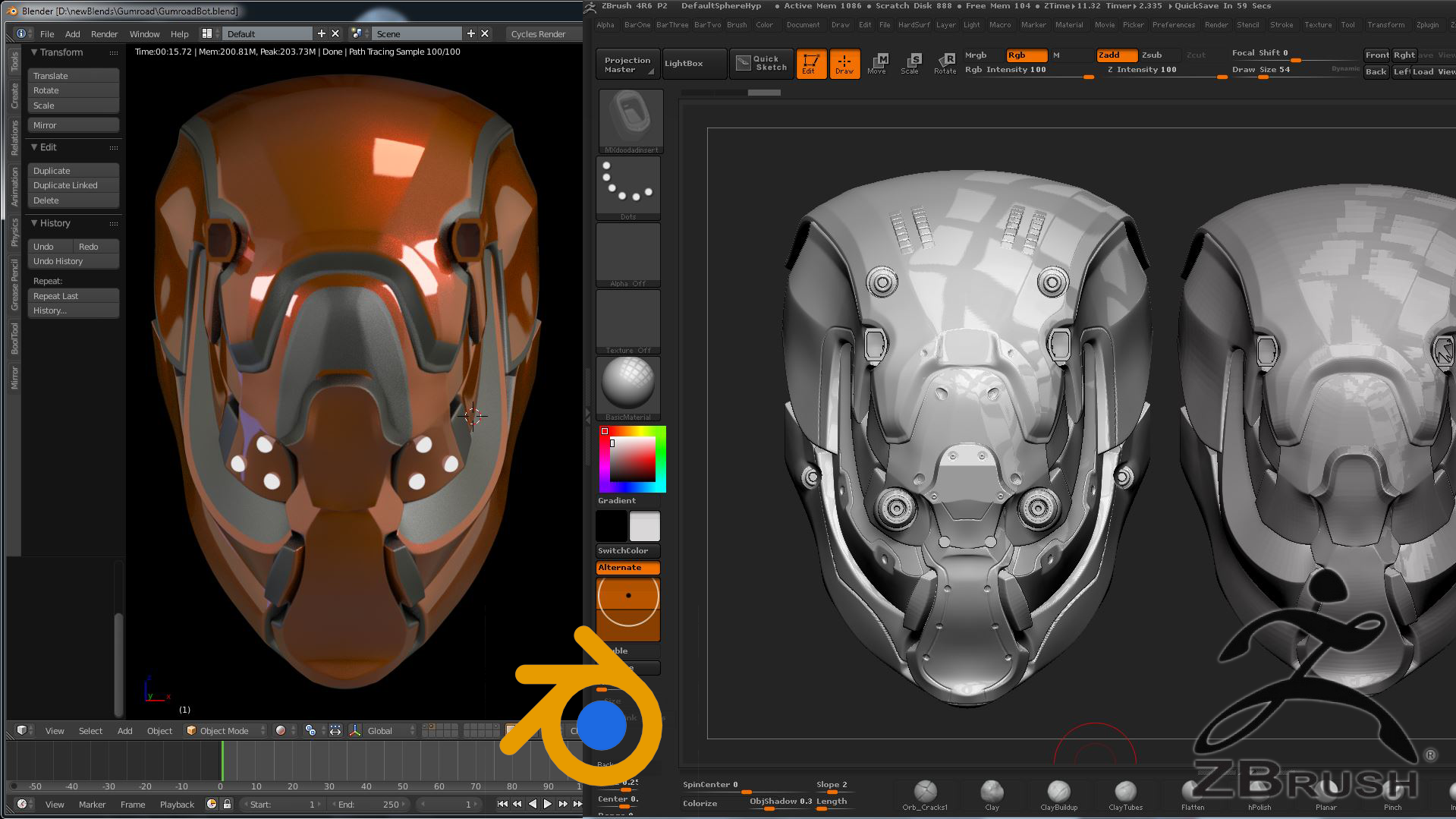 Hello ! My setup is highly customized, in part inspired by habits from both Max and Maya while also keeping it compatible with Blender unique systems (like the off-hand manipulation discussed above). I started by first using the default keys and navigation for a while, then modified them manually to have Maya-style…
 -
Will a vert lit model made in max go to maya????
 Hey guys, Im having big trauma. I cant get the vert lighting in Maya to look the way I want it to. Im trying to bake lights into the verts. So I get my lighting exactly the way I want it, then I go to edit poly/colors/prelight(maya software) and It looks like butt when it finishes baking. Ive tried the prelight(mentalray)…
 -
Re: Unreal Developer Kit - MASTER THREAD
 I am having horrible problems with my lighting. My aim is to light the room with a primary light through the windows and then have a few secondary lights on the inside. - I keep getting these bsp surfaces that are not lit correctly. - I have my bsp lightmass resoultion set to 1 - My wall thickness is 1pt - using 24-bit. -…
 -
Re: We finally launched CGHub.one
 Hello everyone and thanks for all the previous comments and support! Just wanted to keep you updated about Cghub We are still working on the website, here are some notes on whats going on: 1) 3d models library increased to 920K+ assets so far B) (almost 1 million!) 2) The main issue we are currently facing is website SEO…
 -
[RELEASED] Cartoon Cave Kit - Modular Environment

 https://www.youtube.com/watch?v=oMbh-9BJHL0 Released: https://www.assetstore.unity3d.com/en/#!/content/74702 This package will help you to make cave environment with lot of prefabs. Besides they were built as modules, so it is easier to use. Conbine the modular meshes as like you want. Hello guys, I'm working on this…
 -
Modular Environment Kit - 1st Ever Serious Attempt

 So here I am, a long-time member of Polycount but a guy who almost never posts ever. In that past, that was mostly about being intimidated by all the excellent work from people that gets shown here and thinking to myself that I wasn't ready to "play the game" at that level and not wanting to be embarrassed or feel…
 -
Re: Sketchbook: Frank Polygon
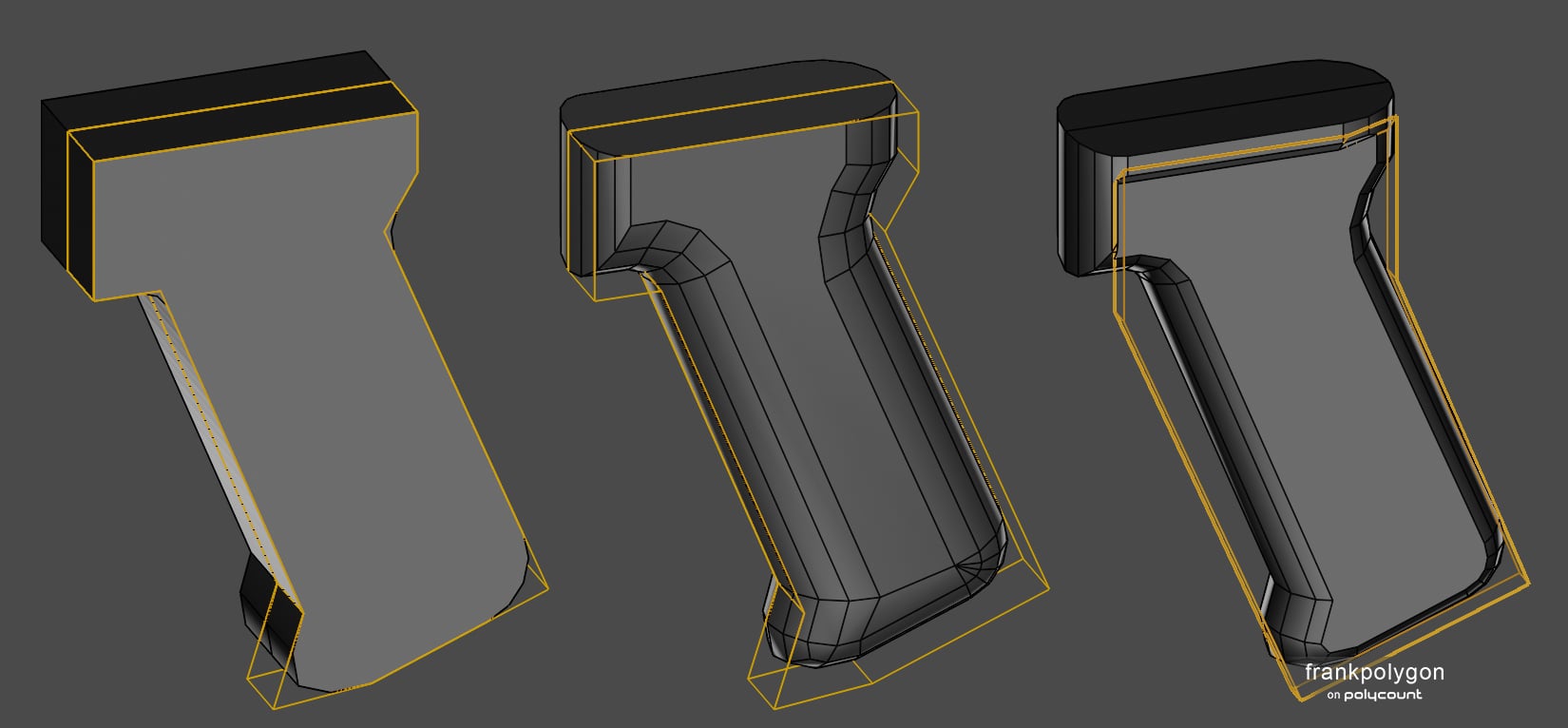 @2300511685 Correct, the round over in the third step was added with a non-destructive bevel / chamfer modifier that uses edge weights to control the width. If edge weights aren't an option then a simple loop path could also be used to constrain the round over. There's a few different ways to approach modeling lofted…
>89332 results