Search
-
Re: A peculiar way of parking your boat
 I might need to lower the volumetrics here :P OverDose doesn't have cameras implented (of that I know of)...so I have to slingshot the position of the camera each time :P. Foreground elements and backdrop elements, some minor addon to the building here and there.
 -
Re: USP-S || Phobos

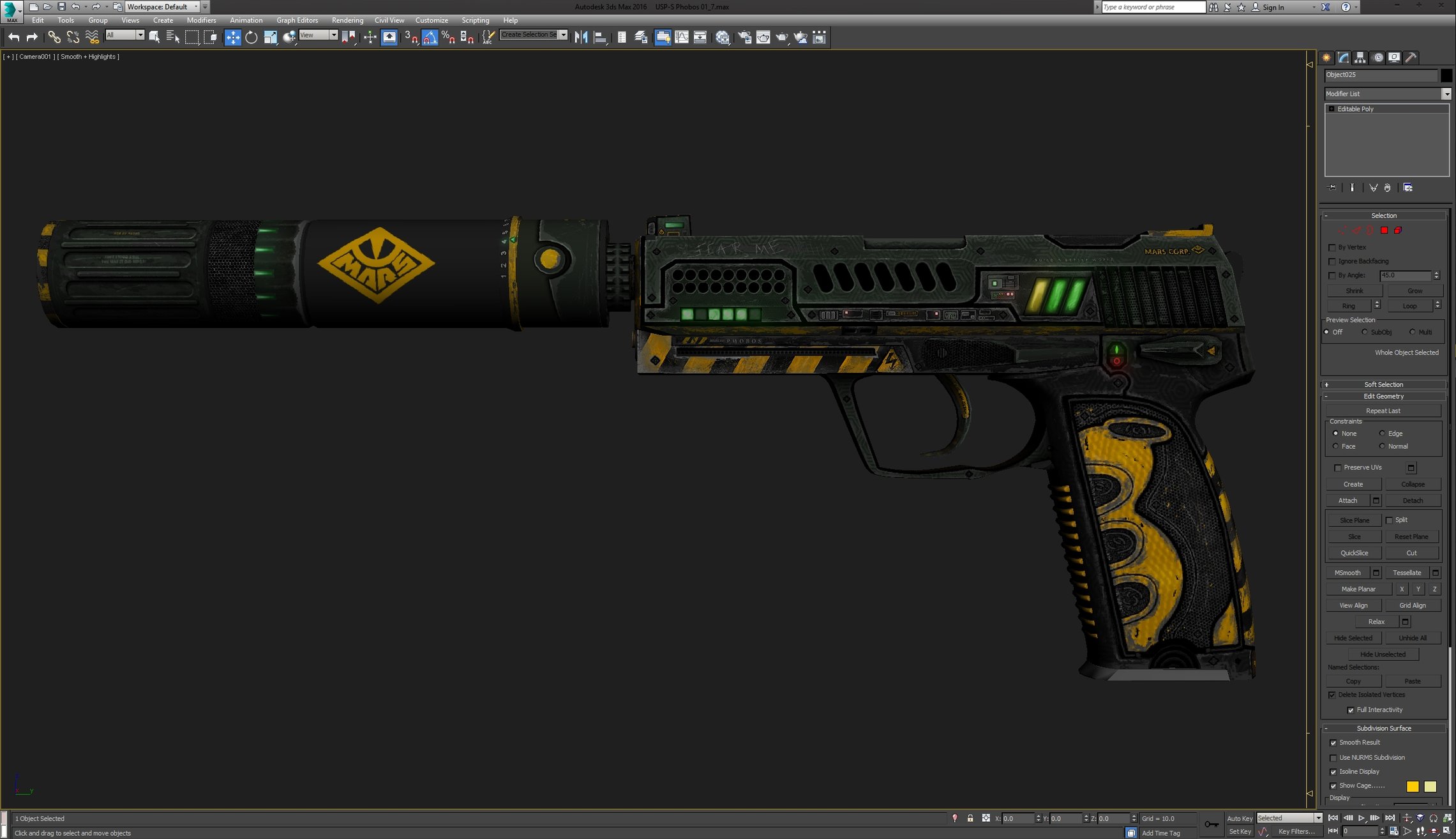 More update on the current process. Alot of details polished and improved. Currently working on the silencer. Got to work on the few more elements and polish complete ones too. Some of elements on this screens are still just a rather conceptual than final, so please notice it:
 -
Re: Another script request!
 I think select element in the 3D window doesn't stop at seams it selects the entire element just like edit poly? Aside from what has already been suggested I think there is a "expand selection to seam edges" so you select a face and hit that command.
 -
Re: Everyone gets one! AR-15 / VLTOR M4!
 Not sure what modeling tool you're using, but I had this problem one time in Max... I think I just selected the polygons of that object by element, then detached it from that element. Seemed to fix the problem. -I would also select all of the verts in that area and weld it. :3
 -
Re: [3DS Max] Overlapping vertices
 oh - i thought because of the welding effort you mention above. But could it be that you unintentionally duplicated your polies in sub object mode ? Like having a element selected and click move while holding shift ? Those vertices would'nt weld, because the belong the seperated elements....
 -
Re: Nasty AO results with Max 2008
 I've had similar issues in the past. I've found that simply hiding all the low poly faces fixes the problem, like previously mentioned. For some reason, though, hiding all the elements didn't work. I had to hide all faces, not elements, and that solved my issues.
 -
Re: Crying Wolf Jhin by Skeletal Raven.

 Reply by skeletal_raven_arts · · Home› Contests & Challenges Archives› Riot Creative Contest 2017› Riot Creative Contest 2017 - Character ArtThank you very much! alright! here is a very rough model sheet, not all the design elements are placed here as this is a mere proportional land marks to clean the idea better for modeling. next jumping to a more detailed design elements ( weapon, accessories, stitches, etc...)
 -
Re: Exporting Help!
 Awesome, thanks for posting the solution. Sounds like an invisible mesh element, almost like floating vertices but with some polygons attached (otherwise it wouldn't be an element). If you still have the problematic file, you should submit it as a bug, so Autodesk can identify and fix.
 -
Re: Blender UV size
 Assuming all your UV islands are evenly dense, simply measure one area in 3d space, calculate how much UV space you want, select all elements and then scale everything until the measured element is the correct size(and thus everything is correct).
 -
Re: [UE4 / WIP] Enviro. Jungle and robots ;].

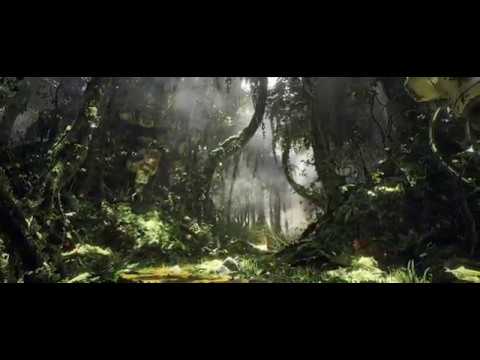 https://www.youtube.com/watch?v=UZQ00z0m6Yo Heres some teaser, test video of the environment that i'm working. Now i'm sitting less in the UE4 and more in Maya to model all the additional stuff ;]. In the final video there will more animated elements from foliage to mechanical elements.
>11040 results