Search
-
Re: XMD Custom Zbrush / 3D Coat / Substance Brushes
 why do I have to find the alpha after I select the brush? why cant I just selct the brush I want and the proper alpha is automatically selected, these brushes are a pain in the ass.
 -
Re: Ninja Dojo (3D Tools for maya) Plugin/Updates/Requests
 Ninja Dojo 6.2 Update Ninja Mesh 6.2 1. Added Boolean Difference + Intersection. 2. Added Boolean Difference + Keep Last. 3. Added Greeble Tools. 4. Added Axis Direction to Deform Along Curve. 5. Added Deform Along Selected Edge. Ninja UV 6.2 1. Added option to show UV/persp panel inside the Ninja UV. 2. Added option to…
 -
Re: [3DS MAX] Someone explain to me how textures work

 Hi! Had a look at the .obj in Blender and the material IDs were indeed not correct. Selected geometry by UVs and assigned materials according to texture sets (sent via DM). I don't know what your plan is with the asset, got to say I think it's pretty un-optimised (~1.7 million tris, some iffy UVs + wasted texture space).…
 -
Re: cly_pivotReflectionModeling.mel
 Sorry I missed yer post, The command did not work because an argument was not specified. see the list of commands below with a description of argument features. On the other hand, The shelfButton popUp menu GUI should work fine in maya 2011 and setup in a current shelfLayout would be installed with the following…
 -
Re: Baking issue on character model
 Hi! By overlap, I meant one part (for example jacket) having UVs overlap with itself due to the generative modifiers (mirror, solidify) - not UVs of different character-parts overlapping (jacket and pants for example). Here is a quick walkthrough how I checked with the jacket: 1 - UV Sync Selection is enabled in UV editor,…
 -
Re: Plane modelling help.
 step by step: 1.) selelct either chest or legs and convert to poly, In the editable polytab click "attach" and select the other body part. Now booth are 1 Poly/ Mesh 2.) go right click on this object and go: object properties > backface cullig 3.) now if some faces seem to be flipped select them and hit "flip" in the…
 -
Re: Mult loop split for max 8
 I want to be able to select an edge and split it all the way around with one click. mj poly tools had it for 7 but, I tryed it for 8 and it didnt work. It may be something I did wrong I'll try it again. It would work with chamfer, I'd have to selet edge, select loop then chamfer. I'll use that for the time being. thanks…
 -
Re: Free Blender 3D Tutorials on YouTube
 Blender how to select face and select face loop with shortcuts Blender basics, Quick tips to show how to select face and select face loop with shortcuts. Happy sharing. Happy sharing and I hope this helps. #blender3d #blender #cgian Watch here, https://cgian.com/how-to-select-a-face-and-face-loop-in-blender/
 -
Re: Sniper

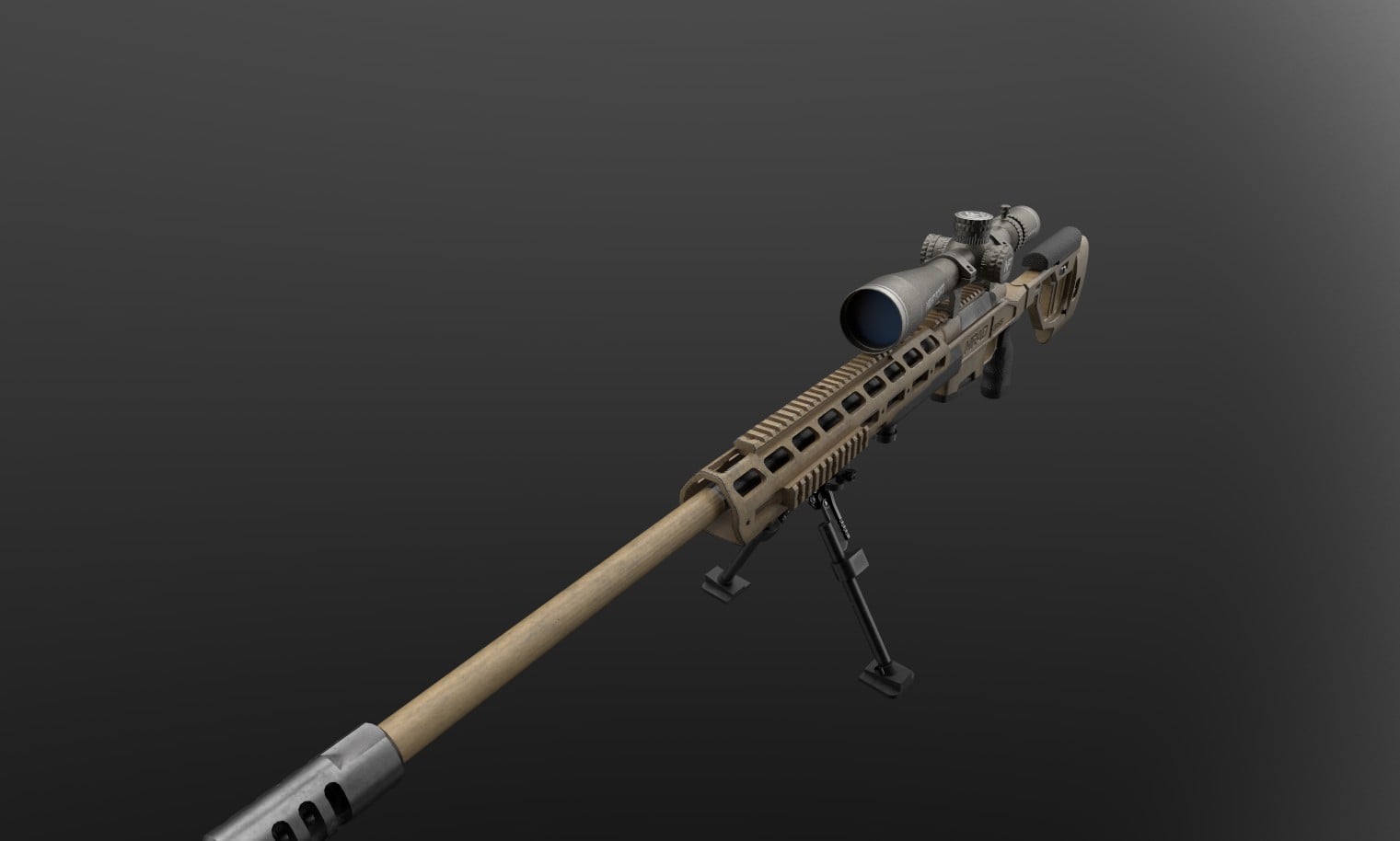 This week I completed the baking process and cleaned up all of the UVs to ensure everything is optimized and ready for texturing. I’ve started texturing the sniper and have made solid progress so far, focusing on establishing the core materials and surface detail. In addition, I modeled a gun case to help strengthen the…
 -
Re: .FBX model not exported from Maya properly
 funny i was just having some issues with game exporter and found this thread on first page from google search, so i'll update with solution to a similar problem but different reason: using export selection with the skeleton reference group selected works properly, but using the game exporter with same selection does not.…
>15386 results