Search
-
Re: Pirate Town Set
 I like you're ideas, but I don't like the way you model. Less vertices = less work UV-ing Less vertices = better performance
 -
Re: 3DS Max 2012 off-center gizmo on selection
 Yeah, you have 8 vertices below, and 6 vertices above. The center is weighted by the number and positions of the items in the set.
 -
Re: Normal Map Seam Appear Only When Posing Character
 Have you welded the border vertices ? If not, make sure your border vertices are identically skinned. It's possible that there is a few units difference, and this is enough to create a physical break in the model.
 -
Re: File Format Compressing Faces?
 Vertices and Faces are in the MEMB section, the first vertex starts 80 bytes after the 'MEMB' string, then the faces start immediately after the vertices. GEOM and MESH are just properties sections.
 -
Re: Swiftloop not connecting right.
 Fast way to check overlapping faces is to ctrl+a to select all vertices and then weld them with a threshold on 0,01 and if its a change in the before and after number you got overlapping vertices.
 -
Re: Unfold3D Blunders
 It happens when u have overlapped vertices . Just select all the vertices and weld them at a very low threshold, or try STL check modifier , if there is any mesh errors.
 -
Re: Stuck: My Topology Journey Has Hit a Wall

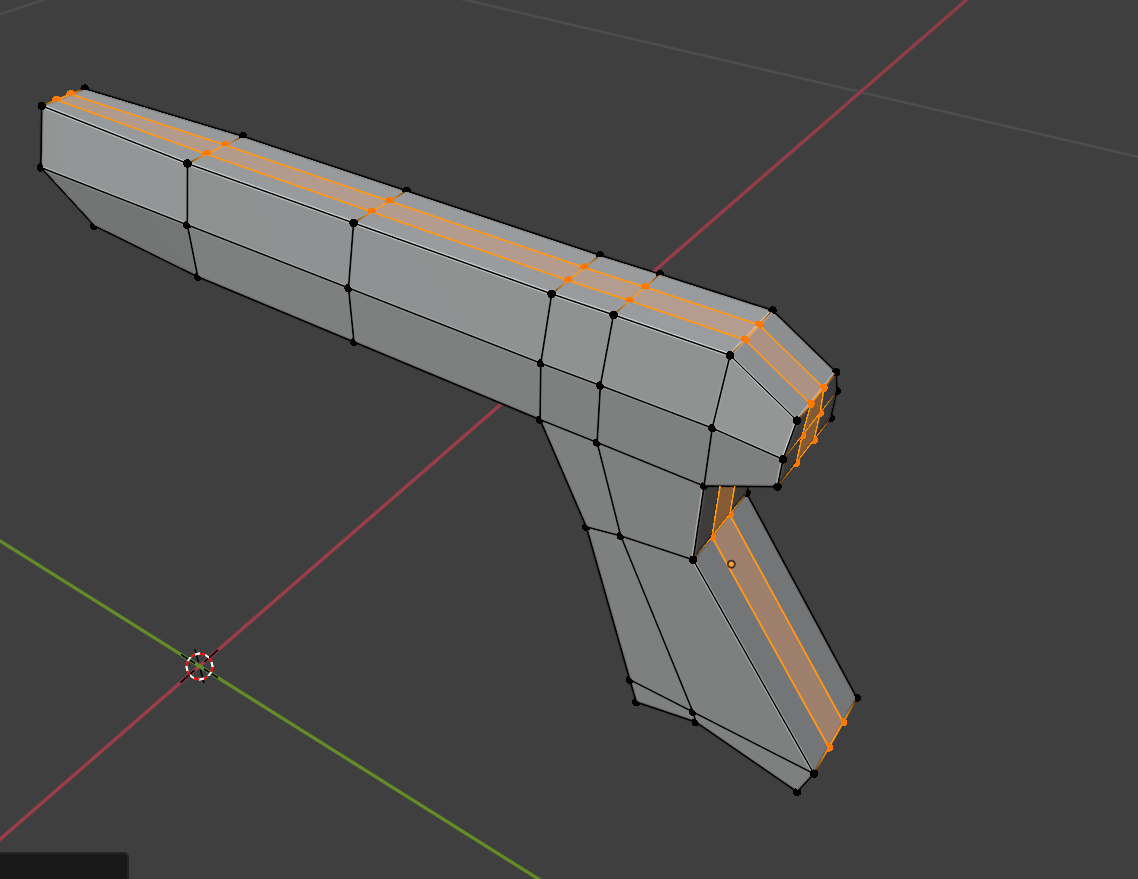 The problem isn't so much about a single mesh but about a process. Over time, trying to improve, I've actually gotten worse in terms of topology. I used to model much better, even if I wasn't improving. https://www.artstation.com/andrea_g Here's what's left because I deleted everything out of frustration over time. ;( The…
 -
Re: lasersword trail how to?
 TrailArc.cs author: Nick Gronow (Stick) using UnityEngine;using System.Collections;public class TrailArc : MonoBehaviour { int savedIndex; int pointIndex; // Material - Particle Shader with "Tint Color" property public Material material; // Emit public bool emit { get { return Emit; } set { Emit = value; } } bool Emit =…
 -
Re: Smoothing groups problem
 Looks like you have some unwelded vertices there. Select the offending faces, convert selection to vertices, do a Weld action on the selection.
 -
Re: [Maya] Modelled a shoe. How do I make the inside not have black /become double faced? +pics included
Ah no worries. I had it fixed now with my uni tutor. There were hanging vertices, just needed to select all vertices then merge them. Thank you for replying though!
>7638 results