Search
-
The Bi-Monthly Environment Art Challenge | March - April (83)

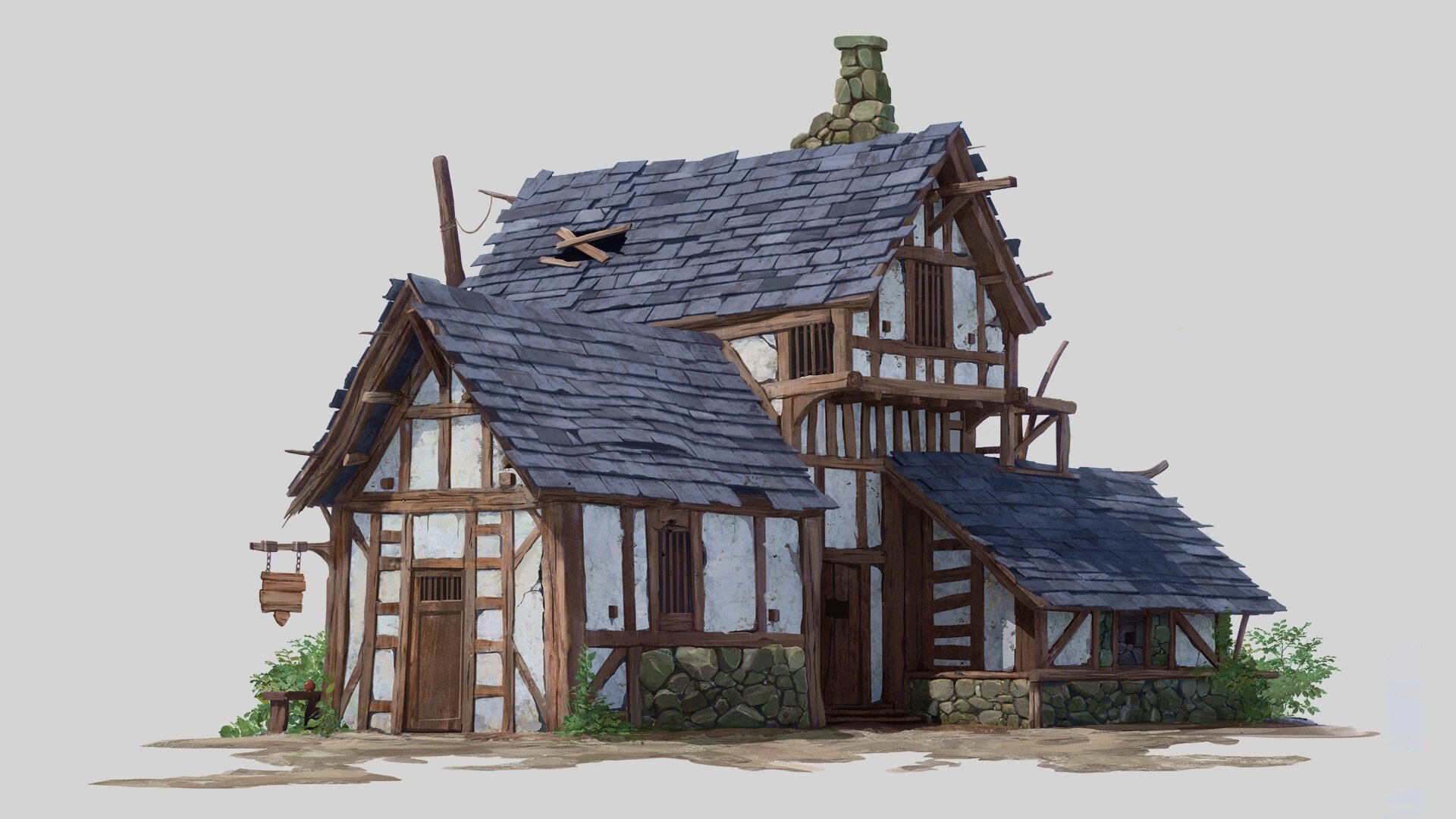 Hello everyone! Welcome to the 83rd edition of the Bi-Monthly Environment Art Challenge for the months of March and April! This challenge is a way for real-time 3D artists to test their skills and create a piece of work based on concepts provided. It's open to those of all skill levels and we do our best to provide…
 -
Re: SIGGRAPH 2017
 Hey so we are going to try to meet up at Rhythm Rooms (https://www.google.co.uk/maps?q=rhythm+room+downtown+la&oe=utf-8&gws_rd=cr&um=1&ie=UTF-8&sa=X&ved=0ahUKEwj-9b3l8ZjVAhVSOMAKHZDrB3wQ_AUICigB) from 7pm onwards on Sat 29th - PM me for phone numbers and details if youre interested !
 -
Re: WIP: Peasant
 Not bad mate, here's some crits for you: The creases you've sculpted in the material are not defining the material well, I would advise trying to get some better reference of the material you're trying to create. Also, the silhouette does not match with the material either. I get the impression the material you're trying…
 -
Re: Speed Animating Thread
 Hugh >> I get the impression from your animations that you animate a part of the character at a time, is that how you work? For example, you work some on the pelvis, then the foot, and finally try to piece things together? The reason why I get this impression from your animations is because the limbs and torso of your…
 -
Re: Drastic difference between high and low meshes
 mental ray can be a bit tricky but the main things, try the 'Production' quality setting in the render globals. that will bump up the setting automatically for you. under the quality tab in render globals take a look at your sampling settings. try to bump up the min and max sample levels that controls how much sub sampling…
 -
Re: First Animation - The Creature "Worm"
 Hello Eishin, Have a couple of notes for you: - The presentation is helping a lot now. - To me , the motion of the body feels right by now. I just suggest that you rotate his body a little bit to the sides since now he is just walking and rotating in just 1 axis. - With my last note I would suggest you offset the movement…
 -
Re: Max Material Editor FAIL
 try to re-save the image to a different file format, different size, different bit depth. But I assume you mean any texture. maybe try to drag a texture into the viewport on a object - which should by default generate a default material with a difuse texture of that image. Maybe its also just like Seaseme suggested and you…
 -
Re: Photoshop showing 32bit Normal maps from Marmoset washed out
 I like photoshop or now Affinity Photo for fixing mistakes in the AO maps. I always frist try to sort out issues with topology and shading frist, but at some point it's just small little things that can easily be fixed in a image editing software. Also if you have ever had the topology grid pattern appear in the AO map…
 -
Re: Head model : my 1st sculpt on mudbox
 People are basically saying you should try drawing a face first because if you can't draw it, you can't model it either, simple as. And drawing takes way less time than sculpting. I too would recommend that you try and draw a face from reference, then turn over the page and try and draw it again, then look at a ref and see…
 -
Re: [Tutorial] Reducing seams and texture repetition - Dissertation work
 Hey guys, thanks for all comments and sorry for the late reply. sltrOlsson: Thanks! I'm using custom lighting to remove differences in shading between the terrain and meshes that intersect with it. If I were to blend in only the grass texture I would still end up with many seams. I will add some comparisons later on.…
>49706 results