Search
-
Re: Blast from the past, 2002
 Nice! Yeah, those were formative years for me as well. I jumped onto Polycount sometime around 2001/2002. We were all dealing with normal mapping, trying to handle skin with blue-colored specular maps, and learning about subdivision surface modeling. Heady days!
 -
Re: PC-CSGO | Cyberthing (Finished)
 Hey-y-y, thank you! :smiley:
 -
Re: misc. maxscript UV scripts/tools
 I used your renderUV script and mixed with one of mine. Now the script count black pixel on the uv map, and drop a percentage of "wast uv space" depending on the wanted size of the map. result just below my code is perhaps not very optimised, but its working well on editpoly object just select an editObj and run the script…
 -
[Unpaid/Hobby] Experienced 3D Generalist looking to join serious team as 3D Environment Artist
 Hi everyone, I am looking to join a serious indie game dev team to gain experience and build a dedicated real-time portfolio. I am offering my skills for free. About Me I have over 20 years of professional experience across 3D generalist roles, architecture, product design, and motion graphics. However, I am currently…
 -
Offsetting subtools to tile in zbrush isn't working properly
 This might be a lot easier to understand if you could see the video tutorial I'm following, but it's a paid one so bare with my description alongside my texture screens. I used Nanomesh to lay out my leaves, sticks, and rocks. Then I went in manually to adjust any inter-lapping. So, onto the tiling portion. In said video…
 -
Re: Sketchbook: HarlequinWerewolf (SkullCat3D)

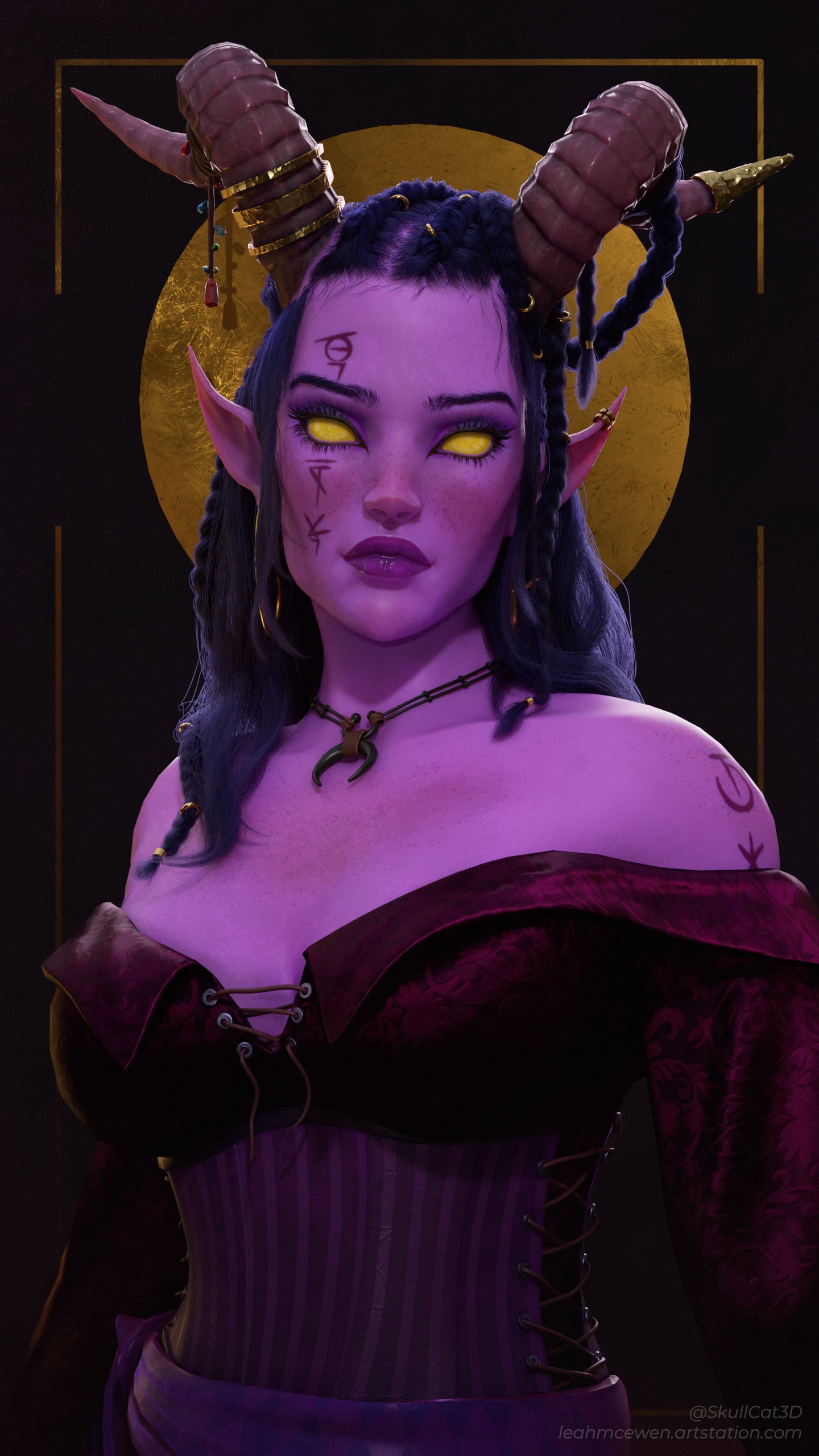 Wrapped up my Warlock project. Mostly focusing on a nice render after years of picking at this here and there More: https://www.artstation.com/artwork/WXwoVy
 -
3D Animator, Rigger, Cinematic Artist looking for work
 3D Animator, Rigger, Cinematic Artist looking for work. My reel: https://youtu.be/pScZ6tjQNg8?si=bLopVYC1F1PZ2u7J Skills: - Character animation - Rigging - Unity3D and Unreal Engine implementation - VFX Contact: artur-huk@rt-pro.com Discord: arturhuk
 -
Re: Crytiff Normal map error
 Did you set the swizzle to Y- instead of Y+ ?
 -
Re: Problematic baking of hard edges (how to do it without adding supporting loops?)
 Yes, before conversion of course. The only matter is to set right axis order , Y or Z up etc and directions. Xnormal , SD,Mari etc assume it differently For Cycles in Blender 2.7 and Xnormal I set +X +Z -Y for example. SD seems does it just same way as any Y up kind of soft. In fact for such a simple geometry OP sowed you…
 -
Re: Tile a specific portion of a texture in Unreal material editor
 You don't necessarily need a mask, just use "fmod" on your texture coordinates, with the correct value for the y tile. for example- fmod(UV, float2(1.0,0.5)); This will repeat your texture on Y depending on the limit you feed it - with the above pseudo code it'll repeat from 0 to 0.5, and then repeat that section…
>147189 results