Search
-
Re: Marmoset Toolbag 2.03 with DOTA 2 shader support is officially out
 darkkyo - I had the same problem with marmoset. I followed the tutorial I linked. Offset the UV's in 1/0 space and baked the maps with the entire mirrored model welded. Problem was then solved only after I did the gradient trick. I've always been a firm believer of trying things to see if the work.
 -
Re: 3DS Max 2017 UV Unwrap Window Bug

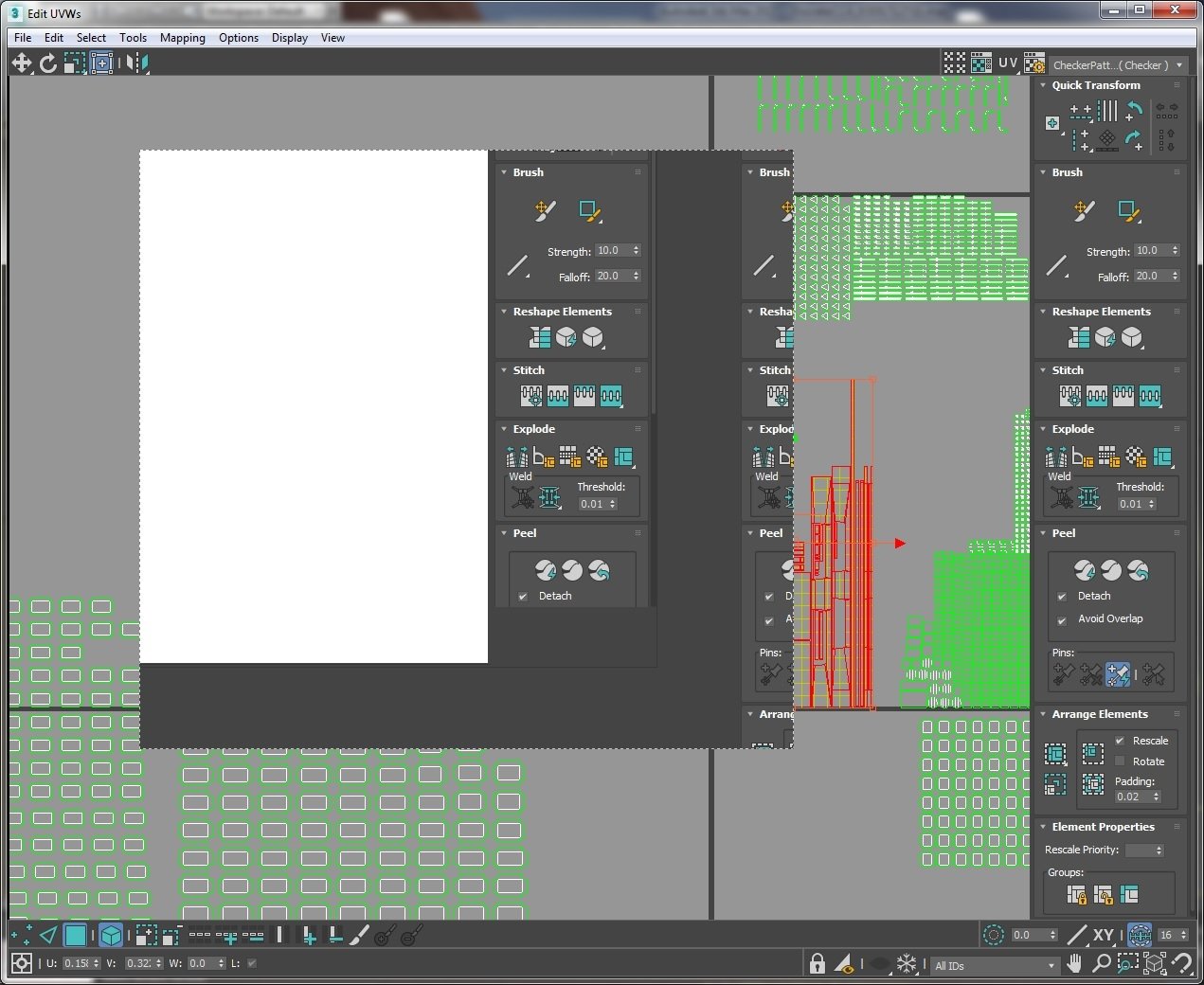 Did switching to Windows 8.1 solve your issue? I guess I might try switching to OpenGL to resolve this for the time being. Windows 8.1 isn't an option for us at this time. Also, how are you guys getting .gifs on this? I had to have a second pair of hands to screen capture my problem:
 -
Re: Old Tailor Shop Environment

 I've made the details of those wood panels at the bottom at the wall in zbrush, while I was in there I just quickly sculpted those raised parts. I also have a damaged version, the damages were also sculpted in zbrush. Some other angles: Ignore those edges that don't match, It has been solved.
 -
Re: Dwarven Stronghold Scene
 The textures are really harsh. The stairs texture needs to be reworked or reuv'd to fix the massive texture change in the stair corner. The stones should not be that black between them. I can't really explain how to solve your problem, but that's what I can see. WAY TOO MUCH GREY! You need colours on everything.
 -
Re: Space Rifle (WiP)
 PROGRESS REPORT ya, i havent given up on this. i just had to make another model for uni and that was rathe problematic but solved nonetheless and now i am back on the gun. took the last 3 days to wrap the gun model. there were a bit more pieces to uv wrap than i expected....
 -
Re: Normal maps issues
 It is a projection issue. The detail in the center of the object is getting distorted because of how far away the verts are from the that detail. If you cut in a vertex or two on that big flat face it would solve the issue. You could check out Earthquakes sticky thread for more info.…
 -
Re: Zbrush Problem
 Your images don't seem to be loading, but one way to solve what you're describing is to use the second smoothing algorithm. You access this by holding the shift, clicking and holding on the model with left mouse/stylus and then releasing shift. This pushes the verts around in a slightly different way to the regular smooth…
 -
Re: Maya Bonus Tools 2013 - Draw Split tool issues
 Hey chiniara, no bro jejej my notebook has 2 videocards the integrated one (power saver) and the Ati, It sure gives me flexibility specially when i am travelling. So The UV Unwrap issue may be solved if you download the maya 2013 Hotfix man, try out and good luck!!
 -
Re: Modo Scaling
 I'm sure I've already tried the local action center but I will try it again when I get home. I was wondering, is it possible to make a tool preset or script that activates two tools in modo at the same time? I think if the slide and scale tools were activated together it would solve this problem.
 -
Re: Digital Video Recording, External Solution
Not to rain on your penis parade (that's a killer drive btw I have an eval unit sitting here) but the issue won't be solved if the drive is external or internal - it's the PCI bus causing your hiccups. The FWR controller is still on the PCI bus. I think the cheapest most effective solution here is still the DV Cam.
>14358 results