Search
-
Re: Tileable Maps Photoshop 3 Layer
 Succes- Tried with Layer to groups ,duplicate first group , offset by half of the pixel with every layer in the second group and use masking to make it tileable . If someone is interested in more let me know. Would be interested in other methods !
 -
Re: Newbie to game development
 [ QUOTE ] As for an engine, check out Ogre3D and Irrilicht. They are fairly new and free, utilizing a lot of the new technologies (Irrilicht has per-pixel lighting). [/ QUOTE ] Are these stand alone dev tools or do I need Visual Studio?
 -
Re: 250 Wii?
 A lot of the screenshots for the Wii look like the are using pixel shaders, plus ATI is manufacturing their GPU, so it doesn't really make sense that they would make an effort to produce something worse than what they are already geared up for.
 -
Re: WIP: NOD light Infantry, Thrice revamped
 big thumbs up for not mirroring the chest! you don't have to follow my scratches to the letter, but I'm glad you got the over-all gist. now go in with the one pixel brush and tighten up those edges!
 -
Re: Maya hardware transparency problem
 Yeah alpha test solves the sorting problem, but it's only on/off, no translucency. Can't use it for hair, for example. You can use both together at the same time. But it only reduces the sorting problems to a fringe of pixels, not really that helpful.
 -
Re: painter XI questions
hmm photoshop?? Dunno for the first two but in the preference menu you can set up the scale of your "brush size slide". By default it scales the brush of one pixel, i personally set it up to 5. Hope that helps -
Re: Chun Nova
 Sweet work man :thumbup: Everyones opinion aside, I much prefer your version over the paintover :) Tiny crit, her lips look slightly too pixellated and so detract from the rest of her face.
 -
Re: Maya 2009 polycount wishlist
 A raycast selection system would be a BIG one - at the moment even if you click 'pixel perfect' on an edge you can still select the one behind for some reason. And what about a Connect tool ffs! It's not even in Maya2008!
 -
Re: Star Wars - Redemption ( FanMade Project )

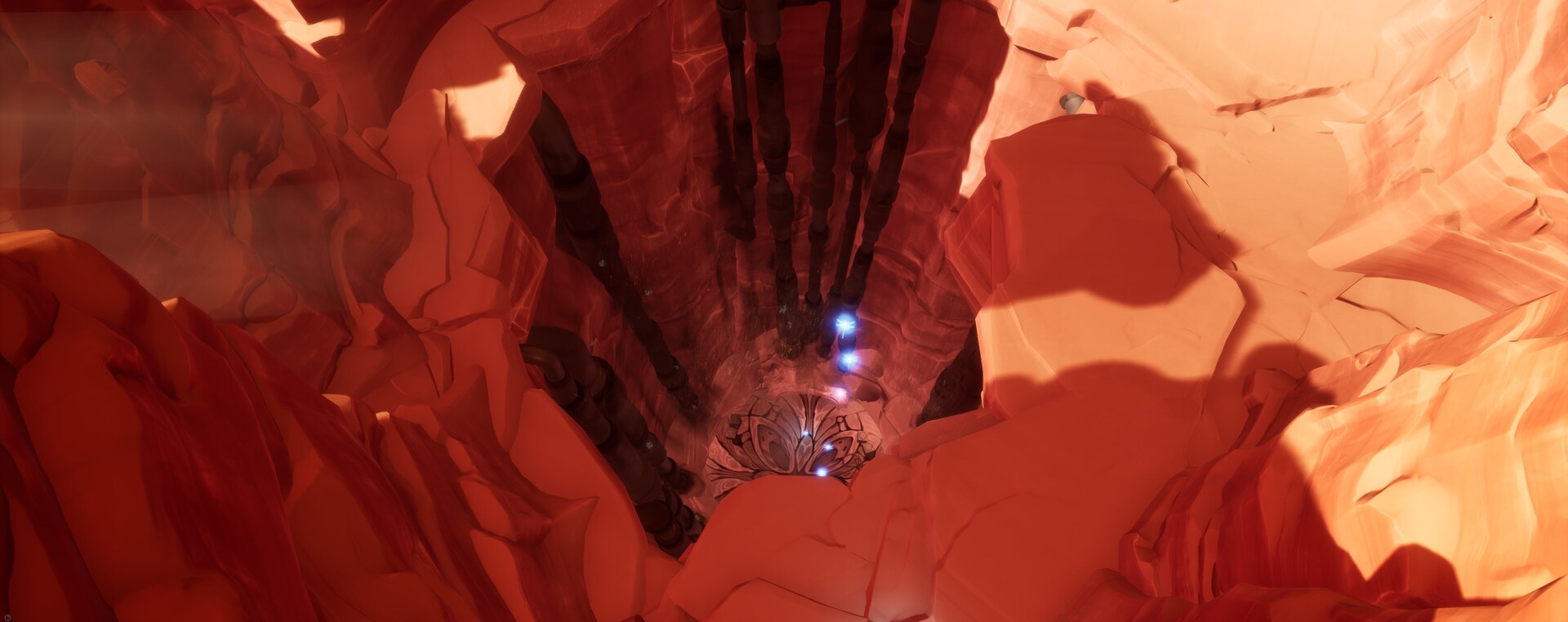 Hi there ! Here's a few news from the project. I've brought on some upgrade to existing levels =) First of all, Geonosis : Probably the most boring level (well, there is no vegetation, it's all full of sand, it lacks of life...) in short, I had to improve it ! And as last summer I had quickly put a little piece of concept…
 -
Re: 4096x2048 Baking in Marmoset (UVS Stretch out?)

>8819 results