Search
-
Re: Sketchbook: [HP]
![[HP]](https://us.v-cdn.net/5021068/uploads/userpics/PW2278Q17H7M/nK9DV1HH4CBZK.jpg) Here's a prop I made, inspired by the Eat3d pillar tutorial. It's not perfect, obviously. But I learn't a lot with it! So I'm confident the next ones will be much better. LowPoly: 3dsmax High Poly sculpting: MudBox Textures: Photoshop thanks
Here's a prop I made, inspired by the Eat3d pillar tutorial. It's not perfect, obviously. But I learn't a lot with it! So I'm confident the next ones will be much better. LowPoly: 3dsmax High Poly sculpting: MudBox Textures: Photoshop thanks -
Re: Diffuse textures extremely faint in Max 2010 viewport
 Is it possible that the Ambient/Diffuse colour values are something strange? I find that I usually have to tweak them in some way; even at 100% self-illuminating, for some reason 3dsMax still likes to shade stuff. Or likes to be confounding.
 -
Re: Tweak final model on max (symmetry)
 http://www.highend3d.com/3dsmax/downloads/scripts/object/mirrorVerts-3105.html i use this at work... it works great with symmetrical models, but if i remember right it isn't updated for the latest versions of max and may need to be fiddled with to make it work...
 -
Re: Emission map.. or glow...
 if you're using 3dsmax, put your glow map in the self-illumination slot and tick the "color" checkbox next to that in the material editor, and any areas that aren't black on your texture will glow. The brighter the colour on the glow map, the more obvious it will be.
 -
Re: 3D's max projection method
 But what he did is that he rendered out a side view screenshot, put it in photoshop, masked it so he paints within the image border, and project it back into a UV ready 3D mesh all within 3dsmax without lose of quality, how ?
 -
Re: Keeping overlapped UVs with Max's auto packing
 What version of Max? How exactly are you using Grouping? I've used it in 2018 and it works great. Might be broken in your release though? https://help.autodesk.com/view/3DSMAX/2020/ENU/?guid=GUID-9E98AEAC-F06F-4FAD-9091-DCD30AC9BB26
 -
Re: ArtStation Challenge Legend of king Arthur Submission

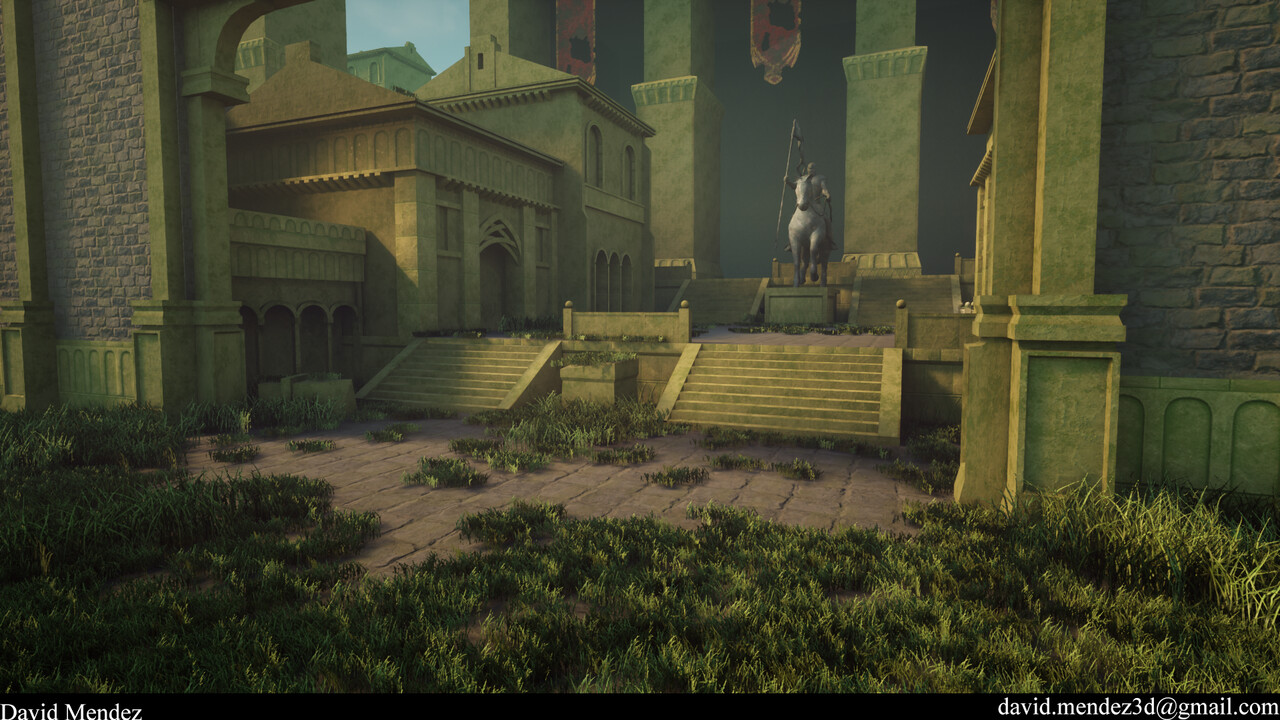 FINNISHED!!!! Finished my environment for the Challenge!!!! This was hard for me in multiple ways. I wanted to push myself to learn and only use 3dsMax instead of Maya. I am excited for the next challenge and thanks to all the help and suggestions others gave me!!!
 -
Re: Modular Building Assets - How do you manage materials/textures so they're consistent across pieces?
 In 3dsmax textools script you can set a base real-world measurement to texel res: i.e - 1m2 = 128x128, and then use the tool to set the uvs to each asset. Also, building things to a set grid is very important for efficient assembly/snapping.
 -
Re: How to configure the computer's hardware for 4k textures project
 I think a SSD and RAM is most important, to write/read source files and textures. When baking in 4K in 3dsmax you'll wait a few good minutes until the file is written, or you'll wait until you save a PSD or update a preview.
 -
Re: How to use mental ray materials?
 Depends on wich 3d package you are using... In 3dsmax for example you can use the arch&design materials. They are really powerful to create convincing 3d renderings. There are also a lot of templates shipped with the arch&design materials. For these also exist seperate renderchannels.
>7594 results