Search
-
Re: Immortal-WIP

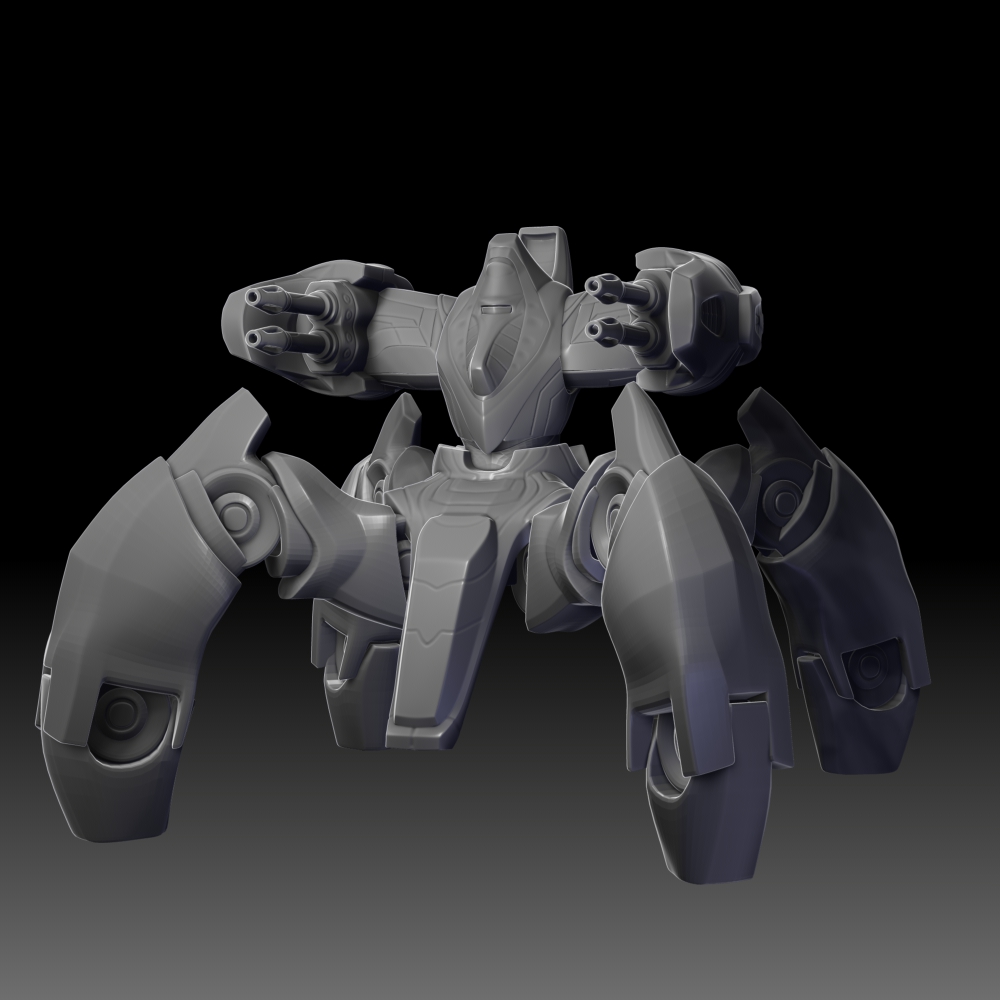 (Copied from the Blog) SO i fixed the legs, and I'm really into these legs. SO unless there's some surface error going on. I think i'm going to stick with it. I'll add some surface detail tomorrow and start to retopologize this stuff. Cant wait to start
 -
Re: My battle with sculpting. First attempt.
 Personally I wouldn't have picked a subject that is almost all hard-surface for your first crack at it, but it'll be a useful learning process for sure. I second rdmlegend's advice to do hard surface bits subtractively- much easier to keep 'em clean that way.
 -
Re: [CE3] Weather Top
 The updated texture seems a bit too bright in my opinion, but it's a great improvement nonetheless. It might be a good idea to use more geometry for the stone surfaces to make them pop more though, as a close up camera shot might make the surfaces appear flat.
 -
Re: Hardsurface and general workflow problems
 Unwrapping hard-surface in ZB is actually pretty easy using Zmodeler to split polygroups at seams(flat surface changes) and unwrapping by polygroup. I'm not advocating that it's better than this or that, merely that it's not as bad as some may think. :) All that's required is a little fluency in polygrouping at a decent…
 -
Re: Quick retopo question
 your lowpoly model has no way of knowing what your highpoly topology is. all that matters is your highpoly mesh surface quality rather than its topology. if the surface is clean and looks the way you want then that is how your normal map will look like.
 -
Re: Is it worth to learn and use Max?
 The hard surface tutorials arent to be seen as locked to programs , the techniques you do in max you just need to reproduce Did you read the polycount wiki ? Or the technical talk thread sticky about hard surface ? Lots of pearls of wisdom there ! Good luck man !
 -
Re: More Edges ? or not
 Generally there's nothing wrong with having ngons on a flat surface like you have, but if you need a specific triangulation/topology for your surface then doing it by hand is ofc required. Test in your target rendered to see if you get any shading errors if not it's good to go.
 -
Re: Loosing details because of Projection (look at pic)
Why do you even try to blend them? Leave them as separate subtool (or polygroup). Edit: if you want those piece to follow the surface, you might want to try insert mesh brush, it bends your inserted geomentry based on underlying surface. -
Re: Core UI
 No you can't do that in LW MoP. It's still tied to surfaces. So you want multiple smoothing groups, you gotta have a surface for each one. It's ridiculous. I should run over to NT and complain about it. ::EDIT:: Thanks for opening a wound. :P
 -
Re: Sherman Firefly rendered in Marmoset
 cholden, I agree entirely 100%. I need to do more hard surface, high poly models. Rest assured, this next semester of school(in my last one :) I will definitely tackle more high poly, hard surface vehicles and environmental props.
>18720 results