Search
-
Re: Beleuse Carrier - Mending the pots
 In max, planes would be easiest for posters. It will flicker if it exactly matches the wall's face. Just offset it by the tiniest amount and it will be fine. If you are taking the scene into an engine, there might be a better solution. In UDK, I might make it a decal instead of a plane.
 -
Re: Monthly Environment Art Challenge - March and April 2018 (53)

 Finished the sculpt and did some texture experiments. Diffuse Map is: base colors + AO (multiply) + NormalGreenChannel (overlay & modified) + some minor tweaks (and copy pasted moon decals^^). I think that's a good start and I will work on from this.
 -
Re: Becoming a "3D Game Environment" artist, portfolio questions.
 Repetition of tiling textures and modular elements can be broken up in a number of ways. Material blending, decals, prop placement, lighting, etc. Be sure to check out the polycount wiki if you haven't already, there's a lot of really useful info there.
 -
Re: Better way to make modular rubble?
 I was wondering if it might be possible to do a similar technique to soft particles (using depth difference to fade out) with alpha test instead so a rocks decal fades out to smaller pebbles at the edges. Would be killer on overdraw though.
 -
Re: stylised mountain village
 thanks for the comments guys! i really do need add some more variation to the textures, hopefully i will be able to do this with some decals :p they're actually really simple. they are are just loads of rings with a rotating cloud textures on.
 -
Re: Portfolio wips
 managed to get the door started while only using textures that were already in the scene (except for a small decal sheet with stickers). And also deviating a little from the concept to get more of a sense of who's living there, and some cables in the concept.
 -
Re: [UE4] Research Facility - Office Area

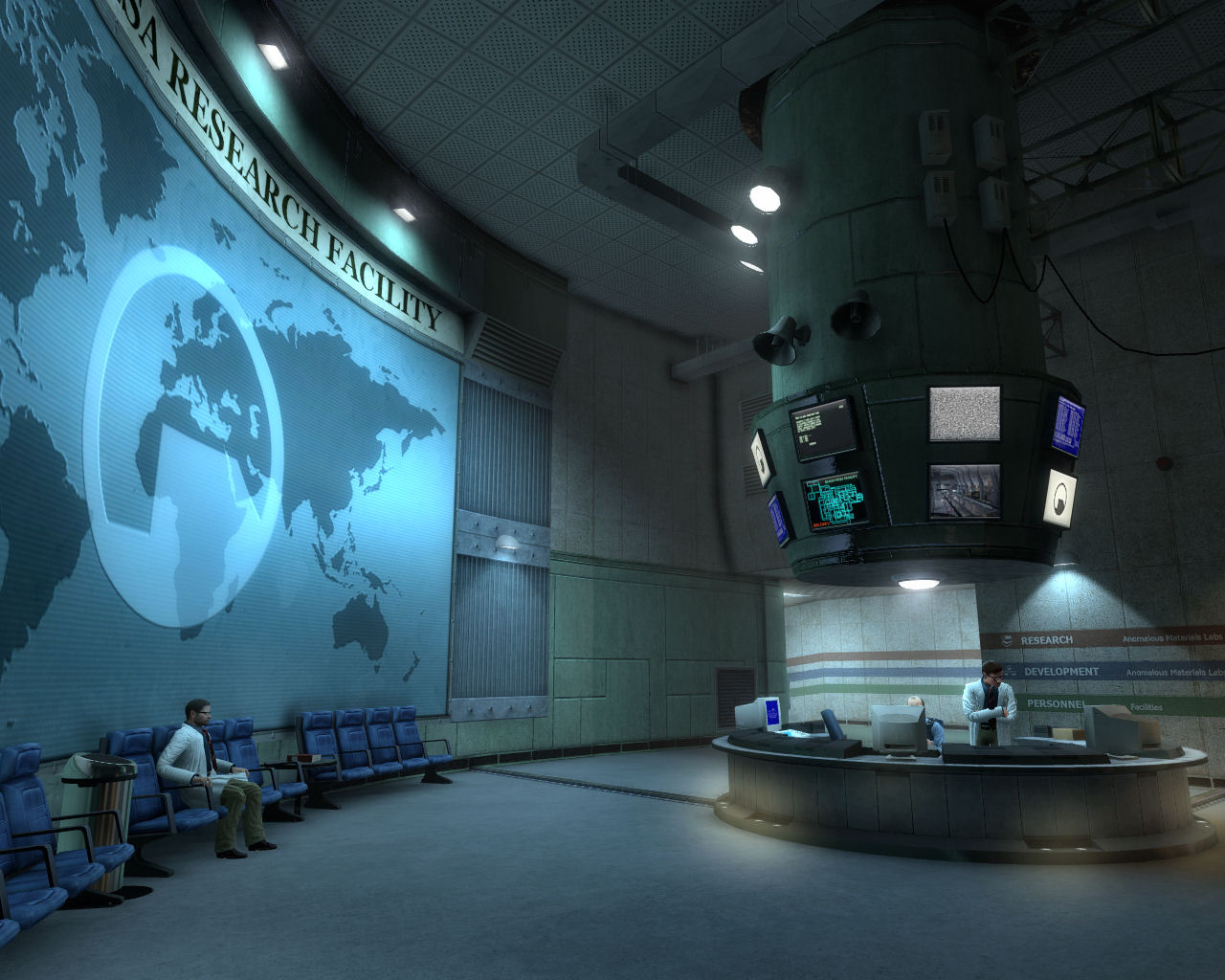 Thanks. I absolutely agree with you. Some decals are too bright/saturated, and there's a lot I could add to bring this scene to life and make it believable, tell a story etc. I really like the idea of colored lines on the walls.
 -
Re: M4A4 | Jupiter 4

 Little more progress and sketching. Trying to figure out what kind of decals / icons / symbols will work. Mostly doodling, but I really should go back and start going through ref again to come up with something stronger.
 -
Re: CE3 - Entombed Gold
 I agree with HP. The textures all kind of blend together. There is a great tutorial on Eat3D done by Simon Fuchs. It's Using Decals in Cryengine 3. Really a great tut on how to make textures more interesting without a lot of work.
 -
Re: New Heavy Gun - Kira
 Yer but since it's a smaller decal it doesn't need the equal amount of loops, you can take some away and it will still stay smooth when compared with the barrel etc you can see all the the cutting edges pretty easily
>16854 results