Search
-
Re: 3DS Max - Move Along Normal
 It's not the correct result, it scales it AND moves it. Disgusting. Now UVs are messing with me. Disgusting seam from cylindrical mapping. - Weld tool is completely destructive and destroys edges - Stitch doesn't stitch where I want it to, I select the edge and instead of stitching the adjacent edge it flies off to an edge…
 -
Re: Advice for a first timer?
 Maya's smoothing groups are called "hard edges" and "soft edges", if you haven't figured that out already. Be aware that Maya's cage doesn't affect the normals direction, only distance, unlike Xnormal's and 3ds Max's, which can change direction. Having said that, if you modeled and smoothed it well and lined the two models…
 -
Re: Can't get my bake properly
 Take anything I say with a grain of salt since I'm a beginner as well, but I had this kind of problem with one of my own models as well. I had waviness and projection errors along the edges of my model. For me what turned out to be the problem was the fact that the high poly model was too dense at the edges. I believe it's…
 -
Re: Max to Maya again
1) If you have an edge selected you can also ctrl + right click > edge loop utilities > to edge loop, there's a few other options there too. If you have one edge selected you can press left or right arrow to select the loop, keep pressing left or right to select adjacent loops. Up and down arrows will select edge rings. 2)… -
Re: Pagani Zonda Cinque
 Not bad, the wires are fairly clean. One thing I forgot to mention is to try to get your polys fairly square with edge loops fairly evened out. They don't have to be squares, but keeping the edge loops as evenly spaced as possible prevents uneven vert tension when you smooth(this could effect reflections and make subtle…
 -
Re: KRISS Vector
 Update and a question. I've been building my game model and smoothing out some of my edges on my high poly model. After running a few test transfers I've got some less-than desired results. The edges look great from the Maya map transfer but everything else doesn't seem to take as well. In xNormal the edge have seams, but…
 -
Re: Game art models - sketchbook

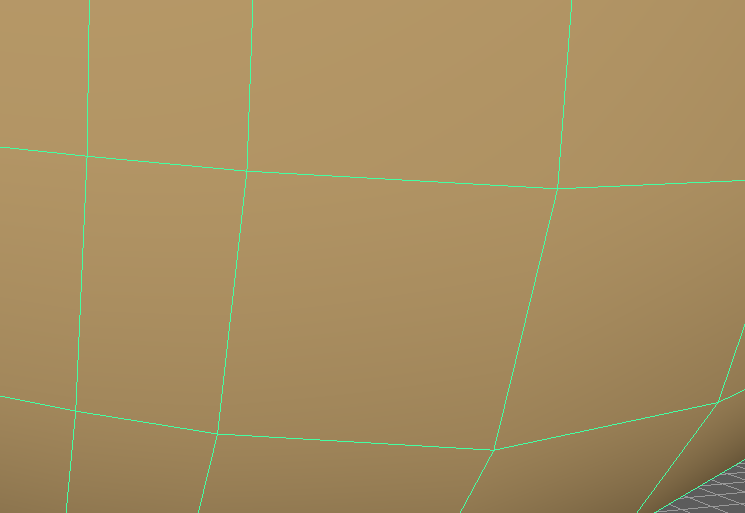 Yeah the idea is that good edge flow has mostly all four-sided polygons (minimal tris) and very little "stars" - or places where 5 edges connect at a vertex. Here is what I mean: Try to keep all of your edge flows clean like in the first image rather than in the second image: The idea is that when you bring these assets…
 -
Re: Baking (good) normal maps in Max?
 Not really correct, smoothing groups will only increase your vertex count if they are not along uv seams, vertexes are doubled along uv seams and using a hard edge there will not increase them. Also; 1. You should only ever use hard edges along your uv seams, otherwise you will get errors and artifacts 2. The uv borders…
 -
Re: Vertex normals issue?
 Does the lowpoly shading look good with the normal map applied? Hard edges are certainly useful to control the shading of the lowpoly, especially at steep angles - just remember to split the UVs along hard edges to avoid artifacts! Maybe check out Making sense of hard edges, uvs, normal maps and vertex counts?
 -
Re: Texture Critique
 The sharpened blade edges definitely need a different metallic texture. Usually they're ground to produce the edge, the the edge if sharpened further with a finder grit. So you not only have a different angle of metal grain, you then have a much more metallic edge.
>27979 results