Search
-
Re: Hugh Jackman bust WIP
 Thank you again guys. Been working on him all afternoon (/facepalm) with the advice you guys gave. I'll post another update later tonight or tomorrow. In hindsight I think I should have modeled his base then sculpted the details. But I think I'm learning much more on sculpting the likeness this way. So... :thumbup:
 -
Re: 3DS Max point-to-point seam issue
 Argh, every time I post a question after ages trying to figure it out, I end up figuring out the solution before anyone replies..... I changed the edge display color in preferences under the UVW Map dropdown to white, thus enabling me to see the light blue point-to-point selection. /bitchslapped /facepalm
 -
Scar H personal project.
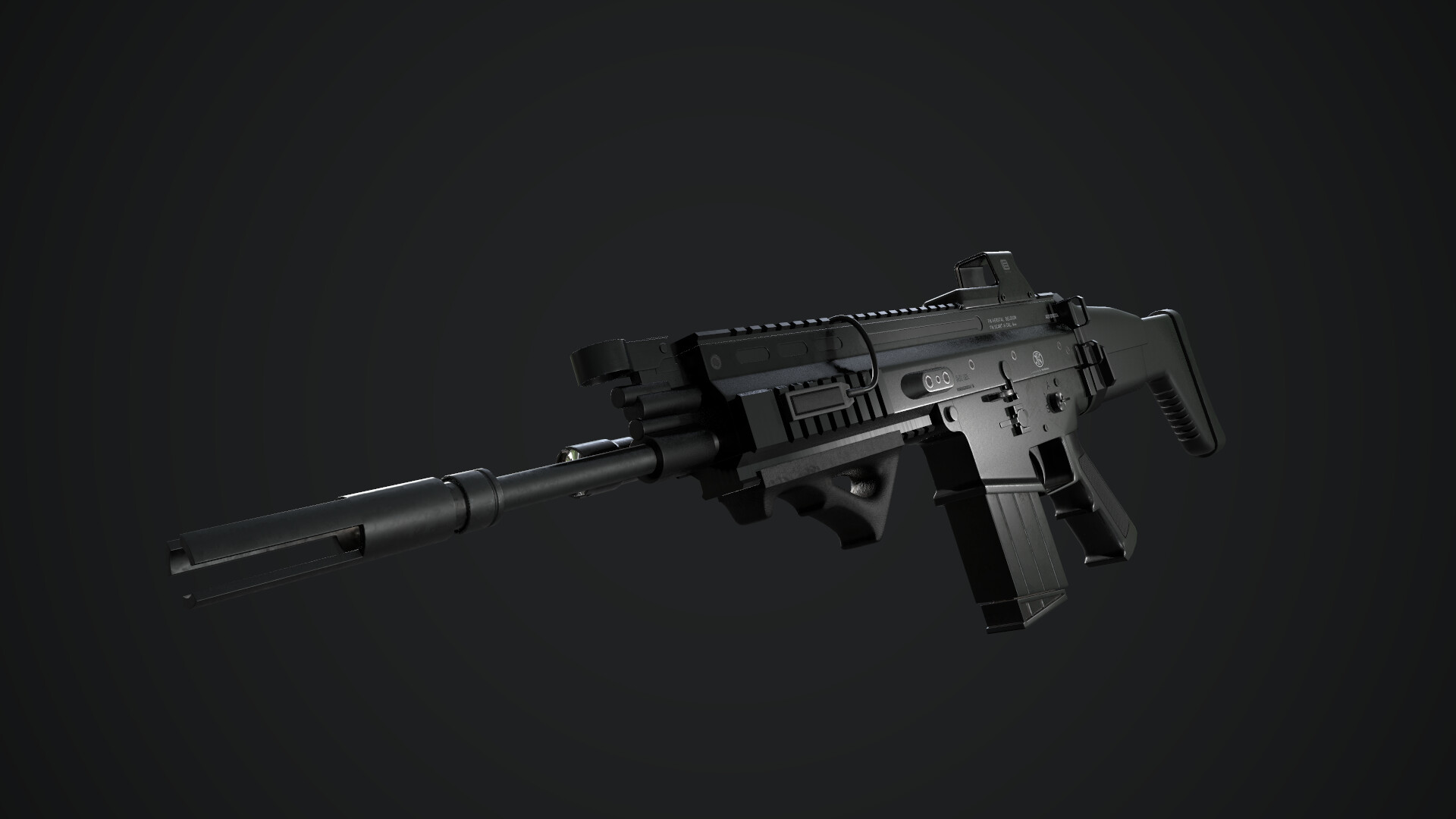 Hi, im a final year games art student just trying to get better at my craft. Heres my latest gun. Rip it to pieces please, I'd love any feedback I can get =) https://www.artstation.com/artwork/d89DQ3 Totally forgot I posted this already 2 months ago, and cant now delete the thread, sorry *Facepalm*
 -
Re: What Are You Working On? 2012 Edition
 Some sweet work here guys, love the chicken facepalm ranger. Soooo here is a concept I'm working on, its just the head ortho for my yakuza sci-fi character. Got alot of work left to do on it. Ill post up more updates as I get through this :) have a good day everyone
 -
Re: The Walking Dead SPOILER THREAD
 i'm completely on the fence about the this show since season 2 started. one second something awesome is happening, then the other makes me facepalm. love the comic, lovd the first season, but i just cant put my finger on what's not working this time around. i want to like it, something just isnt rite
 -
Re: How man pieces can you unwrap?
 @passerby LOL What a moron I am. I completely forgot about repeating the texture. Total facepalm moment. haha. Thanks man. :) Do you know if there is any memory overhead for repeating textures? In Unity3D that is. Since I will probably have to repeat the texture a thousand times. @JamesWild Unfortunately that wouldn't work…
 -
Re: Transfer an animtion to a different rig (maya)
 Well, it seems that sometimes the most obvious route goes completely overlooked. I was able to transfer the animation by: 1) Importing the male animation maya binary file into the scene. 2) Selecting the the controller for the male rig, then selecting the corresponding controller for the female rig. 3)Edit-->Transfer…
 -
Re: Padding inside UV island
 -facepalm- is that really what it is? I did it that way earlier and it looked like it worked...but I was looking at the wiki... http://wiki.polycount.com/AmbientOcclusionMap?highlight=(floating) and the "Feck!" example...it just has floaters and a plane...I thought that plane was the low poly. But I see what you're saying…
 -
Re: [substance painter] rendered in [marmoset] why these seams in my normals/renders?
 ahh ok, thanks for the help guys! I def forgot to set up the smoothing groups on this part of the model. I was doing them previously but must have forgot when I needed to fix something using a non-smoothed version. I just re-did the low poly UVed mesh with the smoothing groups on and it fixed the problem. *facepalm
 -
Re: Why is Maya not extruding with welded vertices?
 Bloody hell, that was it. Thank you good sir. I forgot I had unchecked that a while ago. *facepalm* Well, I'll never forget that again though! Is there a way to check for unwelded verts inside Maya? Max had the "STL Check" Modifier that could do that. I just want to make sure my mesh is water tight again.
357 results