Search
-
Re: First Scifi Hallway
 hey man it's getting better but like alberto said, textures still need to get toned down and need a bit more lovin'. one thing i would definitely say is try to manipulate your photos more in your textures. i can easily tell that you used cgtexture photos for your texture. try masking out some areas or using the blend if…
 -
Re: [3ds Max] Question about working with grouped objects
 You could also set the high poly objects to display as bounding box (right click, object properties) so you can still interact with them and move them around but they aren't slowing your scene down. Scripting the bounding box toggle would be pretty easy too. EDIT: Yep, crazy simple:( Cursel = selection as array for i=1 to…
 -
Re: An issue with 3DS Max CAT bones
 Did you add the ears after you created the animation layer? Could you try creating a new animation layer with the ears and see if it works? I suspect the controllers on the animation layer are not being set if you added rigging after creating a animation layer. m
 -
Re: Substance designer in UE4 vs UE4 material editor
 yeah the difference between using material layers in UE4 vs Substance, is that at runtime UE4 materials are still layered so you're still rendering every single layer in the stack, while the Substance materials are baked down to unique textures so you're only rendering the one layer.
 -
Re: worst day ever

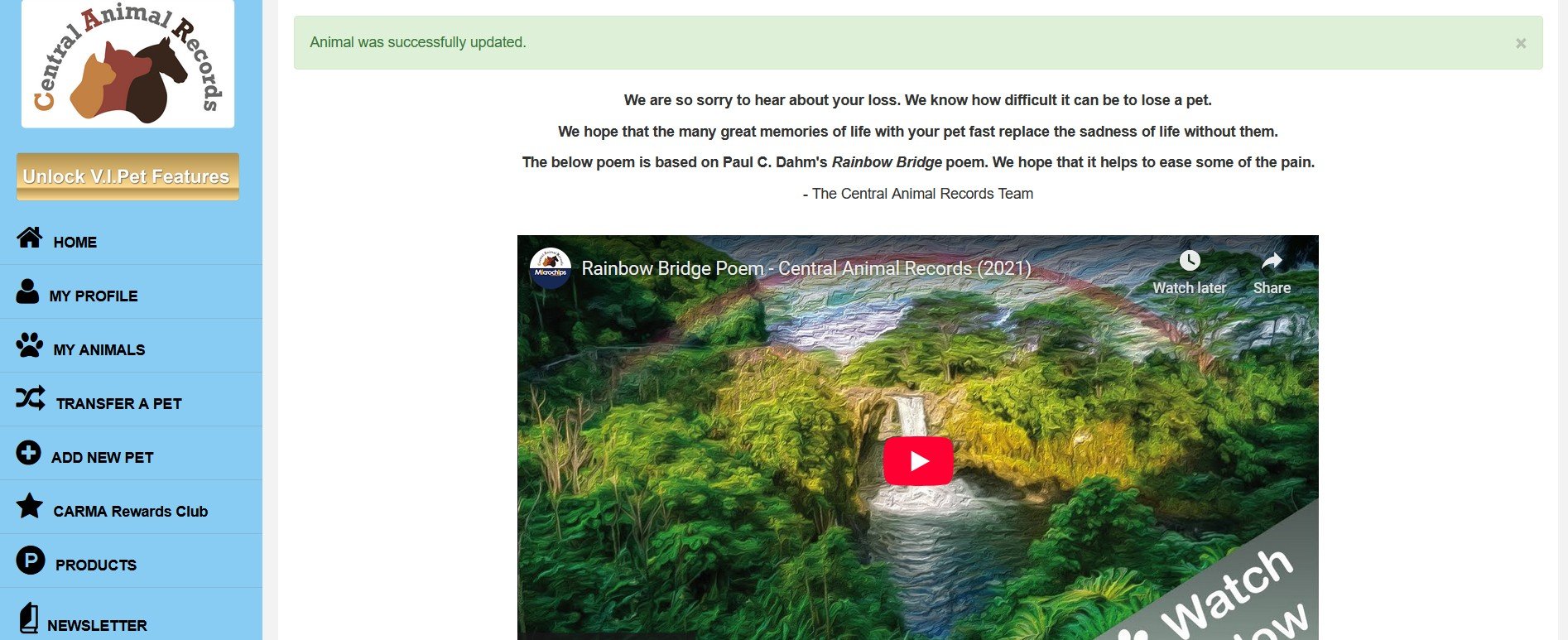 @Ruz I'm in tears writing this... Actually your beautiful post reminded me to update Meeka's details with Central Animal Records which I'd finally completed today as deceased, tbh I've dreaded to do since her passing because previous owners had her micro-chipped. Now if memory serves was only by chance when initially found…
 -
Re: subway environment.
 Nice enviroment Malcolm! [ QUOTE ] hey, how you get the sharpen as a layer? [/ QUOTE ] 1. Create a new layer, make sure it's at the top of the layer stack so it will be visible. 2. Image > Apply Image 3. Filters > Sharpen > Sharpen 4. Rename "Layer X" to "sharpen", voila!
 -
Re: dds plugin question
 Hey, I figured out why I get the "Unsupported input format" error... The PSD needs a true "Background" layer. Without it I get the error. Select the bottom-most layer, Layer menu > New > Background from Layer. Probably a hotkey for it, whatever. That one was bugging me for a while.
 -
Re: albedo+Transparency map question...
Alpha should be in the channels palette, at the bottom. Did you look in the Layers palette for the Albedo? What texture format did you use? PNG with transparency loads into Photoshop as a Layer with transparency baked into it. No alpha channel. You can recover both using the Layer menu, Layer Mask, From Transparency. -
Re: Learning Diary - Zbrush Sculpting for Characters and Creatures.
 your characters are fantastic. I hope you keep doing stuff like that :) it's much more fun that military lasers
 -
Re: My first game ready character ( i hope )
 Hi Mehdi, looking good! :) For the retopo, you should first decide the polygon budget your aiming to. This depends on what you want to practice on. So for example a big console game can go as high as 300k per "hero" character (with hair cards and high definition faces) while a mobile/esport will be much more conservative…
>27682 results