Search
-
Re: Shader Fusion - Node based shader editor for Unity (Closed Beta)
 nice, i'd suggest to add: * "SinCos(a)" because generating cos and sine of the same input is faster than individuals. And typically you want both for stuff like rotation * "Step(a,b)" allows compares ( a <= b ? 1 : 0) which is really useful. * "Sign(a)" returns -1,0,+1 depending on sign frac = fractional part of a number…
 -
Ground and buildings pipeline/workflow/approaches

 I was surprised not to find a separate section dedicated to game development, so I'm asking here. While I learned a lot about making game assets recently, there are two topics that absolute mystery to me. The first one is how to make a ground for a game. Imagine having a road, a sidewalk, a gravel/dirt whatever. E.g. here…
 -
Thoughts on buying work software through Steam?
 What do you guys make of it? Is it totally fine to you, or is it annoying starting up Steam to fire up X software? I have a few on there, I use Designer there and it's generally okay for me. I don't really like it, but there's some fun side effects like it tracking your hours in the software, imagine if I had those stats…
 -
Unreal vs Octane as path tracing renderer , AOV baker ?
Can someone tell how close Unreal path tracer could be to Octane or Red Shift for rendering images , textures, backgrounds ? I am quite tired of Octane quirks lately . So would like to ask if anyone use Unreal rather not as a game engine but more like a regular renderer? Can it output usual AOVs and do render layers ? I… -
Re: [Technical Talk] - FAQ: Game art optimisation (do polygon counts really matter?)
![[PB]Snoelk](https://us.v-cdn.net/5021068/uploads/userpics/navatar29334_1.gif) i think the b cone would be best. cone a needs plenty of smoothing groups the look smoothed without over-smooth the cone end. something like face a smoothes with b, face b with c and a, c with d and b. uv space uses the same vertices as the normal mesh and 2 vertices more for the seam. in cone b you can smooth all group 1…
i think the b cone would be best. cone a needs plenty of smoothing groups the look smoothed without over-smooth the cone end. something like face a smoothes with b, face b with c and a, c with d and b. uv space uses the same vertices as the normal mesh and 2 vertices more for the seam. in cone b you can smooth all group 1… -
Re: BRAWL2 [Environent] greentooth, aumramaram

-
[WIP] Stylized Japanese bamboo forest (UE5) — looking for feedback
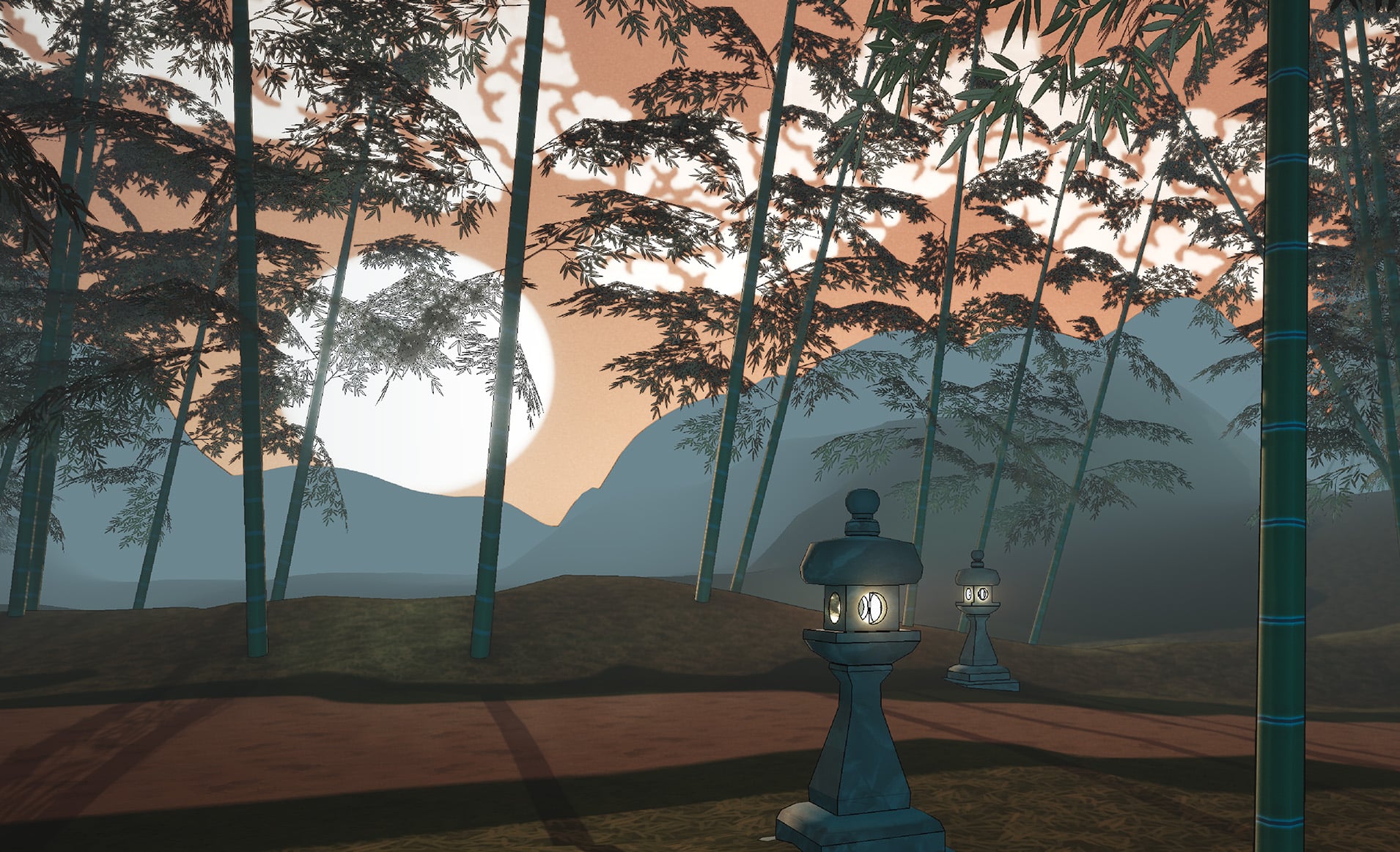 Hi everyone, first time posting here. I'm working on a stylized Japanese bamboo forest in UE5, inspired by traditional Japanese art (ukiyo-e and Japanese painting). I'm going for a soft, painterly look with a lot of atmospheric haze — distant elements fading into the mist. 24-hour lighting (GIF): one Blueprint slider takes…
 -
Re: Breakdown of the AAA pipeline for game-ready realistic hero props
 I uploaded this breakdown as a PDF to my gumroad for anyone who wants to have this as a document available for offline use or just convenience (it's available for free). There is also an info sheet included that explains how CAD modeling intergrates into the game art pipeline. :)
 -
Re: How are you actually handling AI-generated mesh cleanup before engine handoff?

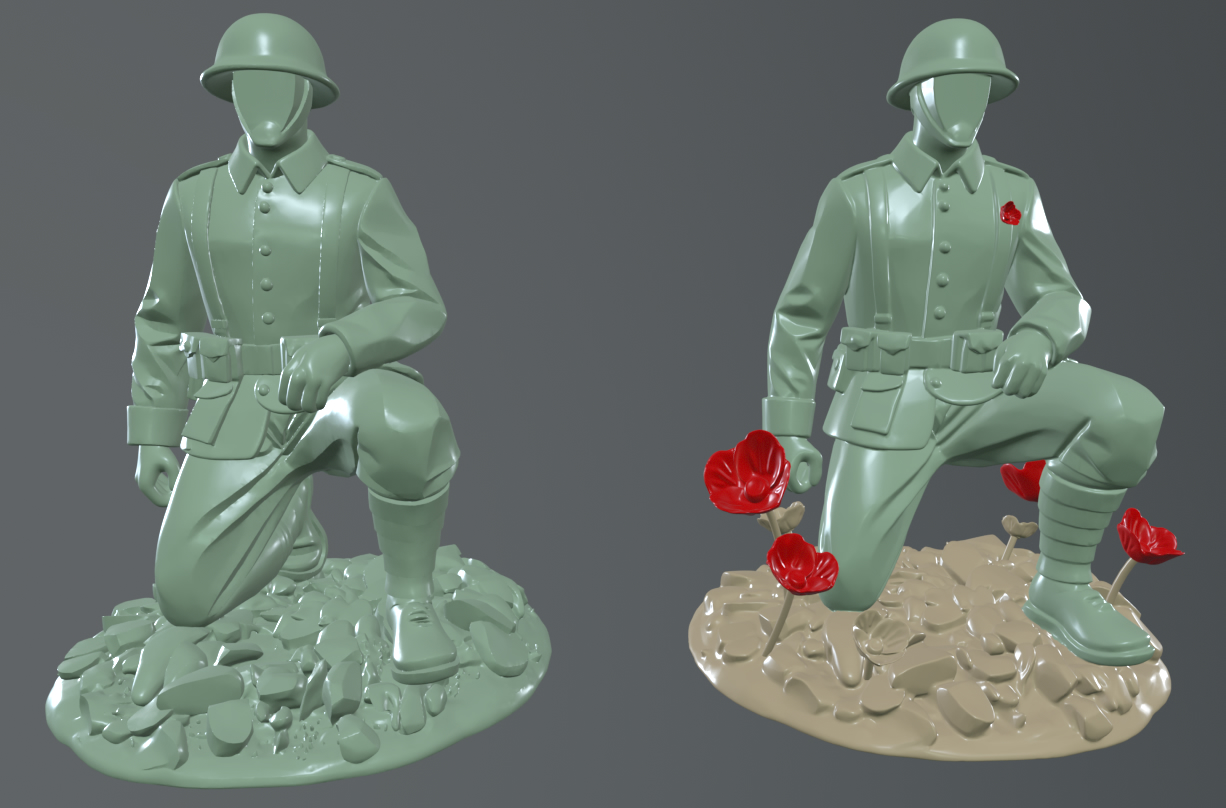 As much as its claimed AI is one click solution for 3D Modelling and into game engine or for "background" assets its ok, the more I am finding it to be total wishy washy. At best its for 3D printing or like photogrammetry scan gone wrong. I am all for moving with tech however I wont lie that its a bit too much when I see…
 -
Re: BRAWL2 [Character] Electric Monk, kanga
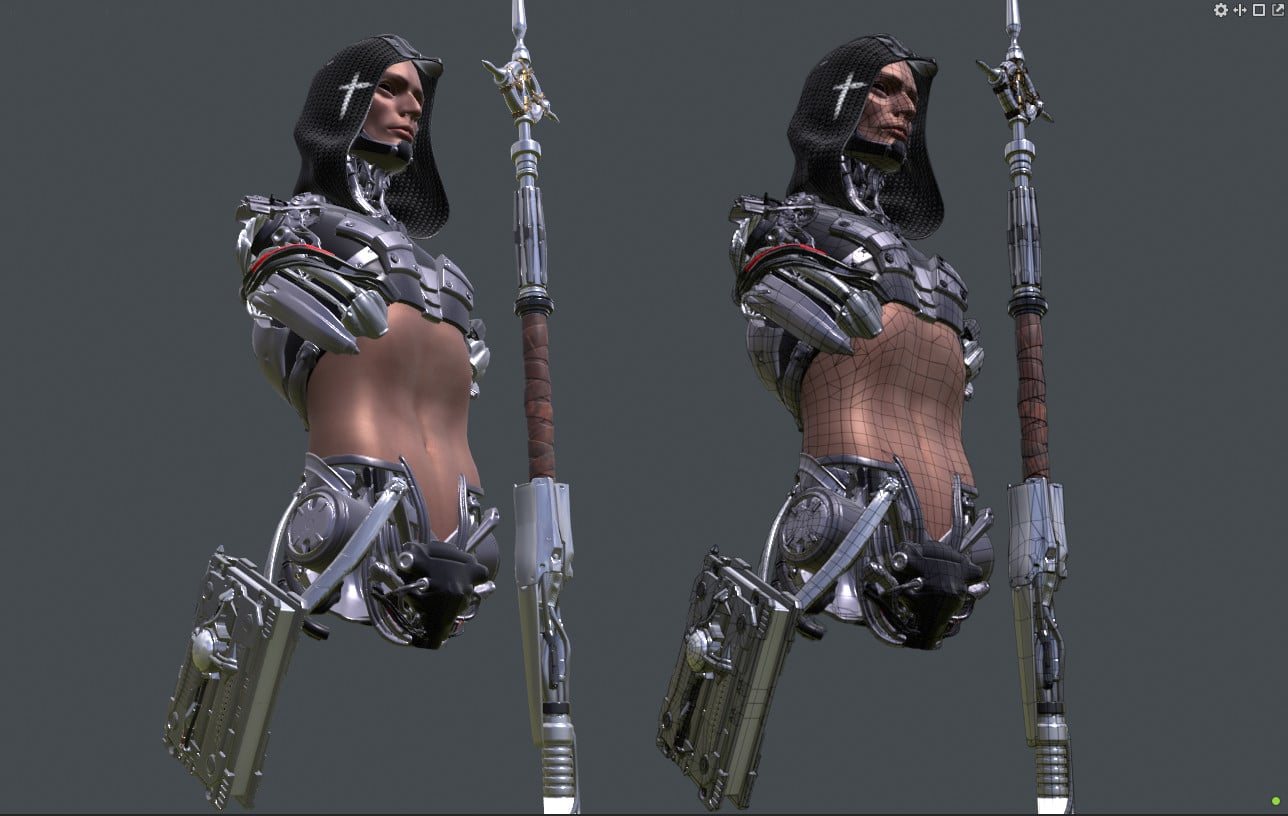 Bakes done. Now to texturing. Laptop is chugging time for a new ue5.6 desktop!
>154776 results