Search
-
Re: Sketchbook: Gab De Jesus (Narrative 2d Illustration)

 Currently working on a nier automata piece. My process starts with thumbs to get a feel for composition. I'm on values stage at the moment. I chose the landscape shot because it captures the story I want to tell with the decaying structures. The portrait one was quite nice, but it emphasized the character more than the…
 -
Re: Texturing for Video Rendering
 Who is setting that poly limit? Client shouldn't care about limits for a video rendering. But you'll be wanting a splatmap style material for a large terrain. I would create one in World Machine because the erosion is so nice. Then import the mask maps into Max. http://wiki.polycount.com/wiki/Landscape
 -
Re: How to low poly Sea Wave Foam Animation
 doggett, I can't use particles :/ The animation is for a landscape, is not so close to the camera and is for Iphone, so not needed big details on it. I must do it at optimize i can. :/ So super lowpoly, 2 textures (1 with alpha and other without alpha). Is pure classic old school job i guess :)
 -
Re: Monthly Environment Art Challenge - Nov. & Dec. 2016 (45)

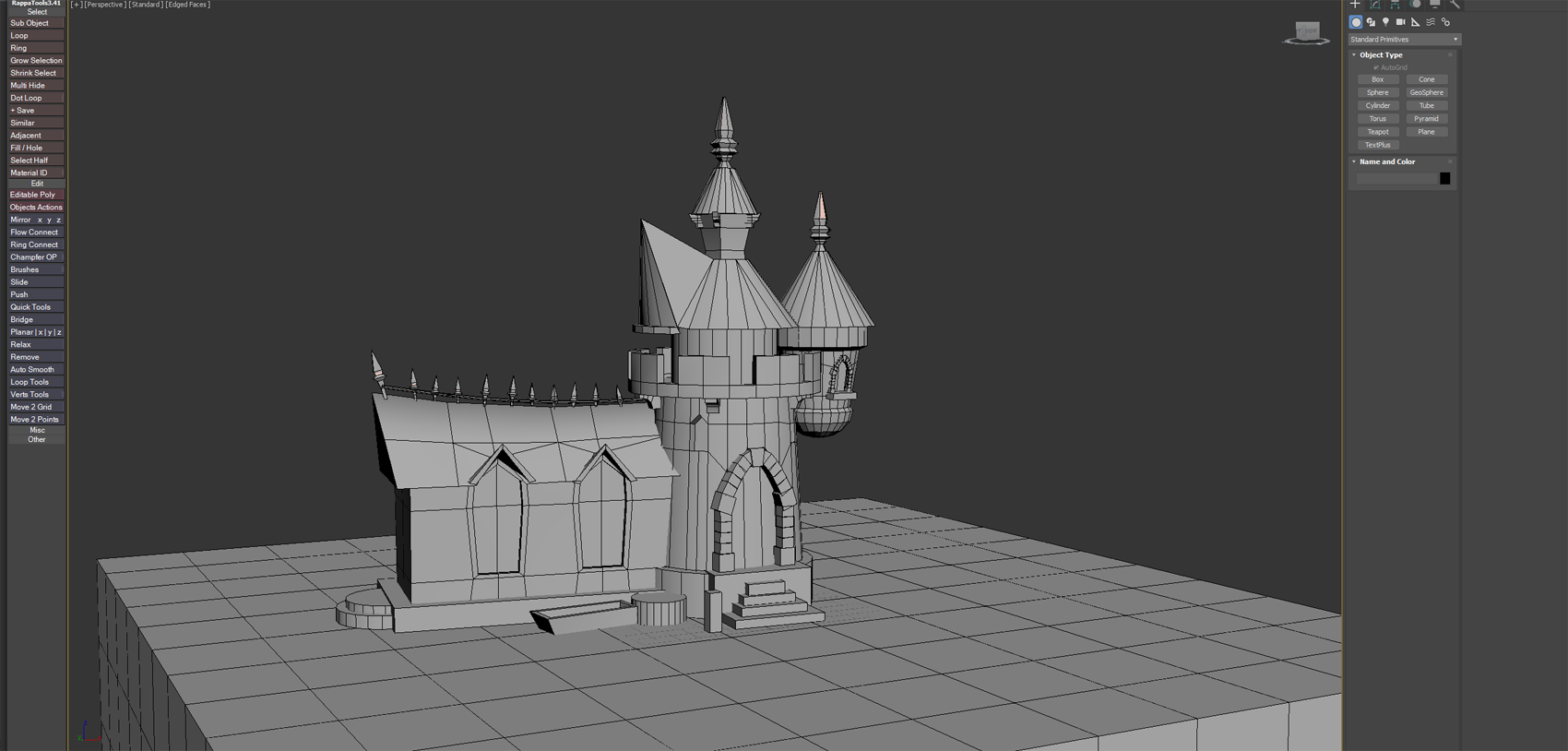 Heres a quick blockout so far im going to import the meshes to ue4, im also trying to decide if i should stick with the island look or maybe use the landscape tools, what are you guys gonna do, @DkuCook I like your break down so far very detailed.
 -
Re: Fallout 4
 I got to play it two hours this morning and the first thing that came to my mind is that Bethesda has some really kickass environnement artists. Skyrim's landscapes looked great but Fallout 4 is just spot on! I can't wait until this evening so I can play it some more haha ^^
 -
Re: Sketchbook: Mason Wallace
I got tired of Hammer Editor when it kept crashing when it was creating the nav_mesh, plus I couldn't import Maya models into the game. So, I went to UDK. I just started messing with it, and I created a basic apartment. Not sure if I want to make a level or just a pretty landscape. -
Re: hello
 Nice. Has a very classical Nintendo feel to it. Have you considered adding a little bit of vert lighting to your landscapes? If you keep it nice and subtle you should be able to make the forms of the rolling hills and whatnot pop a bit more without losing that nice oldschool 8-bit flavour.
 -
Re: world of warcraft WotLK
Blizzard is calling it Phasing. It will load a new instance or new mesh's for that player. Later on in the game some huge world events happen changing the whole landscape in areas. Basicly players can interact with each other like normal but others depending on what quests they have completed will just see different stuff. -
Anyone knows how to use "Editor Apply Spline" ?
 Hi communty. I can't find any useful resources or tutorials about "Editor Apply Spline" blueprint node. I want to deform my landscape using spline blueprint. I saw someone in marketplace achieved that result through the blueprint. Anyone knows how to use that node? Thanks in advance
 -
Is there any way to pass information about level based assets to an editor blueprint utility?
Yeah, that. Eg. If I wanted to sample height at specific locations from a landscape and use that information for something. I don't appear to be able to query the scene for anything useful directly from an editor blueprint but I refuse to accept that there's not some way of doing it Any ideas?
>2862 results