Search
-
Re: LOW POLY ART STYLE GUIDE
 For Blender: Gray background: Shading (F5) -> World Buttons -> World No anti-aliasing: Scene (F10) -> Render Buttons -> Render -> turn off 'OSA'. No texture filtering: Shading (F5) -> Texture Buttons -> Map Image -> turn off 'Interpol'. No idea if it's possible in viewport.
 -
LOW POLY ART STYLE GUIDE

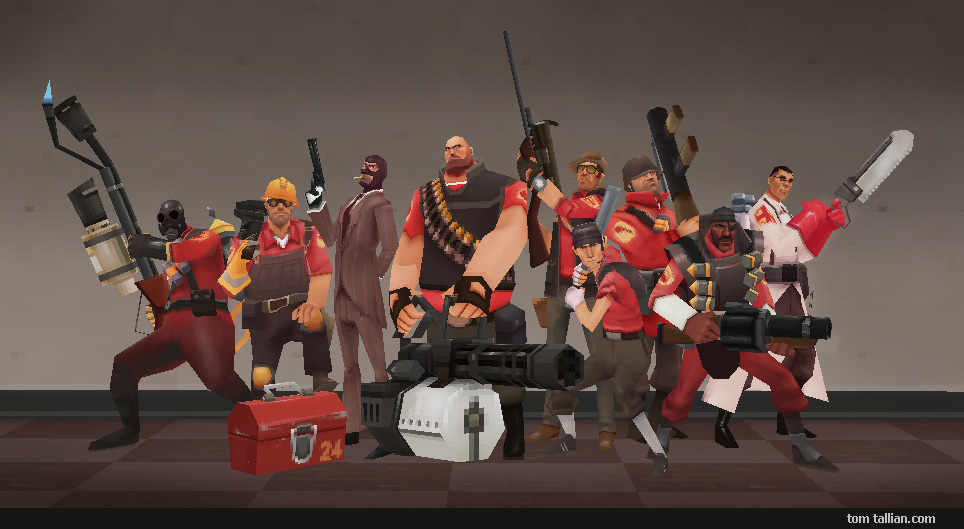 The following are steps to set up your 3D software to make lowpoly renders. The original post was made back in 2008 so some information may be out of date. It's highly recommended to use a dedicated multiplatform tool like Crocotile3D or Blockbench to make lowpoly art these days. Turning off antialiasing & filtering. Meet…
 -
Re: LOW POLY ART STYLE GUIDE
 Setting up Materials for Low Poly Presentation // 3ds Max: I have seen people make the mistake of not showing their characters or objects with 100% illumination. Or in other words, they are allowing the software to shade the polygons which makes everything look like garbage. It probably seems like common sense to a lot of…
3 results