Search
-
Re: Learning Blender and Texturing
 Hi, The problematic part here is that you want a professional course where you'll use tools that aren't professional. I think you shouldn't focus on the tools. It's not about learning Blender and texturing, but about understanding two things: how 3D graphics works and how visual art in general works. That way, you'll…
 -
Learning Blender and Texturing
 Hi everyone, I need your help to hopefully find the tools and learning material I'm looking for. So, despite I already know how to use 3ds Max, given its exorbitant cost and mine being simply an hobby with 0 income, I've decided I should learn Blender instead. The problem is two-fold because I also need a free or one-time…
 -
Re: Learning Blender and Texturing
Aside from the software itself, also the confirmation you could compete with someone professional in a better known tool while using Blender, even from a productivity point of view. For example, I've barely started a tutorial today, and the usual transform gizmos we call in 3ds max and similar softwares by doing W/E/R, in… -
Re: Learning Blender and Texturing
What you say sounds really promising, but what worries me is that those transforms are pretty much "free hand" unless you hit the key for the axis every time, and beside that X-Z Y are pretty much far apart in the keyboard...Seems like something that would work better for the blockout of some organic shape, and not hard… -
Re: Learning Blender and Texturing

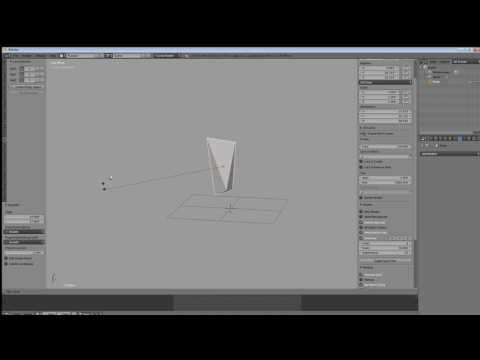 The one concept you need to learn regarding move/rotate/scale transformations in Blender isn't so much the way to reassign the hotkeys. It's the fact that by tapping the key assigned to the desired transform, then moving the mouse around, and then tapping the key assigned to confirm, one can work without even using any…
 -
Re: Learning Blender and Texturing
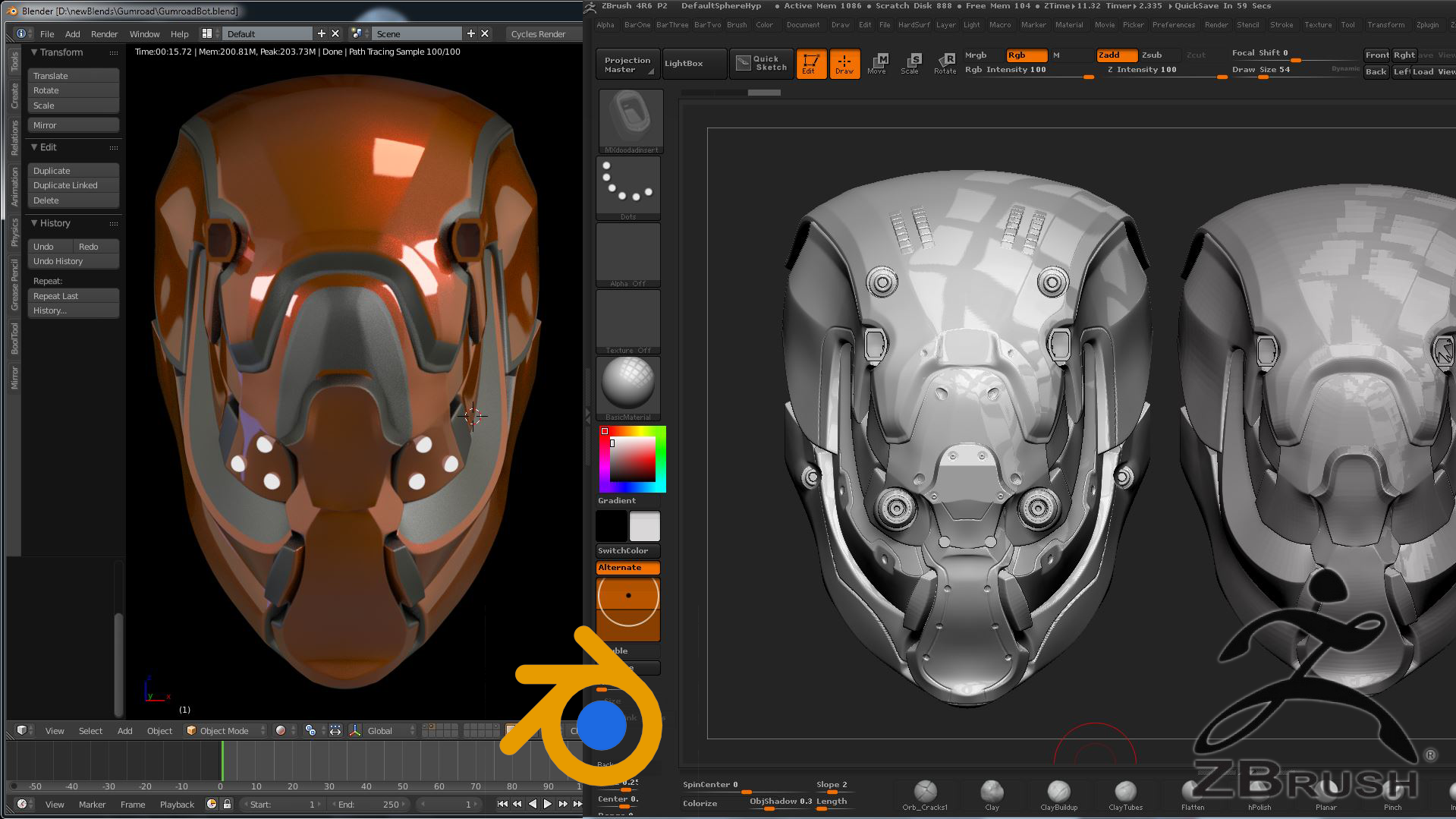 Hello ! My setup is highly customized, in part inspired by habits from both Max and Maya while also keeping it compatible with Blender unique systems (like the off-hand manipulation discussed above). I started by first using the default keys and navigation for a while, then modified them manually to have Maya-style…
6 results