Search
-
Re: UE5.6 stylized portal shader help — Ratchet & Clank inspired
 Lots of youtube tutorials on this, search "game vfx portal tutorial" for example: https://dev.epicgames.com/community/learning/tutorials/dBj6/unreal-engine-create-stunning-portal-effect-vfx-with-niagara-particles-complete-tutorial
 -
Re: UE5.6 stylized portal shader help — Ratchet & Clank inspired
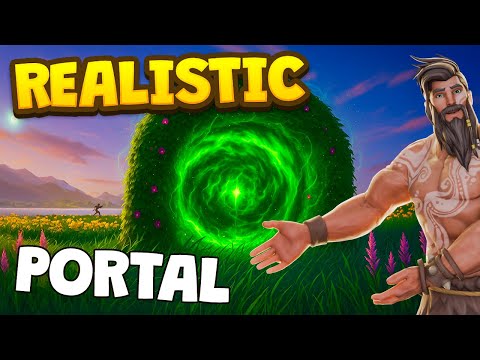 You'll want to add some parallax to whatever texture you use inside the portal. You can learn about how to do this by searching the web using a search like game vfx portal tutorial cubemap https://www.youtube.com/watch?v=EmaNiz0o11A
 -
Re: UE5.6 stylized portal shader help — Ratchet & Clank inspired
 Thanks! I checked the tutorial. It seems very useful for the Niagara/particle part of the portal, especially for the outer energy rays and the dynamic feeling. I think I’ll use it more as inspiration for an extra VFX layer around the portal, rather than rebuilding my whole effect from scratch. For now I’m going to first…
 -
Re: UE5.6 stylized portal shader help — Ratchet & Clank inspired
Small update / extra question: Thanks again for the suggestions. I looked at a few portal VFX tutorials, but most of them are more focused on Niagara particles or gameplay portals. What I’m still struggling with is mainly the material/shader structure itself. Right now, my biggest issue is that the portal still feels too…
4 results